Verbs
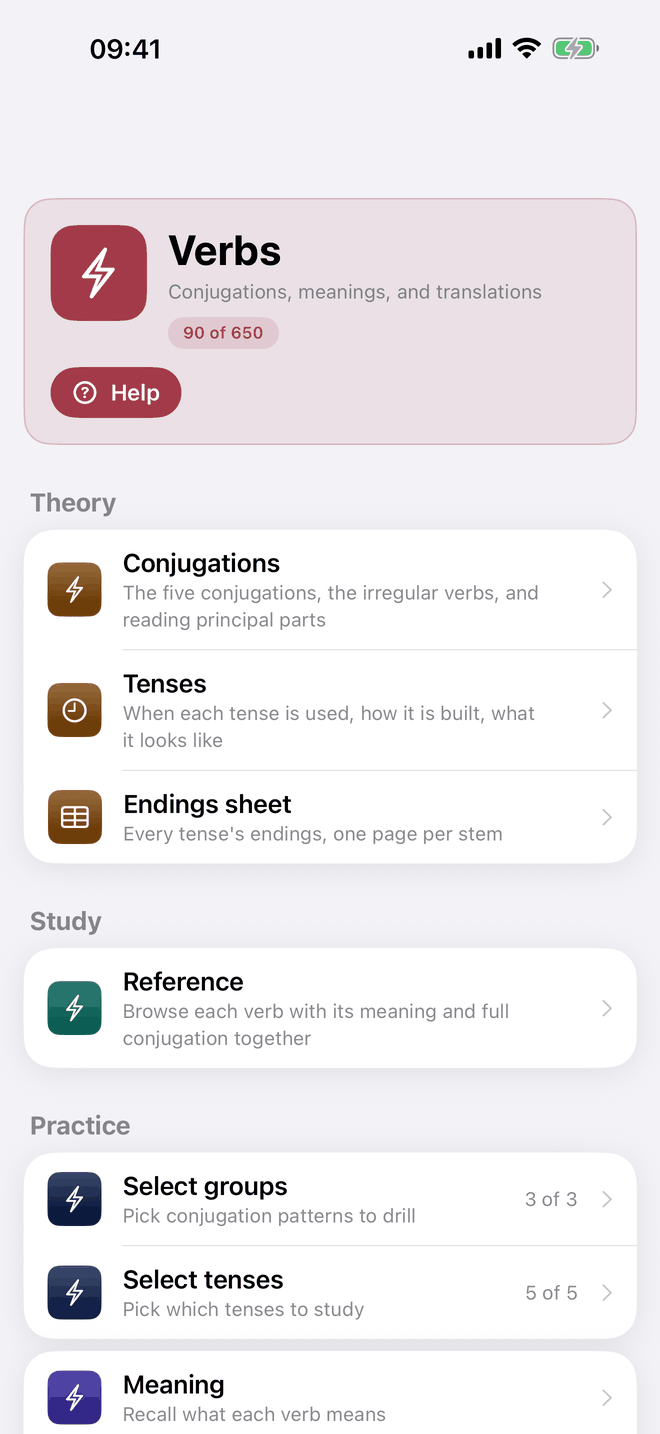
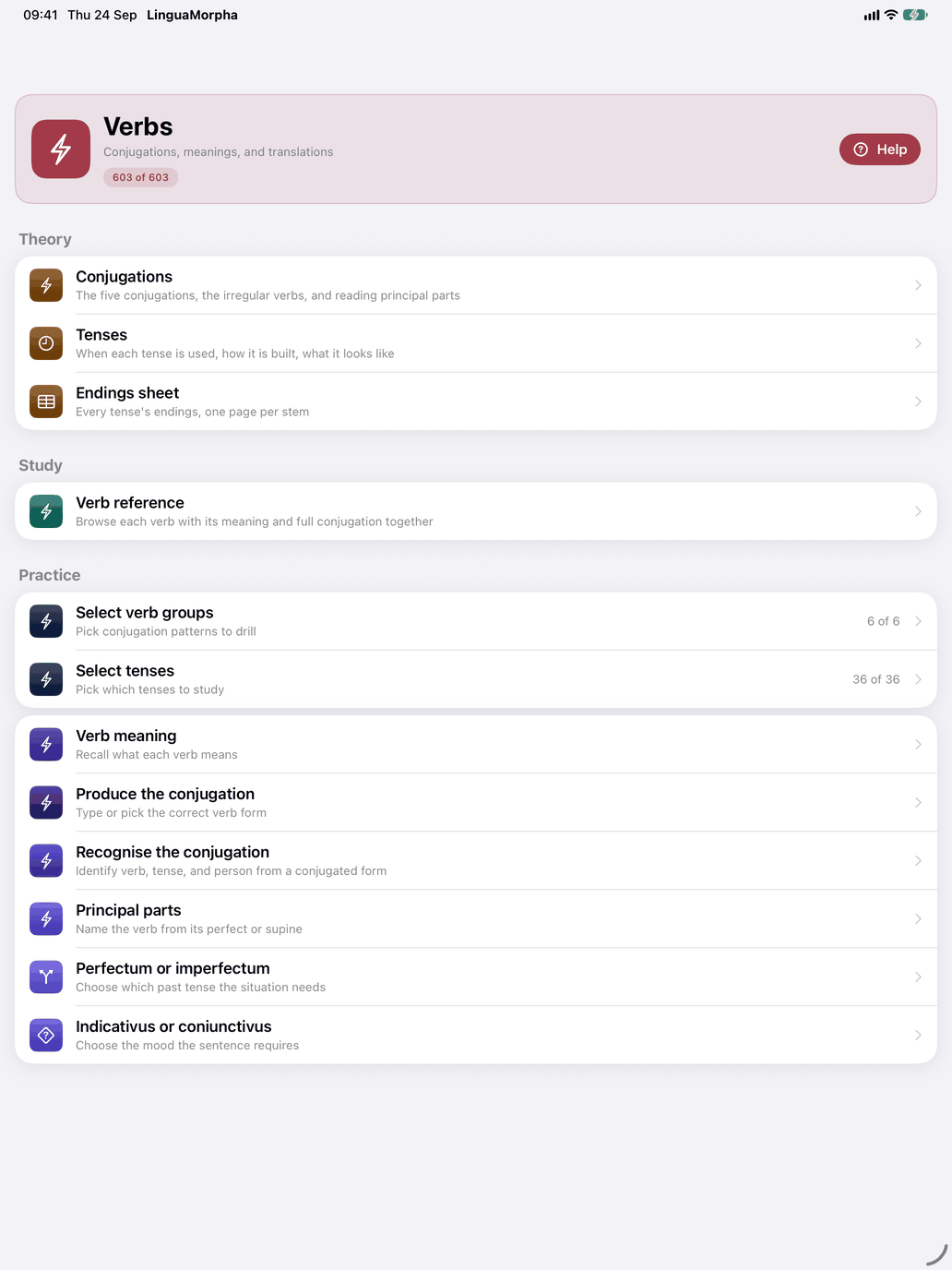
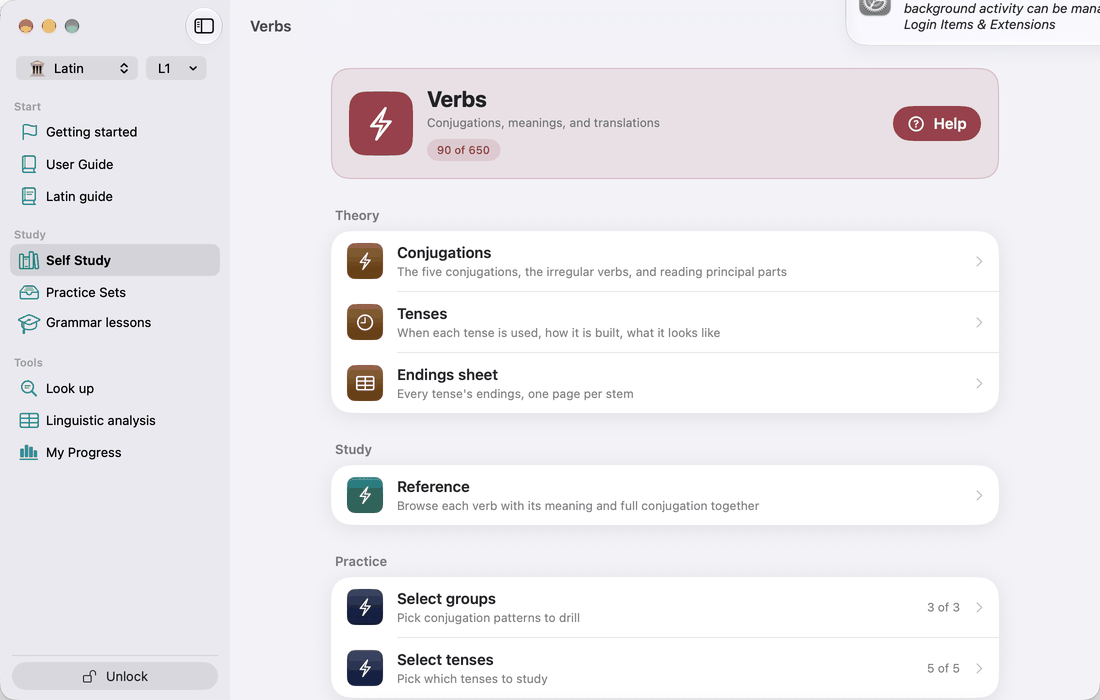
The Latin Verbs section covers over 600 verbs, with the full classical tense system: present and perfect systems, indicative, subjunctive and imperative, active and passive, plus the non-finite forms (six infinitives, four participles, gerund, supine). Open it from the Verbs tile on the Self Study screen. Like every topic hub, it has three sections: Theory, Study and Practice.
The verbs are filed in six verb groups:
- 1st conjugation (-āre): amō, amāre; laudō, laudāre. Over 200 verbs.
- 2nd conjugation (-ēre), with a long stem vowel: moneō, monēre; videō, vidēre.
- 3rd conjugation (-ere), with a short stem vowel: regō, regere; dūcō, dūcere. The largest group, over 250 verbs.
- 3rd-iō conjugation: capiō, capere; faciō, facere. A mixed pattern.
- 4th conjugation (-īre): audiō, audīre; veniō, venīre.
- Fully irregular: sum / esse, possum / posse, eō / īre, fīō / fierī, and compounds such as abesse and redīre.
ferō / ferre, volō / velle, nōlō / nōlle and mālō / mālle are filed under the 3rd conjugation. Their irregular forms (fers, fert; vīs, vult; velim) are stored one by one, and the tables mark them as irregular. Deponents (hortārī, loquī, patī) and defectives are not groups of their own; each is filed under its conjugation. The defectives meminisse, ōdisse and coepisse show a dash for the tenses they lack.
For the endings of each conjugation, see Appendix A. For the tenses, see Appendix B.
Practice: Select verb groups
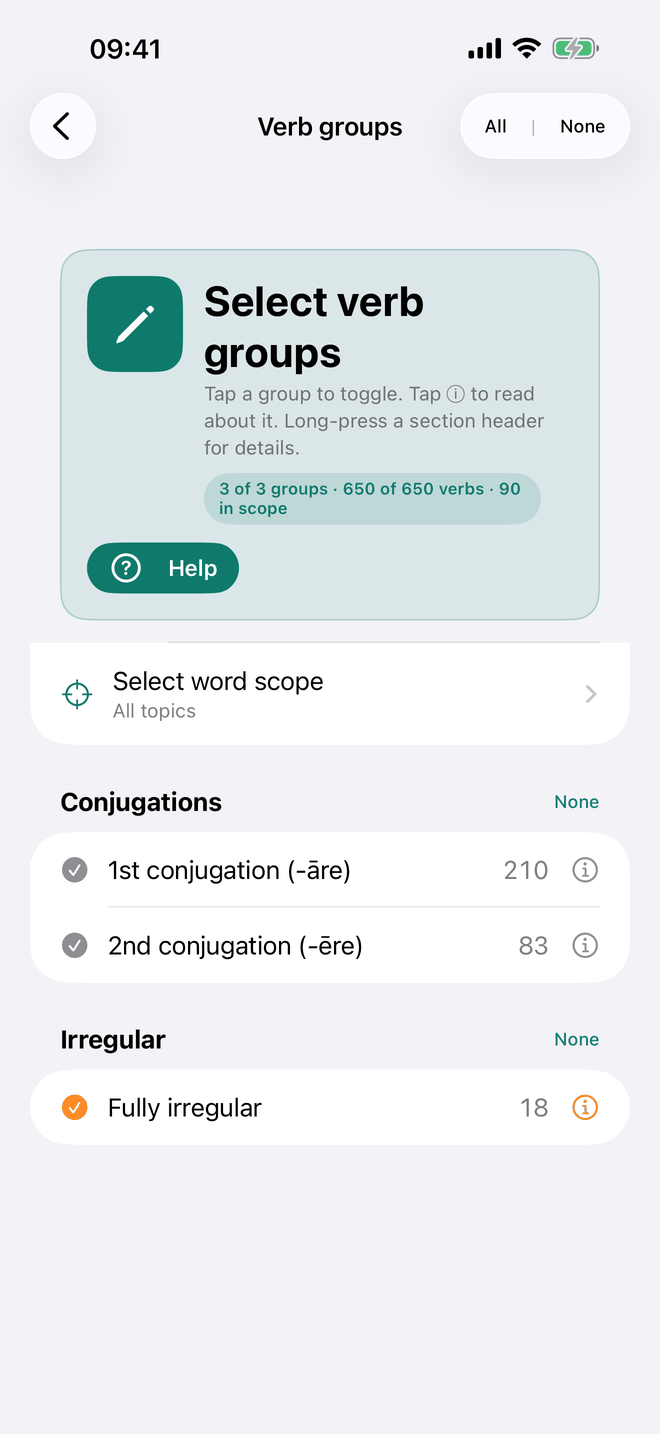
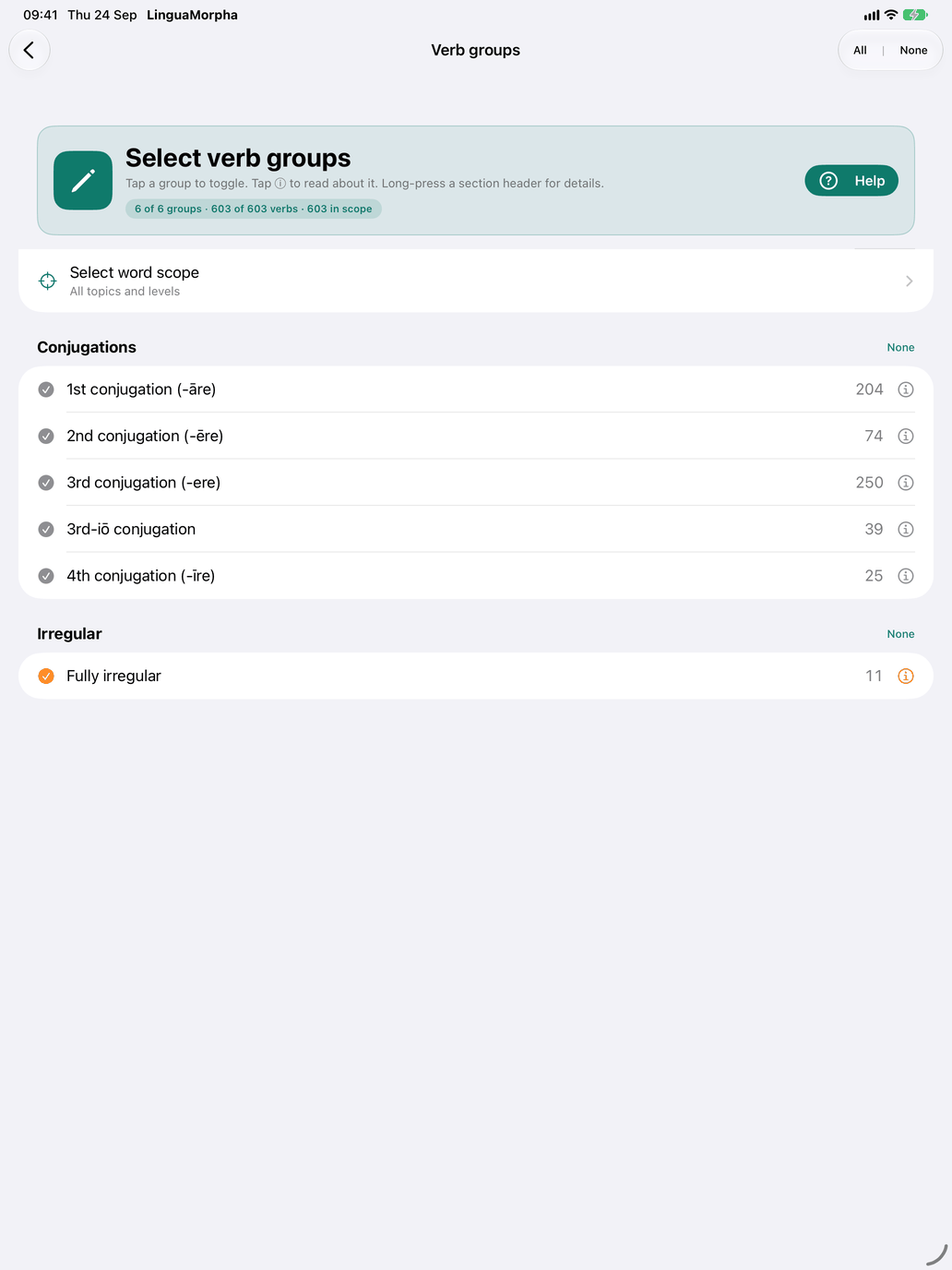
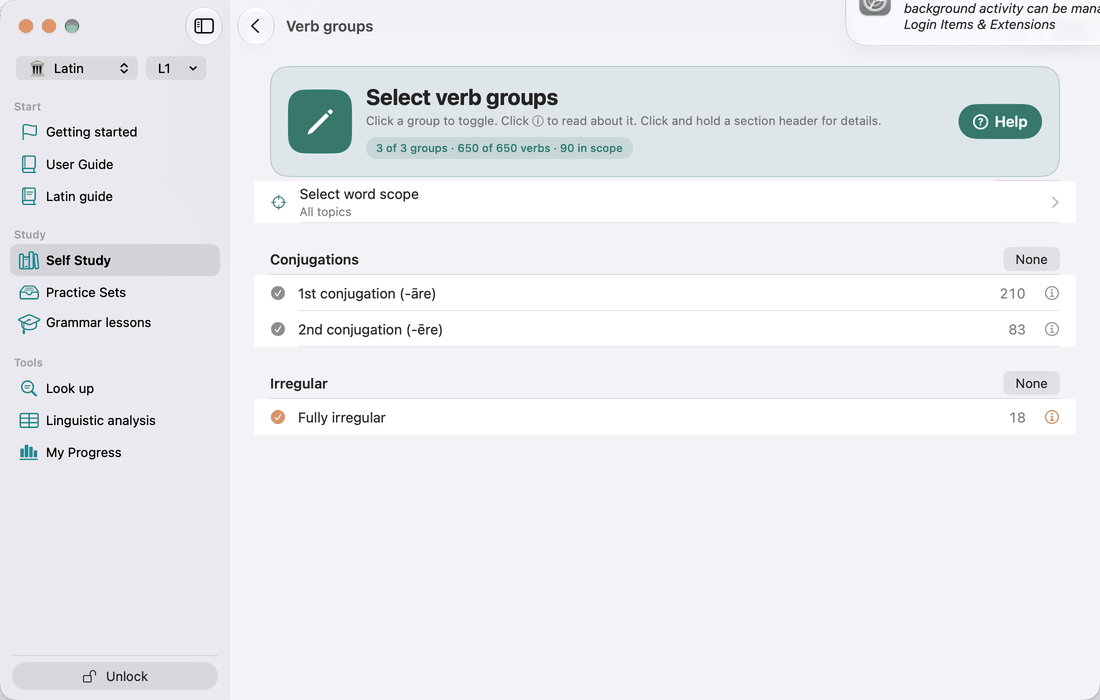
Select verb groups decides which verbs are in your drill pool. The rows are the six groups above, under two headings, Conjugations and Irregular, and each row shows how many verbs it holds. Tap ⓘ on a row to read about that group, or long-press a heading to read about the whole family. The hub row shows how many groups you have ticked ("5 of 6").
Verb group is the only filter on this screen. There is no textbook-chapter or frequency filter. Your level (the chip beside the flag) and your topics (Self Study → Select word scope) apply everywhere. If your topic scope removes every verb you picked, the hub shows a red warning at the top of Practice, above the selection rows.
Practice: Select tenses
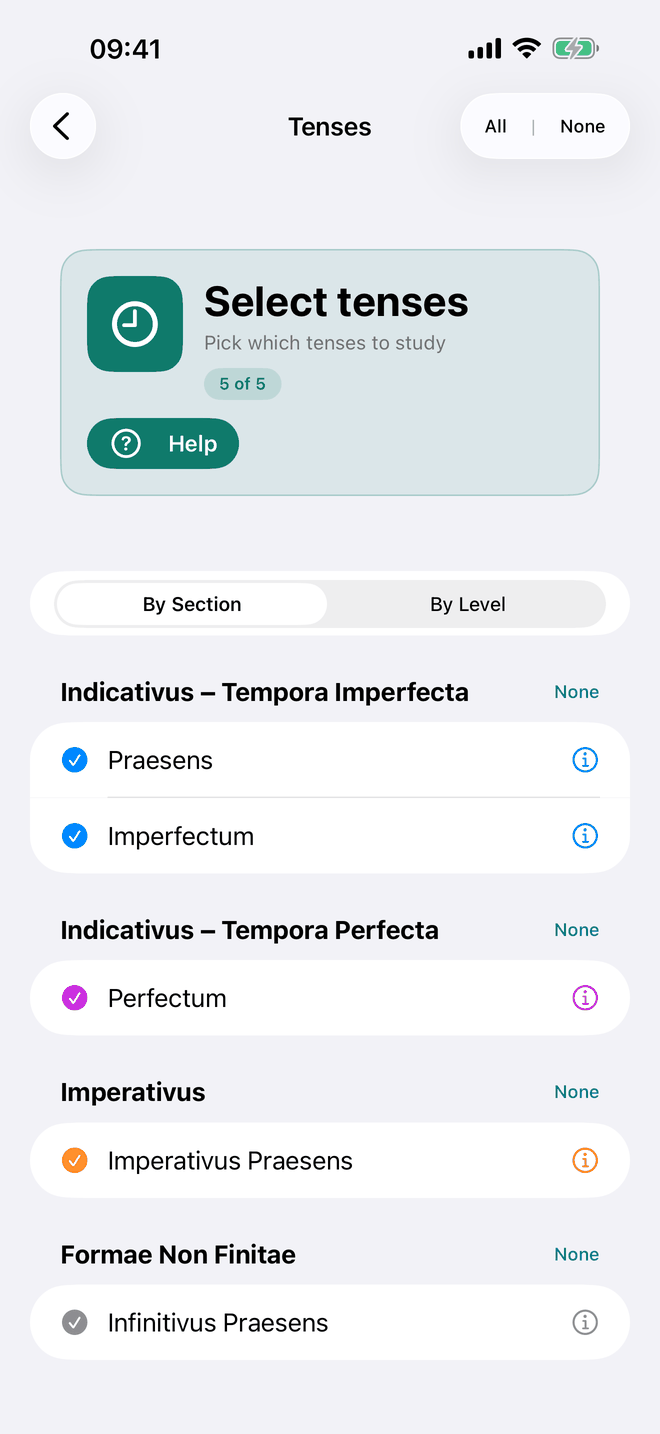
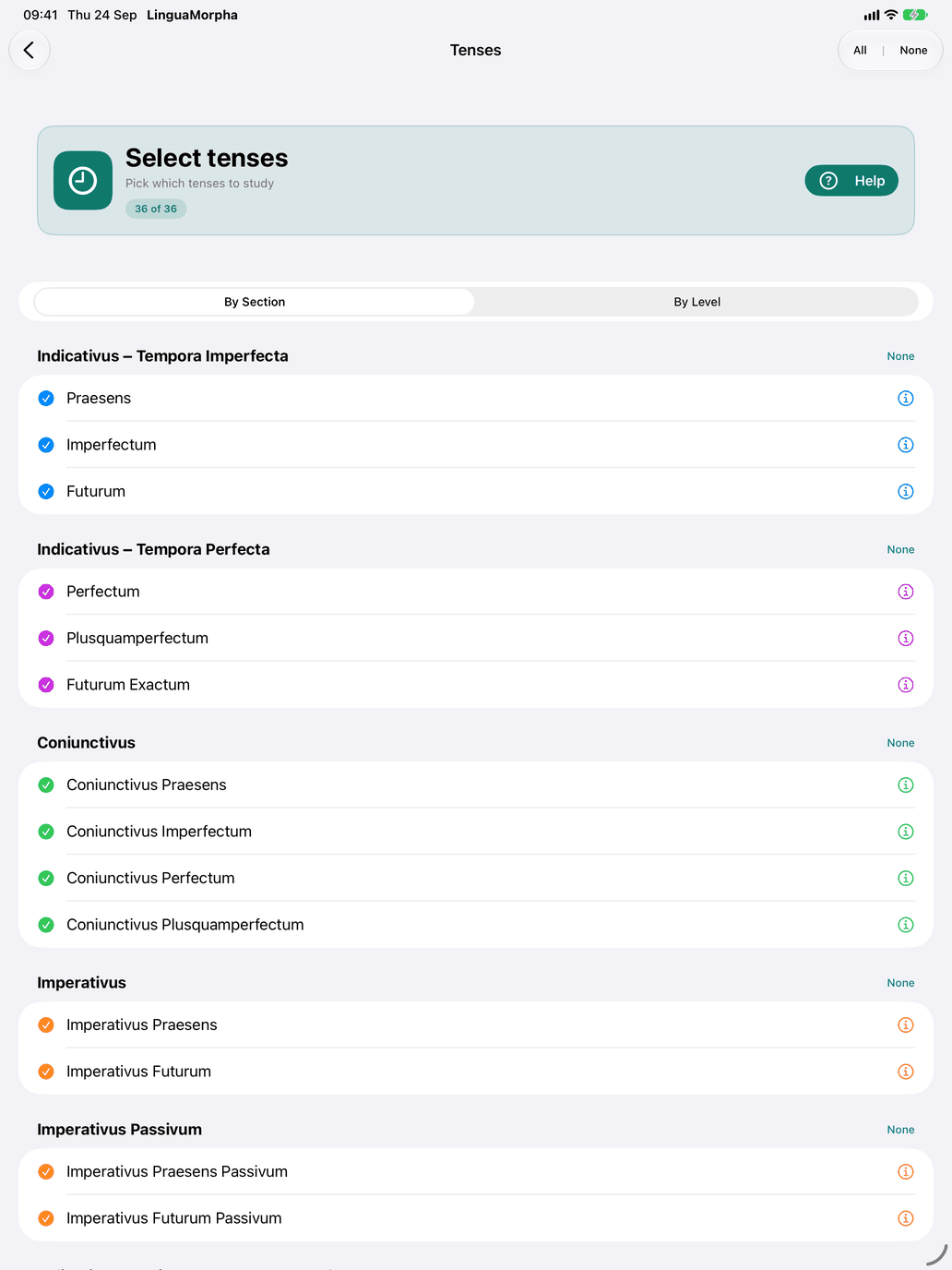
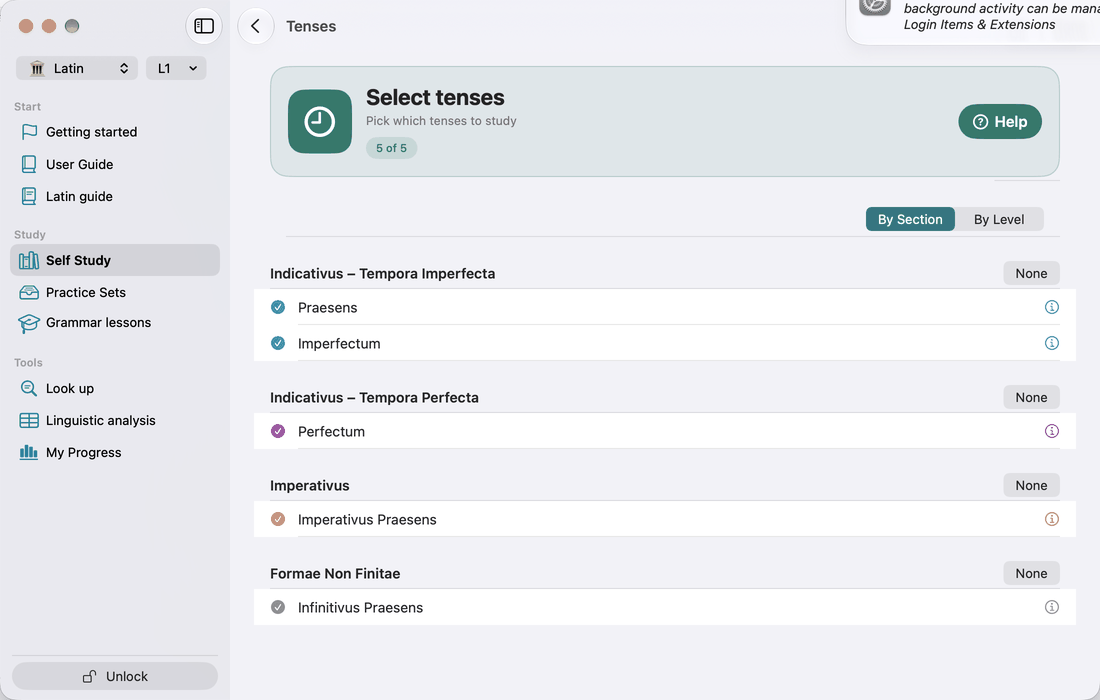
Select tenses turns individual tenses on or off. Latin has 36 of them, and the hub row shows how many are on ("12 of 36"). Two views are available:
- By Section: the tenses grouped as Indicativus – Tempora Imperfecta, Indicativus – Tempora Perfecta, Coniunctivus, Imperativus, Imperativus Passivum, the three passive sections, Formae Non Finitae, Participia, and Gerundium et Supinum. Long-press a section heading for an explanation.
- By Level: the same tenses grouped by the level at which each first appears.
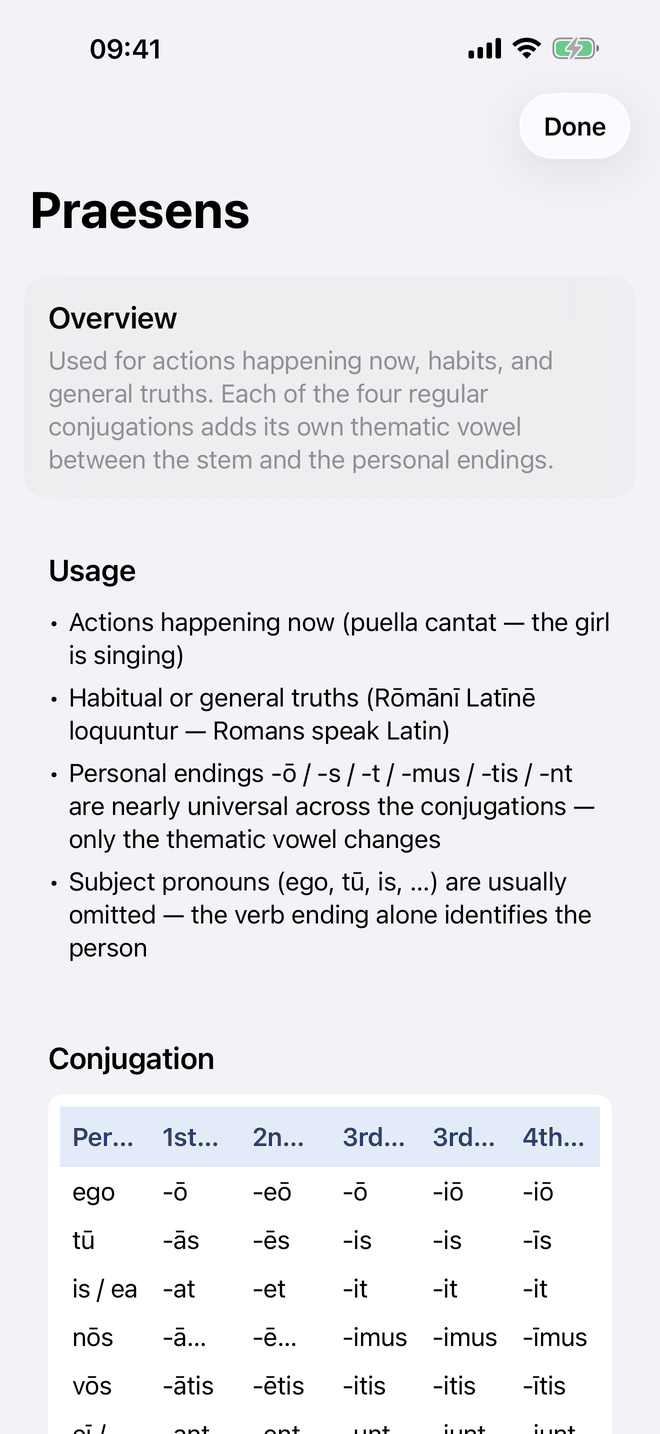
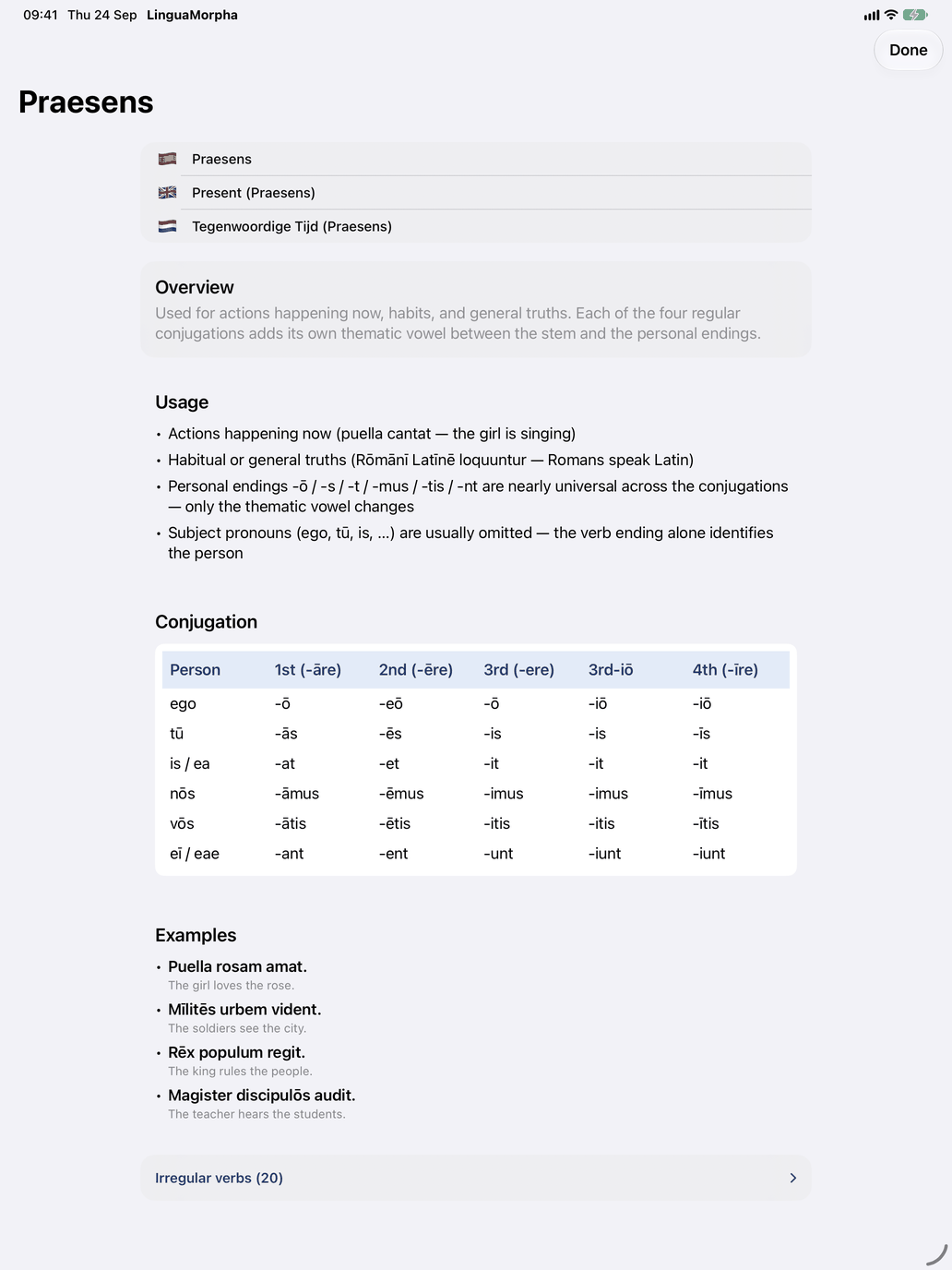
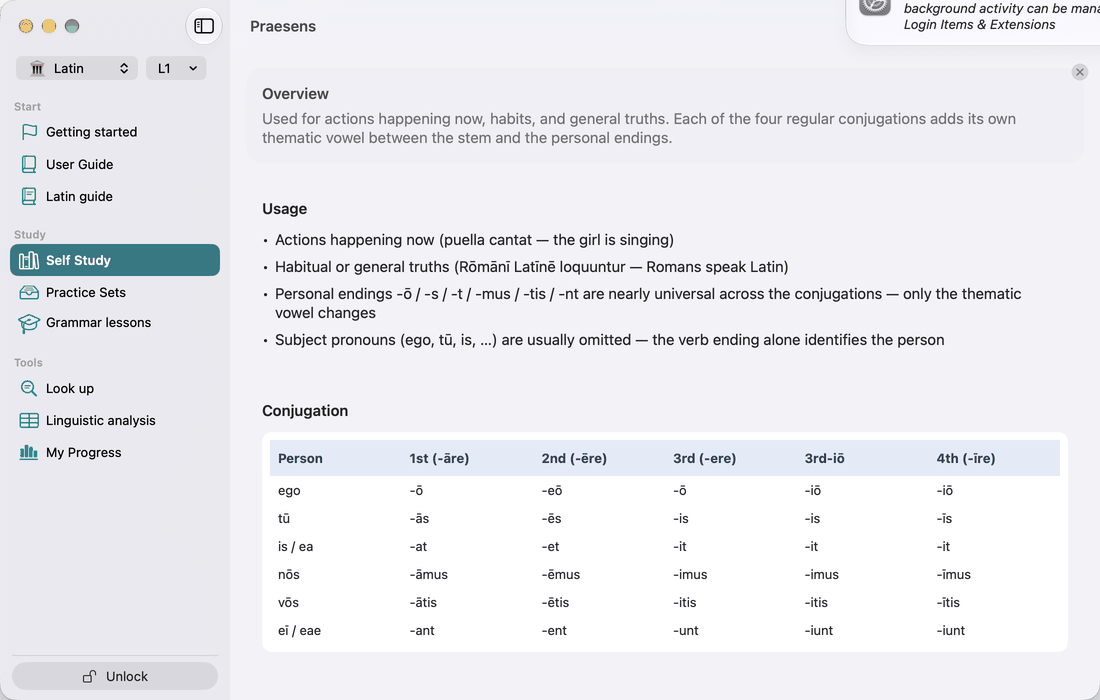
Tap ⓘ on a tense to open the Tenses page at that tense, with its card open: when the tense is used, its endings table, how it is formed, and examples. It is the same page as Theory → Tenses, so the other tenses are one tap away. On iPhone and iPad it opens with a back button. On Mac it opens in a window of its own, which can stay open beside the list; another ⓘ moves it to the new tense. Use this screen to limit a drill to the tense you are learning, or to leave out tenses you haven't covered yet. The drills, the tables and the verb example sentences only show tenses that are switched on.
Theory: Conjugations and Tenses
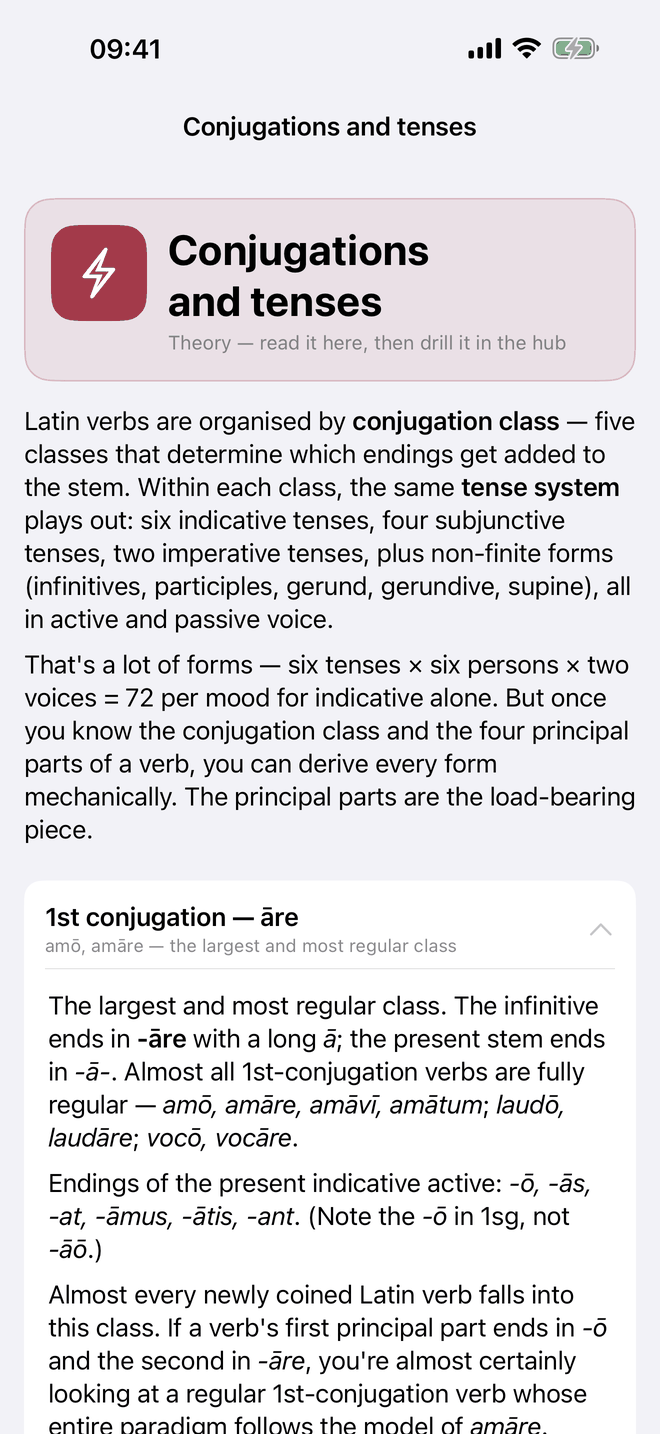
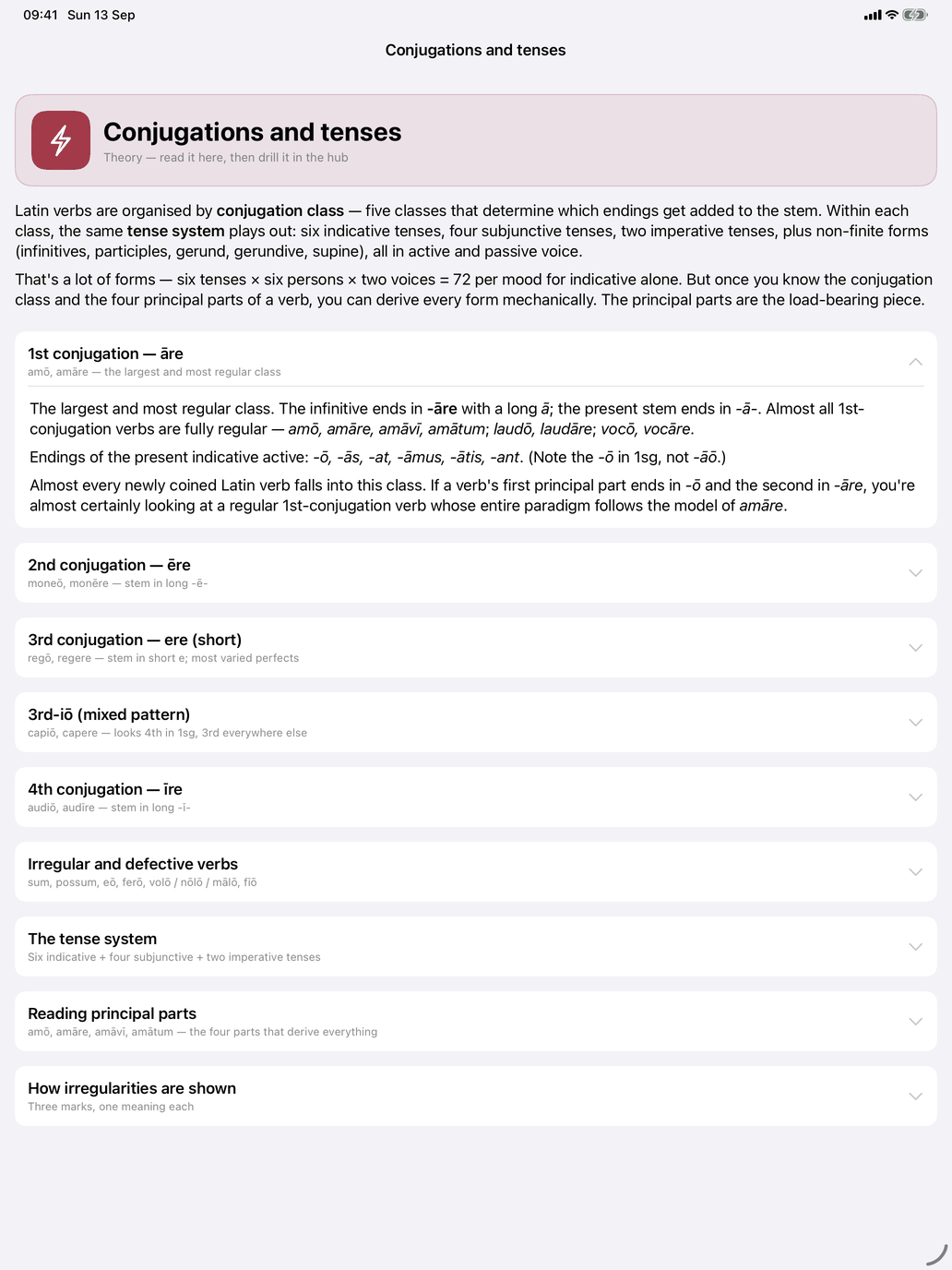
Conjugations explains the verb system. A short introduction sets out the tense system, then come the collapsible cards:
- Reading principal parts: how amō, amāre, amāvī, amātum give you every form, and which tenses the present stem and the perfect stem build, with capiō as a worked example
- one card for each of the five conjugations, plus Irregular and defective verbs
- How irregularities are shown: the marks used in the tables
The conjugation tables use two marks. Red marks the part of a form you have to learn for this verb. When a whole form is red (esse, posse), it has no regular connection to any pattern. An underline marks the ending the pattern predicts, on regular and irregular forms alike. Latin has only one set of endings, so the blue mark used in other languages never appears in Latin tables.
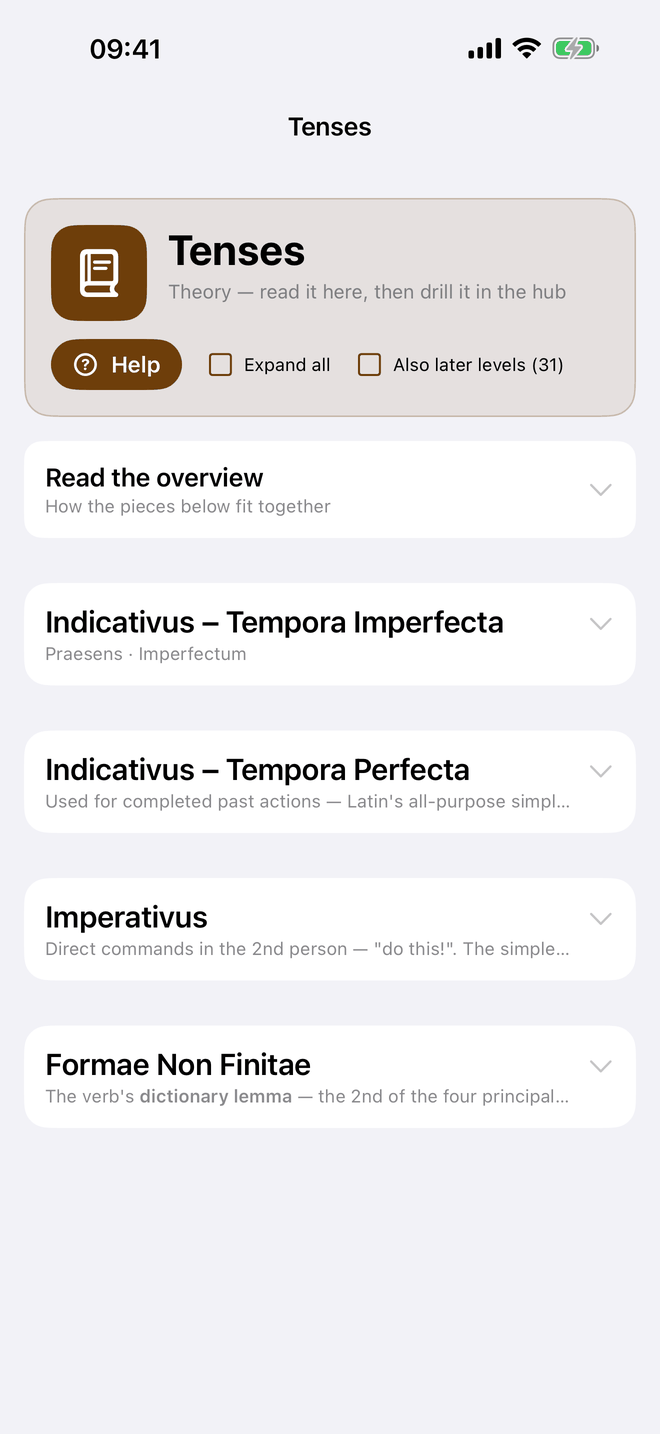
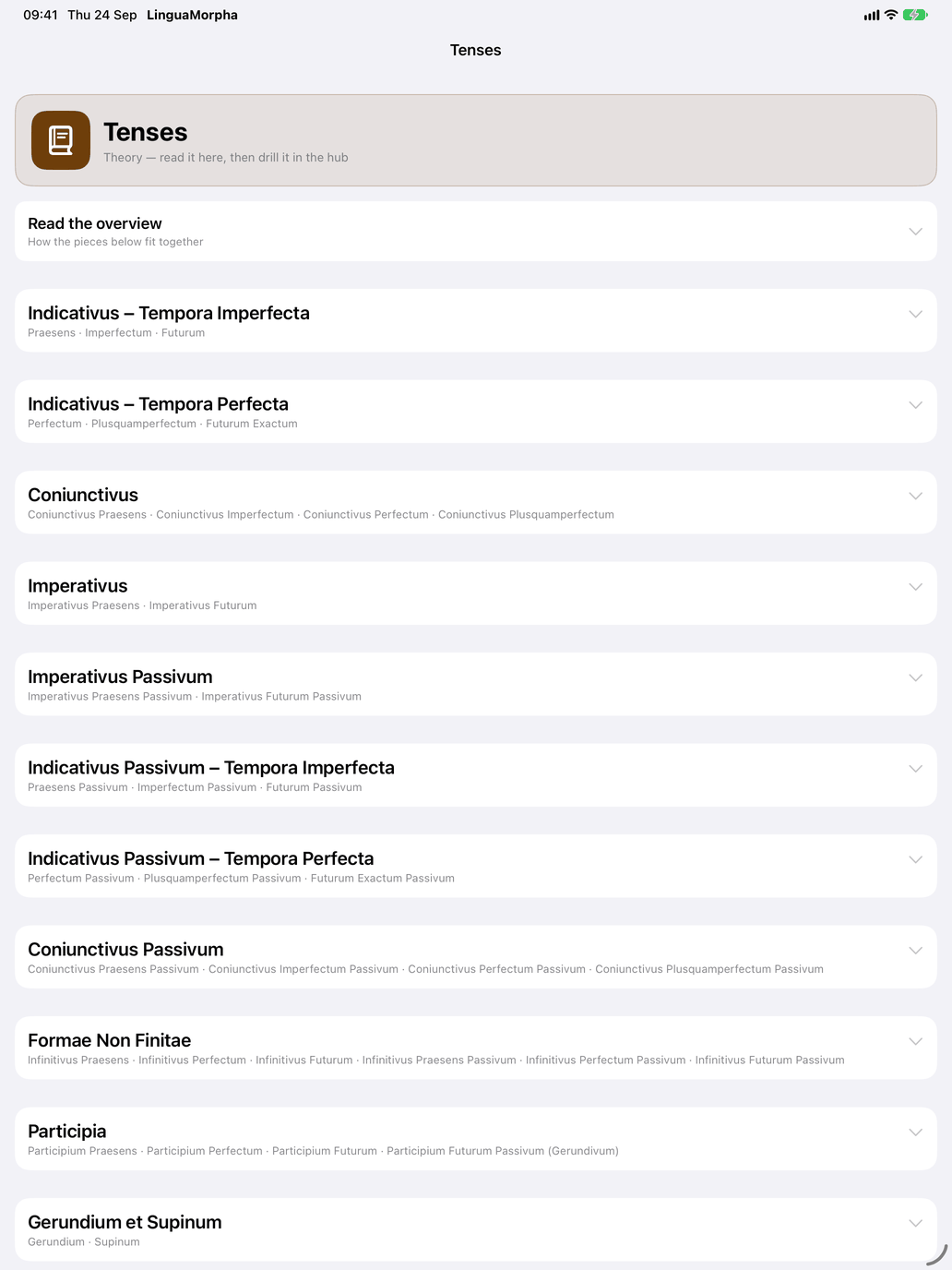
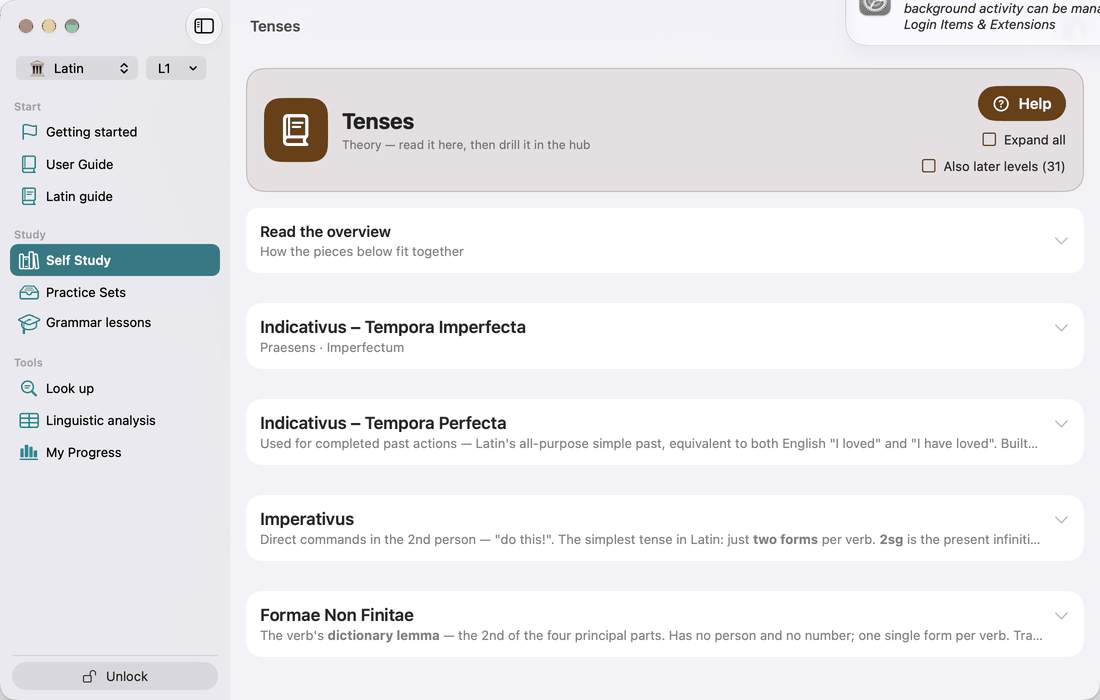
Tenses lists the tenses by section. Each one folds out into the explanation the ⓘ on Select tenses opens: when the tense is used, its endings, how it is formed, and examples.
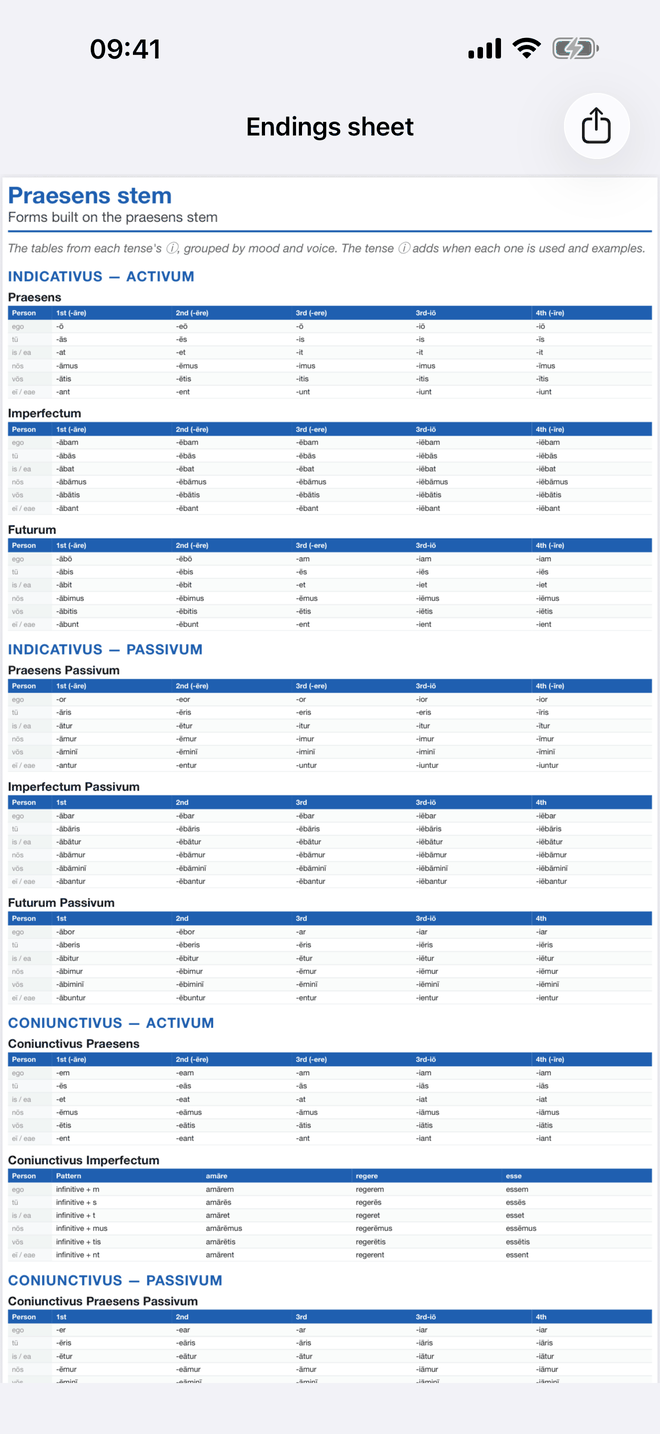
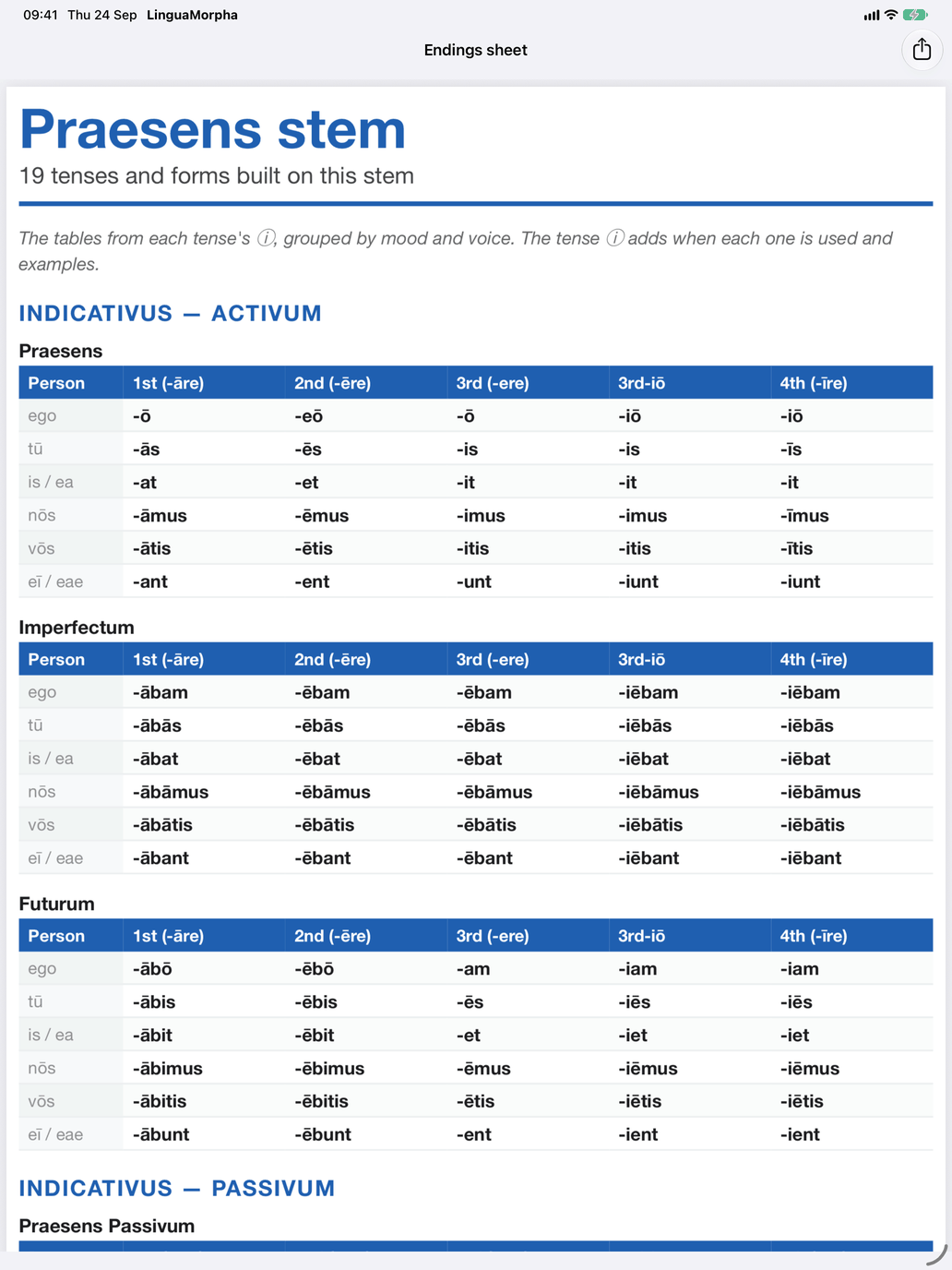
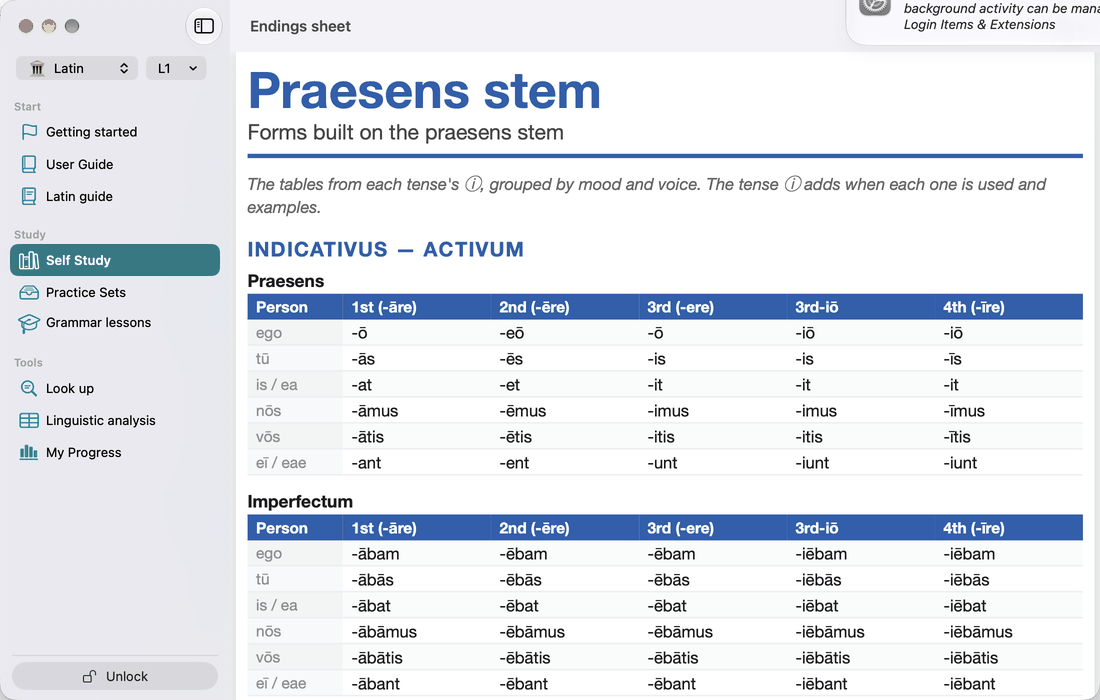
Regular patterns, at the bottom of the Conjugations page under To print, puts every tense's endings on printable pages, one page per stem (praesens, perfectum, supinum), each in the colour that stem has on the verb page, with the tenses grouped by mood and voice. It holds the regular endings only; an irregular verb's forms are on its own reference sheet.
Study: Verb reference
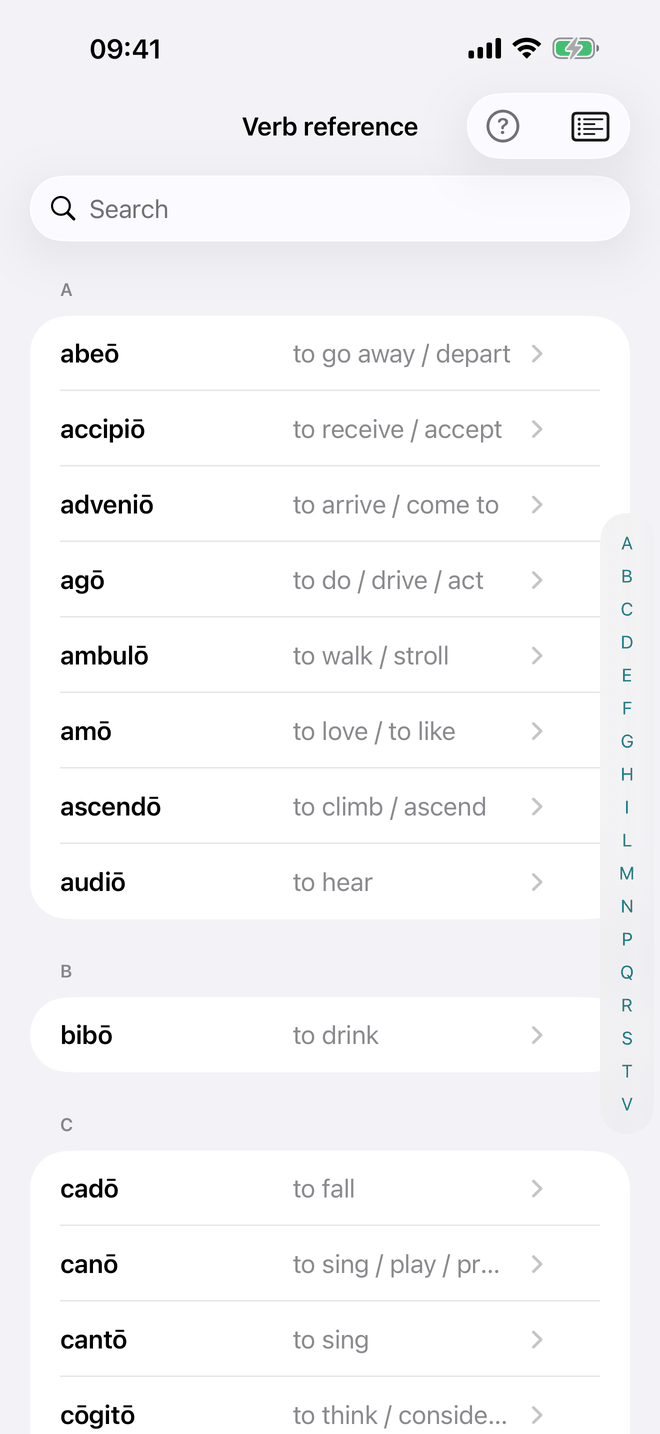
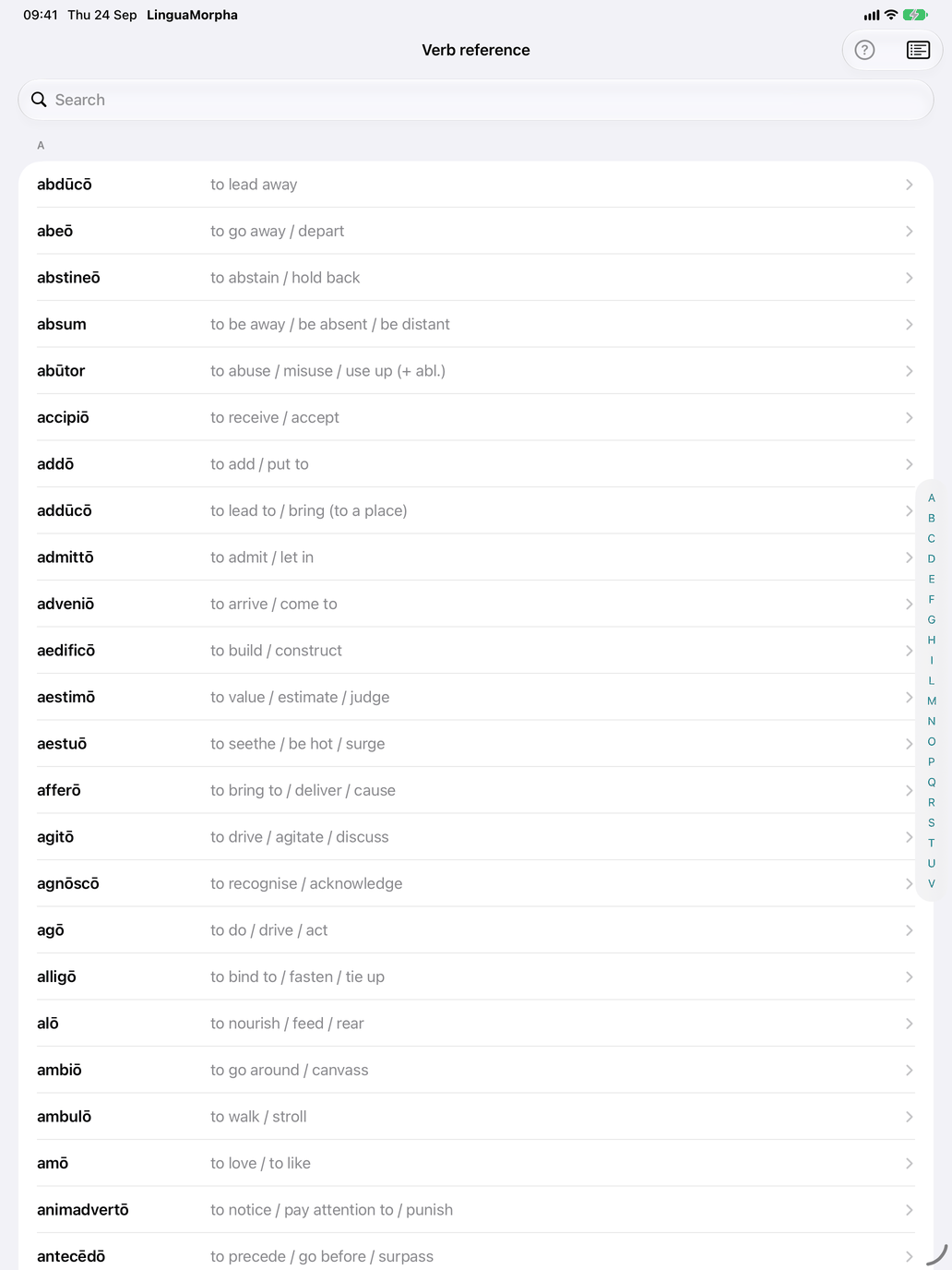
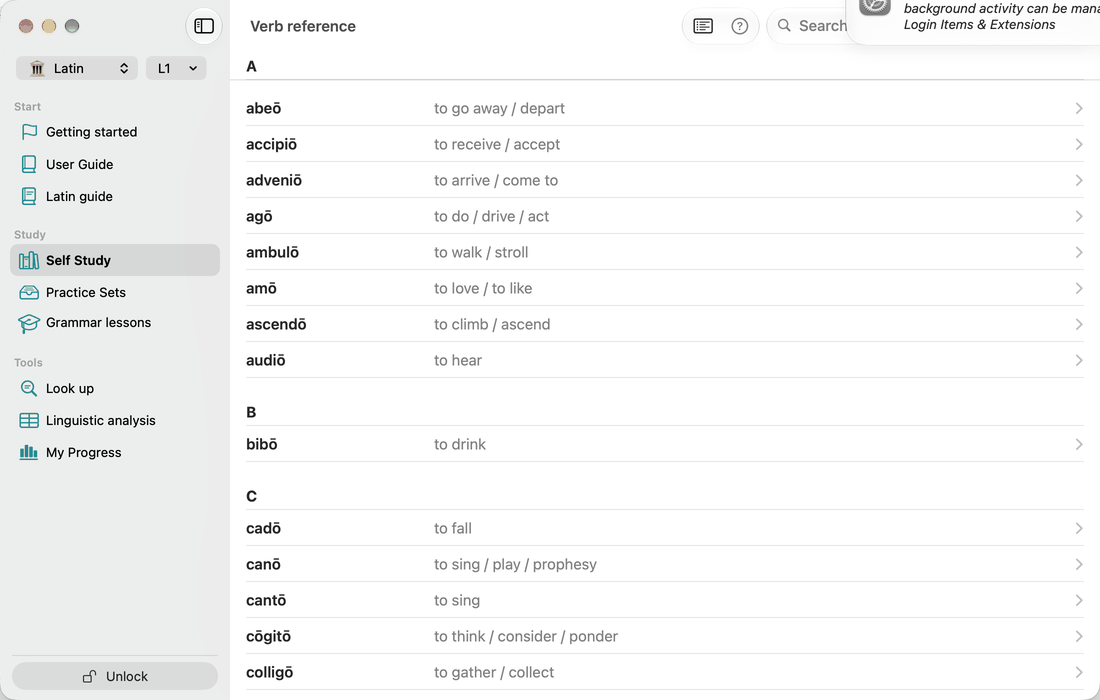
Verb reference lists every verb in your selection from A to Z. Search by the Latin infinitive or by the translation. Tap a verb to open its detail screen (see Inside a verb: the tabbed detail).
Inside a verb: the tabbed detail
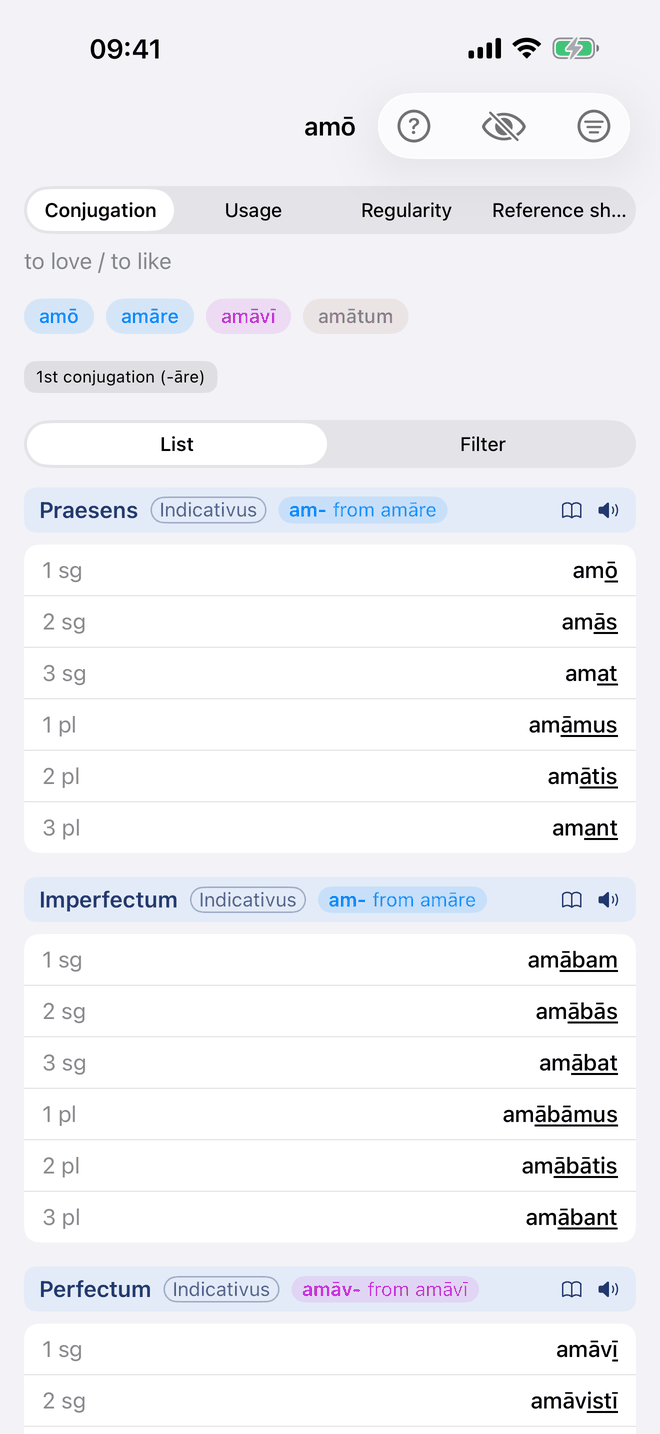
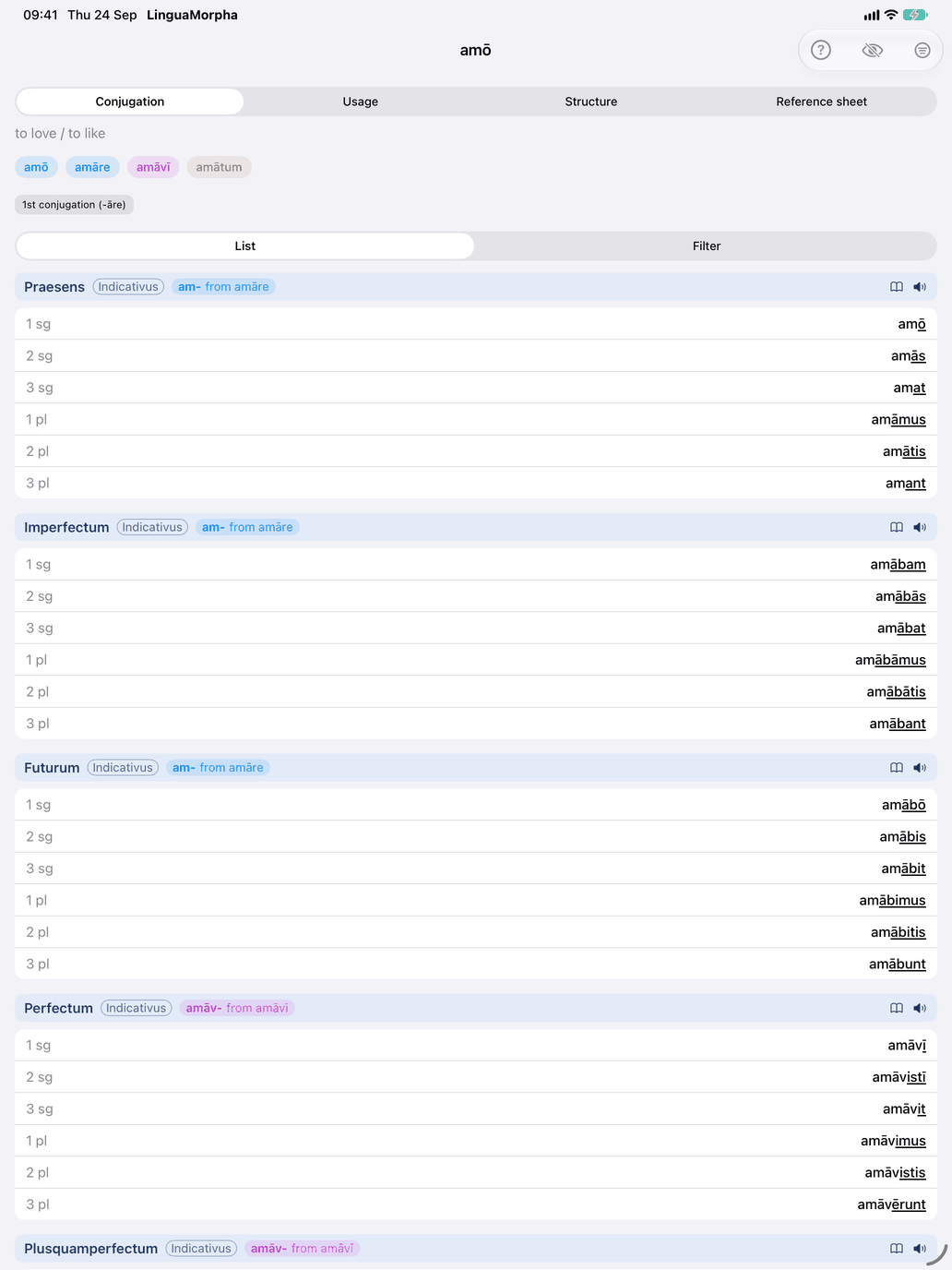
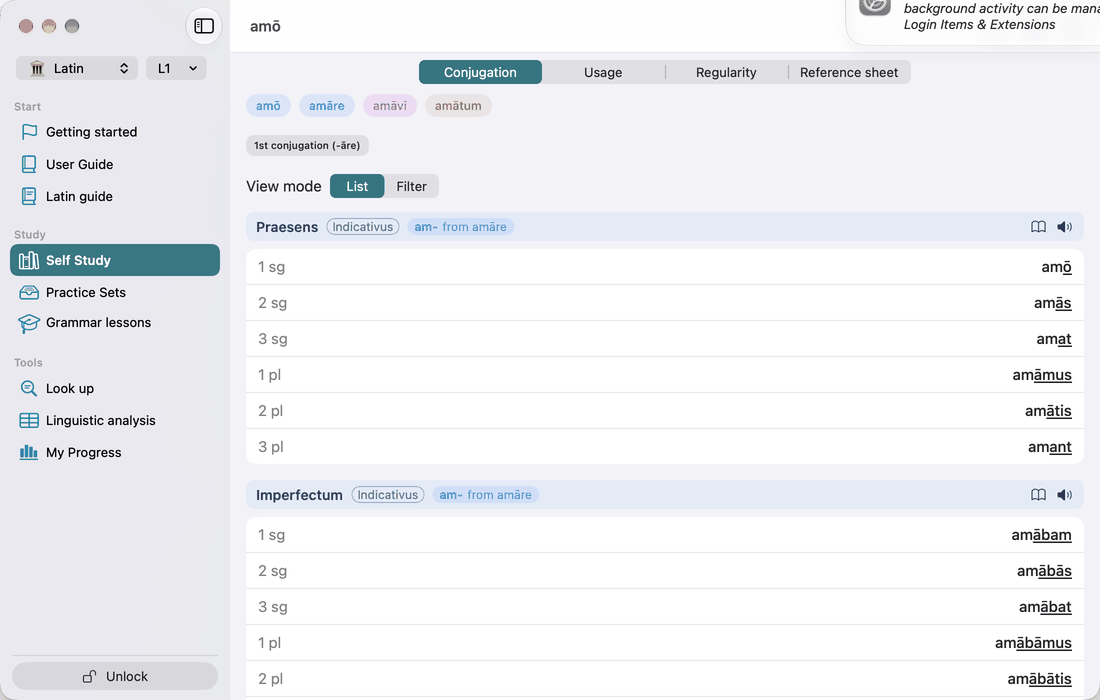
The screen is titled with the verb's headword — amāre in the Dutch interface, amō in the English and Spanish ones (see How the app writes Latin). Under the title is the citation line with the principal parts in the same order (amō, amāre, amāvī, amātum; a deponent ends in secūtus sum) and the verb's group. For a verb with several distinct senses, Extended meaning, folded away, lists them, each with an example; it goes with the translations, so a scheme that shows none hides it too. Three tabs follow: Conjugation · Regularity · Reference sheet. The screen opens on Conjugation.
A compound that conjugates through another verb has a family note above the tabs: redīre belongs to the family of īre, with abīre, exīre, perīre and trānsīre. The note also says what the members share. Where every principal part is the prefix in front of the base's, every form is, as with īre. Where the prefix changed the root vowel, only the perfect comes from the base, and the present stem and the participle are the compound's own, as with efficere beside facere. On the base verb the note lists the members.
Conjugation shows the tables for the tenses you have selected. A By Tense / By Person / Filter picker switches between three views:
- By Tense shows each tense as a full table.
- By Person turns the tables around: one panel per person (1 sg, 2 sg, …) listing that person's form in every tense, with the tense name above each form. The mood and the stem (cad- from cadere, cecid- from cecidī) are named where they change, so you see where the perfect stem takes over. A dash marks a form the verb does not have, such as the passive of an intransitive verb.
- Filter has chips for Modus, Tense, Stem (Praesens, Perfectum, Supinum) and Voice (Activum, Passivum), so you can narrow the forms down. For example, you can show only the tenses built on the perfect stem.
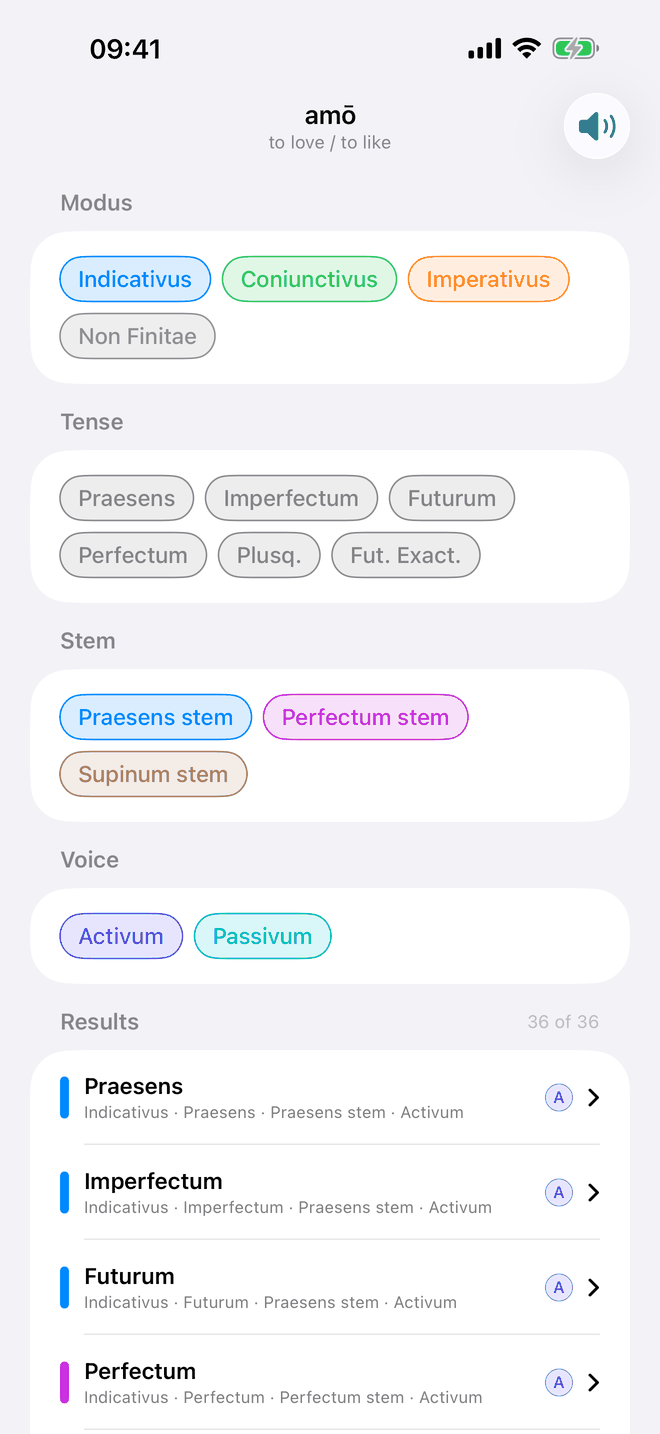
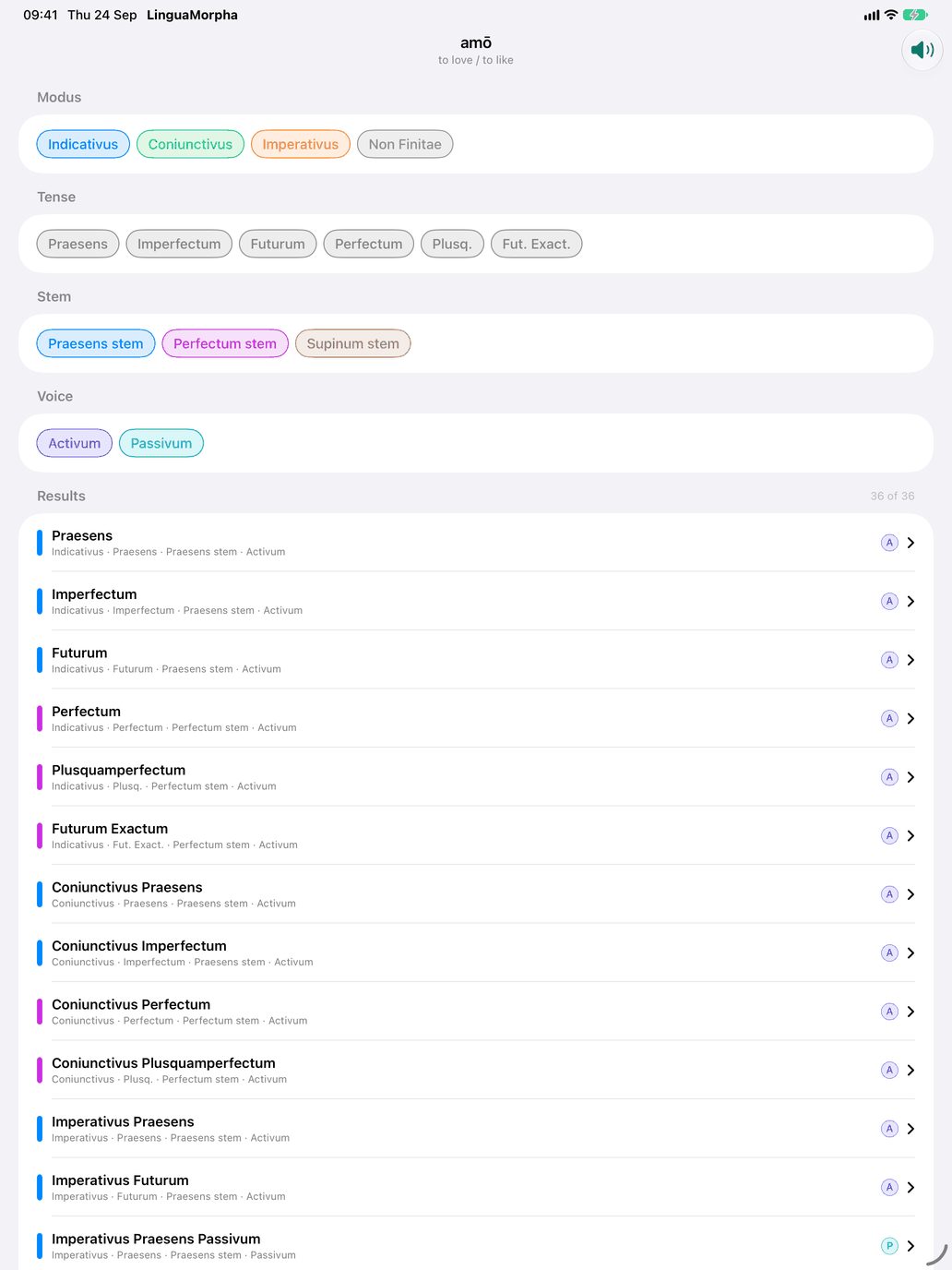
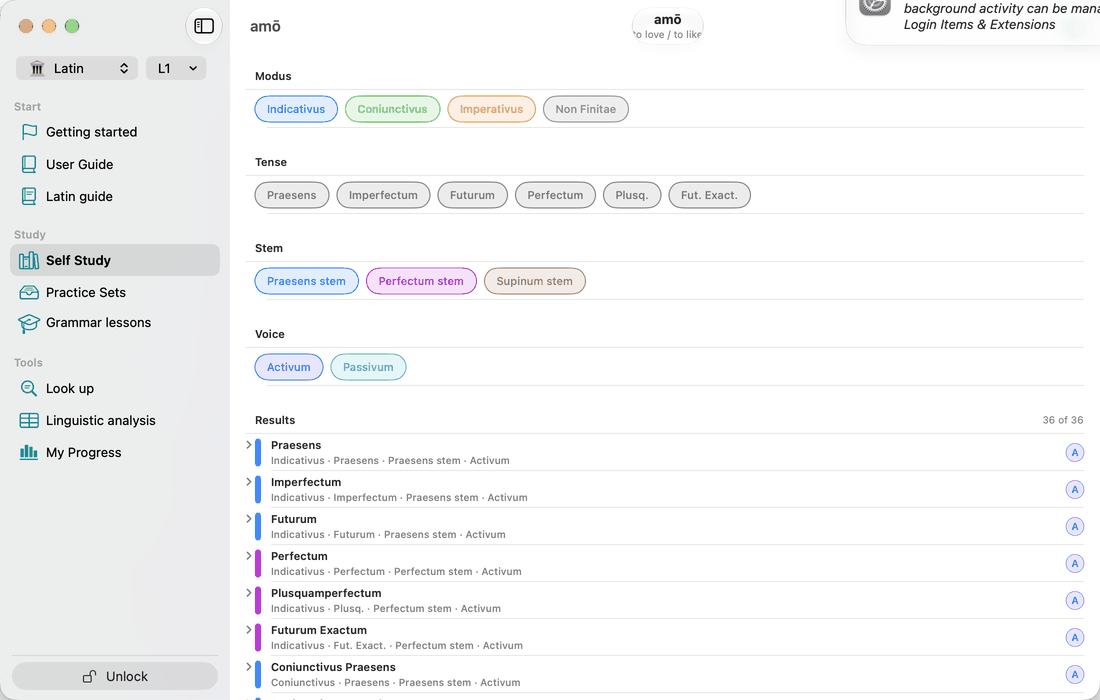
In By Tense and By Person, the translations button in the toolbar shows a translation under every form. Every Latin verb has these translations. Where a verb has a second meaning, a ⇄ button switches all the translations to that meaning.
In By Tense a line under each tense's name says what the tense is for, and under the table is the verb's own sentence in that tense, with its translation, where the course has one. A verb without such sentences shows a generated one, marked auto and without translation, under the few tenses the generator covers. Each table's header has a book icon, which opens that tense's theory: when it is used, how it is formed, its endings. For a compound that takes the tense from its base, the theory says so first: abeō is ab- in front of eō, so it is eō that the endings table explains.
Only irregular tenses. The filter button in the toolbar shows only the tenses where this verb departs from its pattern. The choice is remembered across verbs, and per device. While it hides tenses, a note above the tables says so — "Only irregular tenses: 4 of 16 shown." — with Show all tenses to switch it off.
Why a tense departs. Under the table of a tense where the verb departs from its pattern is a fold-out, labelled with the verdict (Partly irregular, Regular endings, changed stem). Open, it gives the reason in a sentence, the stems the tense is built on (a stem to learn in amber), and for each form that departs the form the pattern predicts, struck through, beside the real one.
Regularity starts with a card of the verb's Level and, only when the verb is Deponent, Intransitive or has No passive, its Voice. Below it, Regularity lists the tenses in which the verb departs from the regular pattern, and only those. Each row gives a verdict (Regular endings, changed stem, Regular endings, learned form, Partly irregular, Irregular or No regular pattern) and the stems the tense is built on. A stem you have to memorise, such as ferre's tul- or capere's cēp-, is shown in amber. For the perfect system, that is the perfect stem taken from the third principal part. A last line names the tenses that follow the pattern; a verb with nothing to learn shows only Regular in all tenses. Tap a row to go to that tense on Conjugation, with its explanation open under the table.
The two colours answer different questions. Amber on Regularity names a whole stem to learn. Red in a conjugation table marks the letters of a single form that depart from the pattern.
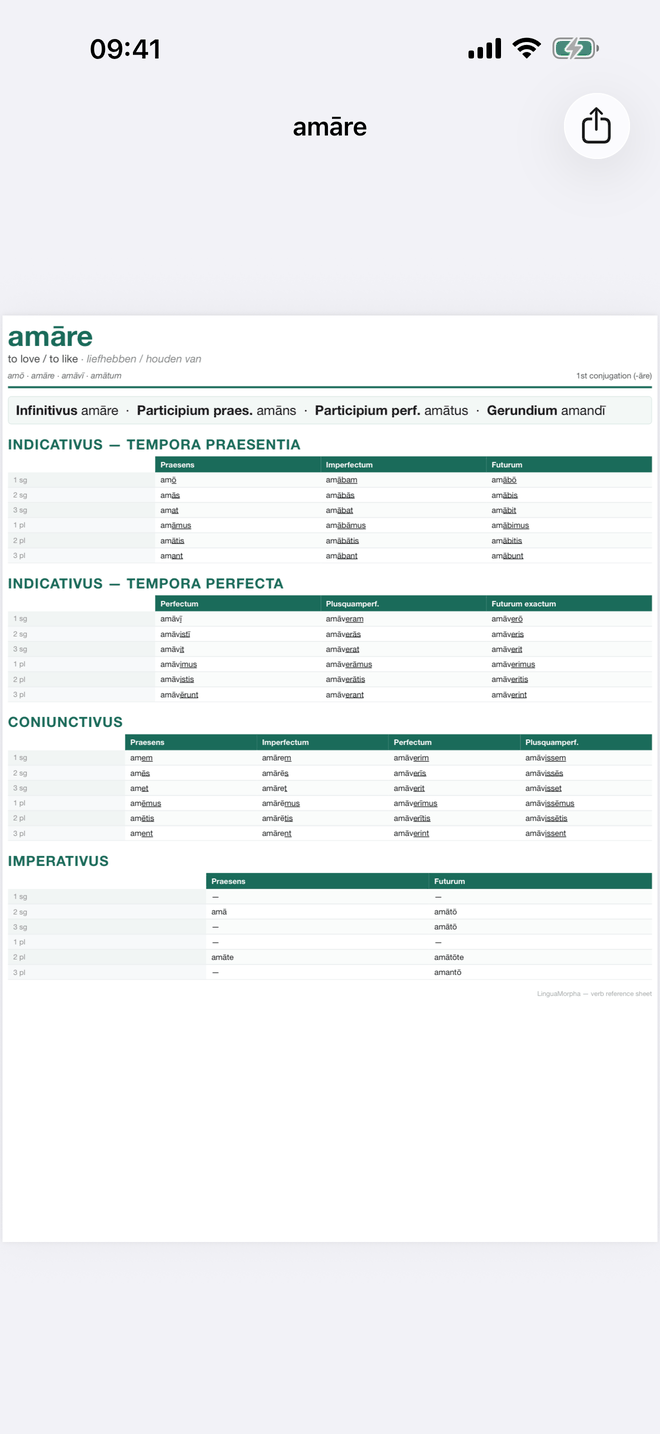
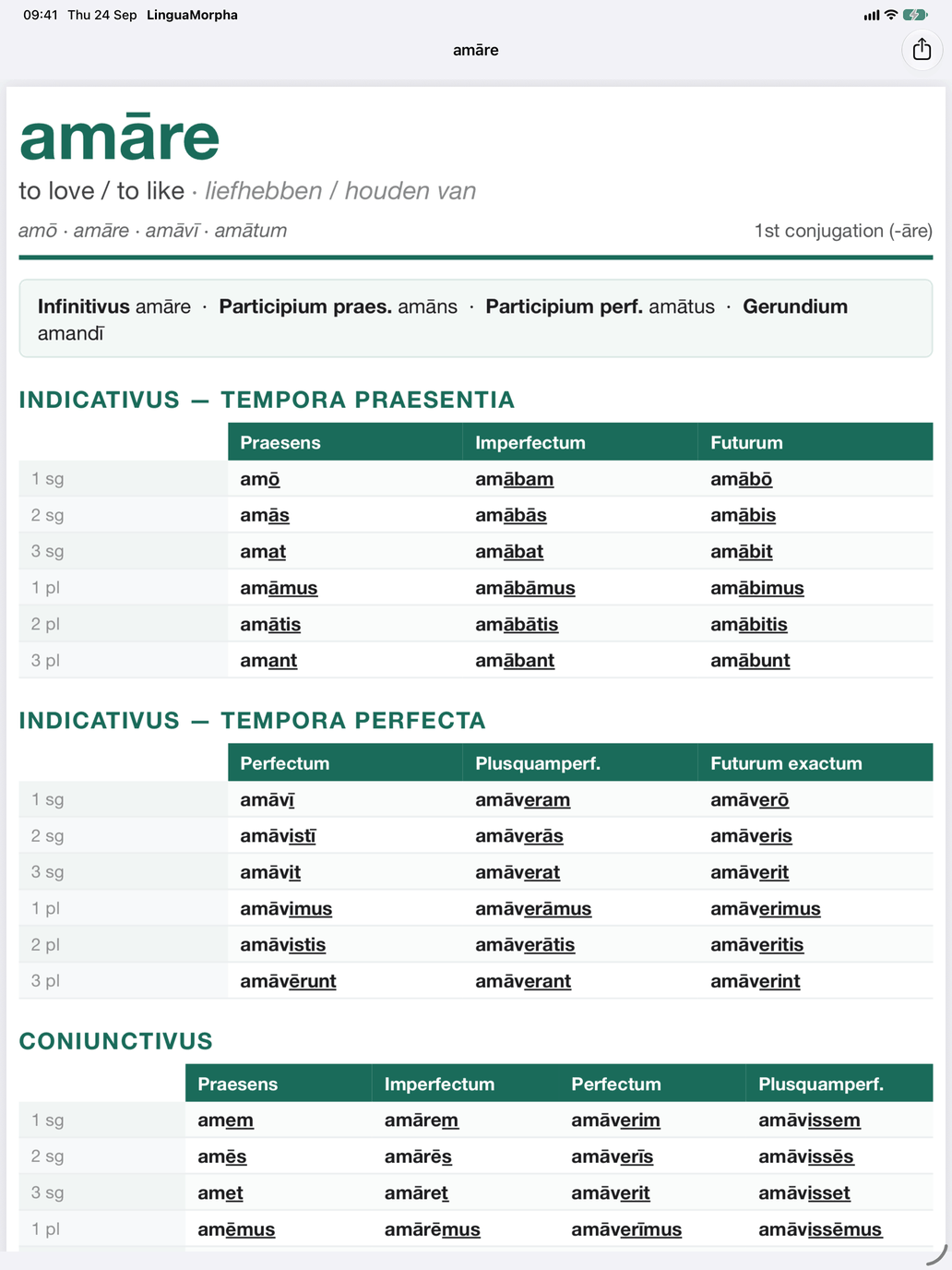
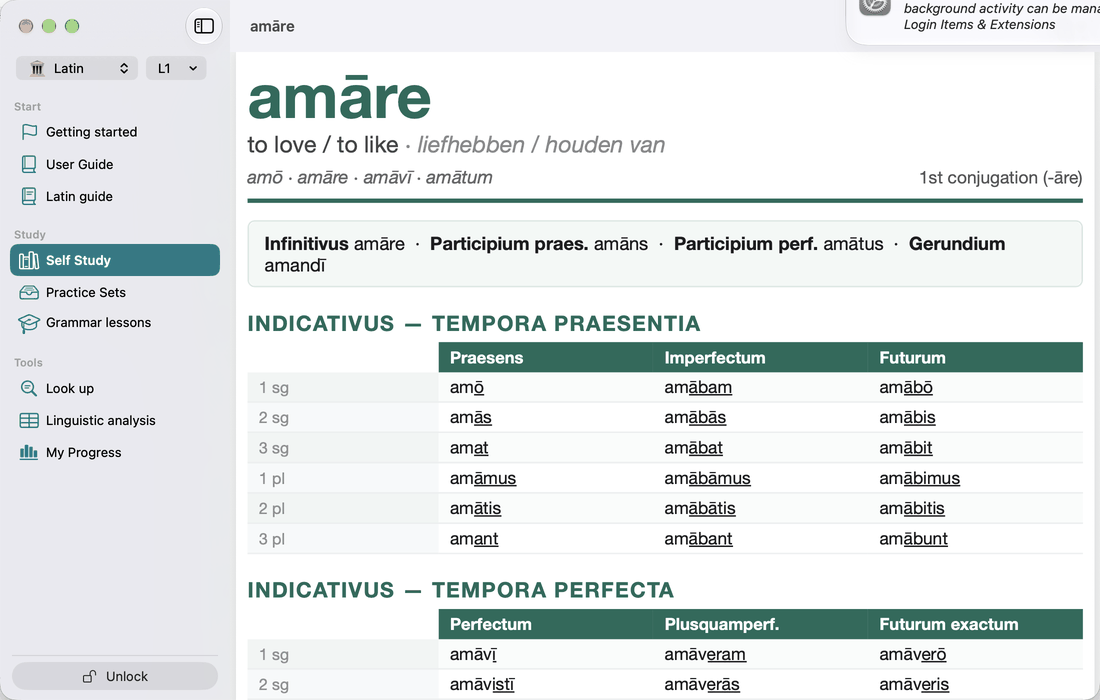
Reference sheet is a printable one-page PDF of the active voice. Its header shows the citation line (the principal parts, in the order of the interface language), the conjugation and any notes (Deponent, Active only, Defective, or which verb it is a compound of). Below that are the main non-finite forms and the Indicativus, Coniunctivus and Imperativus tables. On iPhone and iPad, share it from the share button. On the Mac, the share menu has Copy and Save as….
Practice: Verb meaning
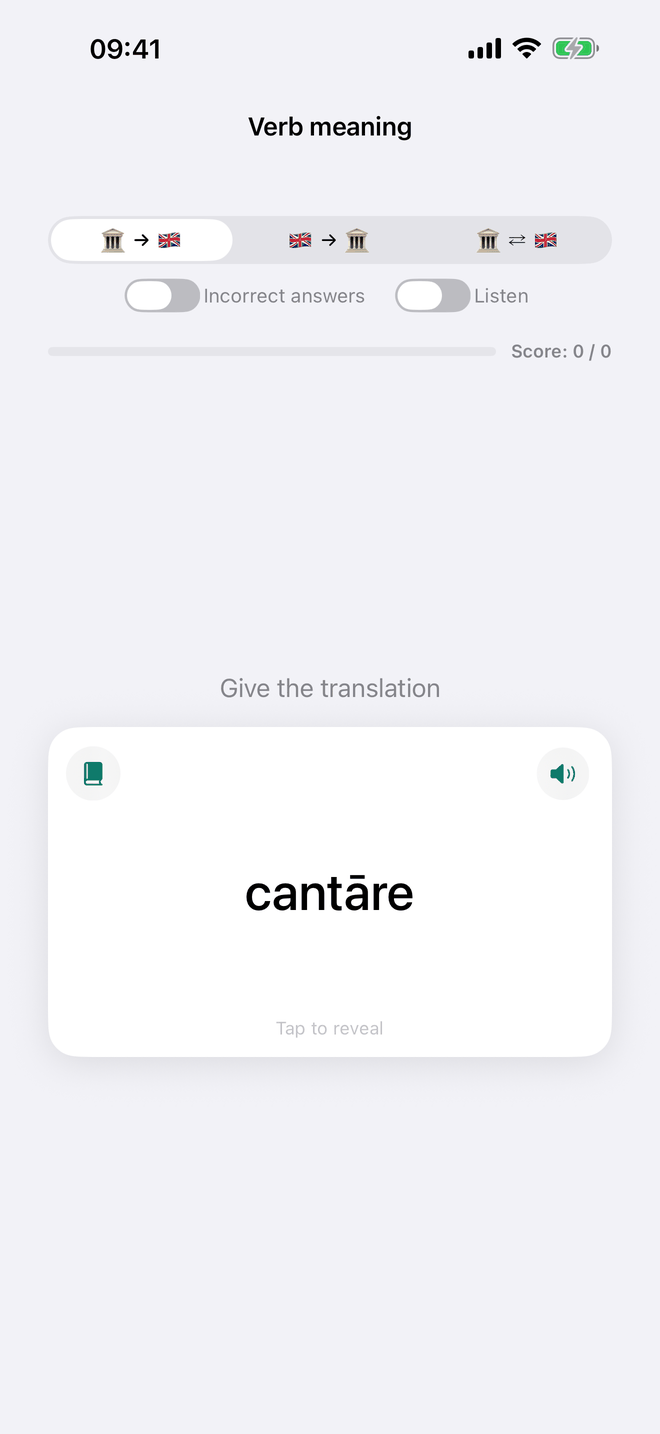
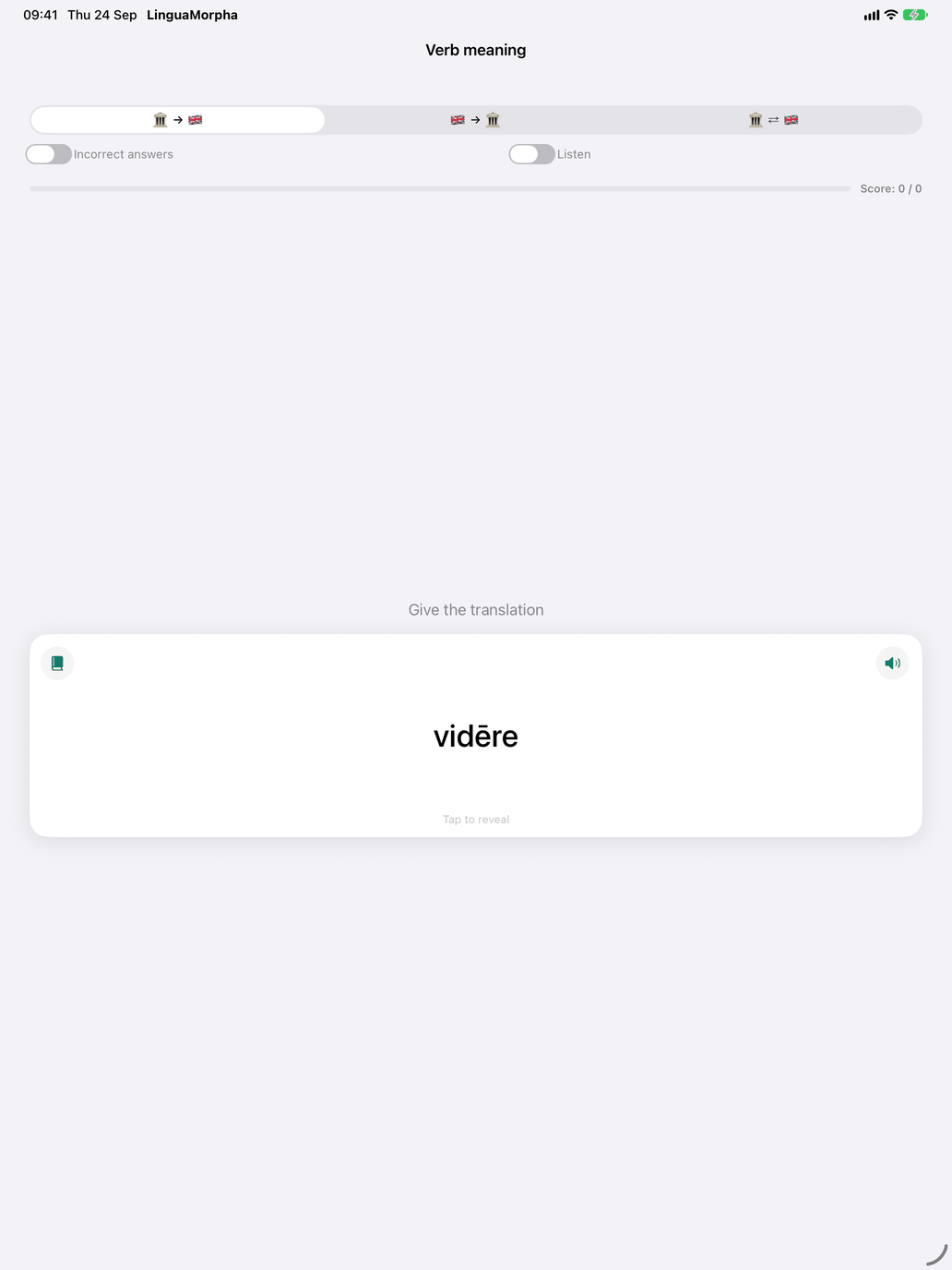
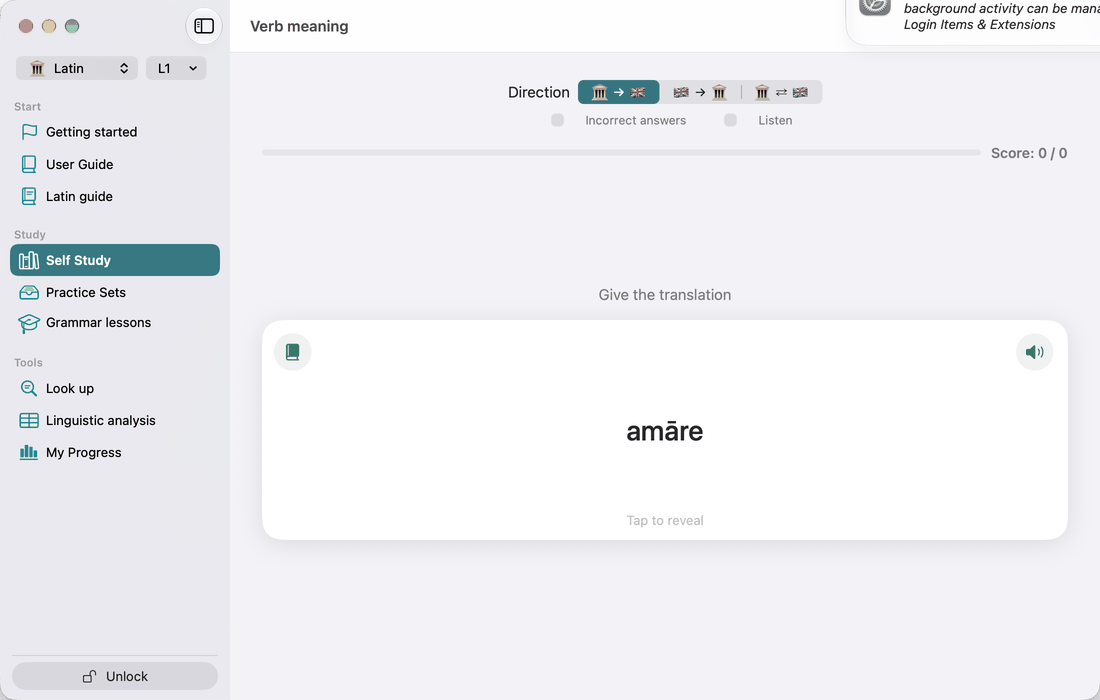
Flashcards for the verbs in your pool: turn the card and mark whether you knew the meaning. The book icon on a card opens the verb's conjugation.
Practice: Produce the conjugation
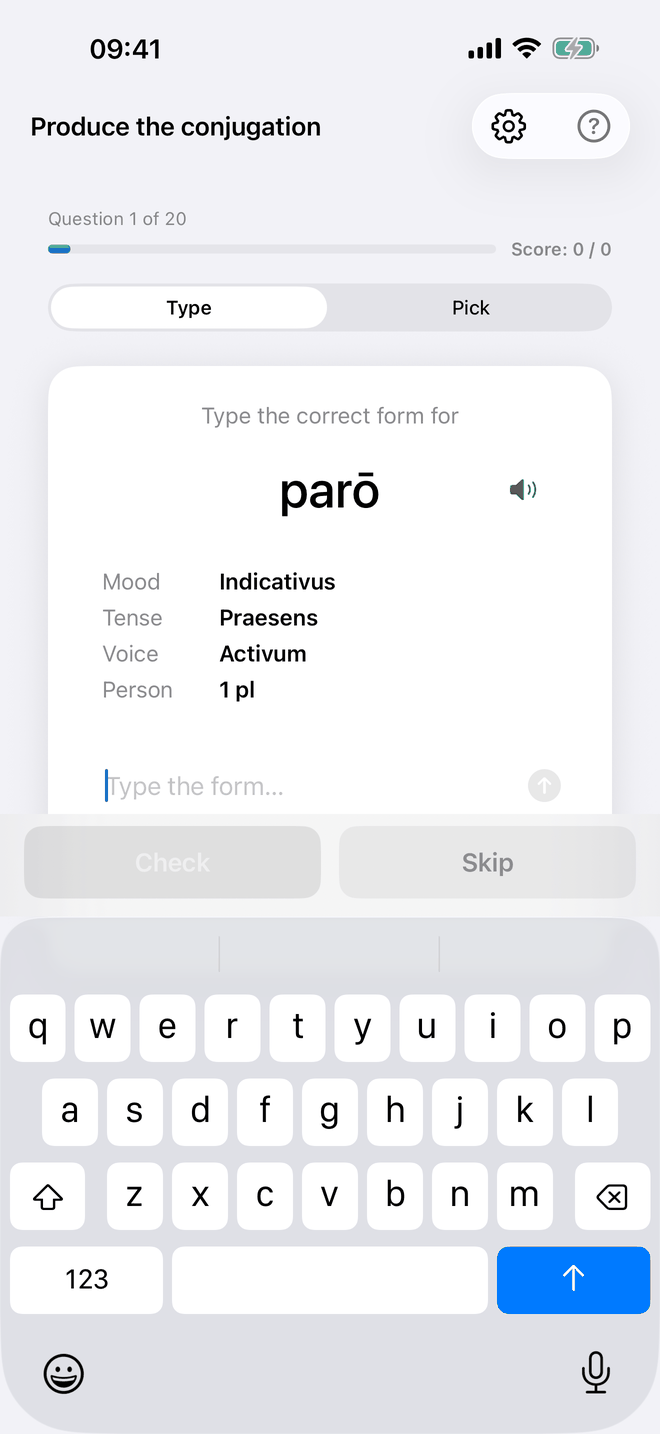
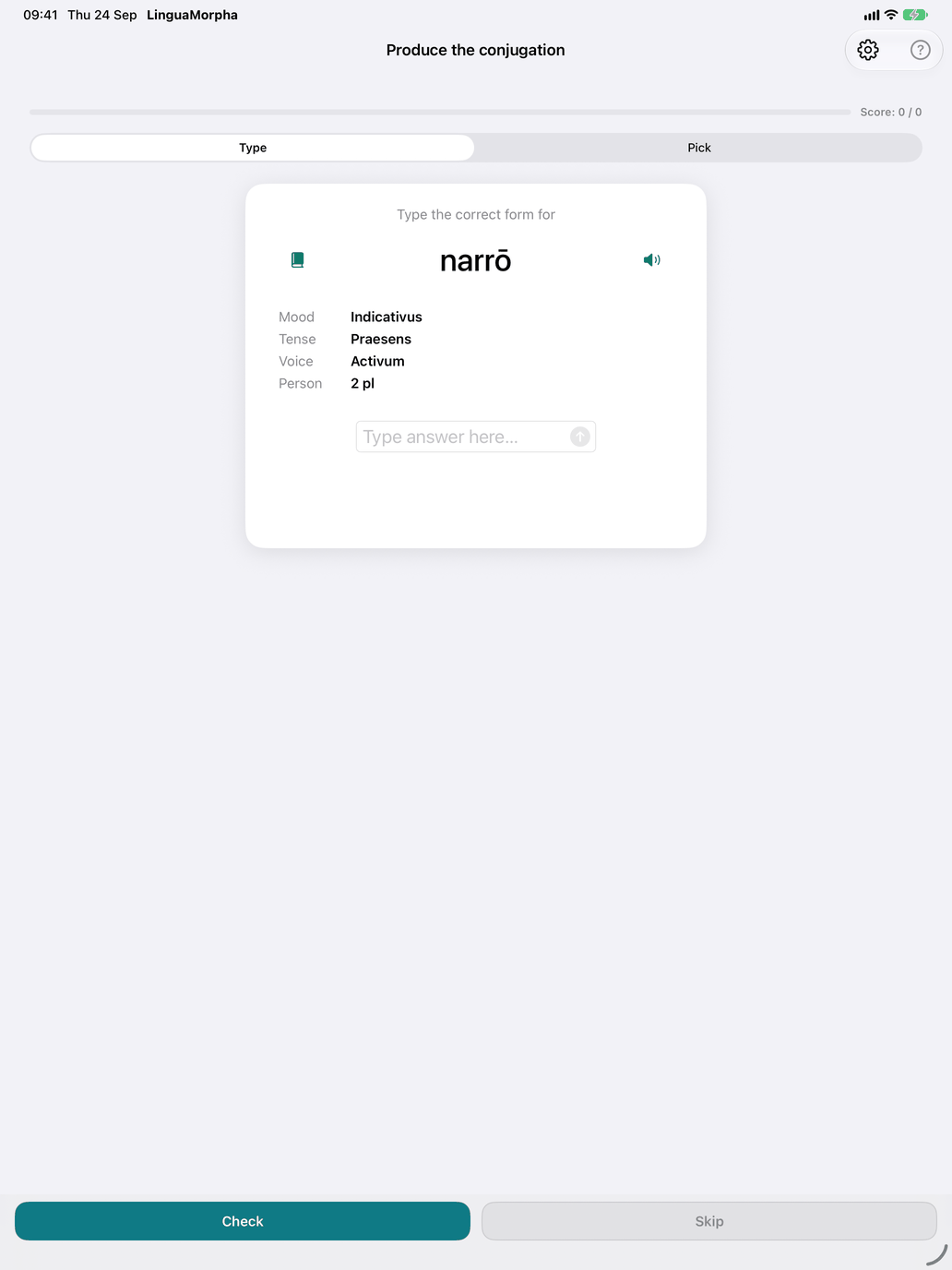
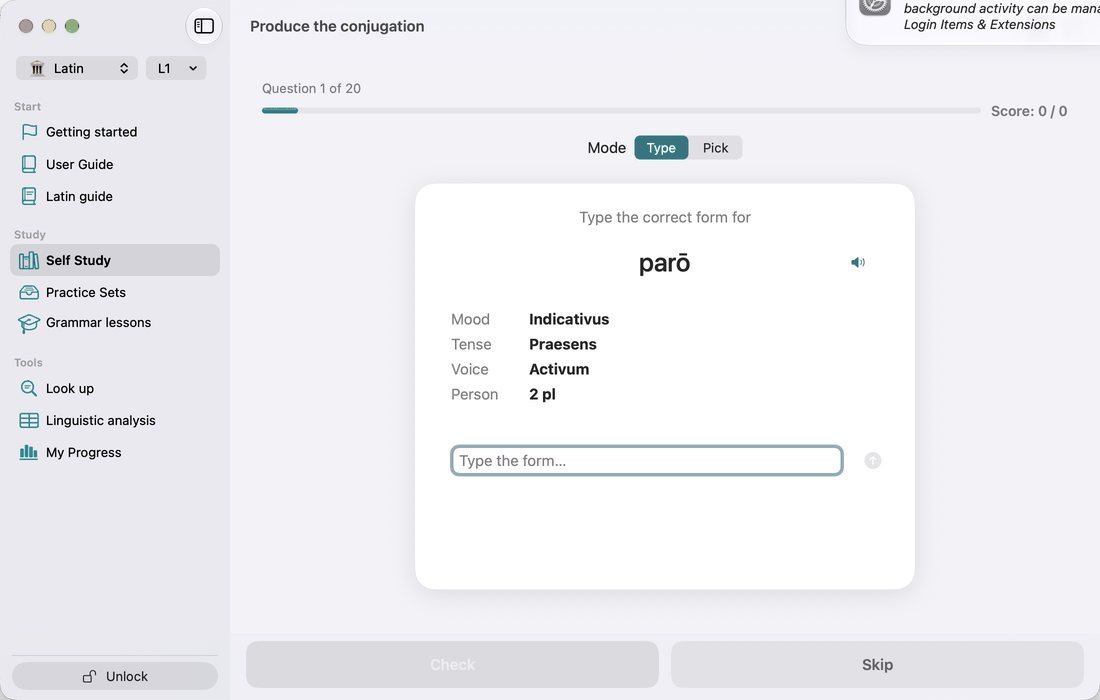
This is the production drill. The question names the verb and gives the Mood, Tense, Voice and Person on separate lines, so you see each part of the question separately. You give the form in one of two modes:
- Type: type the form.
- Pick: choose it from a wheel of up to ten options: the right form and forms that look like it.
For how macrons are checked, see Macron-accurate checking. Once your answer is graded, a book on the card opens the verb's table for that tense — in a window of its own on the Mac — and closes when you go on. If you type a real form of the wrong tense or person, the feedback tells you which form you produced. The gear button opens Production settings. There you can limit the drill to chosen values of Verb, Mood, Tense, Voice and Person. Leave a line empty to let it vary.
Practice: Recognise the conjugation
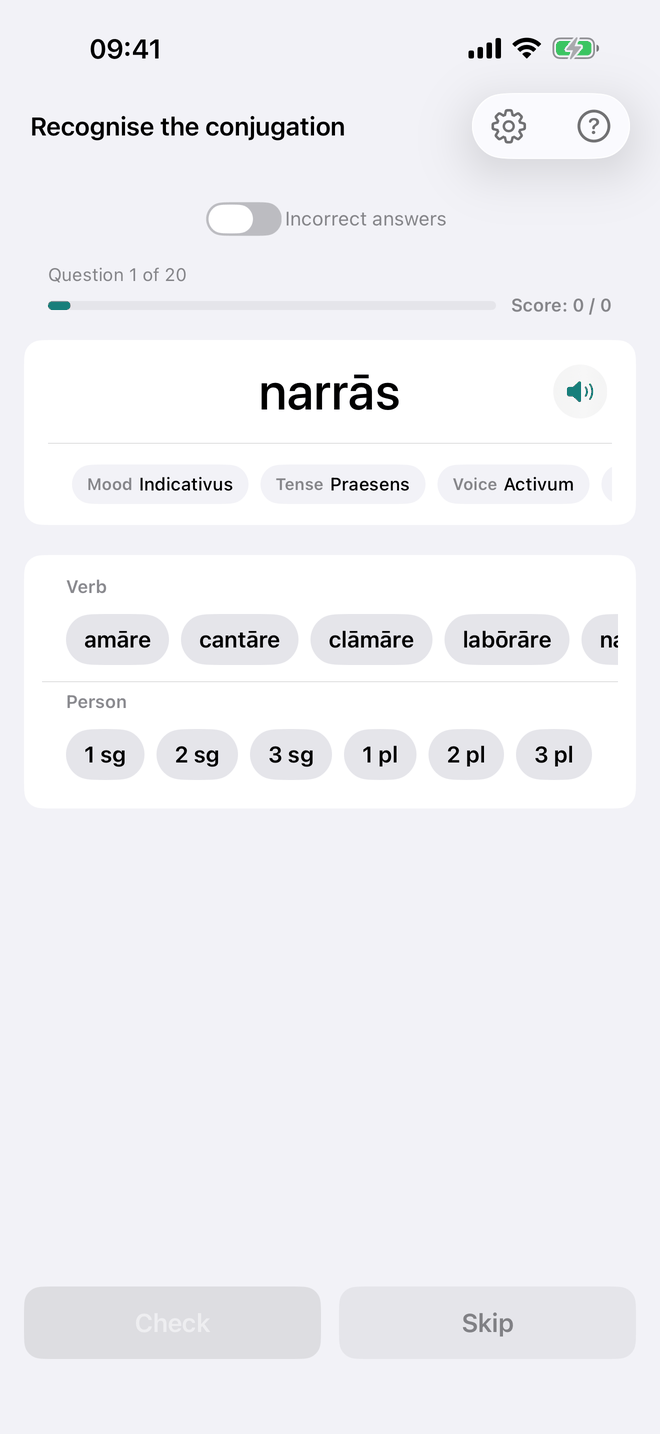
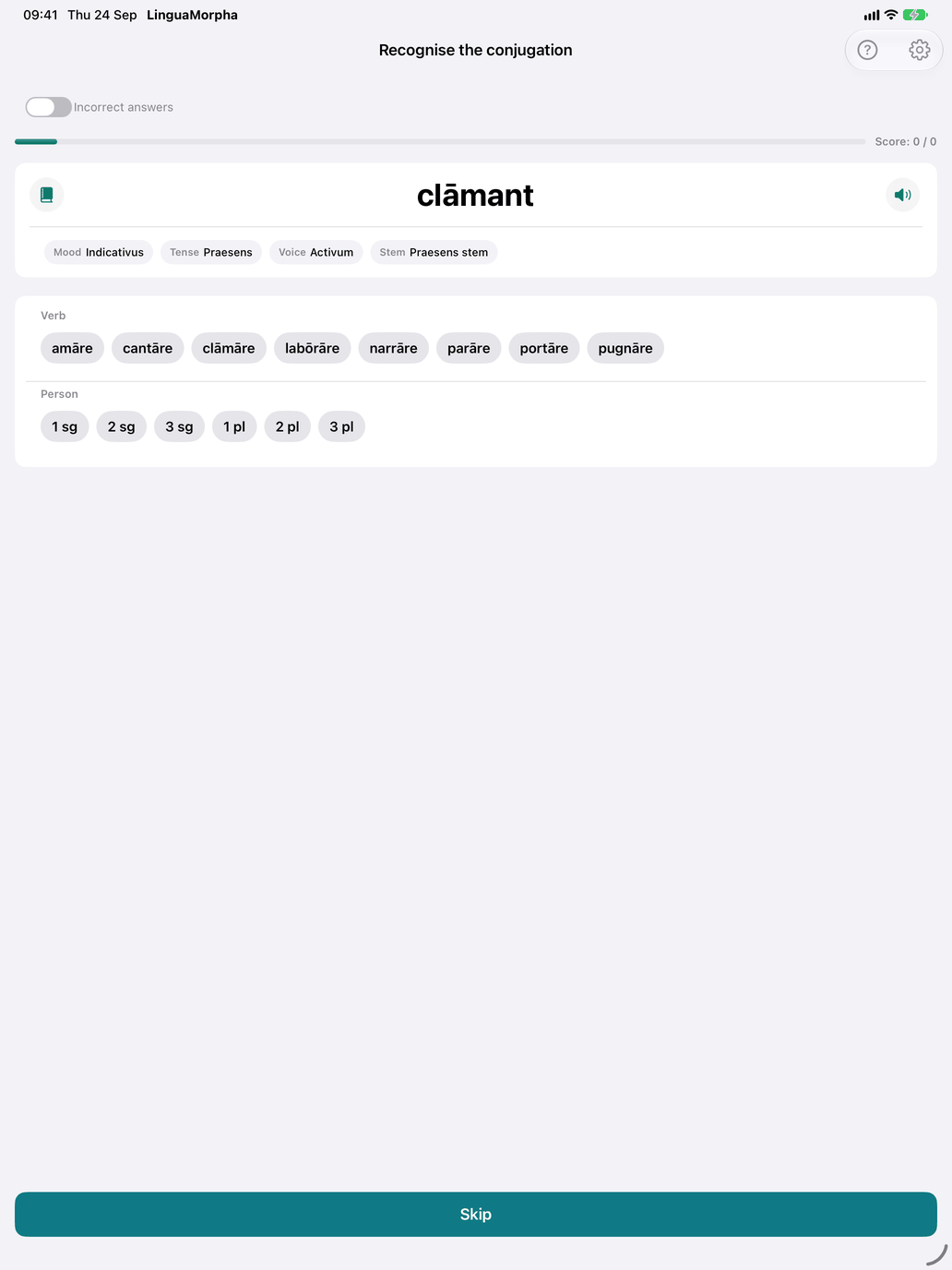
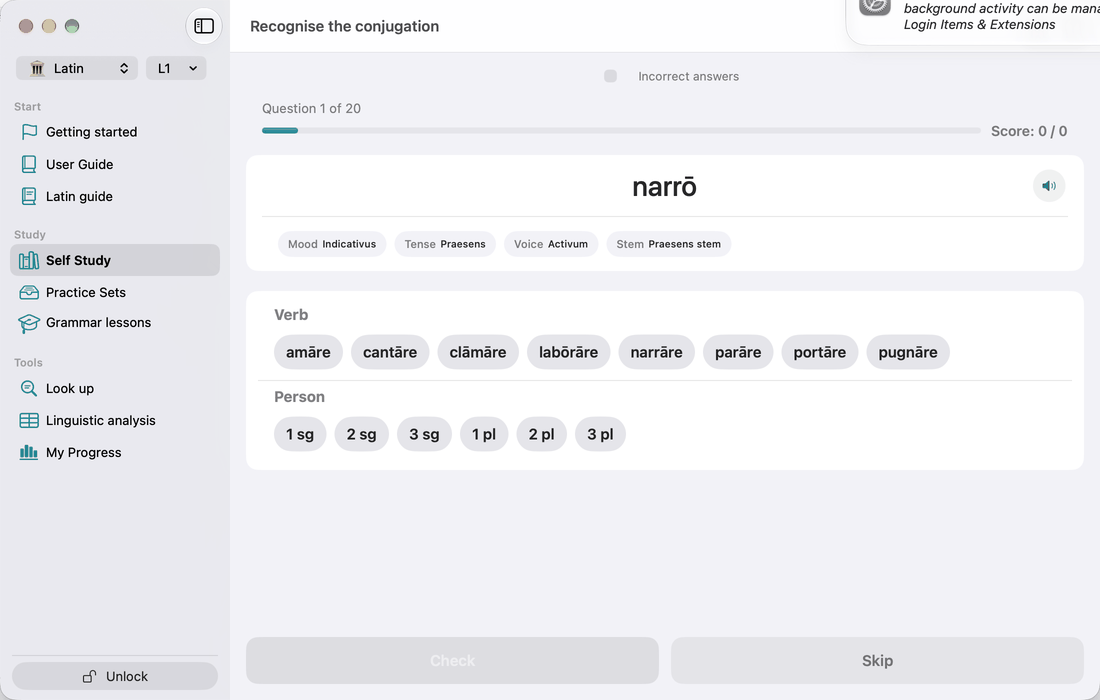
This is the recognition drill. You see a conjugated form and identify it. The gear button opens Recognition settings:
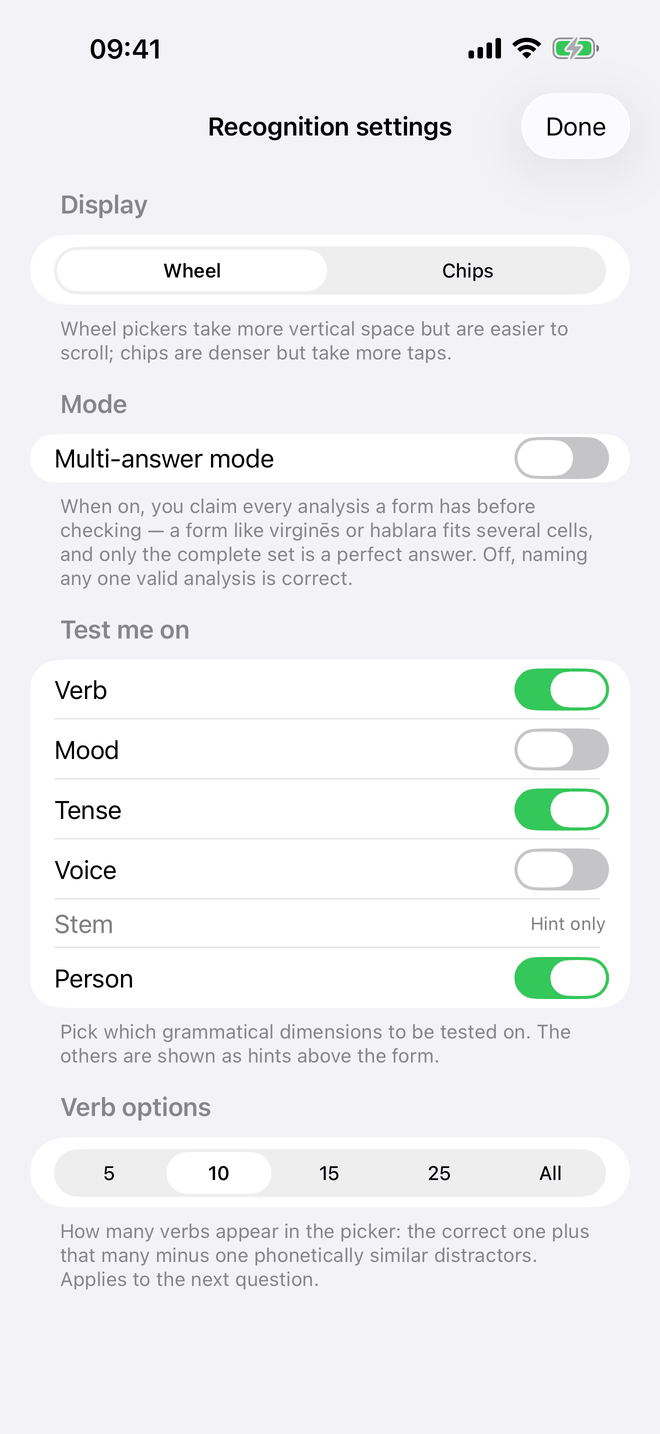
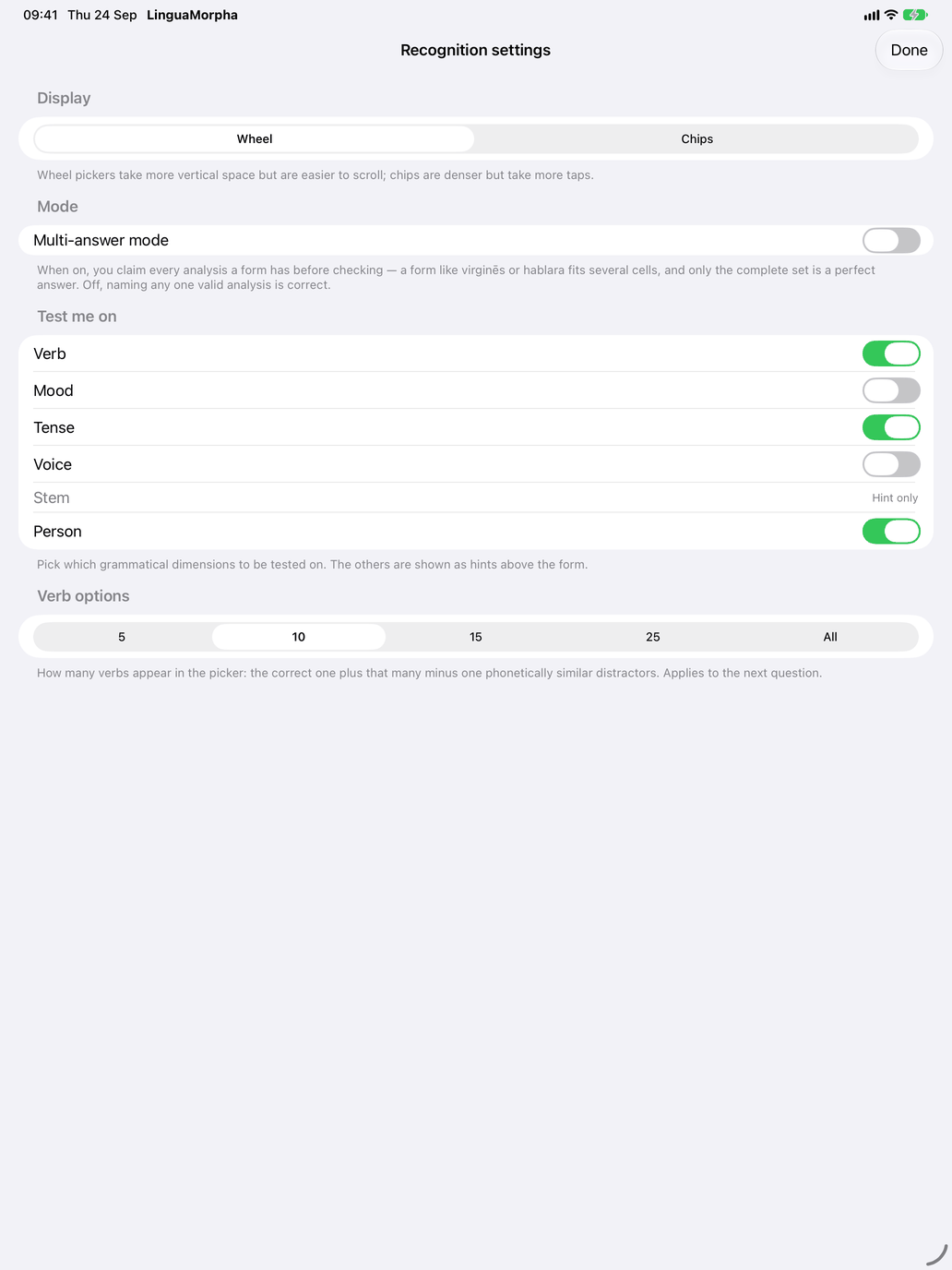
- Picker style: Chips (the default) or Wheel.
- Multi-answer mode: Latin forms are often ambiguous. With this mode off, any one correct analysis counts. With it on, you add each analysis with Add this analysis before checking, and only the complete set counts as a perfect answer.
- Test me on: choose which of Verb, Mood, Tense, Voice and Person you are asked. The rest appear as hints above the form. Stem is always a hint. By default you are asked verb, tense and person.
- Verb options: how many verbs the verb picker offers: 5, 10, 15 (the default), 25 or All. The extra choices are verbs that look like the right one.
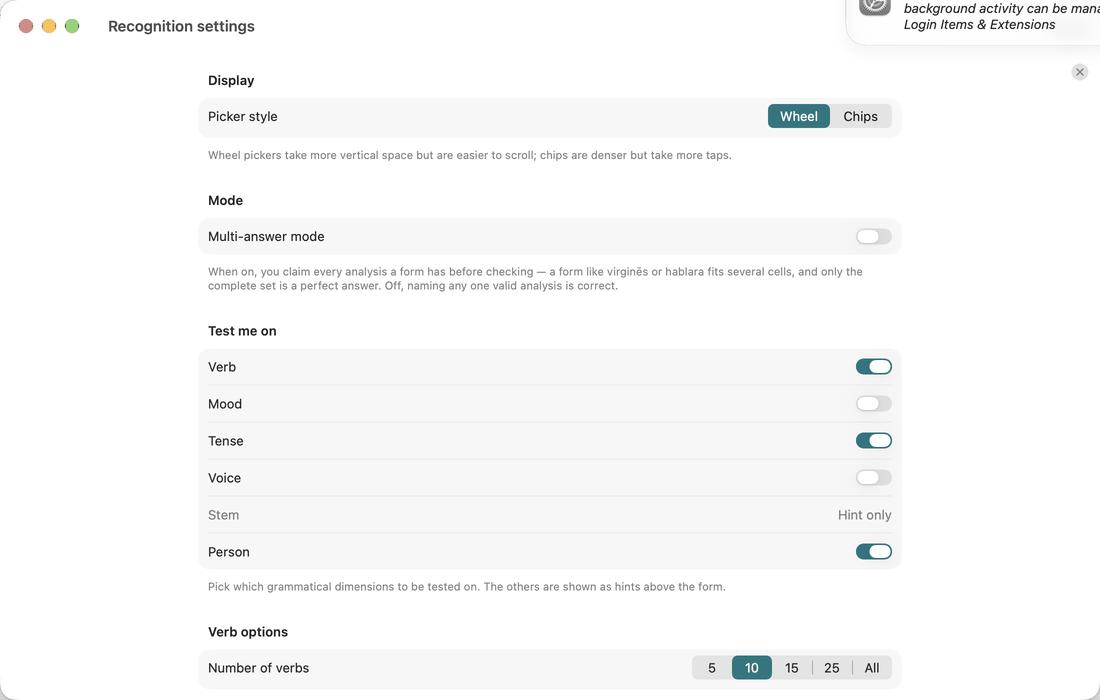
After you check, the feedback lists all the valid analyses of the form.
Practice: Principal parts
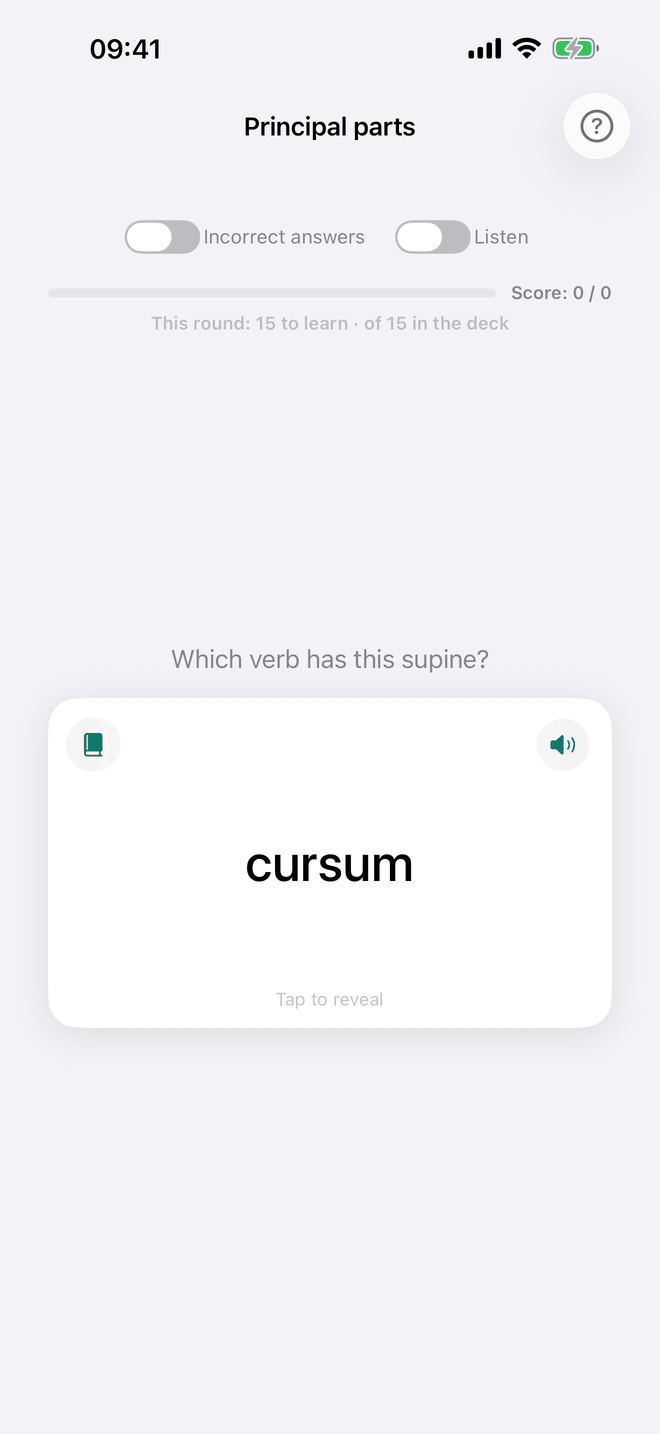
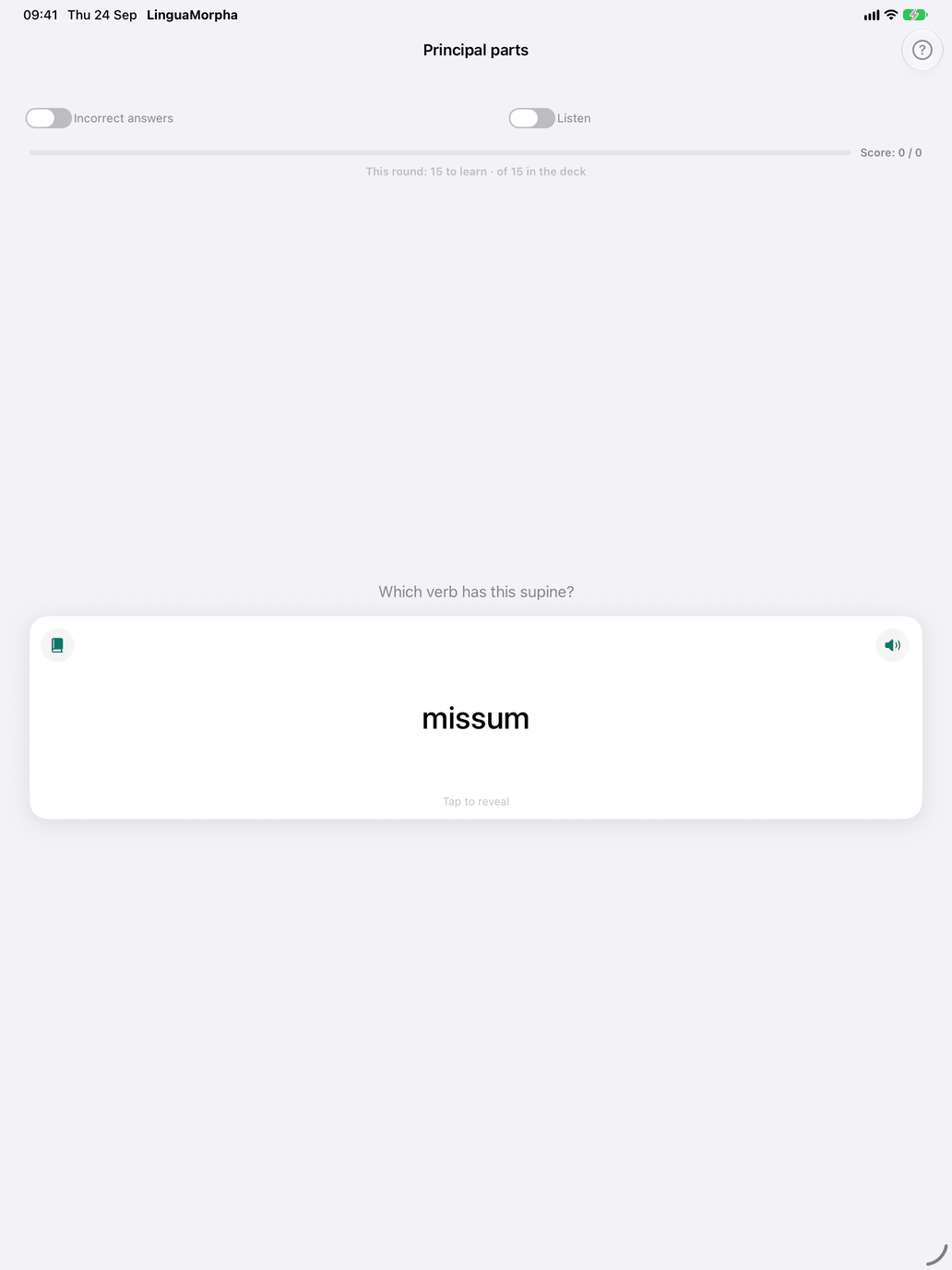
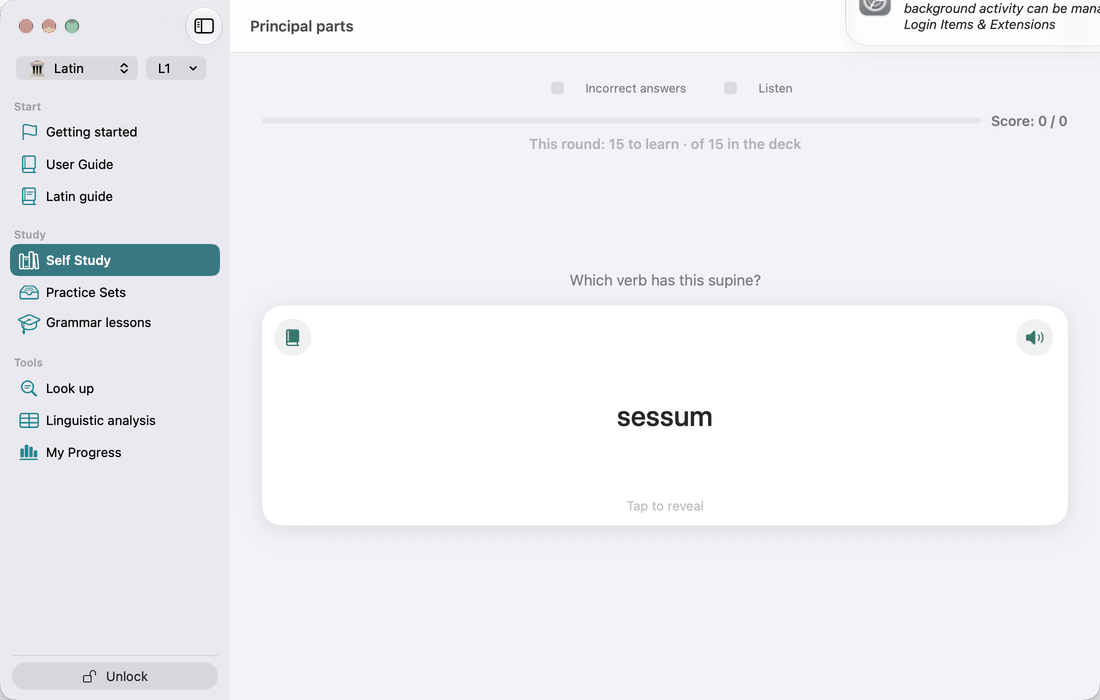
Flashcards for the principal parts. The front shows a perfect or a supine (tulī, āctum, cēpī), and you name the verb it belongs to. Turn the card for the full citation and the meaning, and mark whether you knew it.
The deck takes the verbs in your Select verb groups selection, but only those whose conjugation does not predict the perfect and the supine. amāre → amāvī, amātum follows the rule and is not asked; agere → ēgī, āctum and ferre → tulī, lātum are. That leaves most of the 3rd conjugation and the 3rd -iō, the irregular verbs, and the 1st, 2nd and 4th conjugation verbs that depart from their class. The line above the card shows how many verbs this round asks and how many the deck holds.
Irregularity by tense
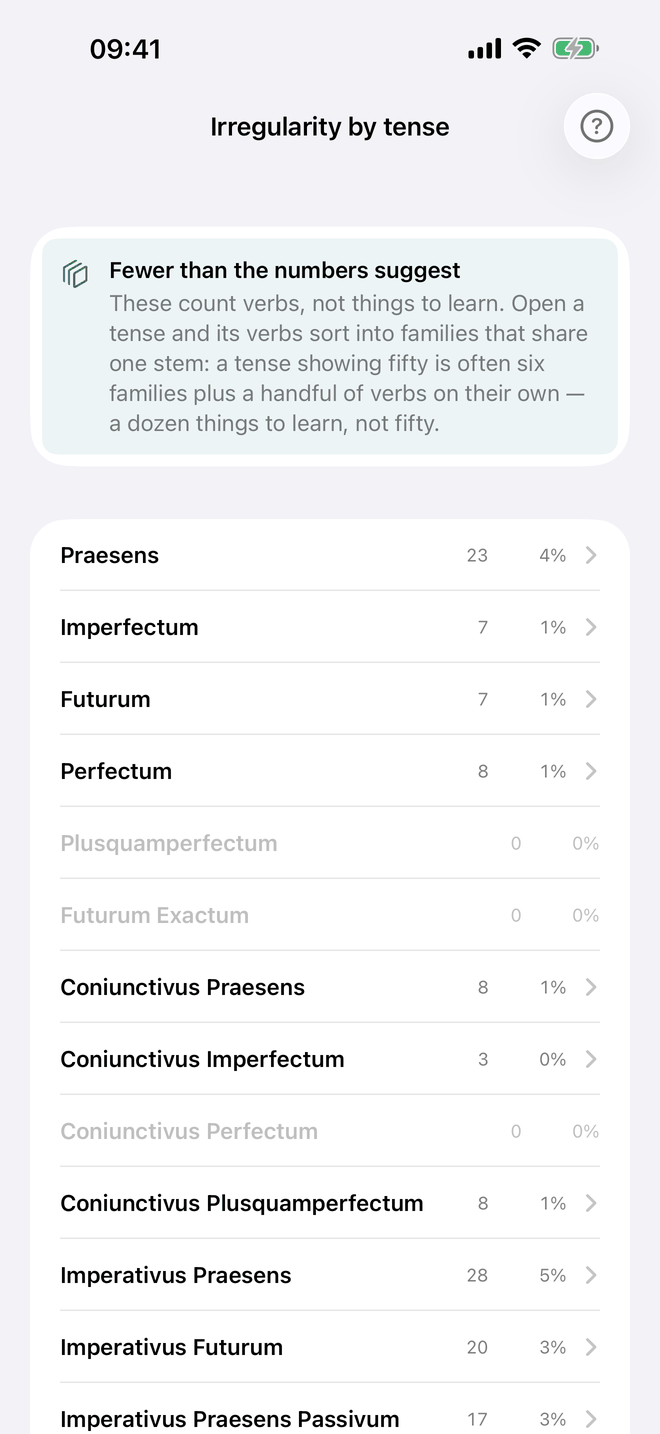
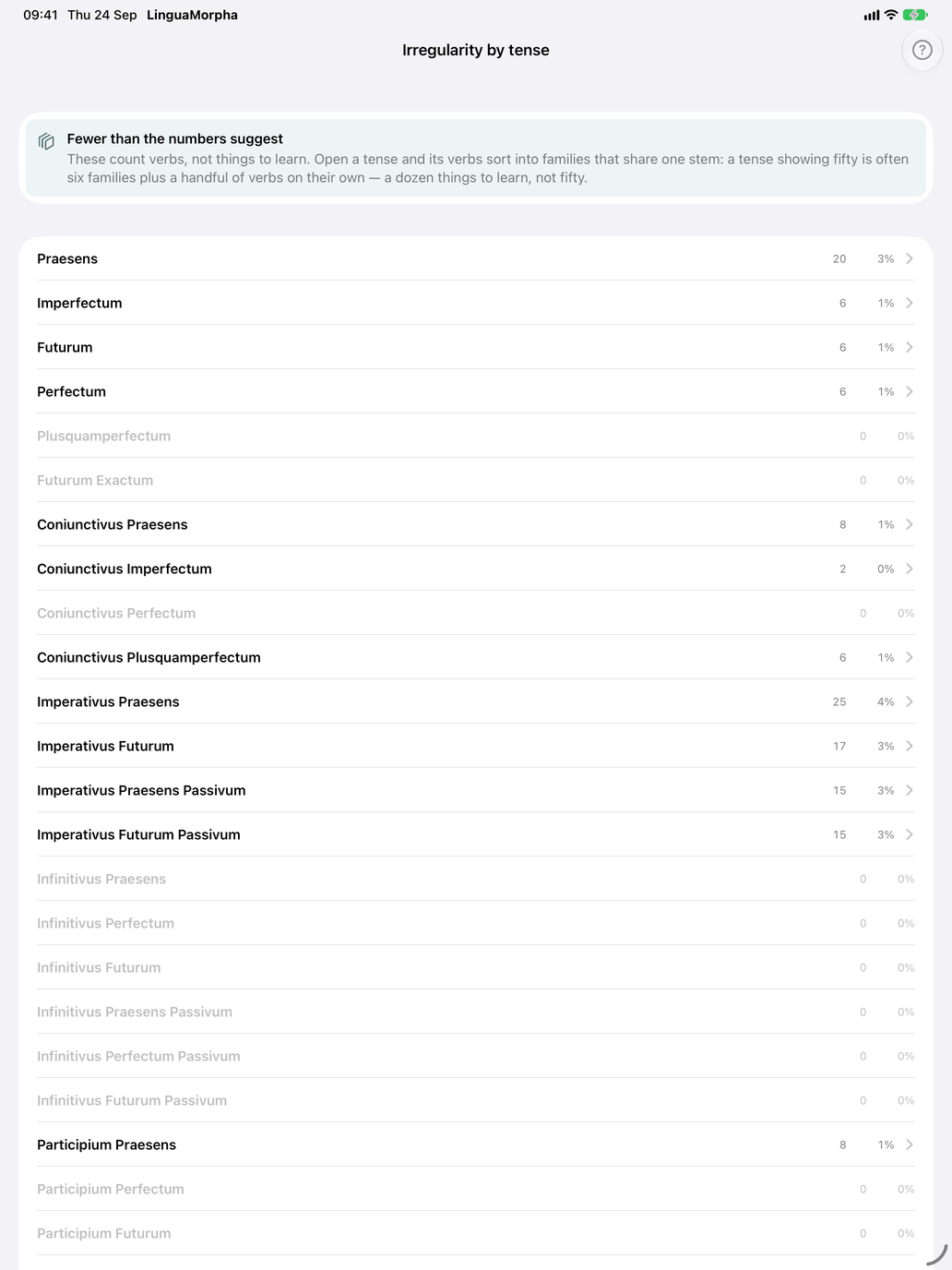
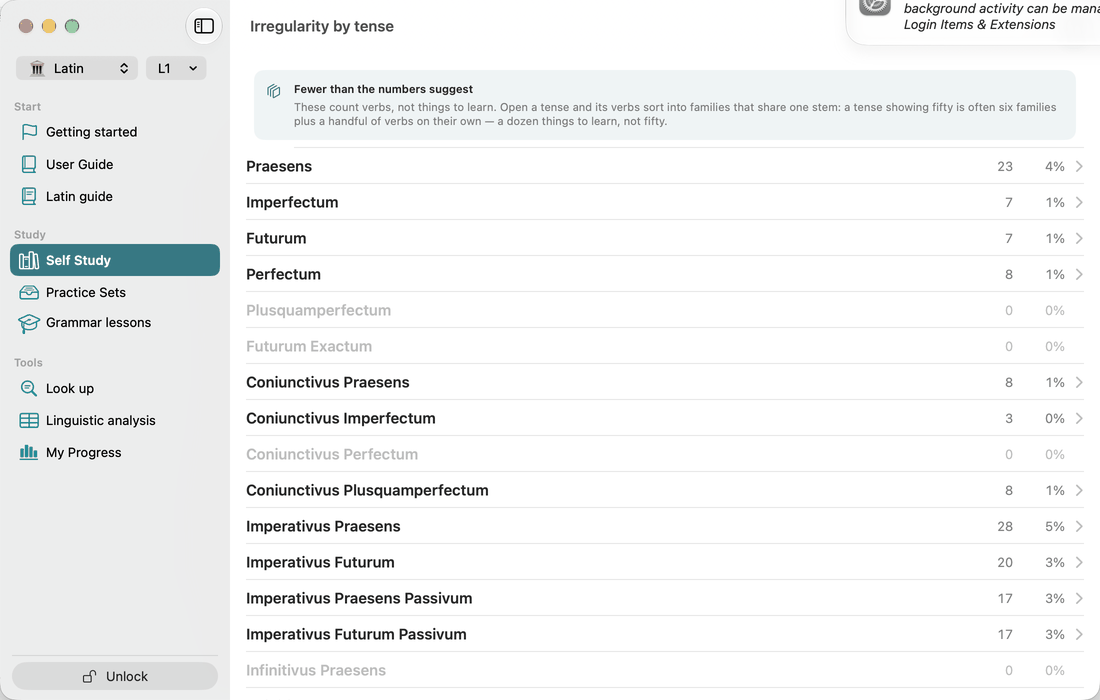
Irregularity by tense is not a row of the Verbs hub: open it from Linguistic analysis → Irregularity by tense. It has one row per tense, with how many things there are to learn there (a family of verbs that share one stem counts once, and so does a verb on its own) and the share of its verbs that are not fully predictable. Opening a row lists them, and tapping a verb opens its page at that tense, with the explanation of why it departs open under the table. Practise then starts Produce the conjugation over exactly those verbs in that tense. Where other drills are about the tense, it is a menu that offers them too: Principal parts and Perfectum or imperfectum for the perfectum, Perfectum or imperfectum for the imperfectum, Indicativus or coniunctivus for the subjunctivus praesens. A tense with fewer than three offers no Practise button.
The filter. The filter button in the toolbar is on when the list opens: it shows the irregular verbs only. Switch it off (Show all verbs) and the list shows every verb in your level, from A to Z, each opening at that tense. Only the irregular verbs show the explanation of why they depart. Practise and the drills still work on the irregular verbs only.
The order menu sorts the irregular verbs:
- By pattern: the verbs grouped by the pattern they follow. The list opens this way.
- By reason: the verbs grouped under The stem differs, The ending differs, and The stem and the ending differ for a verb that departs in both. Each row shows the stem the verb takes in that tense, and for a family, how many more verbs share it (+ and a number). At the top, the box Fewer than the numbers suggest counts what there is to learn: a family of verbs that share one stem counts once, and so does a verb on its own.
- Alphabetical: the verbs from A to Z.
With the filter off, the order menu is not shown. Cycle through randomly shows one verb's conjugation at a time and walks every verb on the list, as the list is shown.
Practice: Perfectum or imperfectum
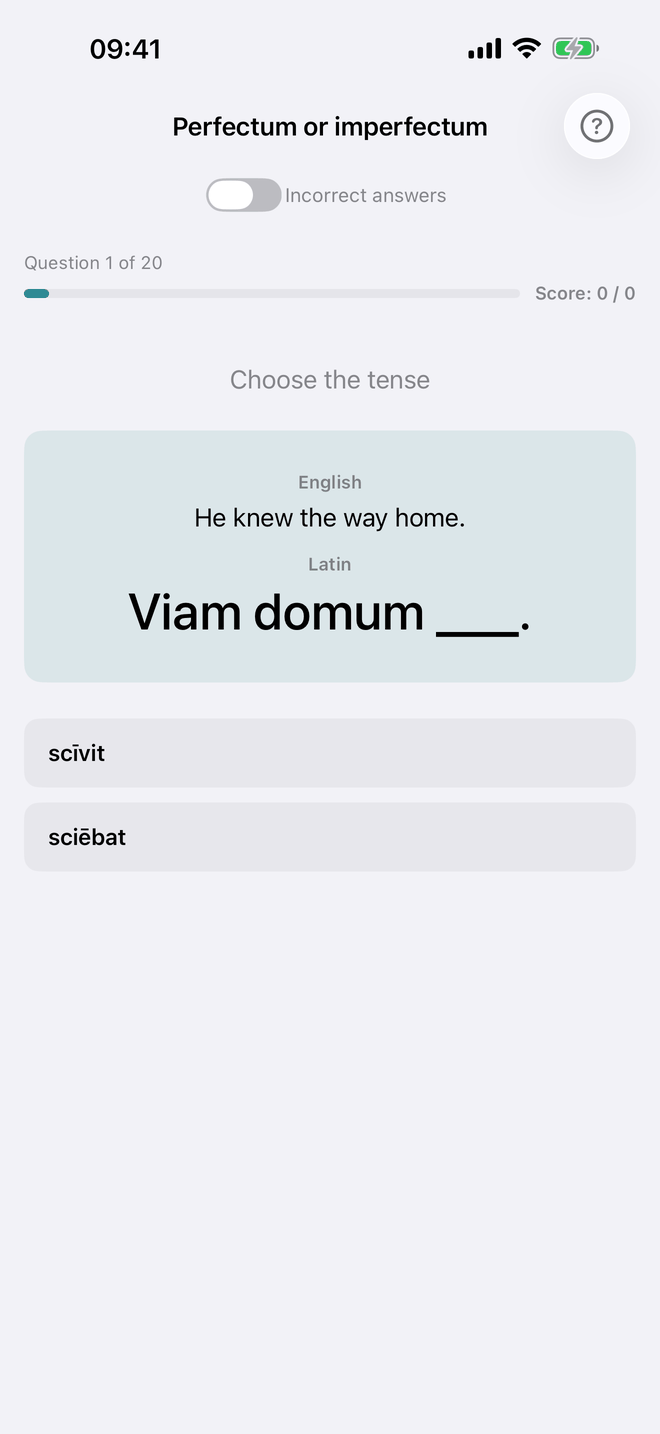
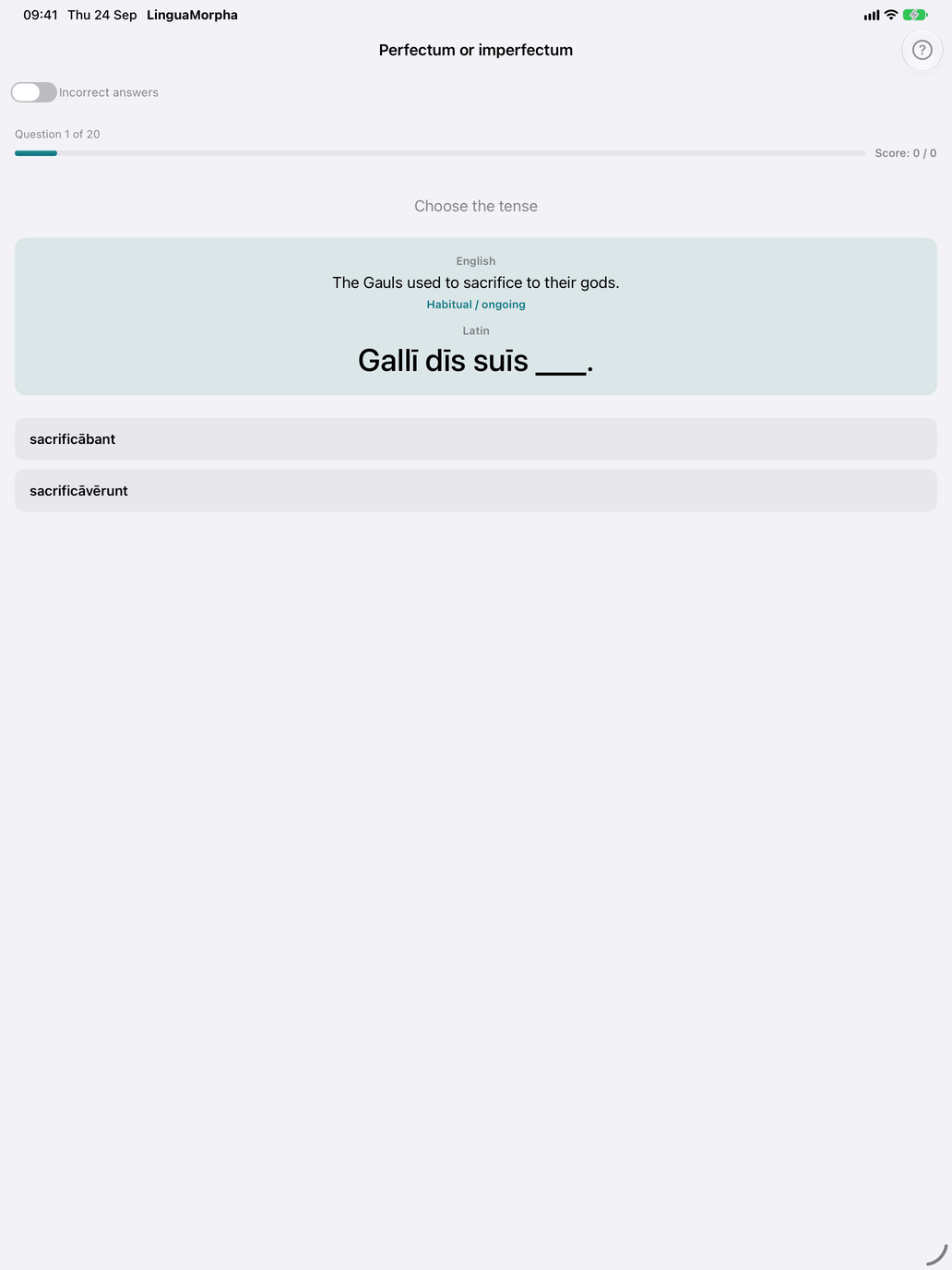
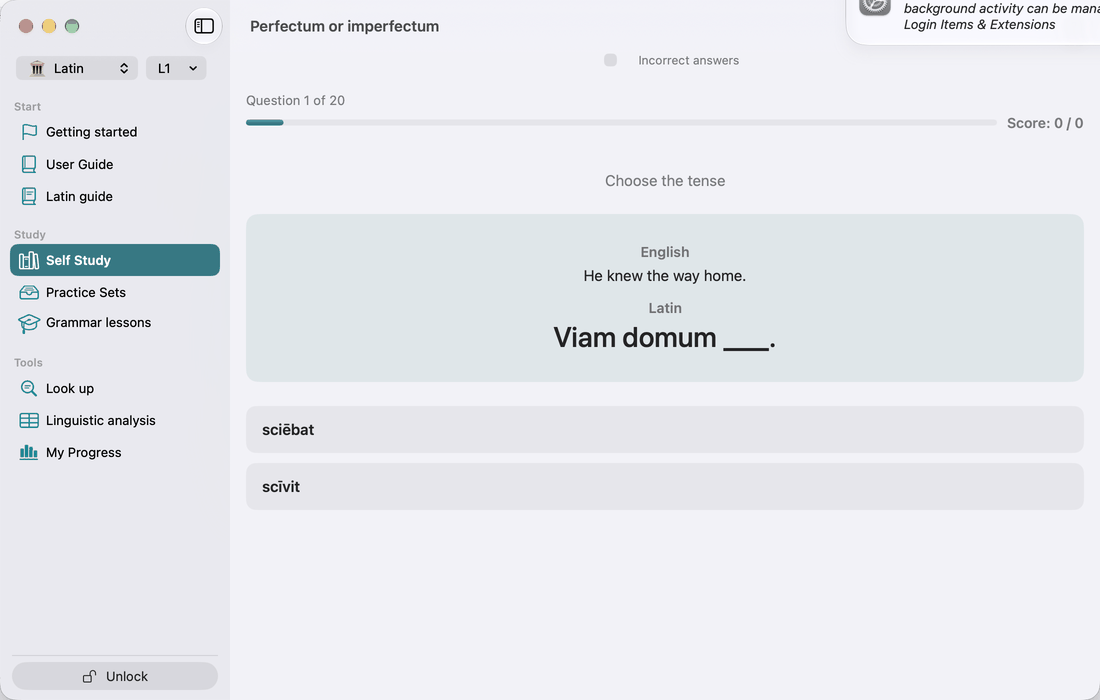
This is a choice drill. You see an English sentence and a Latin sentence with a gap, and you choose between the perfect and the imperfect form of the verb. The bank has 36 sentences of three kinds:
- sentences with a time marker (herī)
- stories where one action is the background and another interrupts it
- verbs whose meaning changes with the tense (tacēbat, "he was silent", against tacuit, "he fell silent")
After each answer, an explanation shows why that tense is right.
Practice: Indicativus or coniunctivus
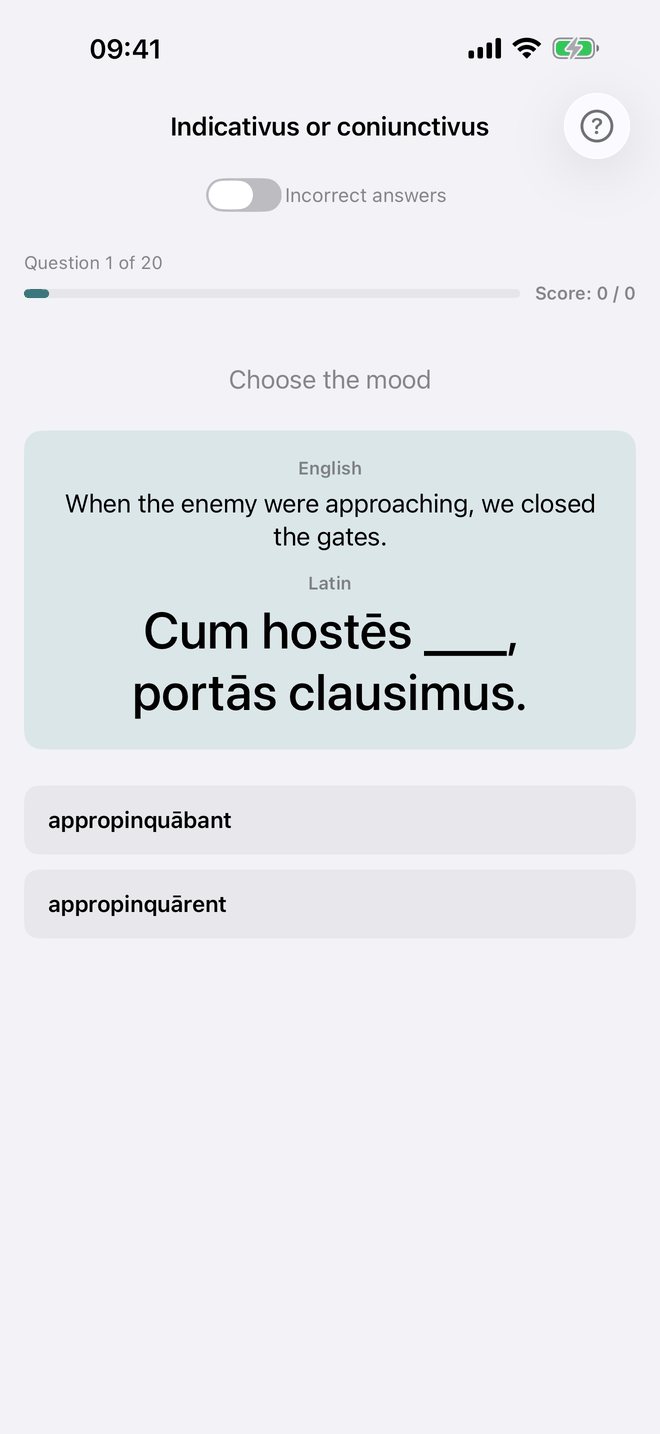
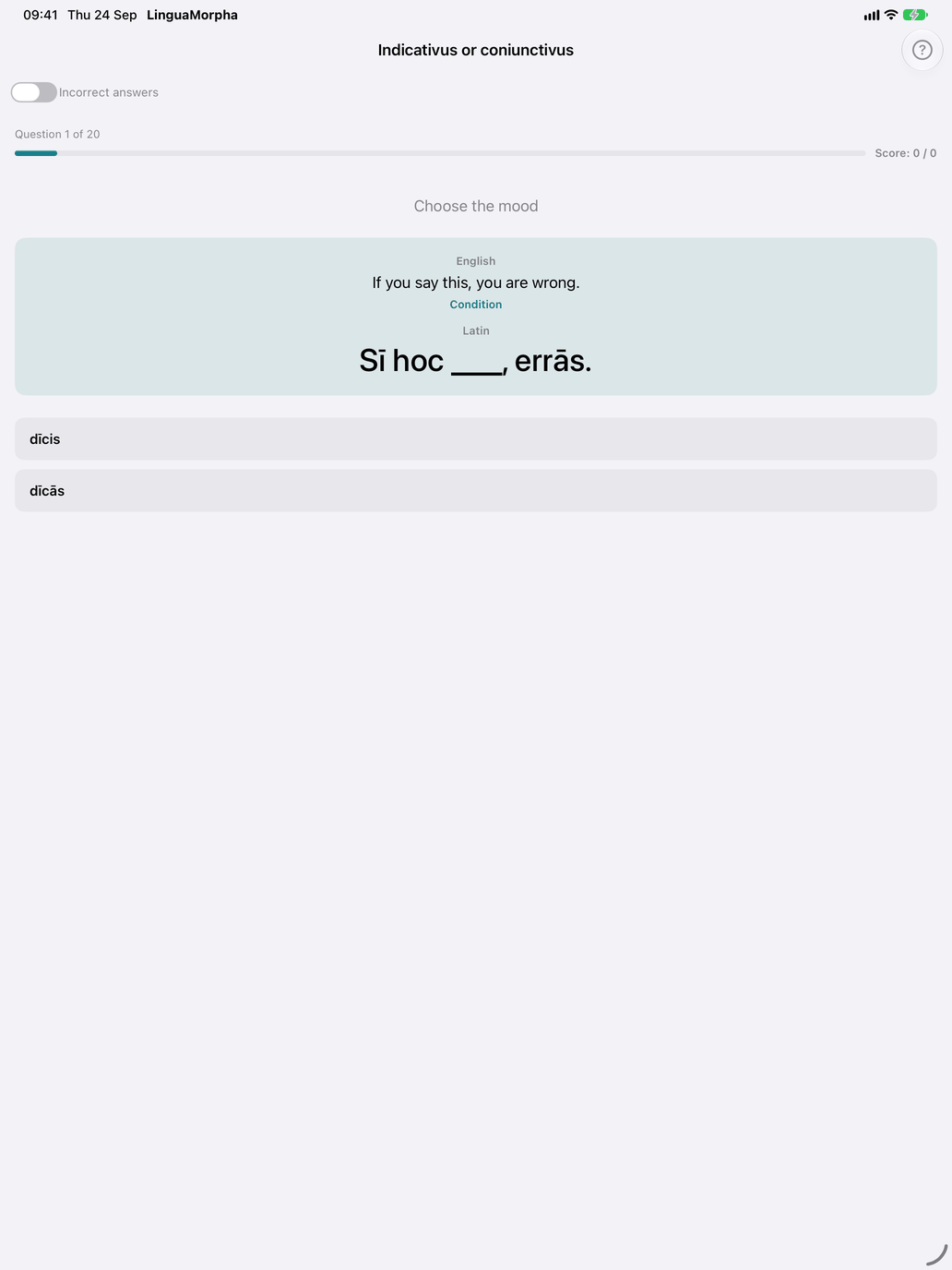
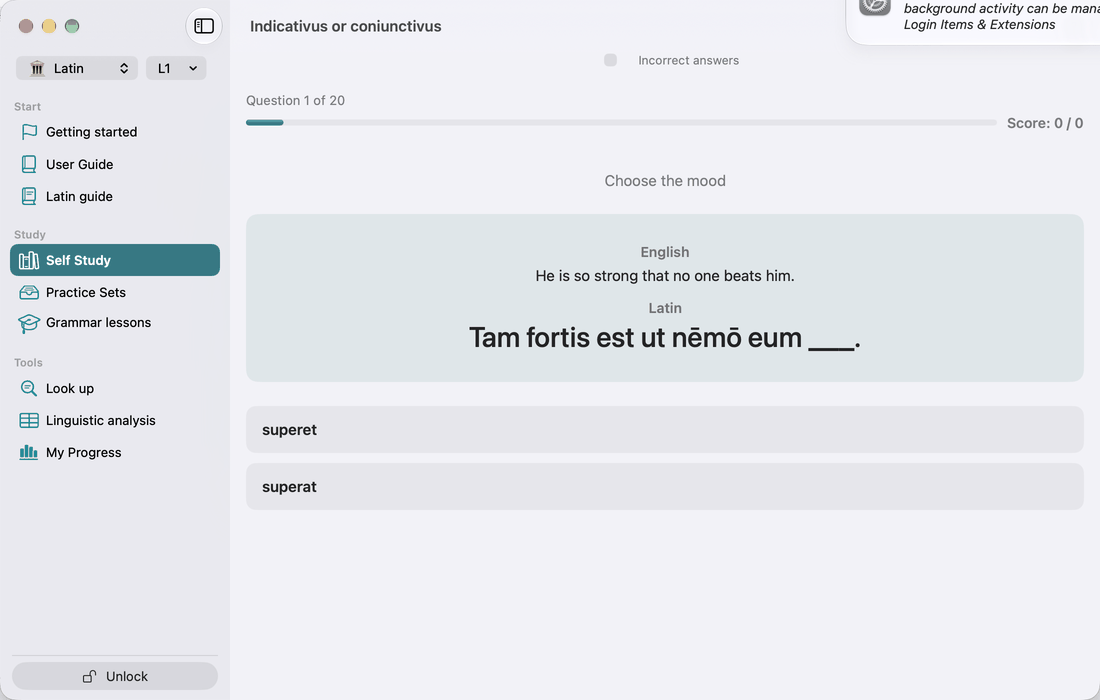
This drill works the same way, but you choose the mood. It has 33 sentences. Most test clauses where the clause type decides the mood: purpose, result, indirect question, cum-clauses, relative clauses of characteristic, and unreal conditions. Others use the indicative correctly, so that you learn not to use the subjunctive everywhere.
The two choice drills and the other multiple-choice drills have fixed-length sessions. Set the length with Questions per session in Settings → Study. The Incorrect answers switch on the drill screen limits a session to the items you got wrong before.
Recommended workflow
For learners new to Latin verbs:
- Select the 1st conjugation only, and switch on only the present indicative active (Praesens).
- Run Produce the conjugation in Type mode until the present comes without thinking.
- Add the Imperfectum and Futurum, still active and still 1st conjugation.
- Add the 2nd and 3rd conjugations. The stem vowel is what tells them apart.
- Add the perfect system (Perfectum, Plusquamperfectum, Futurum Exactum). Use each verb's Regularity tab and Reference sheet to learn its principal parts, and drill them with Principal parts.
- Add the passive once the active forms are solid. Most students slow down at the periphrastic perfect passive (amātus sum).
- Add the subjunctive last. Its forms are regular, but when to use it is a subject of its own. Indicativus or coniunctivus drills exactly that.
If you follow a textbook (Wheelock, Lingua Latina per se Illustrata), use Select tenses to switch on each tense as the book introduces it. The catalogue is not tagged by textbook chapter, so there is no chapter filter.