Choosing what is in play
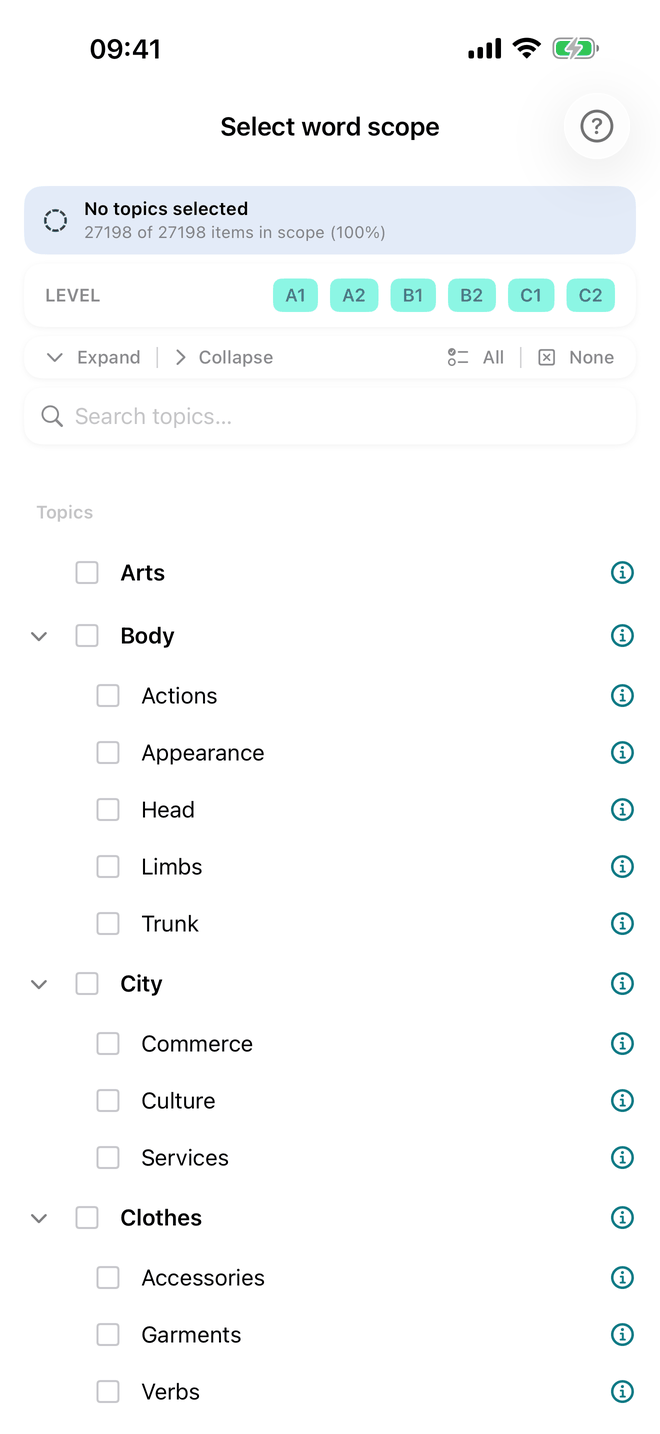
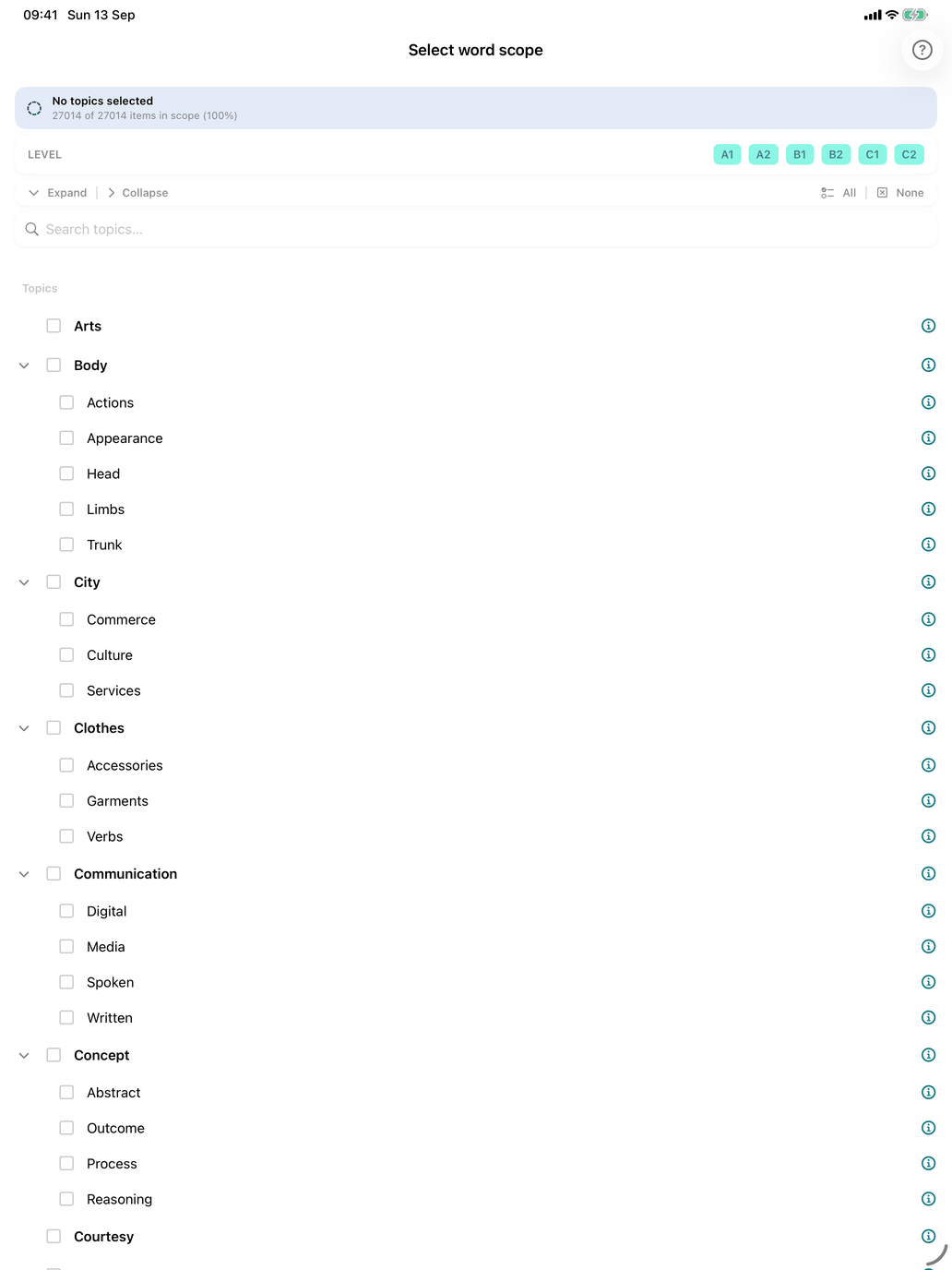
One screen decides which words Self Study draws on, for every word type at once: Select word scope. Open it from Self Study → Select word scope, the row under the Self Study card. Its second line says which state you are in: All topics, or Filtered by topic. The selection pickers that show an in-scope count have a Select word scope row that leads here too.
This is the screen people most often look for in the wrong place. The individual pickers do something narrower: Select verb groups picks conjugation patterns, Select noun groups picks noun groups, Select word groups ticks grammatical categories. Anything that narrows which words exist, for every word type at once, lives here.
The banner
At the top a banner shows the current state and how much of the catalogue gets through, for example 812 of 2540 items in scope (32%):
- Filter active — topics are narrowing the catalogue.
- No topics selected or All topics selected — no filter — nothing is being filtered.
Level
Not on this screen. Your level is chosen in Scheme and level, from the chip with the flag, and decides which words exist at all; this screen narrows within it. See Levels.
Topics
A tree of 29 topic tags, listed alphabetically. Tap a tag to include or exclude it. Tags with subgroups expand, so you can take Food → Drinks without the rest of the kitchen; a partly-ticked tag shows a dash. Expand and Collapse open or close every tag at once, and Search topics… jumps to the first tag or subgroup whose name contains what you type.
Before committing to a tag, tap its ⓘ (on the Mac it opens in a window of its own). It explains what the topic covers and lists how many verbs, nouns, adjectives, phrases and so on it holds; tap a word class to see the words themselves. A tag's name rarely tells you how big it is.
All ticks every topic; None clears them. Either way nothing is filtered — they are the quick way back to everything.
A word can be in more than one topic — enfermero is under both Professions and Treatment — and then counts in each; its page lists them all. Topics this course has no words in are hidden: Show empty, beside Expand and Collapse, shows them dimmed, and Hide empty hides them again.
How the two combine
Level and topic are an intersection: a word has to pass both. Level A2 with Travel ticked gives you the travel words of that level — not everything at that level plus everything about travel. Within the topic tree, selections add up: three topics ticked means words from any of the three.
What it touches, and what it doesn't
It governs every Self Study word pool, in both the reference lists and the drills.
It does not govern Grammar lessons or Practice Sets, which bring their own fixed word lists. A practice set built around Food keeps working whatever your scope says.
It does not delete anything. Scope is a view, not an edit. Filtering a word out only hides it; your history for it is kept and counts again when the word returns.
Frequency
Frequency is not something you filter on here. Within your scope, words you have not seen yet are introduced lowest level first and, within a level, most frequent first.