Screenshots
A short tour of LinguaMorpha. Each language page has its own full set — Latin, Spanish, French.
The app itself
The screens that work the same whatever you are studying.
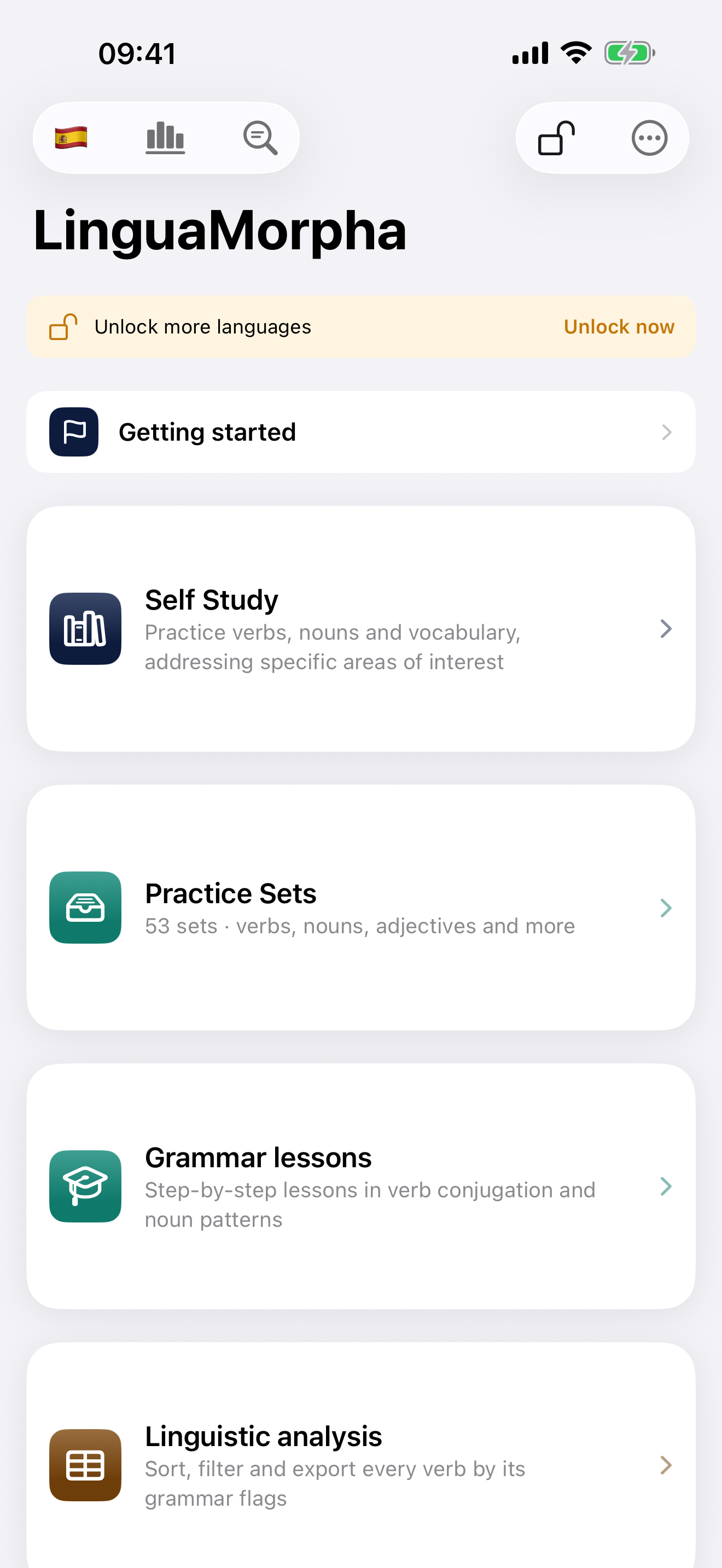 Main Screen
Your starting point — a card for each way to study, with My Progress in the toolbar and Look up as the round button at the bottom right.
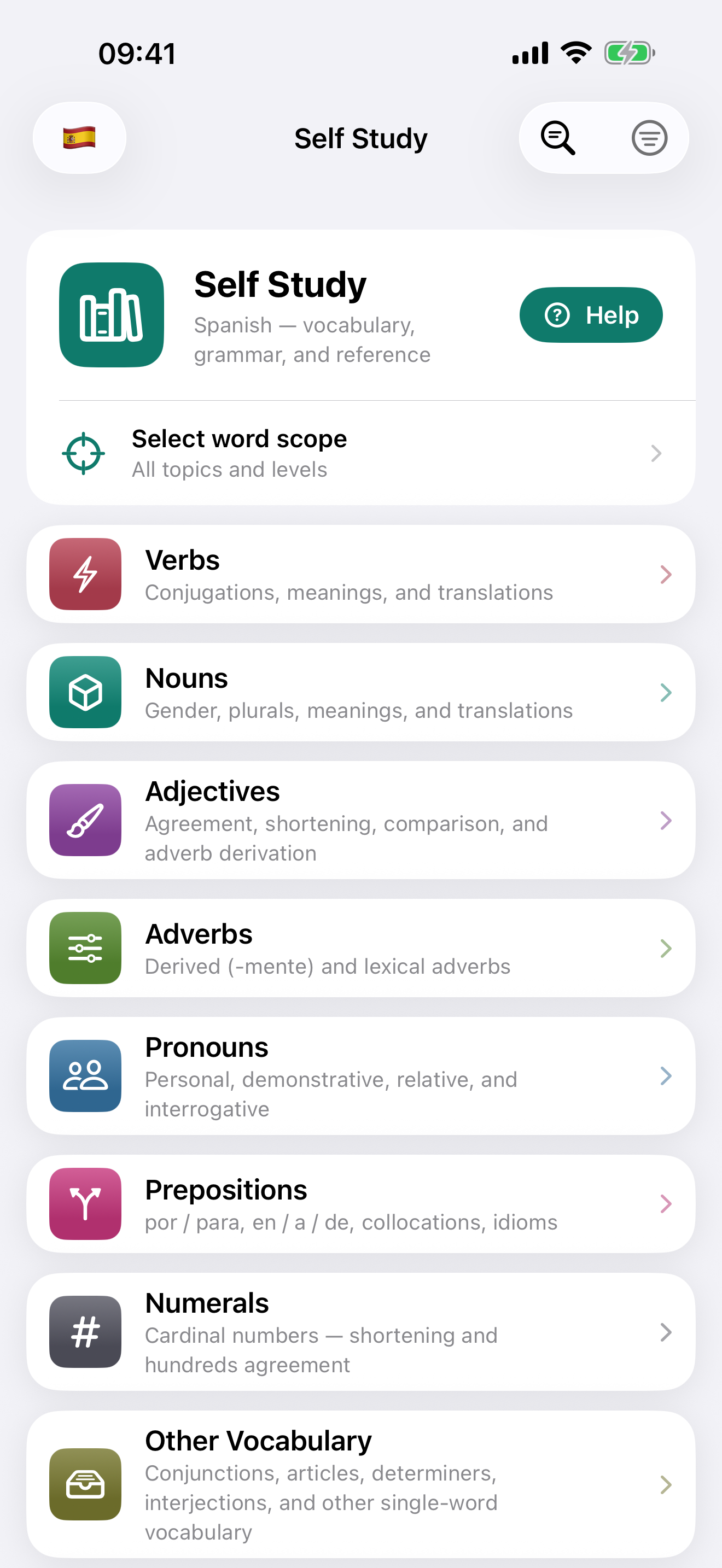 Self Study
You decide what to practise — hub by hub, and which drill to run.
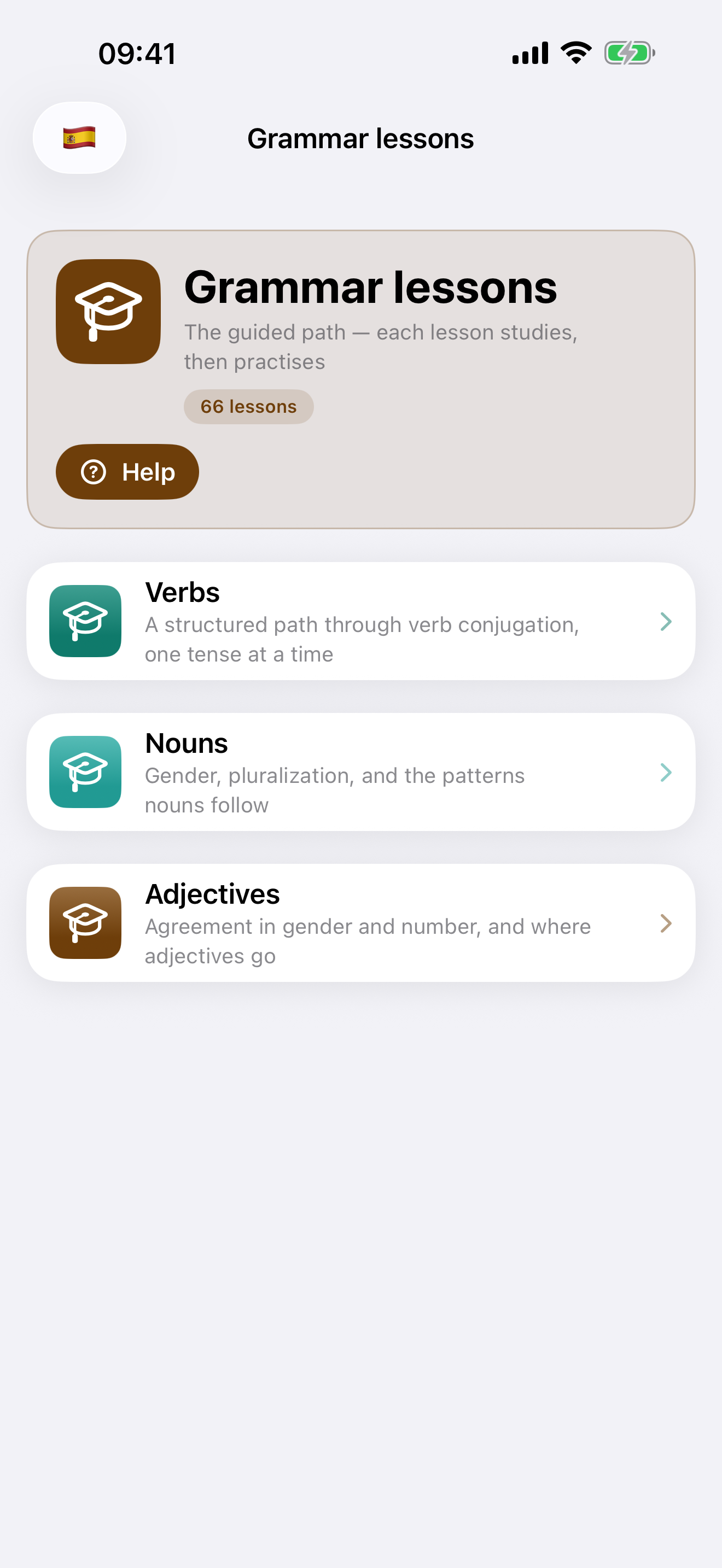 Grammar lessons
Lessons in a fixed order, so the app decides what comes next, with the lesson's words, when it has new ones, and a Practice phase in each lesson.
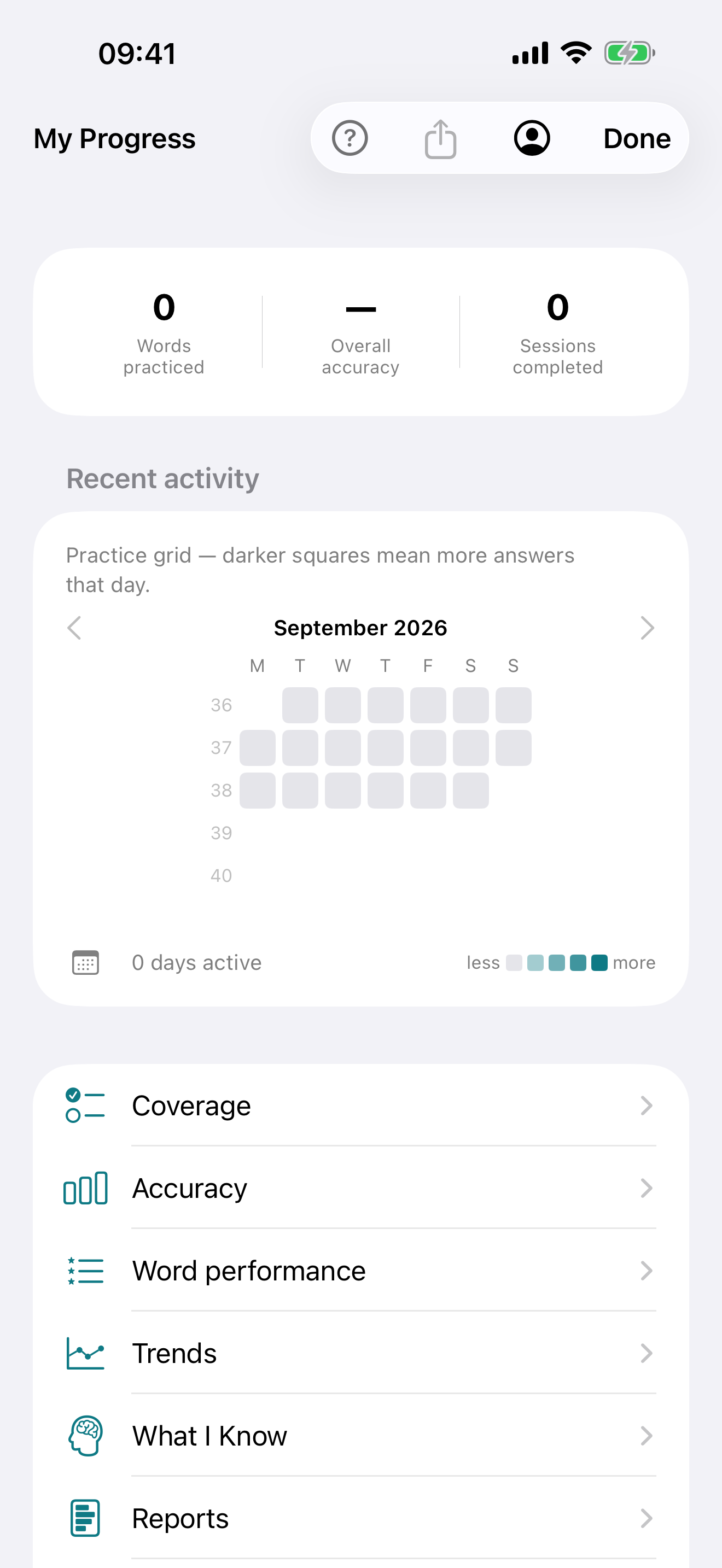 My Progress
A monthly practice grid, coverage per word class, accuracy by exercise and tense, and the words you find hardest.
Latin
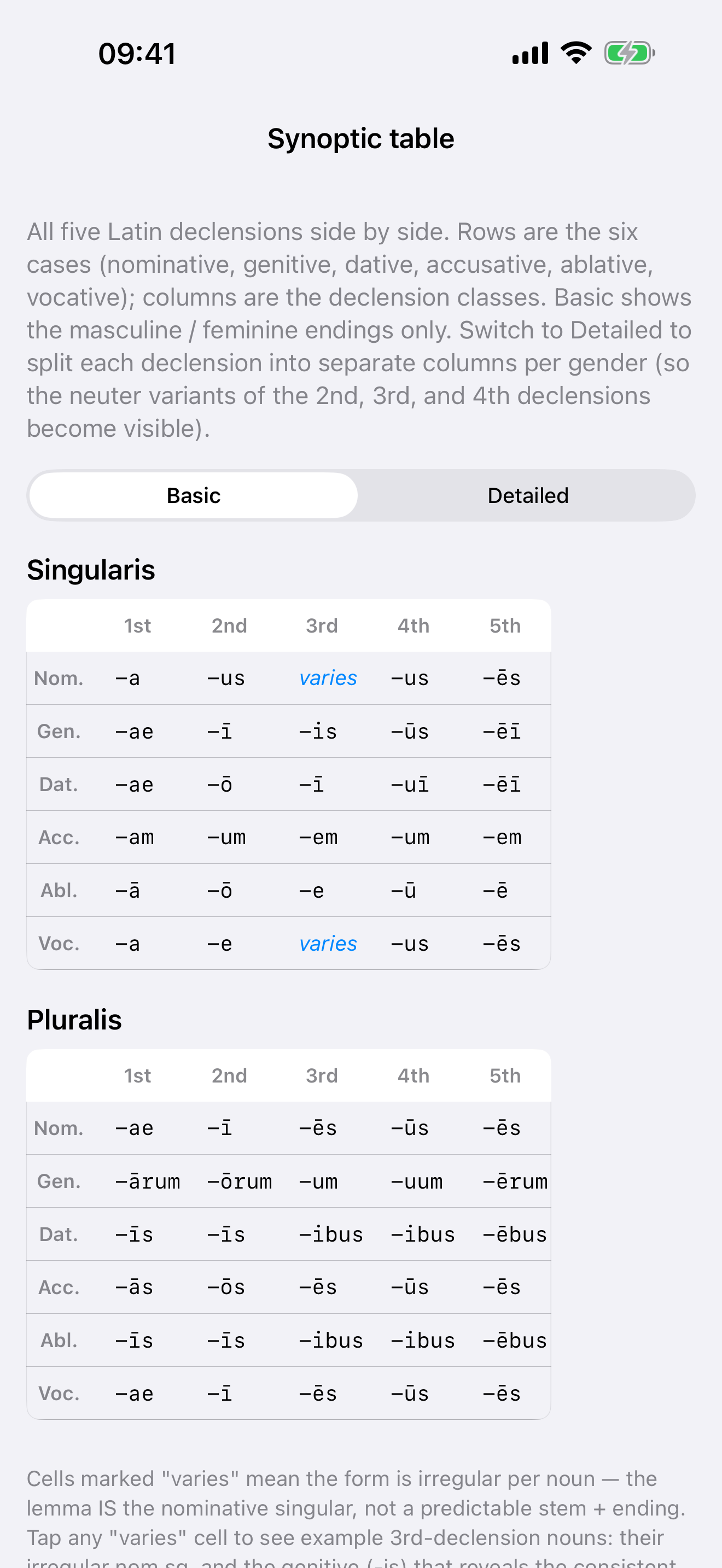 All five declensions, side by side
The endings of all five declensions in one grid, with a table for the singular and one for the plural. Switch to Detailed for separate neuter columns.
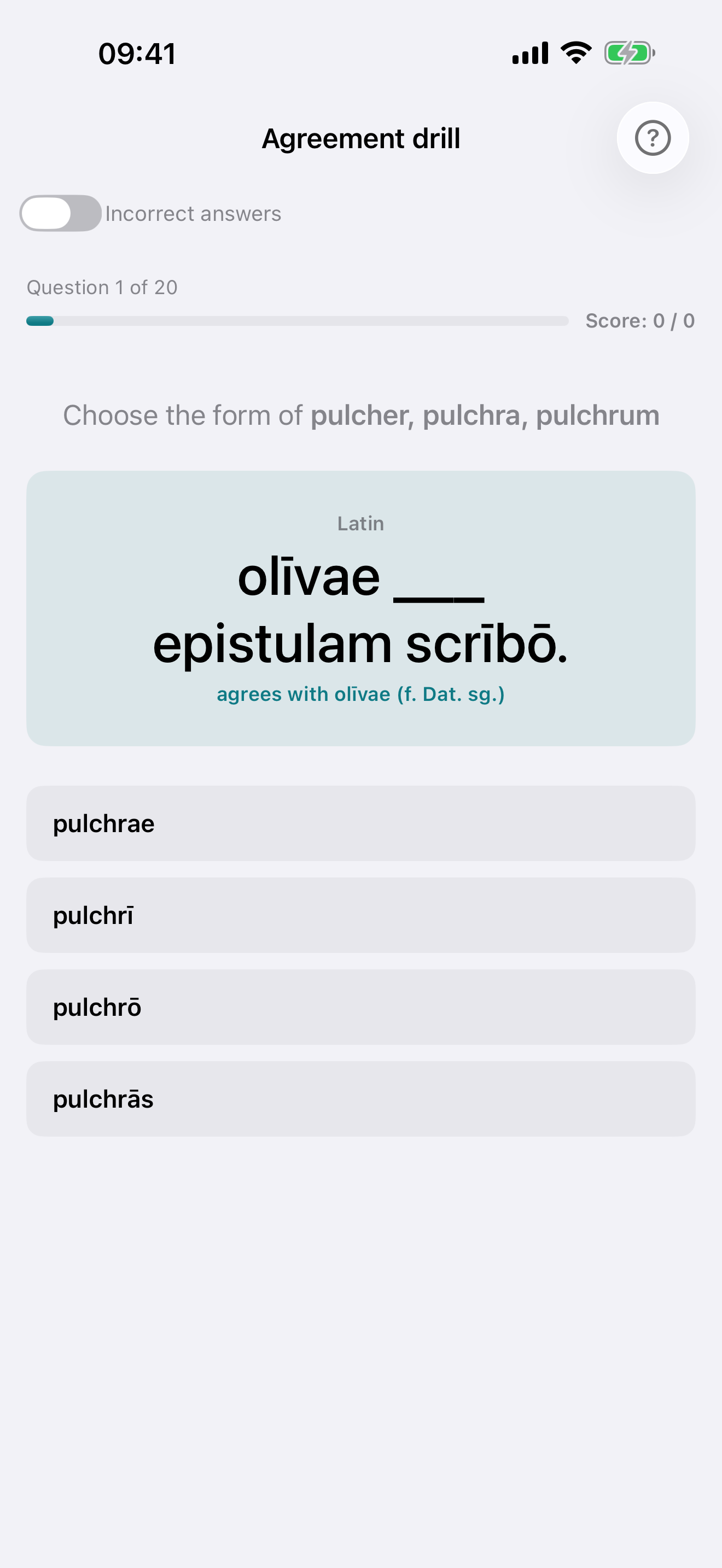 Agreement drill
The noun is inflected and the adjective is blank — pick the form that agrees in case, number and gender. A hint names the noun's gender, case and number.
Spanish
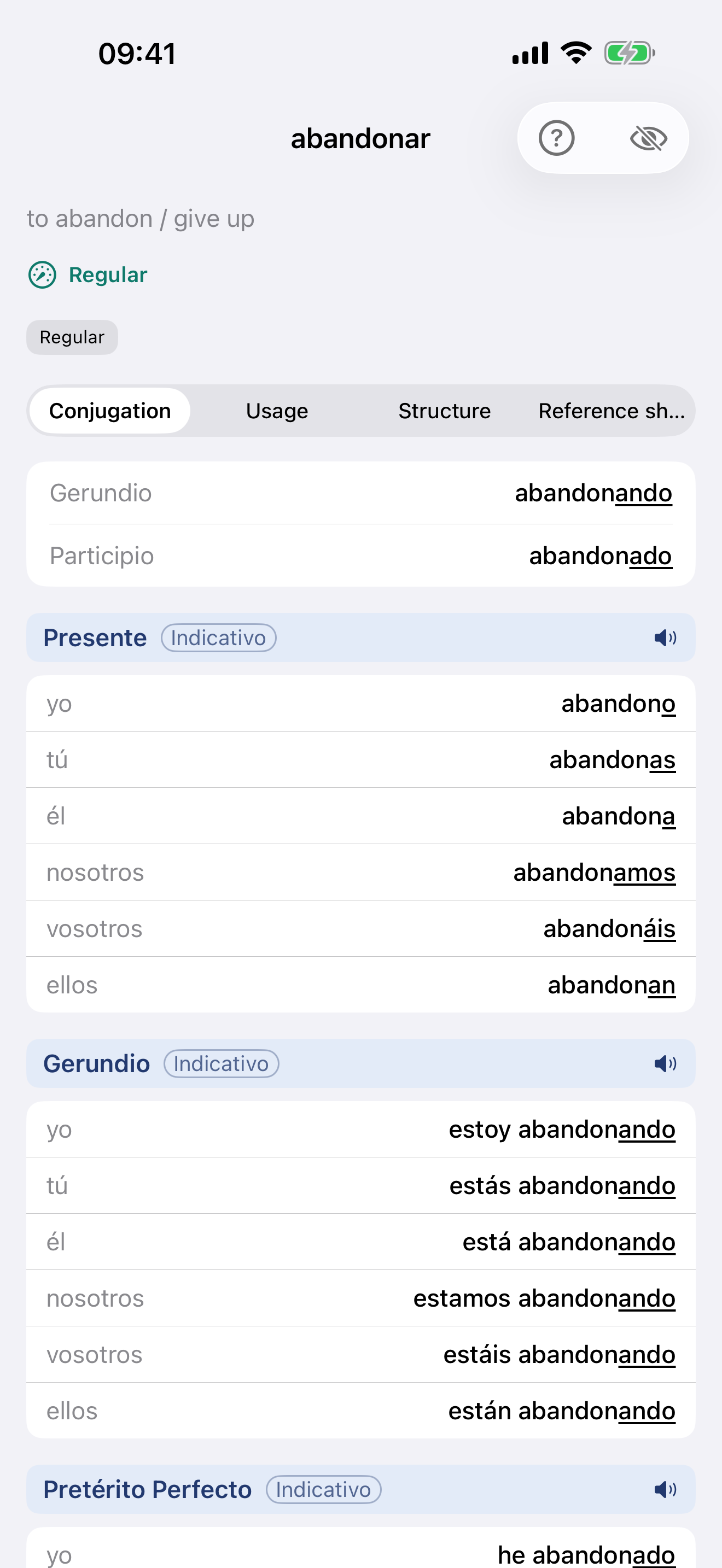 The verb, in full
Conjugation · Regularity · Reference sheet, with every form marked where it departs from its pattern.
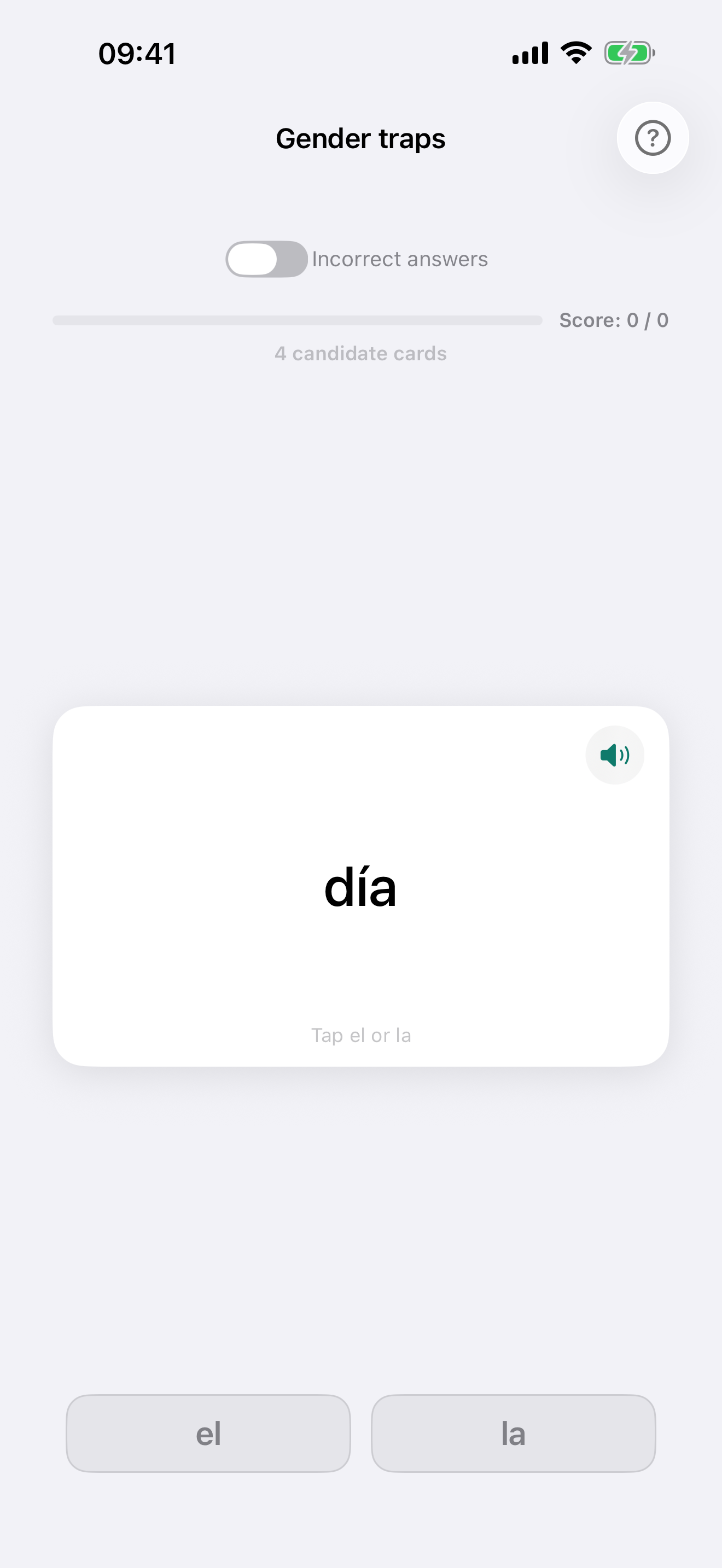 The traps
False friends, and the nouns whose ending suggests the wrong gender — in closed decks, each scored on its own.
French
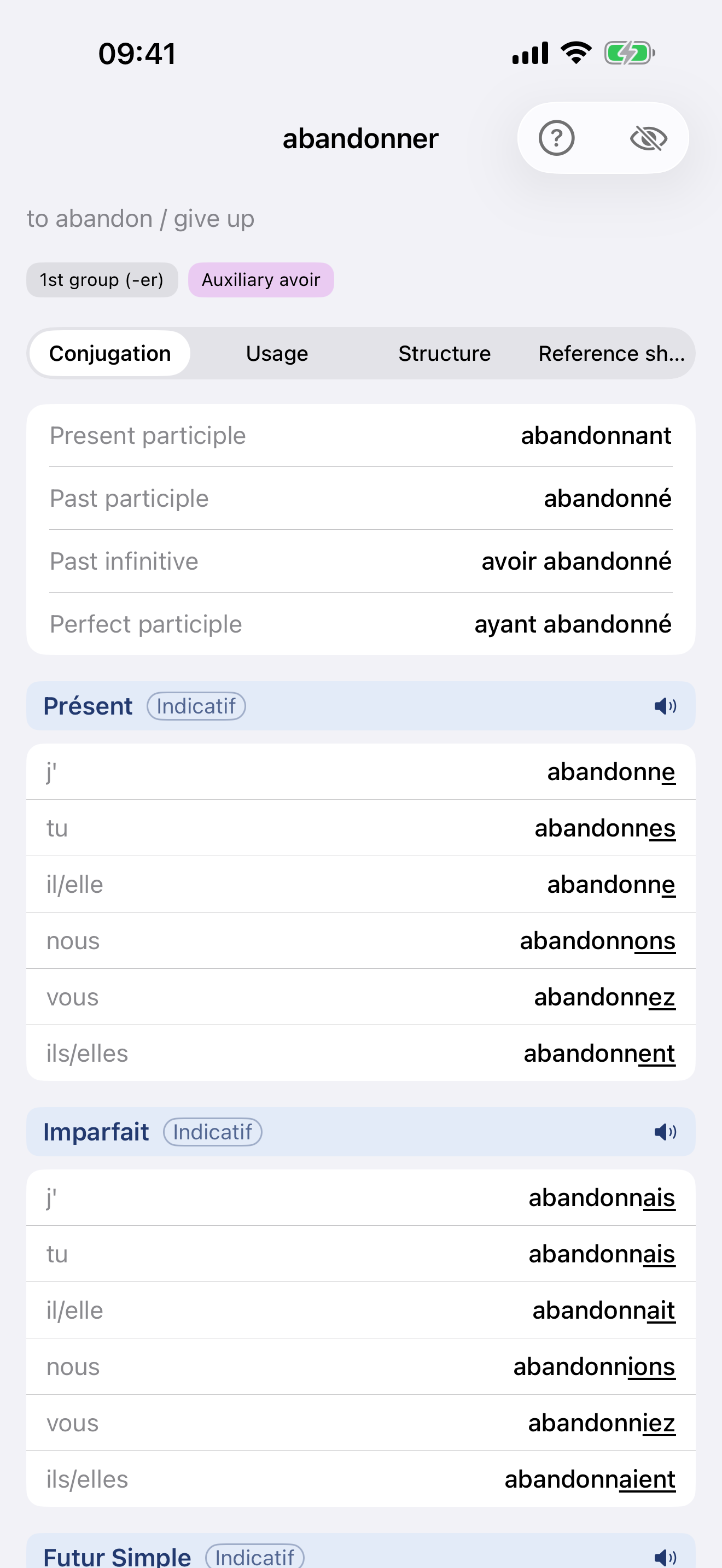 The verb, in full
Conjugation · Regularity · Reference sheet, with the irregular parts marked where they depart from the verb's group.
On the Mac
The Mac app is a native build with a sidebar, its own windows, a menu bar and keyboard shortcuts — not the iPhone layout stretched wide. Everything above is from iPhone; this is the same app on a Mac.
 Sentence parser
Type or paste a Latin sentence and every word the app knows is parsed — lemma, form, and a word-by-word gloss you can copy. Here, the opening line of the Gallic War.


One purchase, both platforms. The iPhone/iPad and Mac apps share a single App Store listing, so a language you unlock on one is unlocked on the other — same Apple ID, no second payment.