Recognise the Form
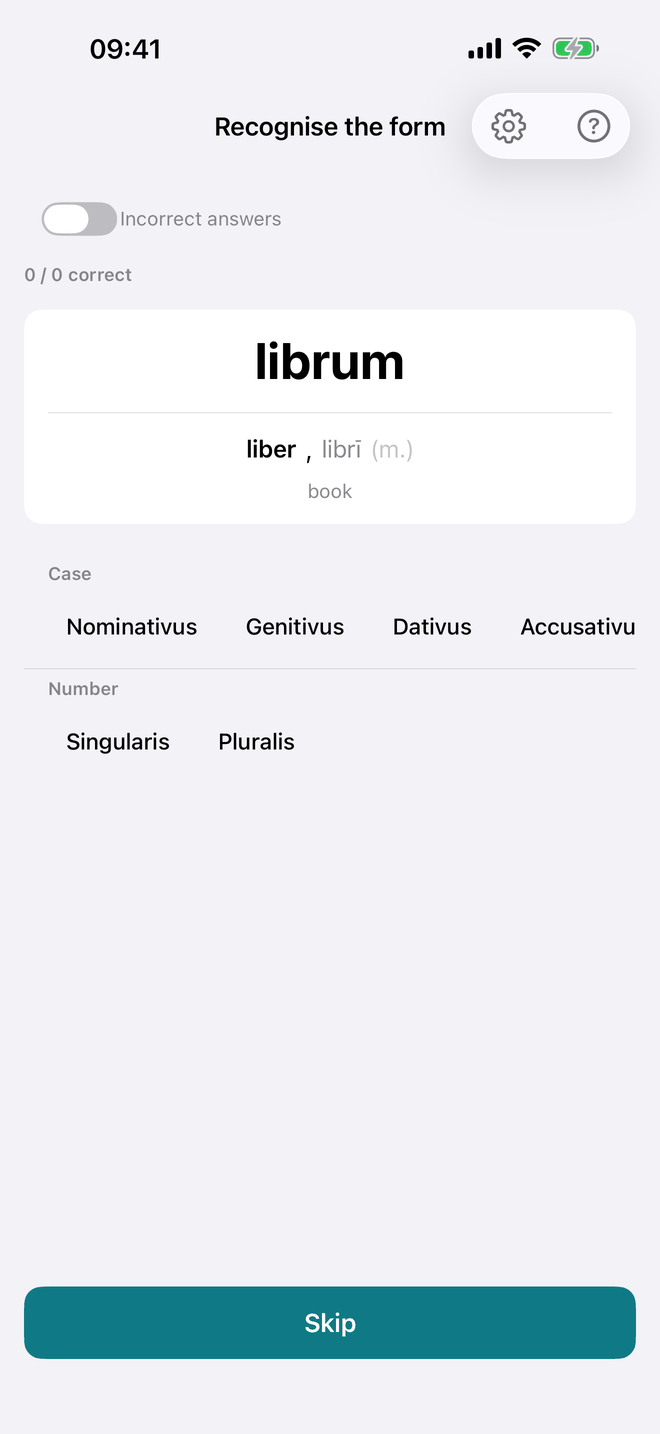
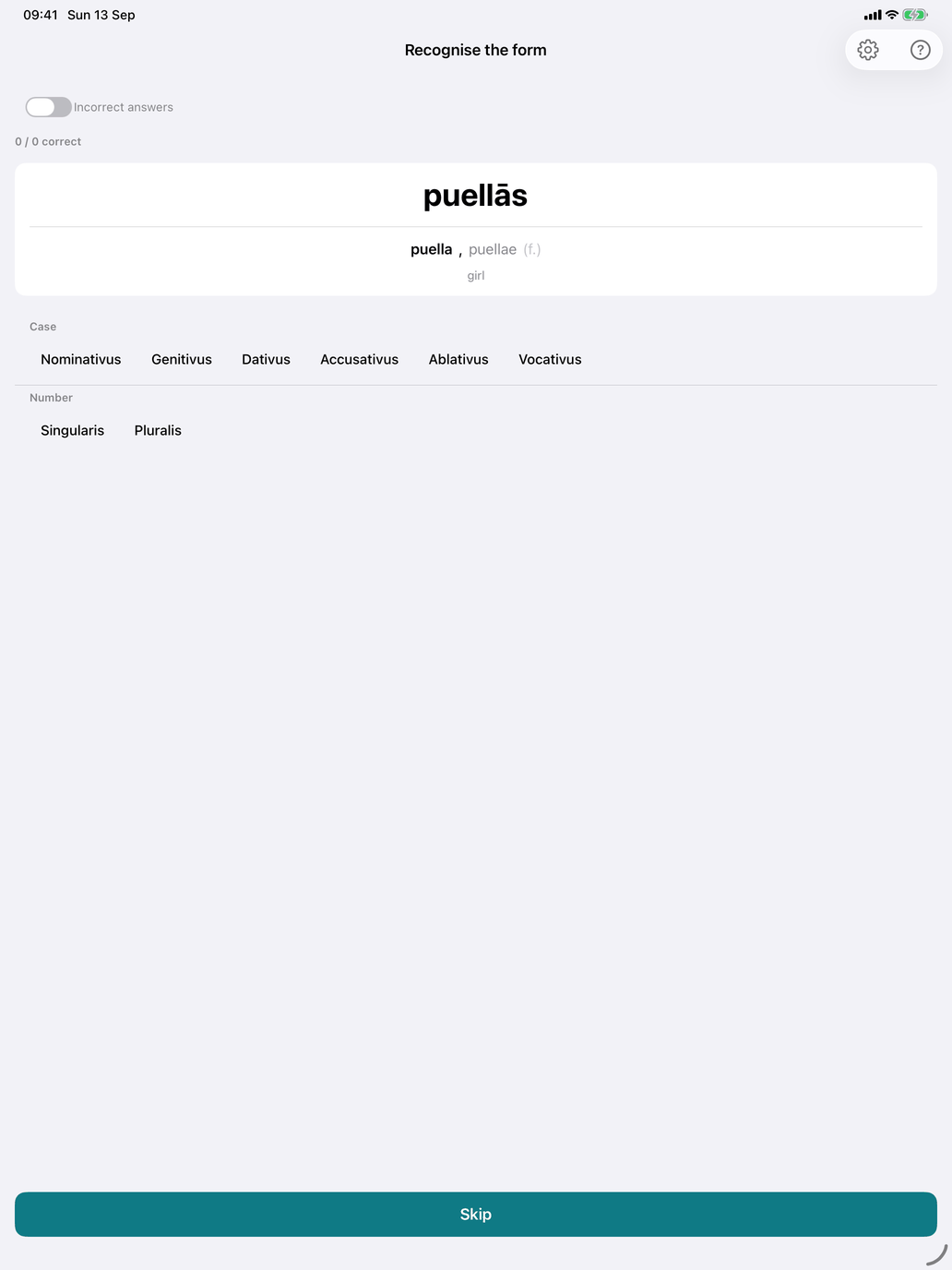
The recognition drill, the reverse of Decline the Noun. You see a declined form and say which case and number it is.
How a question looks. The form is shown large. Below it, the noun's citation and meaning are given as a hint:
puellārum puella, puellae (f.) girl
Answer with two pickers, Case and Number, then tap Check. Gender is not asked, because the hint already gives it. The action button changes with what you have done:
- Skip — nothing picked yet. Moves to a new question without recording anything.
- Check — both pickers set. The button is disabled while only one of them is set.
- Next — after checking. After a correct answer the drill moves on by itself while Auto-advance after correct answer is on.
The form is always a real form of a noun in your selection. The vocative is never asked, and cells a noun doesn't have are skipped (plural-only nouns only appear in the plural).
Ambiguous forms. Latin forms are often ambiguous: puellae can be genitive singular, dative singular, nominative plural or vocative plural. When a form has several valid analyses, any of them counts as correct. After a correct answer, the feedback lists the Other valid answers. After a wrong one, the card says Not quite and lists the Valid answers. Under the feedback, Show all forms opens the noun's full paradigm with every cell that matches the shown form highlighted.
Recognition settings. The gear button in the toolbar opens the settings:
- Picker style — Chips (the default) or Wheel. This choice is shared with the other recognition drills.
- Multi-answer mode — instead of naming one analysis, you collect every analysis the form has. Set the pickers and tap Add this analysis for each one. Your picks appear under Claimed: (tap the × to remove one). Then tap Check to grade the whole set:
- Correct! All N found (green) — you found every analysis and nothing wrong.
- N of M found (orange) — everything you claimed is valid, but you missed some. The feedback lists You found: and Also valid (missed):.
- Not quite (red) — at least one claim is wrong. The feedback lists Correct:, Incorrect: and Missed:.
Only a complete set counts as correct in your history. This setting is shared with the other recognition drills. - Ask the noun too — hides the hint and adds a Noun picker, so the form appears bare, as it would in a text. Pick the noun as well as the case and number. The picker offers the right noun among similar-looking nouns from your selection. If another noun you pick really has that form in that case and number, the answer counts as correct. The feedback card shows the noun's citation and meaning. This mode can't be combined with Multi-answer mode, and it switches off when you leave the drill.
Scoring. Each answer is either right or wrong; there is no half credit. The line at the top counts your answers, and the Incorrect answers switch, session length and noun choice work as in Decline the Noun. Each checked answer is recorded against the noun, in the same history the production drill uses. Skipped questions are not recorded.
Suggested workflow.
- Alternate with Decline the Noun: one production session, then one recognition session.
- If a form keeps catching you out, open Show all forms and see which other cells share its ending.
- Once the single-answer mode feels easy, try Multi-answer mode to practise finding every reading of a form, or Ask the noun too to practise meeting forms without a hint.
- Give the 3rd declension a focused session or two: select only that row in Select groups. The i-stem genitive plural in -ium (urbium, cīvium) is a common stumbling point.