Self Study
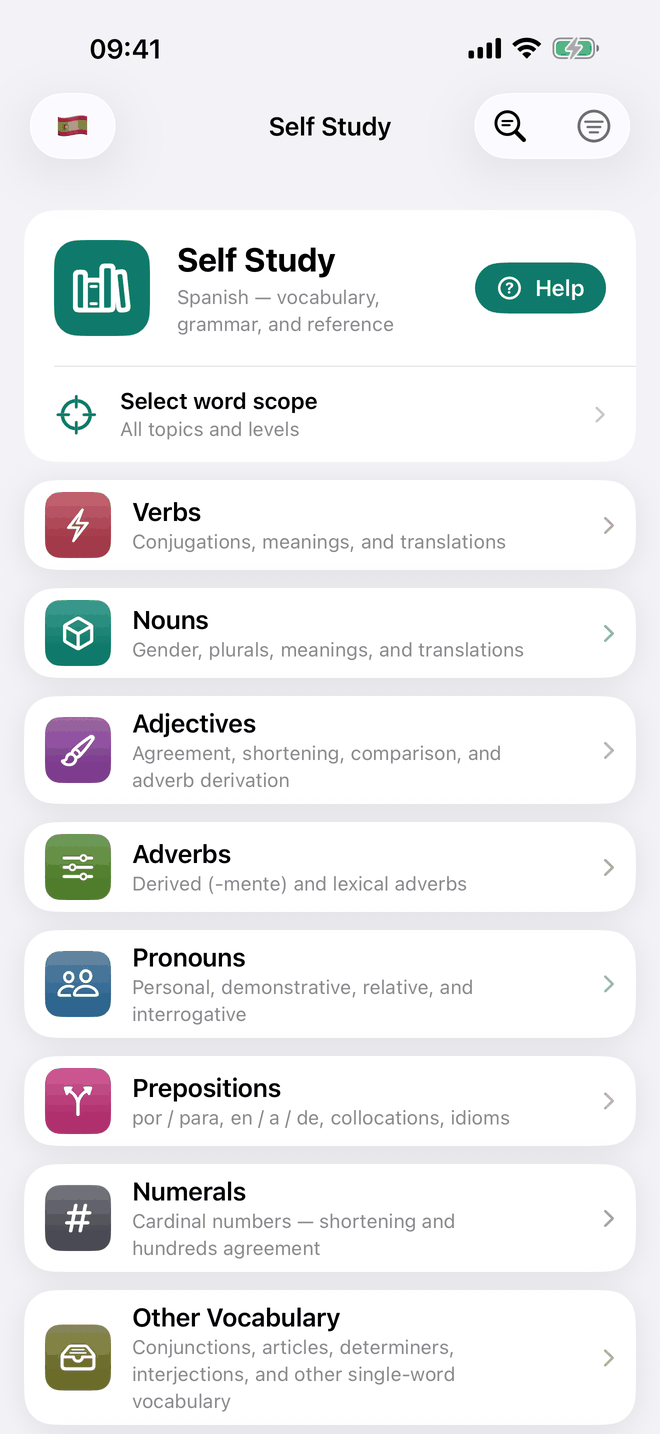
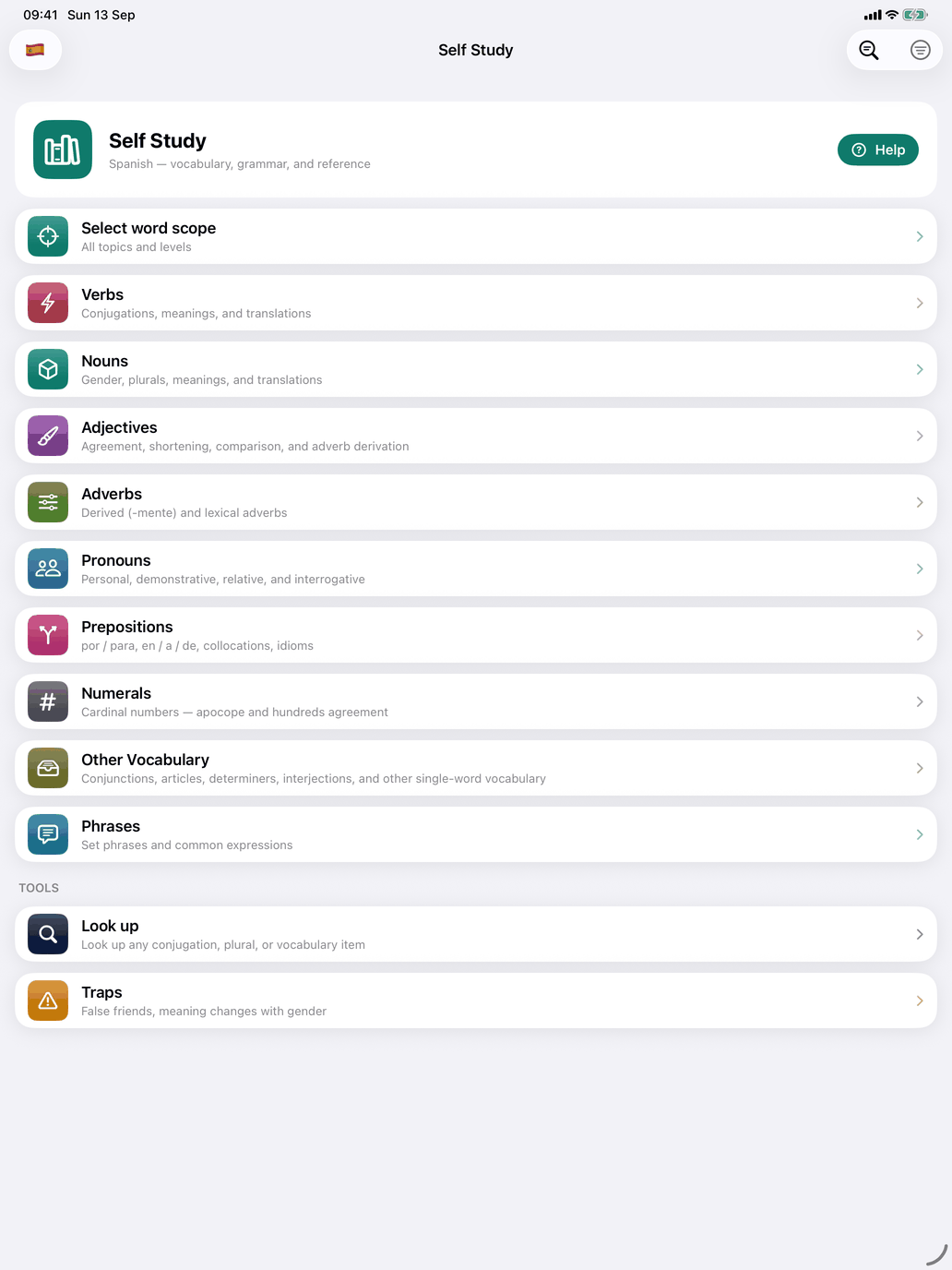
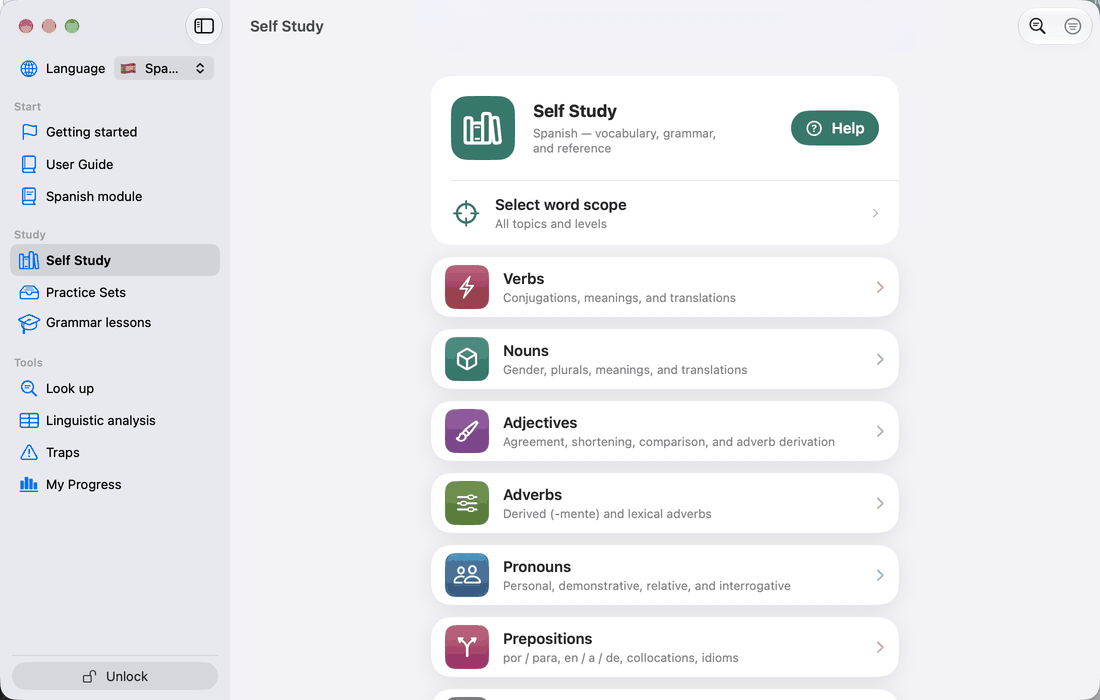
The Self Study screen is where you pick a word type to practise. Each word type opens its own hub with Theory, Study and Practice sections, so meaning practice and grammar drills live together in one place (see The Theory / Study / Practice pattern).
At the top is a card titled Self Study, naming the course you are studying, with a Help button. Under it is the Select word scope row, which sets the topics every hub below draws on; its second line reads All topics or Filtered by topic. See Choosing what is in play.
The word-type cards follow. A card appears only when the course has content for it and your level has reached that word type:
- Verbs — conjugations, meanings, and translations.
- Nouns — gender, plurals, meanings, and translations.
- Adjectives — declension paradigms across all three genders in Latin; agreement, shortening, comparison and adverb derivation in Spanish; agreement across gender and number in French.
- Adverbs — derived and lexical adverbs (-mente in Spanish, -ment in French, -ē / -iter / -nter in Latin).
- Pronouns — personal, demonstrative, relative, and interrogative.
- Prepositions — in Spanish por / para, en / a / de, collocations and idioms; in French spatial, temporal and grammatical relations; in Latin which case each preposition governs.
- Numerals — cardinal numbers, with a focus that shifts by course: in Latin the three that decline against the invariant rest, in Spanish shortening and hundreds agreement, in French 1 to 100 including the vigesimal pattern.
- Other Vocabulary — conjunctions, articles, determiners, interjections and other single-word vocabulary.
- Phrases — set phrases and common expressions.
On iPhone and iPad a Tools section follows:
- Look up — look up any conjugation, plural or vocabulary item. See Look up.
- Traps (Spanish) — false friends, meaning-changers, gender traps and ser/estar shifts. Closed decks, each scored on its own; they do not follow your word scope.
On the Mac, Look up is the search field at the top of the sidebar, and Traps is under Tools.
In Latin, a Texts card comes last, at the bottom of the screen: passages to read with every word parsed. The Latin course guide covers it.
Toolbar. The filter icon opens Selection, an overview of the word types with how many items each type's own picker leaves in, shown as in / total — green when everything is included, red when nothing is. Tap a row with a chevron to change that selection; rows without one have nothing to choose. These counts reflect each type's own picker only; level and topics are set under Select word scope, and the filter icon is filled while that filter is active. On iPhone and iPad the chip at the left opens Scheme and level.
If you would rather have the app decide what to study next, use Grammar lessons instead.