Flashcard sessions
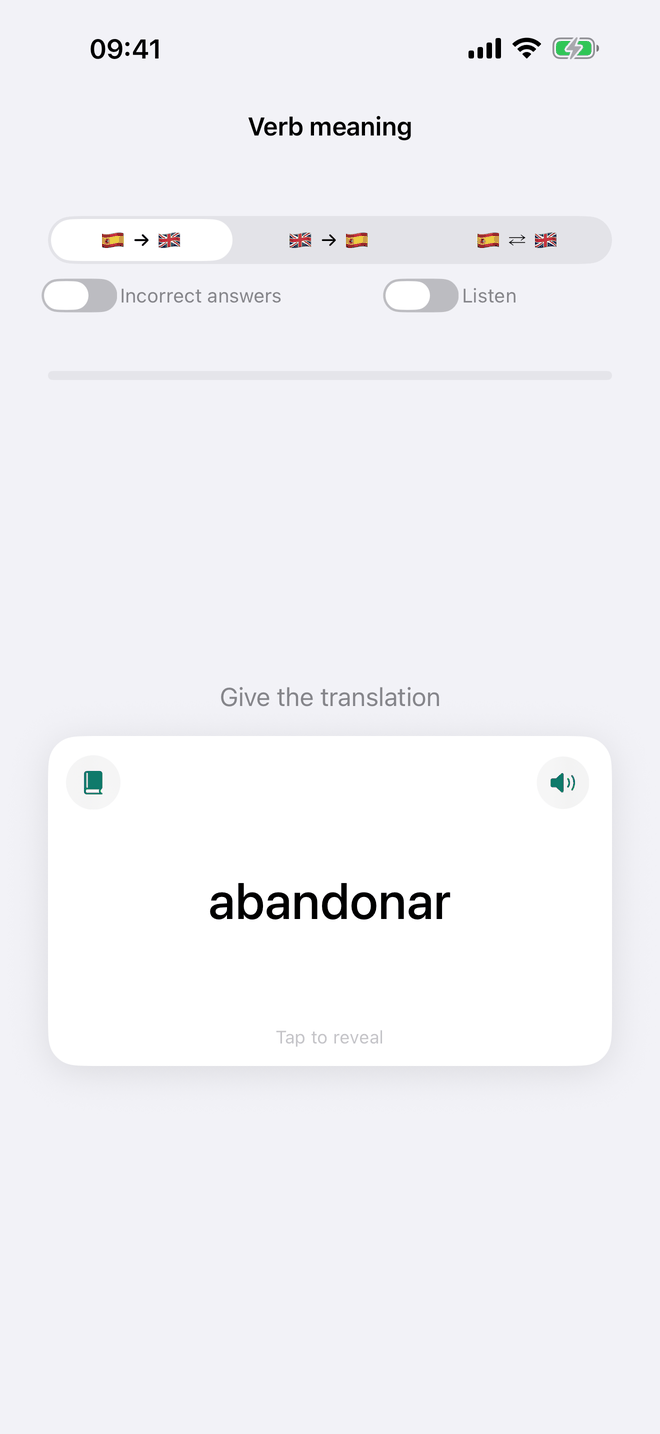
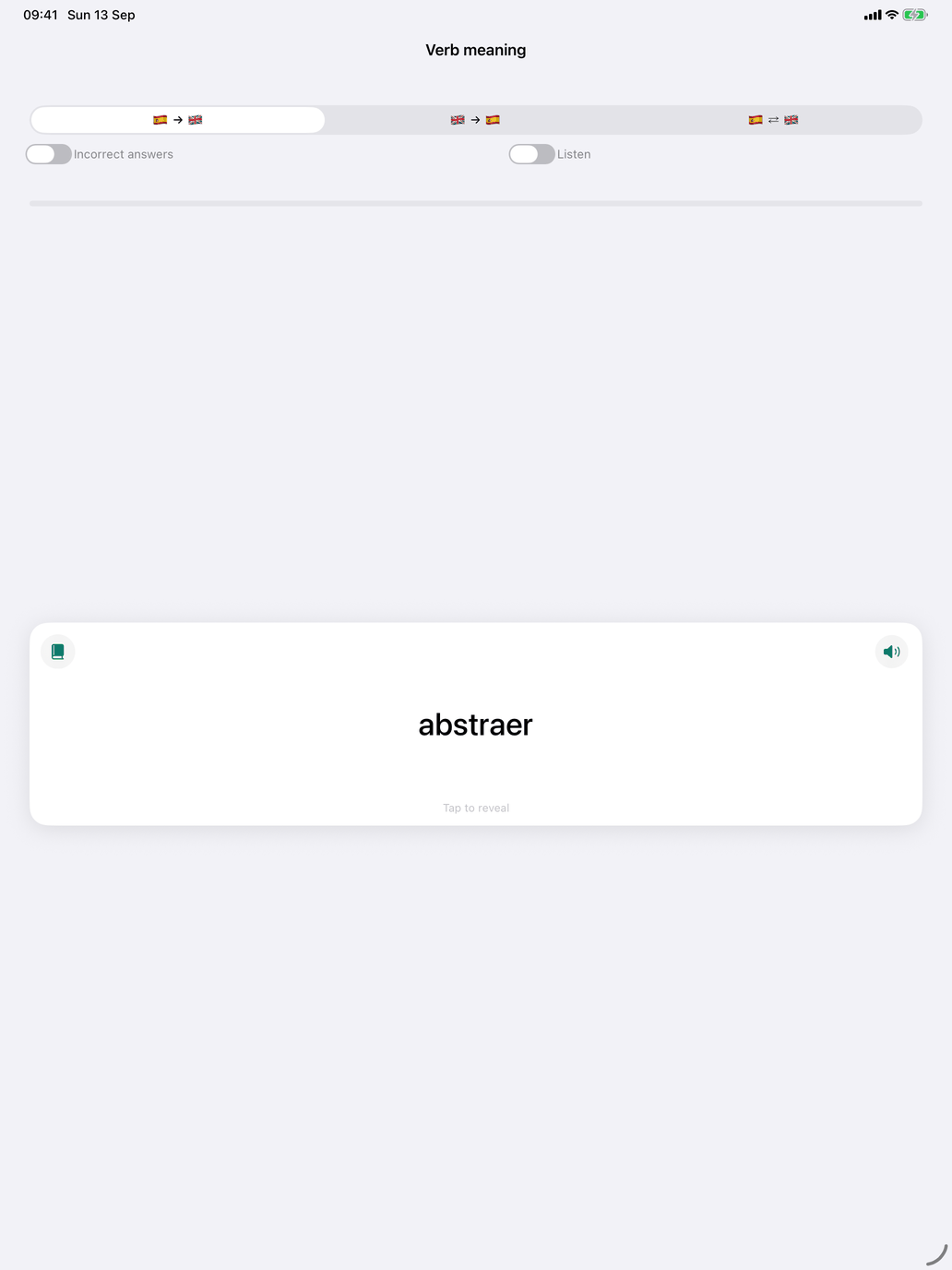
All flashcard screens in the app work the same way, whether you are practising verb meanings, noun vocabulary or everyday expressions.
The controls at the top
- Direction — three flag buttons: the target language → your language, your language → the target language, or a random mix of both in the same session. Fixed-direction decks, such as singular and plural, have no direction picker.
- Incorrect answers — a switch that limits the session to cards you have previously got wrong and not yet recovered. If you have none, the app says so and switches it off. In this mode the session ends as soon as nothing incorrect is left.
- Listen — on decks that can speak, when a voice for the language is installed, a switch that plays the question instead of showing it. Tap the large speaker to hear it again, then turn the card to see the spelling. It is not offered when the question is in your own language.
Under them, a bar shows how far through the deck you are, with Score: X / Y beside it for how many you have right so far, and a line shows how many candidate cards your selection produces.
Session size and learning pace are not set here: they are Questions per session and Learning pace in Settings → Study, and apply to every drill.
Answering
A word or phrase appears on the card. Think of the answer, then tap the card to turn it over. Then grade yourself:
- Swipe the card — right if you knew it, left if you did not. The next card appears straight away. On iPhone and iPad the first few times a short animation shows the gesture; tap its ✕ to stop it.
- Tap a button — Wrong or Correct. The card flashes, then the next one appears. On the Mac these buttons are always under the card (swiping still works on a trackpad); on iPhone and iPad they appear when VoiceOver is on, since swiping is the main route there.
A speaker icon on the card plays the side you are looking at, where the course has speech. On verb cards a book icon shows the verb's conjugation.
How a session runs
A session draws a set of cards from your pool and asks as many questions as it drew. A card you get right is put aside; a card you get wrong stays in the deck and can come round again, but never twice in a row. After seven correct answers in a row the app asks whether to stop and count the session as complete, or continue.
At the end the card area reads Session complete; the score stays where it was. Tap New session to draw the next batch. Every drill ends the same way, cards or not.
Under it, To look at again names the words you got wrong in the round — up to five, with their meaning, and how many more there were. Tap one for its page; a verb opens at the tense you missed. Practise incorrect answers starts a new round with the Incorrect answers switch on: every word you have got wrong and not yet recovered, these among them. A miss on a rule rather than a word — ser or estar, the reason for an article — counts in the score but has no word to name.