Verbs
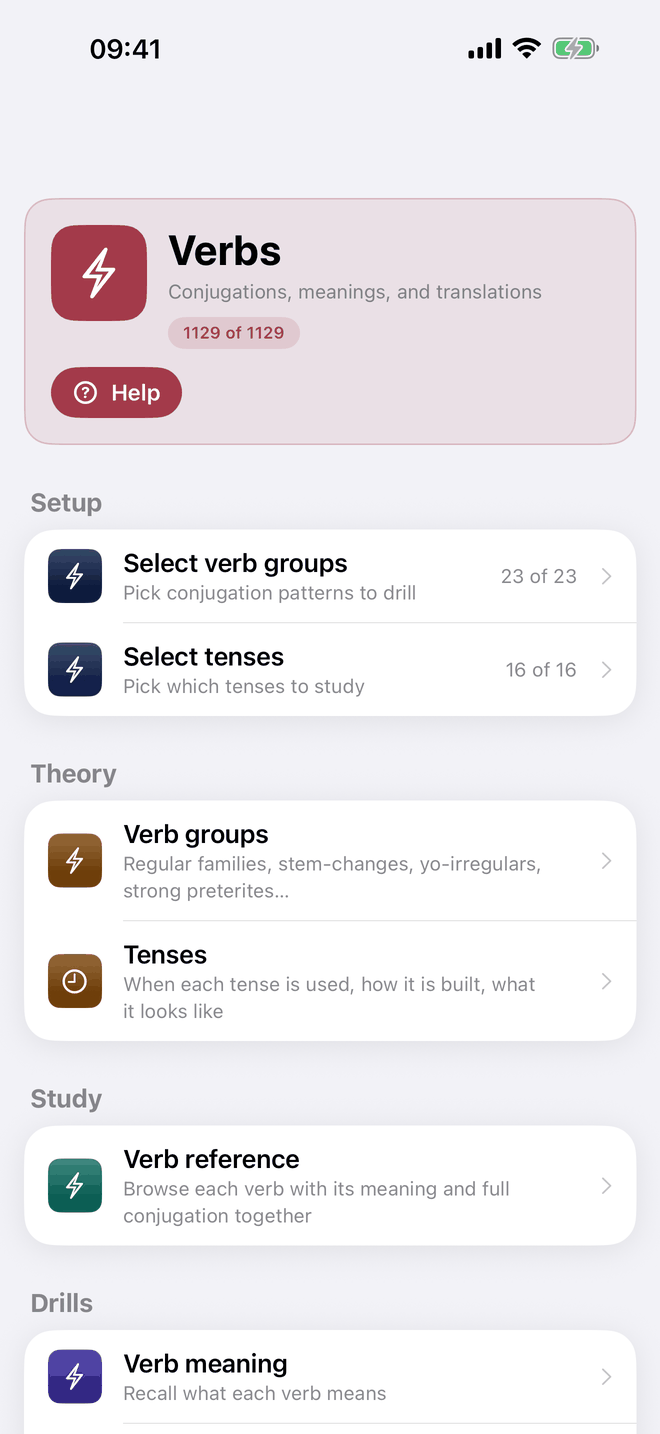
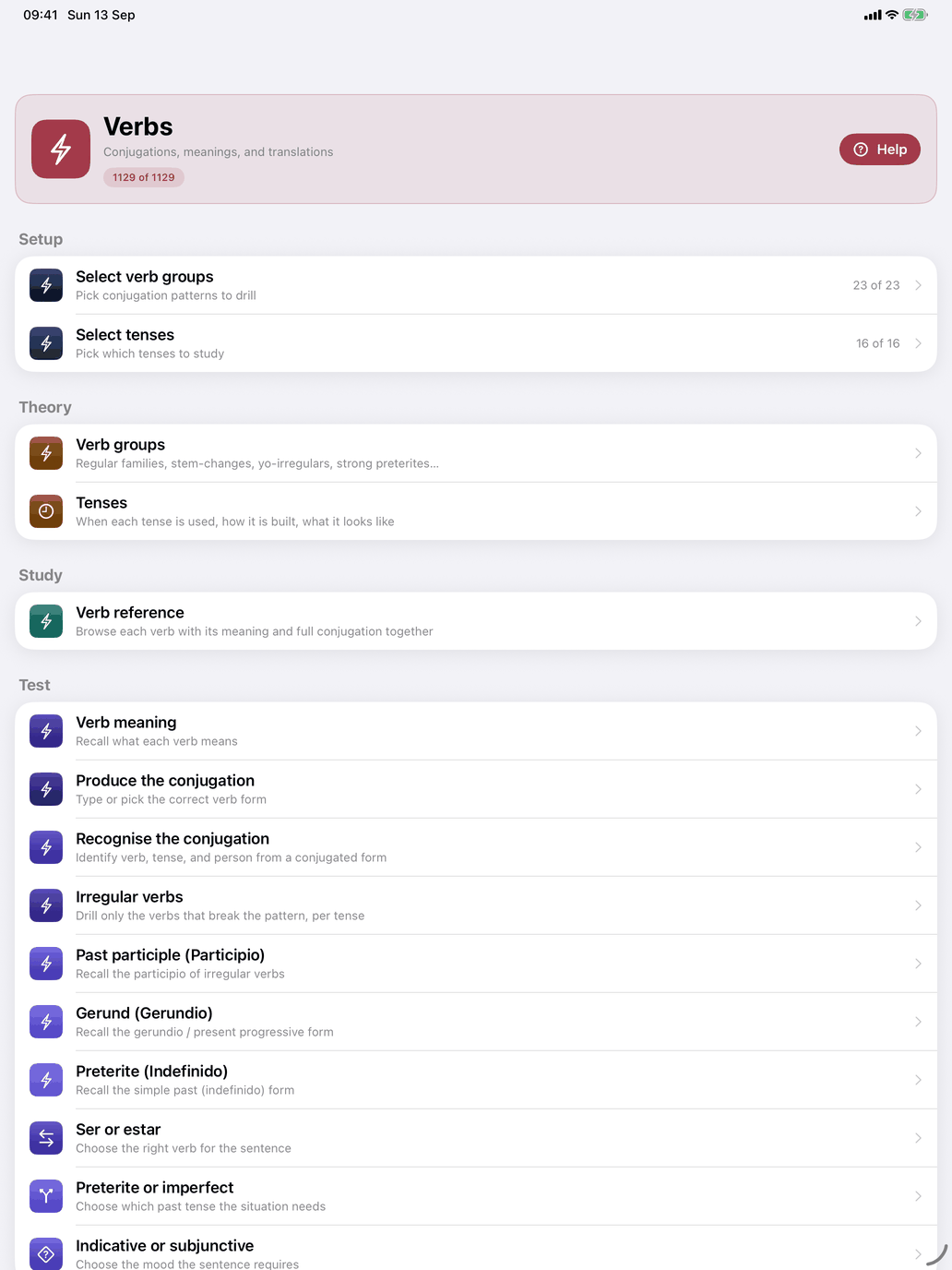
Open Self Study → Verbs to reach the verbs hub, the control centre for verb practice. The header at the top shows how many verbs your current selection gives you out of the whole catalogue, for example "212 of 1129". Its Help button explains the hub and what each drill asks of you, and a long press on any row (on the Mac, click and hold) explains that row.
If your verb groups select verbs but your word scope (level and topic) removes all of them, a warning above Setup says so: "No verbs match once your topic scope is applied." Widen your topics or clear the topic filter to get the verbs back.
The hub has four sections.
Setup
- Select verb groups — pick the conjugation patterns to drill, and so which verbs are in your pool. The badge shows how many of the 23 groups are ticked, e.g. "23 of 23", and turns red at zero. See Select verb groups.
- Select tenses — pick which of the sixteen tenses to study, e.g. "16 of 16". See Select tenses.
Theory
- Verb groups — the families the verbs fall into: the regular pattern, the stem changes, the yo irregulars, the spelling changes, the strong preterites and the verbs no pattern explains. Each group opens with its explanation, a worked example and a list of its verbs. Read this before choosing groups: Select verb groups is only as useful as your sense of what the groups are.
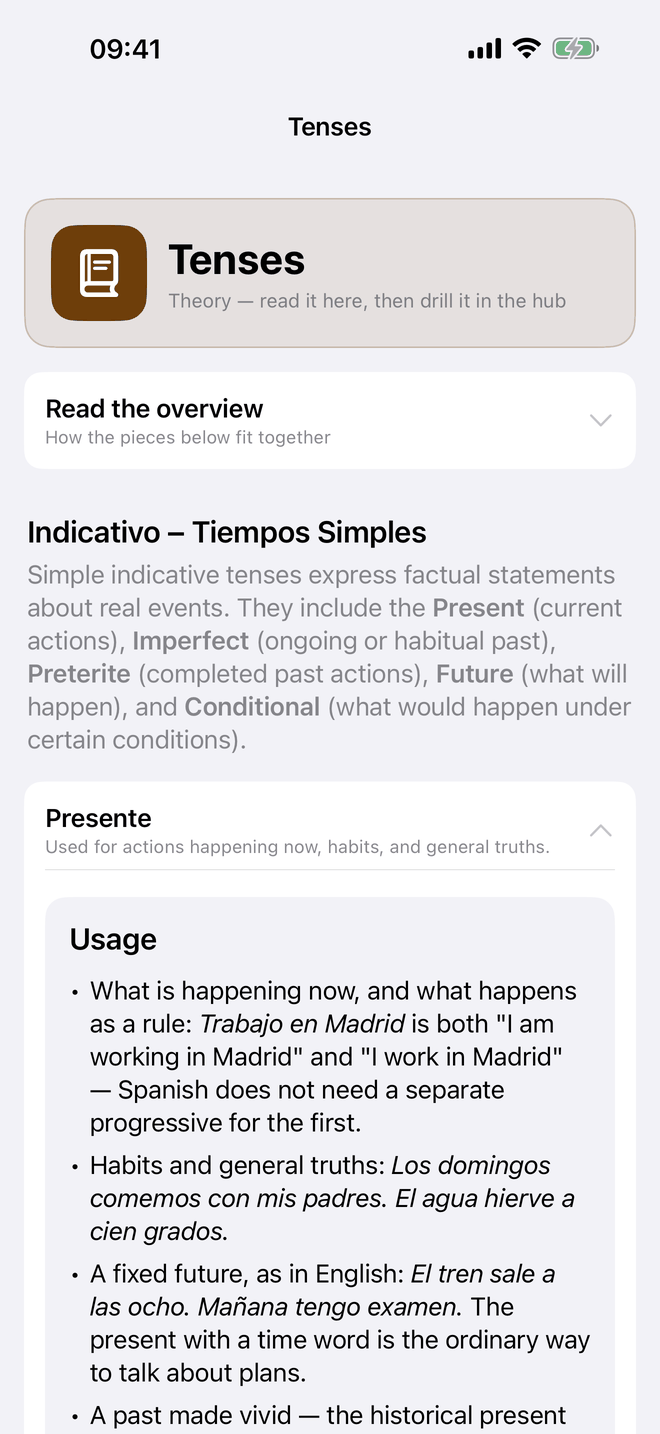
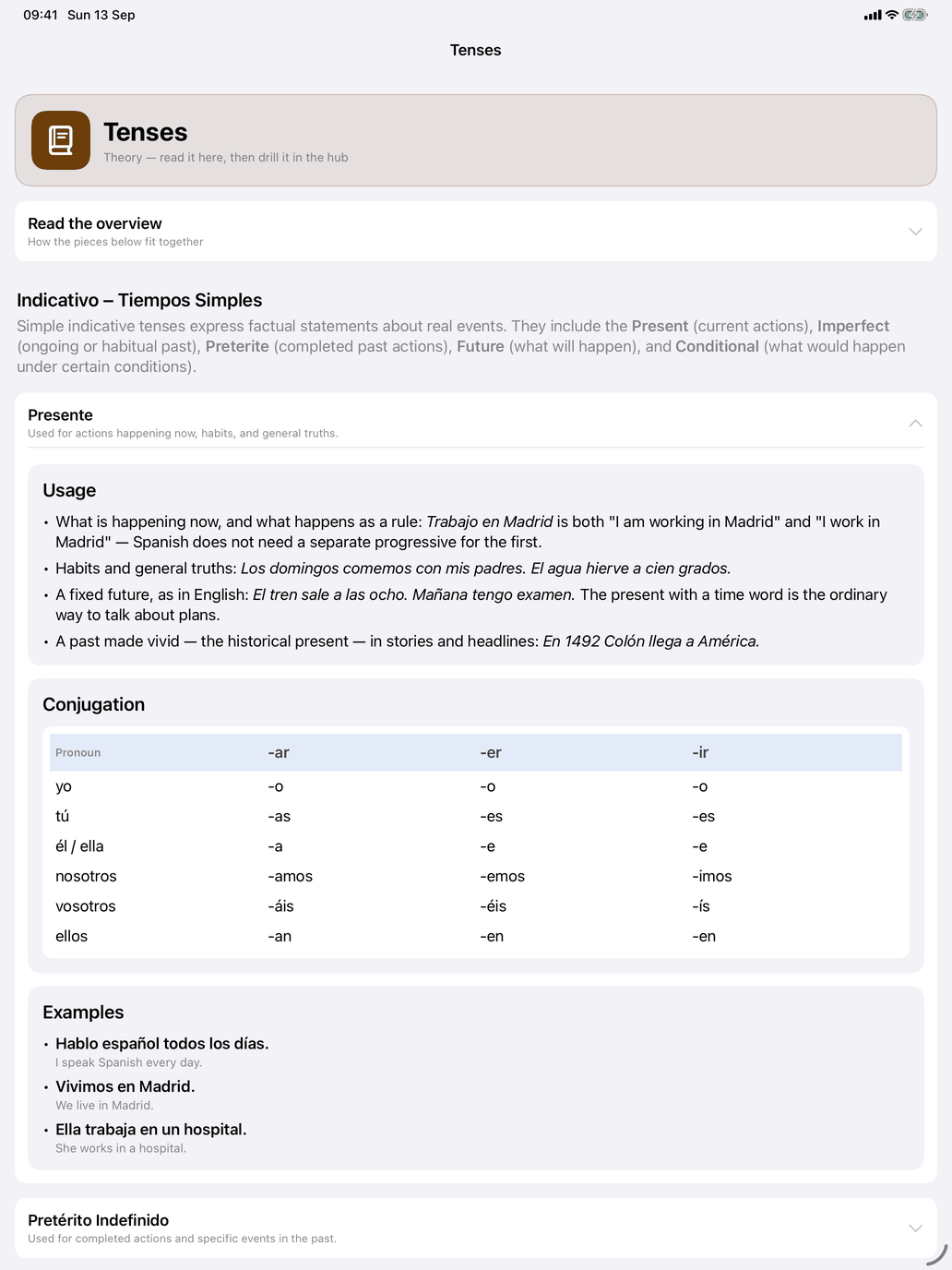
- Tenses — when each tense is used, how it is built and what it looks like, one card per tense under its mood. The cards are the same text as the ⓘ on Select tenses.
Study
- Verb reference — every verb in your selection, each with its translation; tap a verb for its full conjugation, usage and structure. See Verb reference and Conjugation tables.
Drills
- Verb meaning
- Produce the conjugation
- Recognise the conjugation
- Irregular verbs
- Past participle (Participio)
- Gerund (Gerundio)
- Preterite (Indefinido)
- Ser or estar
- Preterite or imperfect
- Indicative or subjunctive
Each drill has its own section in this guide.
Studying verbs goes in three steps
- Choose what to study. In Select verb groups, tick the patterns you want — start with Regular and a stem change or two rather than all 23. In Select tenses, narrow to the tenses you are learning; the conjugation tables and the drills show only those. Level and topic come from Self Study → Select word scope.
- Study. Read Verb groups and Tenses under Theory, then open verbs in Verb reference to see their tables before you drill them.
- Drill. Warm up with Verb meaning so you know what the verbs mean, then move to Produce the conjugation and Recognise the conjugation. Use Past participle, Gerund and Preterite for the forms where the irregulars concentrate, and the choice drills once the forms are secure.
The three verb families
Every Spanish verb belongs to one of three families, determined by the ending of its infinitive. The conjugation endings differ for each.
- -ar verbs (hablar, trabajar, estudiar) — by far the most common family.
- -er verbs (comer, beber, aprender) — the second family.
- -ir verbs (vivir, escribir, subir) — the third.
The stem is everything that remains after you remove the -ar/-er/-ir ending. Endings are added to the stem to produce each conjugated form. Regular -er and -ir verbs share most of their endings; in the present tense they differ only in the nosotros and vosotros forms (comemos, coméis against vivimos, vivís).
The infinitive type also determines the regular past participle: -ar verbs add -ado (hablado), -er and -ir verbs add -ido (comido, vivido). The gerundio follows the same split: -ar verbs add -ando (hablando), -er and -ir verbs add -iendo (comiendo, viviendo). Verbs such as escribir (escrito) and leer (leyendo) depart from this, and the conjugation tables mark them.
See Appendix A for the full Spanish verb-group taxonomy and Appendix B for the tense overview.