Word meaning
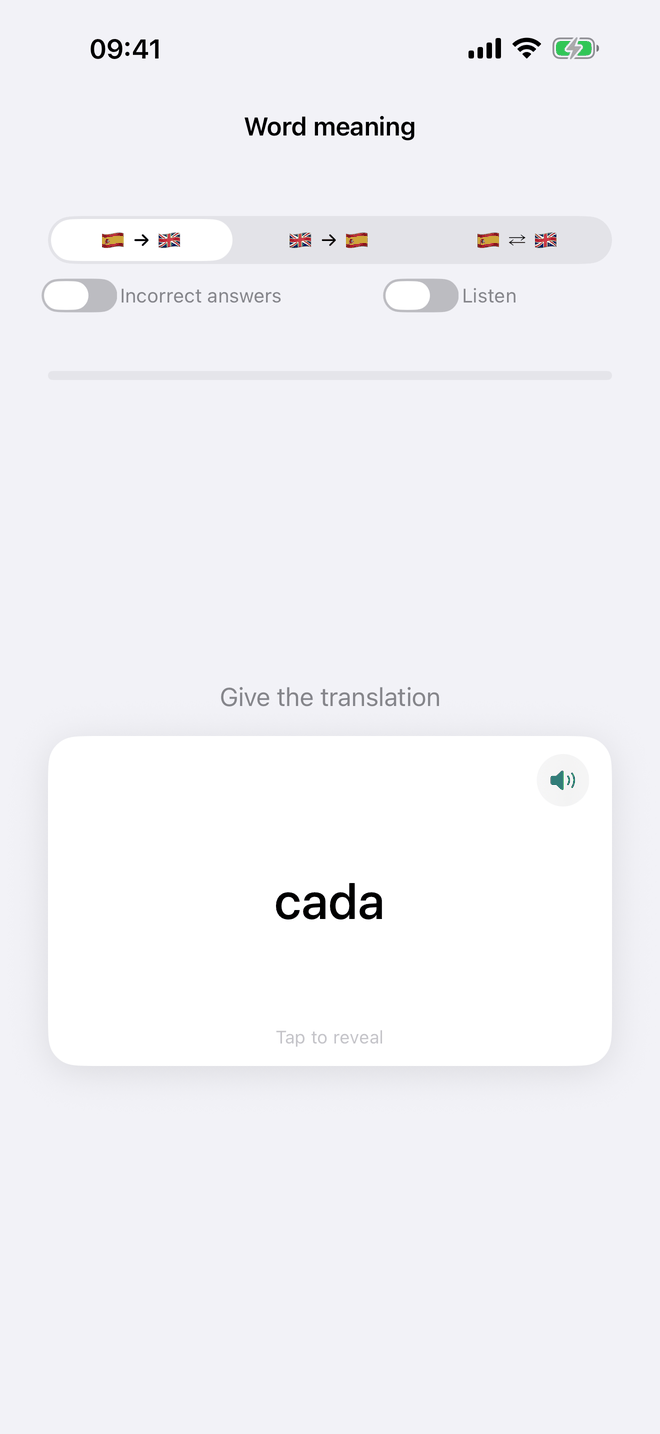
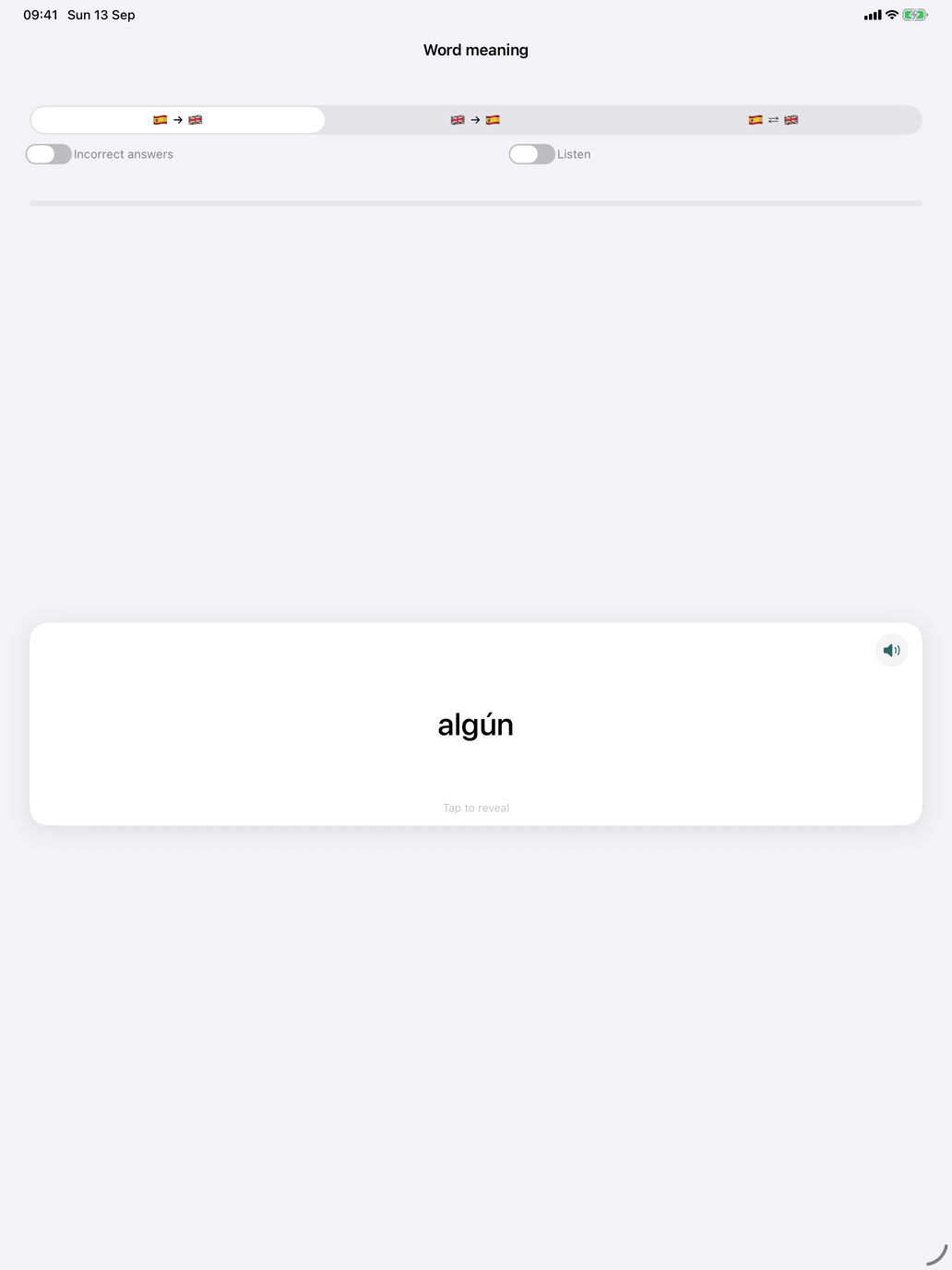
A flashcard deck for the meaning of the selected words. All meaning decks in the Spanish module work this way: Word meaning, Phrase meaning, Adjective meaning, Adverb meaning, Pronoun meaning, Numeral meaning and Preposition meaning.
A card. The card shows a word. Tap it to turn it over and see the other side. Then grade yourself:
- On iPhone and iPad, swipe right if you knew it and left if you didn't. With VoiceOver on, you get Wrong and Correct buttons instead.
- On the Mac, the Wrong and Correct buttons are always there.
The controls at the top.
- The direction picker has three options: Spanish on the front, your language on the front, or a random direction for each card. Spanish first tests recognition. Your language first is harder, because you have to produce the Spanish.
- Incorrect answers: practise only the words you have got wrong and have not yet mastered. If there are none, the switch turns itself off and you see all cards.
- Listen appears when a Spanish voice is installed, unless the direction puts your own language on the front. With Listen on, a Spanish card is spoken instead of shown. Turn the card to see how it is written.
The speaker button on the card reads the side you are looking at.
A session. The number of cards is set by Questions per session in Settings → Study. A card you knew does not return in the same session. A card you missed stays in the deck and can come back. The line above the card shows "12 out of 15 correct". After seven correct answers in a row, you can stop and count the session as complete, or continue. At the end, tap New session for a new round.
Every answer is recorded and counts towards your progress.