Noun reference
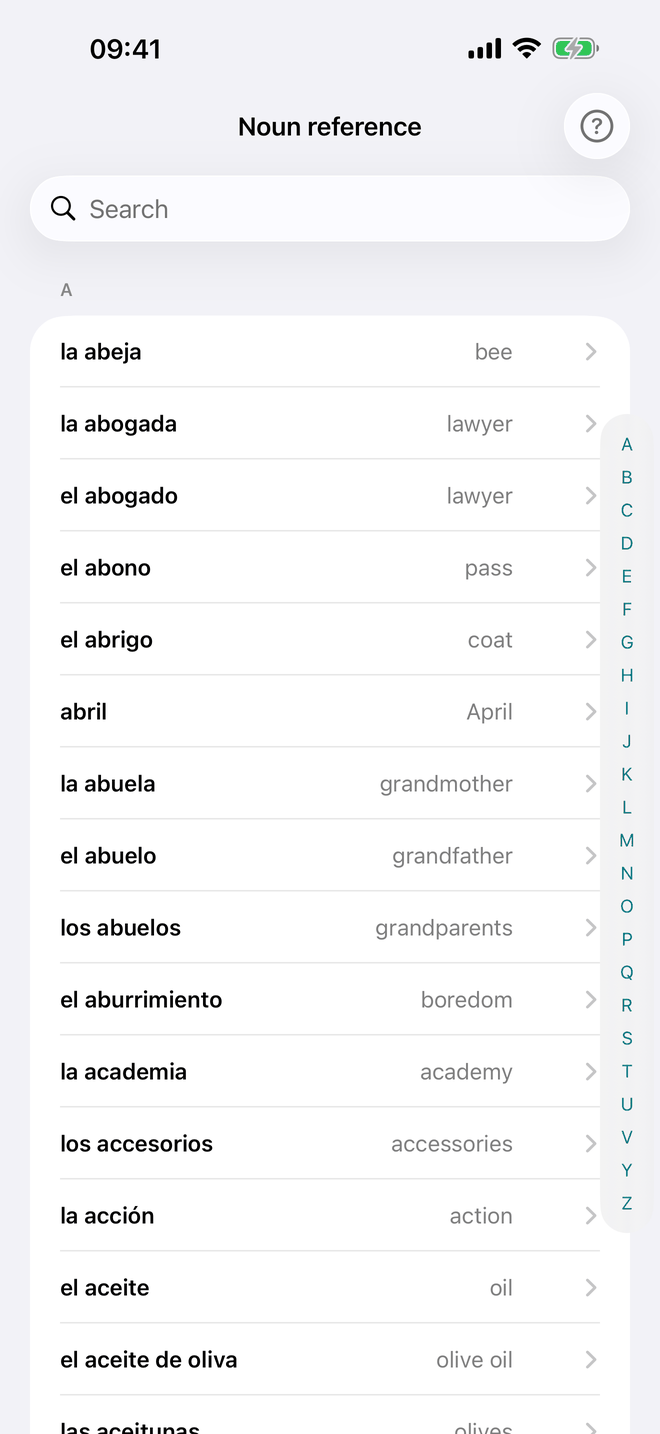
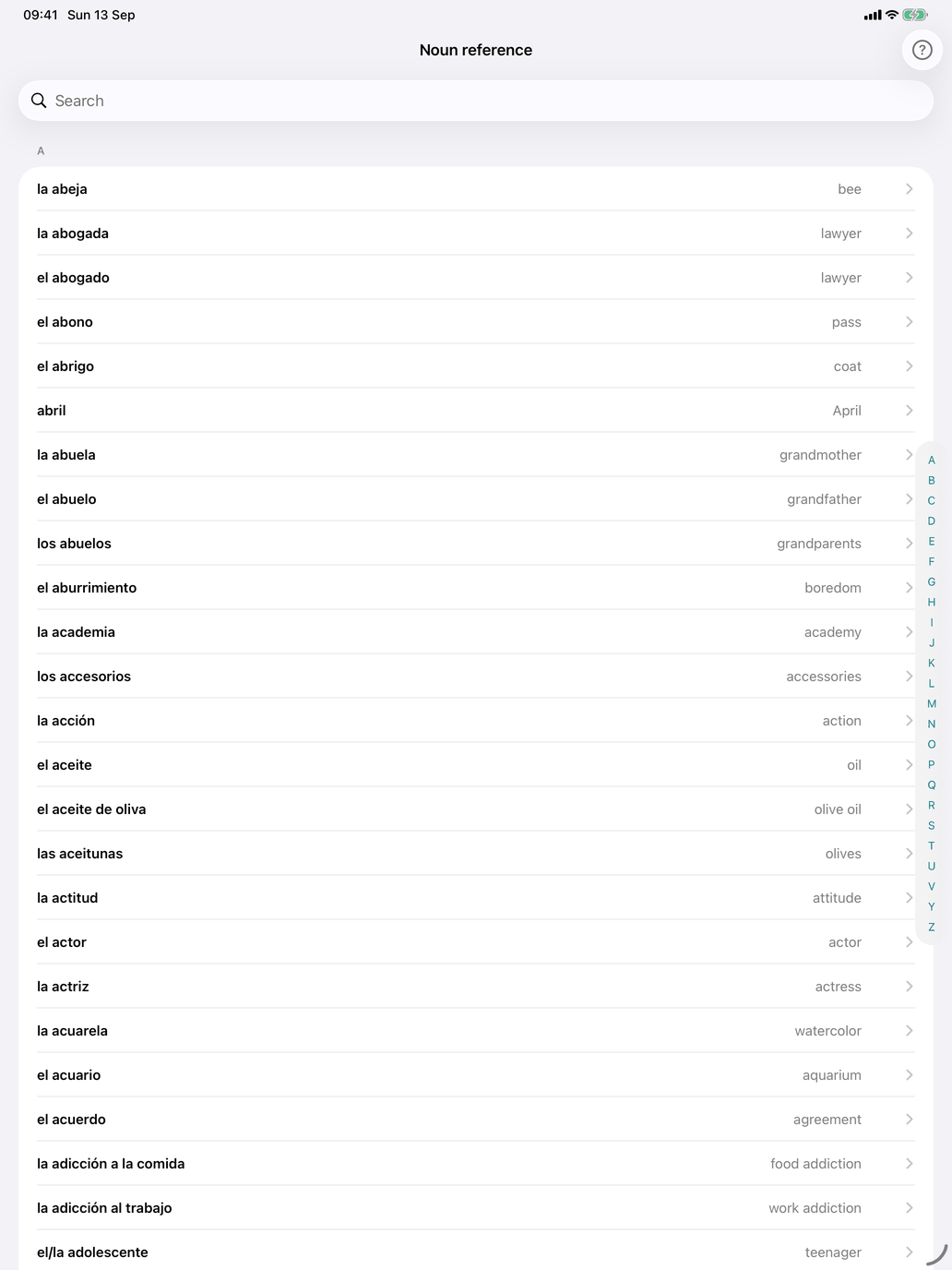
Noun reference is a browse-only list: nothing is tested and nothing is recorded. It lists the whole noun catalogue, not just your selection. Use it to check a translation before a session, or to look up a noun you got wrong.
The list is alphabetical with a search field. Search finds a noun by its Spanish form (masculine, feminine or plural) or by its translation. Each row shows:
- the noun with its article (la casa)
- its translation in your display language
A masculine/feminine pair such as tío / tía appears as two separate rows. So does a noun whose meaning changes with the article: el capital (capital (money)) and la capital (capital (city)) are two rows, each with its own meaning.
The noun's detail screen
Tap a noun to open its detail screen. It shows:
- the noun with its article and its translation
- the singular and the plural, each with its article (el lápiz · los lápices); a noun with one form for both genders shows el/la and los/las
- notes on anything unusual — for example a gender trap, a look-alike word, or a noun used only in the plural
- its Level, its Topics and its Groups. Tap a group to read about it.
- Examples: three Spanish sentences, each with a translation in your display language and a speaker button to hear it
- the Dictionaries row (see External dictionary lookups)
Noun reference or Noun meaning?
- Noun reference is for warming up and looking things up. Glance over the words before a session, or check one you got wrong.
- Noun meaning is the drill. Every answer there is recorded.