Decline the Noun
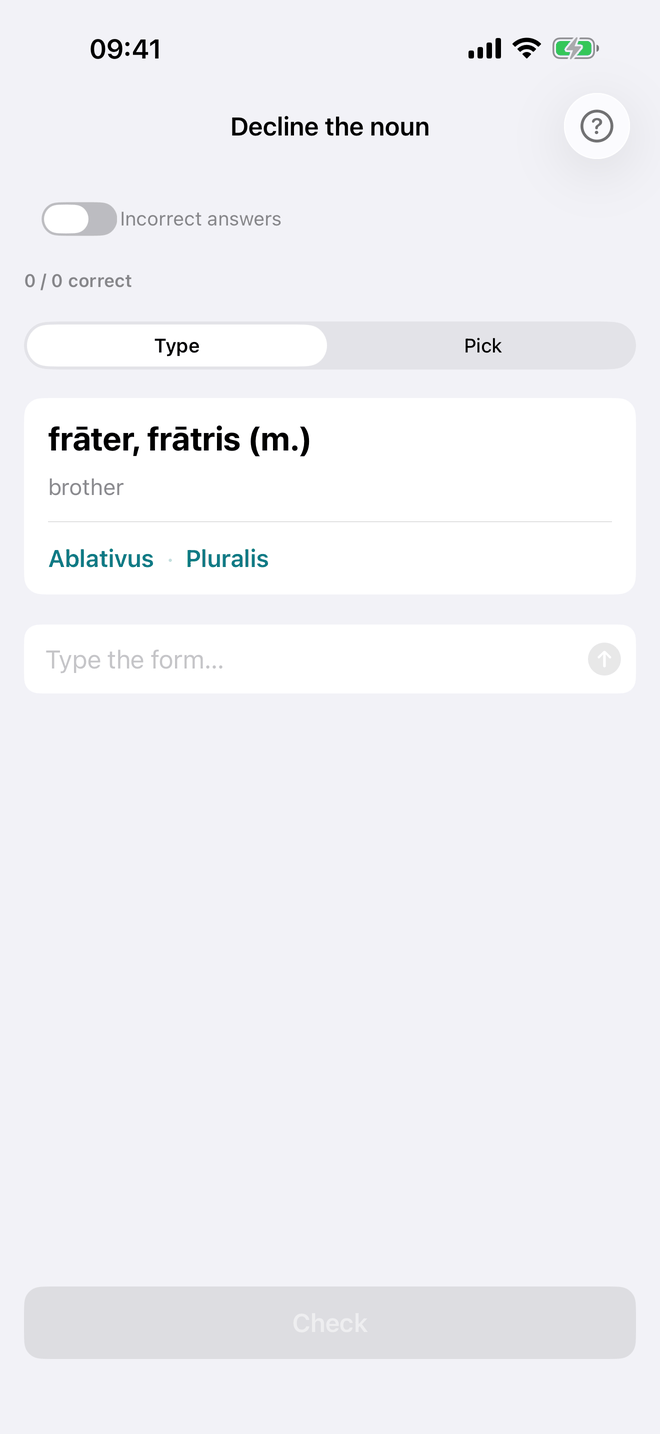
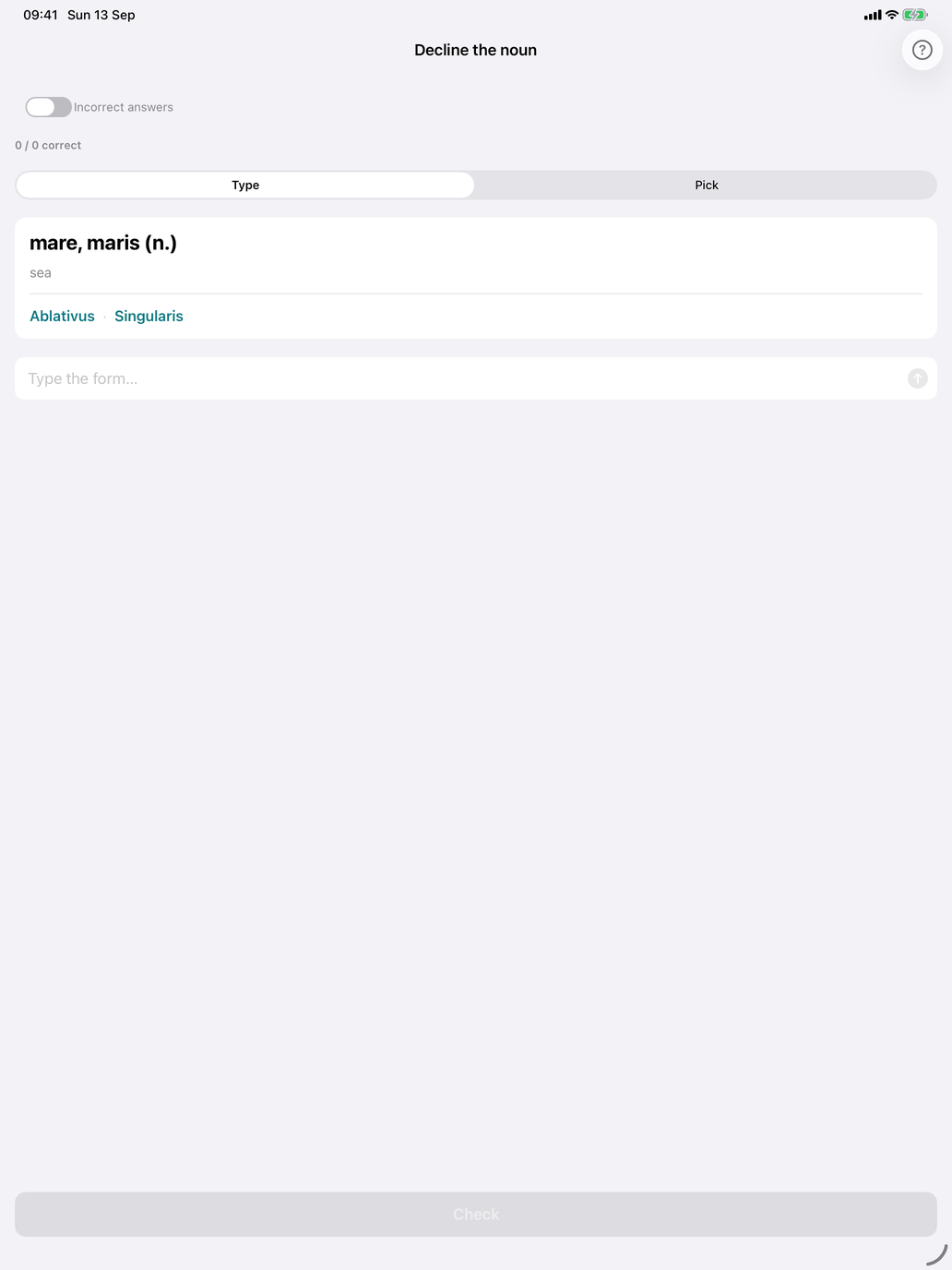
The production drill. You get a noun and a case and number, and you give the matching form.
How a question looks. The card at the top shows the noun's citation and meaning, then the form to produce:
rosa, rosae (f.) rose
Dativus · Pluralis
The genitive is always given, so you can find the stem even for 3rd-declension nouns whose nominative doesn't show it.
Type and Pick. Switch with the Type / Pick control above the question. You can switch at any time; the current answer is cleared when you do.
- Type — type the form and tap Check (or press Return, or tap the arrow in the field).
- Pick — choose the form from a wheel of up to ten options, then tap Check. The wrong options are mostly the same noun's other forms (is it the genitive or the dative singular?), topped up with the same case and number of other nouns in your selection.
Feedback. After Check, a feedback card appears, and the button becomes Next. After a correct answer the next question loads by itself after a moment, unless Auto-advance after correct answer is off in Settings → Study; after a wrong answer it waits until you tap Next.
- Correct (green) — shows the answer.
- Correct — watch the macron (orange) — you typed the right letters but left out or misplaced a macron. This counts as correct. The card shows the expected form with its macrons.
- Not quite (red) — shows the expected form.
Macrons. In Type mode, macrons are checked leniently by default: rosis for rosīs gets Correct — watch the macron. To make a missing macron count as wrong, turn on Exact spelling in Settings → Study → Grading. Pick mode always compares the exact form, because the options already carry their macrons. See Macron-accurate checking.
Which forms are asked. Any case and number the noun has, except the vocative, which is never asked. (For most nouns it is the same as the nominative; the vocative still appears among the Pick options.) Cells a noun doesn't have are skipped: plural-only nouns are only asked for plural forms, and Iuppiter only for singular ones. The locative is not part of the drill.
The session. The line above the question counts your answers ("7 / 9 correct"). The Incorrect answers switch at the top limits the session to nouns you have got wrong before. A session ends after the number of questions set in Settings → Study → Questions per session (∞ keeps it going until you stop). The nouns for each session are picked from your selection, based on your answer history and your Learning pace.
From a practice set. The same drill opens from a Practice set that contains nouns — the bundled First declension: every form, or one you built yourself with Decline the noun switched on. There the pool is the set's nouns, not your Select noun groups selection, and the session is recorded under the set, so the set's own report shows it. This is how a set for one chapter of a course book drills exactly that chapter's nouns.
What's recorded. Each checked answer is recorded on your device against the noun (not the individual form). Correct — watch the macron counts as correct. Recognise the form records to the same noun history, so both drills use it when picking nouns.
Suggested workflow.
- Start in Pick mode until the endings look familiar.
- Switch to Type mode: Pick lets you eliminate options, Type makes you recall the form.
- Keep Exact spelling off at first, then turn it on once the forms are solid.
- Alternate sessions with Recognise the form — production and recognition train different skills.