Phrase reference
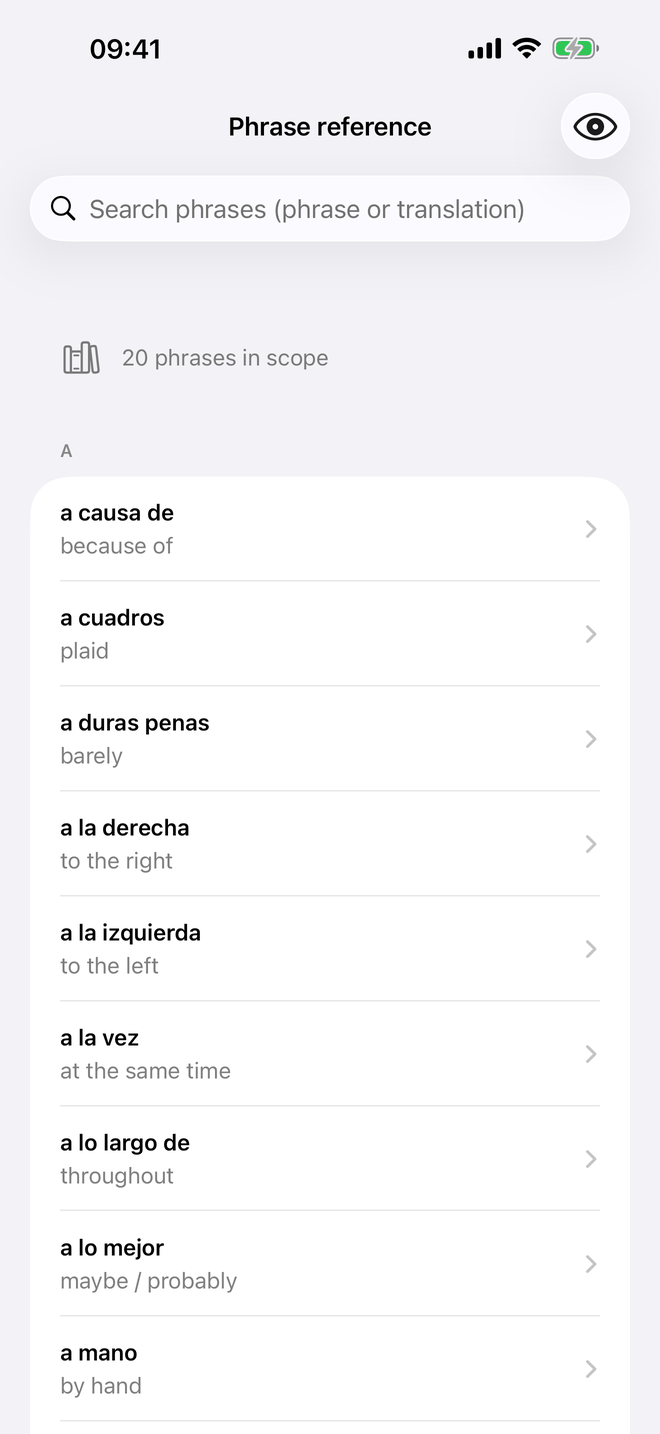
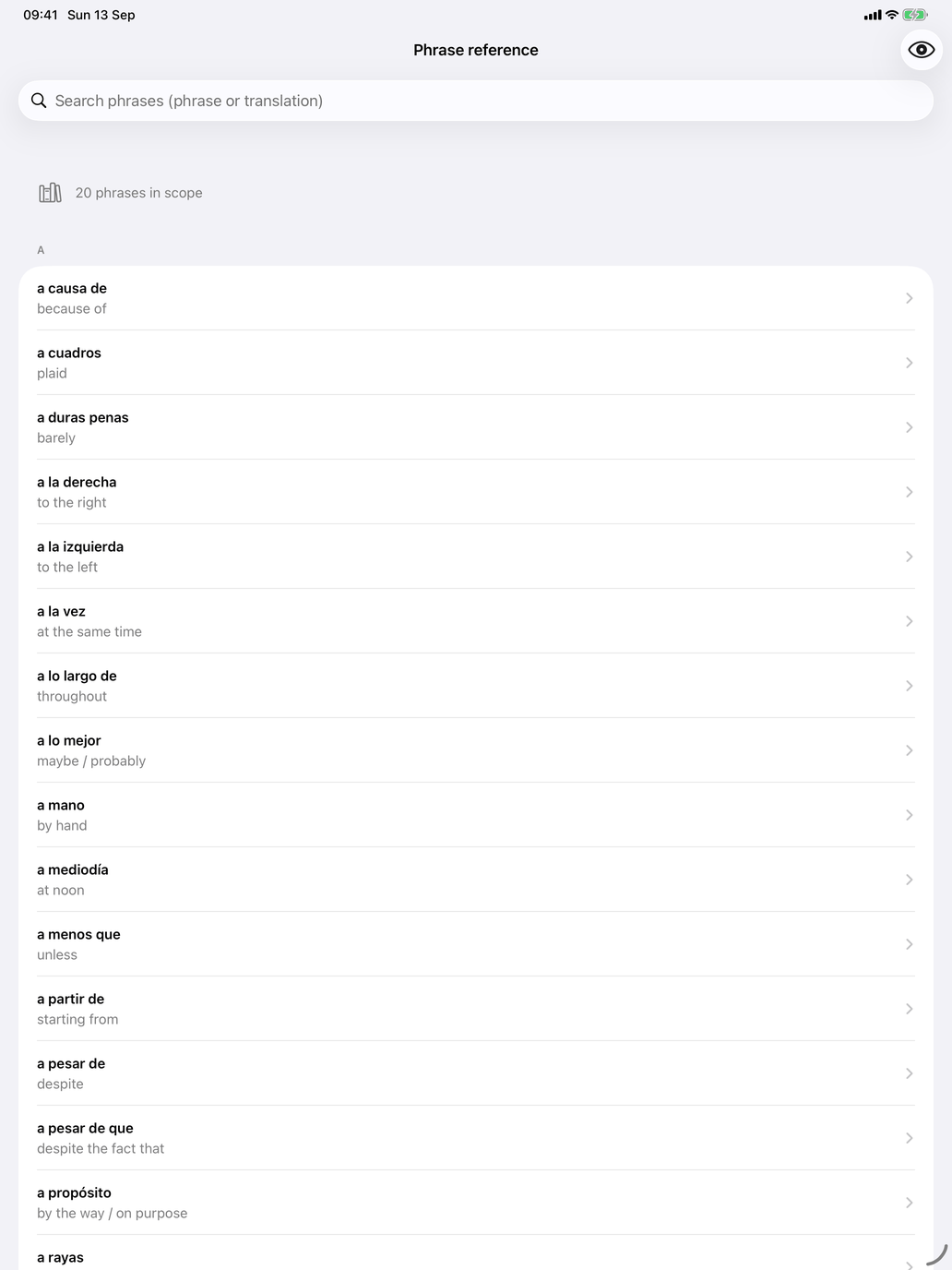
A list of the phrases in your selection with their translations, in alphabetical order, with an A–Z index and a search field. The search matches the phrase or its translation. Nothing is recorded here. Use it to look something up or to look through a set before you drill it.
- Touch and hold a row to hear the phrase.
- The button in the toolbar hides or shows the translations (Hide translation / Show translation), so you can test yourself on the list.
- Tap a phrase to open its page: the phrase, its translation and type (Expression or Verbal expression), its Level, Frequency and Topics, and the Dictionaries row. An example sentence also has an Illustrates card that names the verb or noun it belongs to.
A good routine: look through the set in Phrase reference for a minute, then start Phrase meaning.