Adjectives and the concordance drill
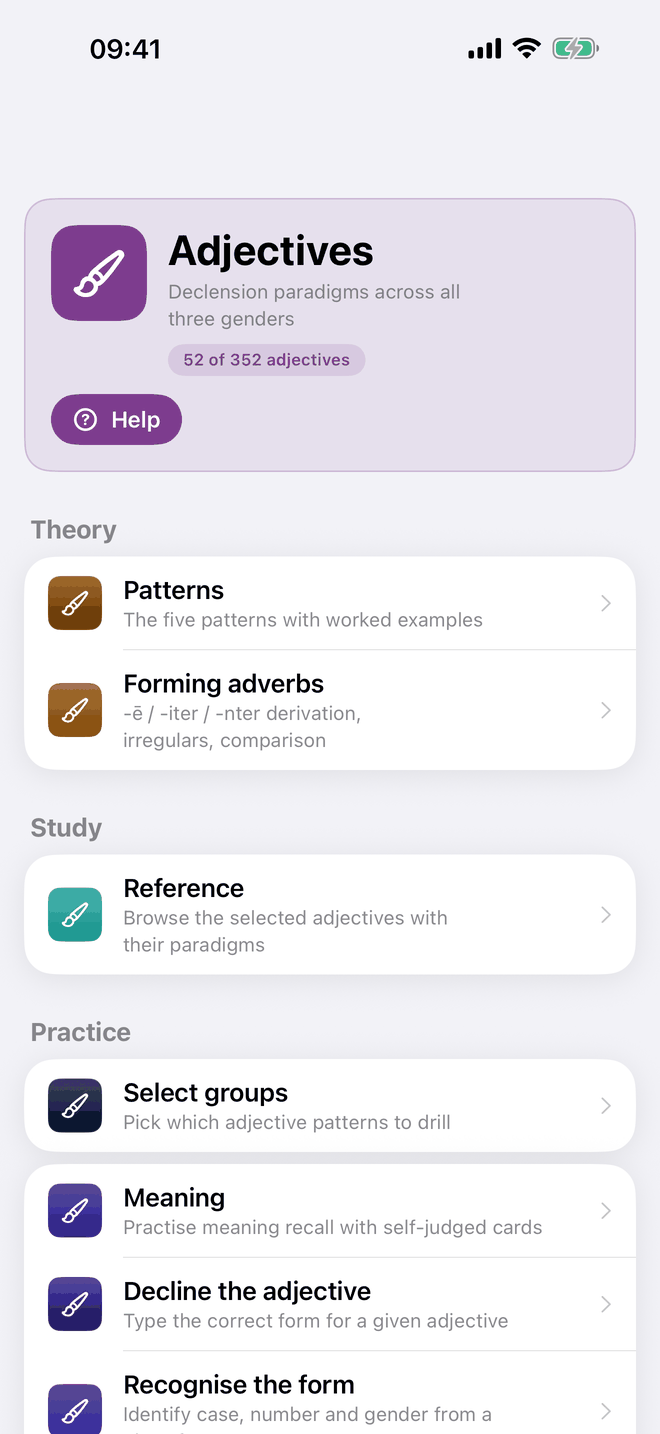
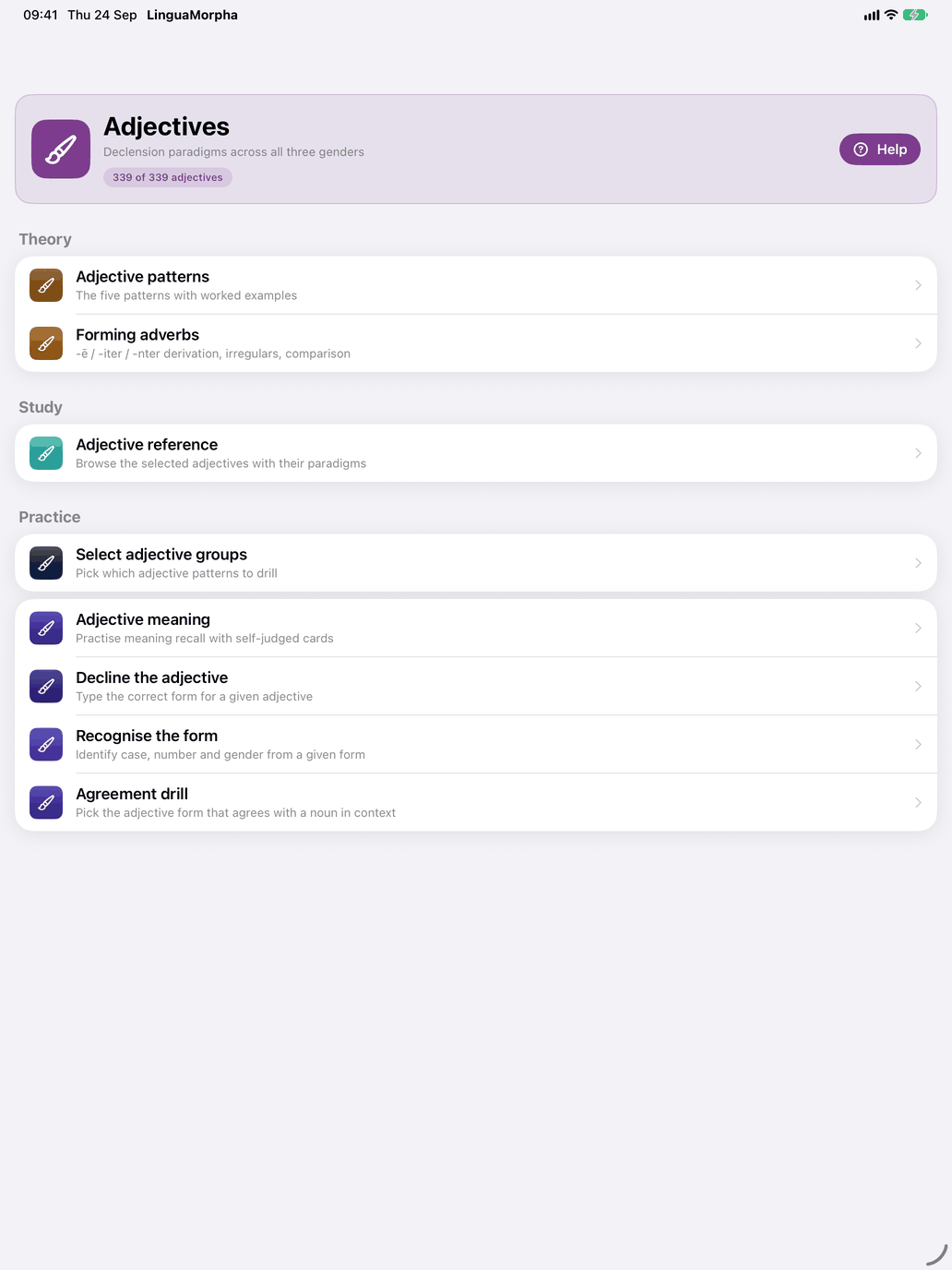
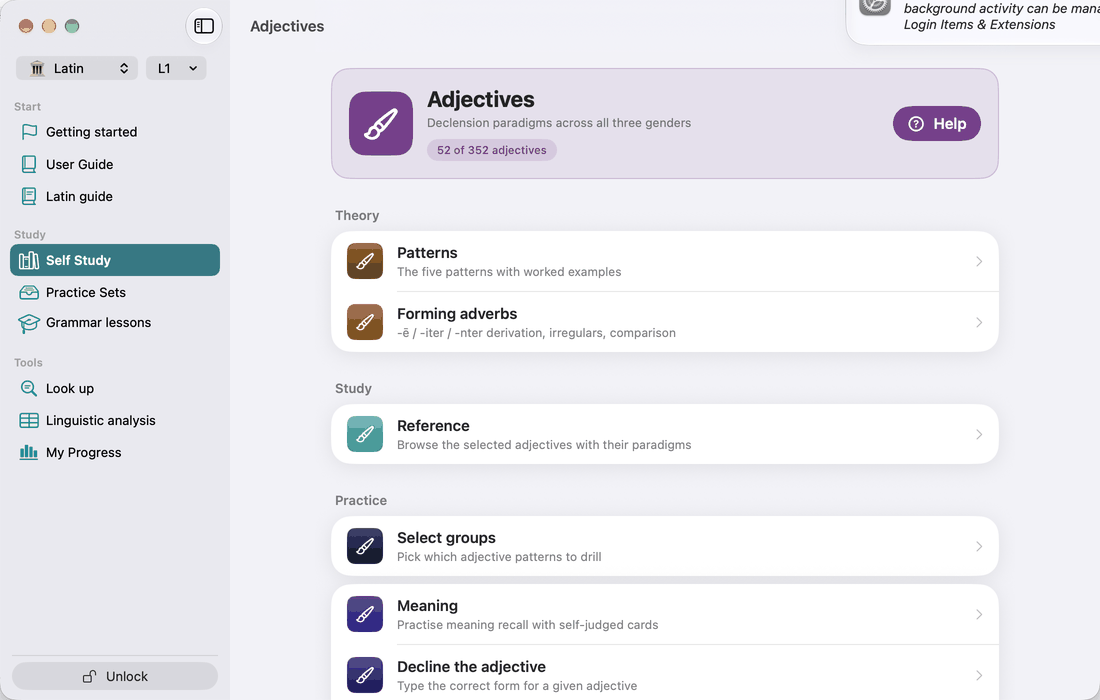
Open the Latin Adjectives hub from the Adjectives tile on the Self Study screen. The catalogue holds over 350 adjectives across the five textbook patterns, and every one of them has a full case × number × gender paradigm. The hub has the usual Theory / Study / Practice layout. Under the title, a badge shows how many adjectives your current selection leaves, out of every adjective in the catalogue. The badge turns red when nothing is left to drill.
The five patterns, with the number of adjectives in each:
| Pattern | Example | Adjectives |
|---|---|---|
| 1st/2nd-decl. -us / -a / -um | bonus, -a, -um | over 220 |
| 1st/2nd-decl. -er variant | pulcher, pulchra, pulchrum; miser, misera, miserum | 18 |
| 3rd-decl. two-ending | fortis, -e | over 60 |
| 3rd-decl. one-ending | ingens, ingentis | over 40 |
| 3rd-decl. three-ending | ācer, ācris, ācre | 8 |
For the grammar of each pattern, see Appendix D.
Select adjective groups (Practice)
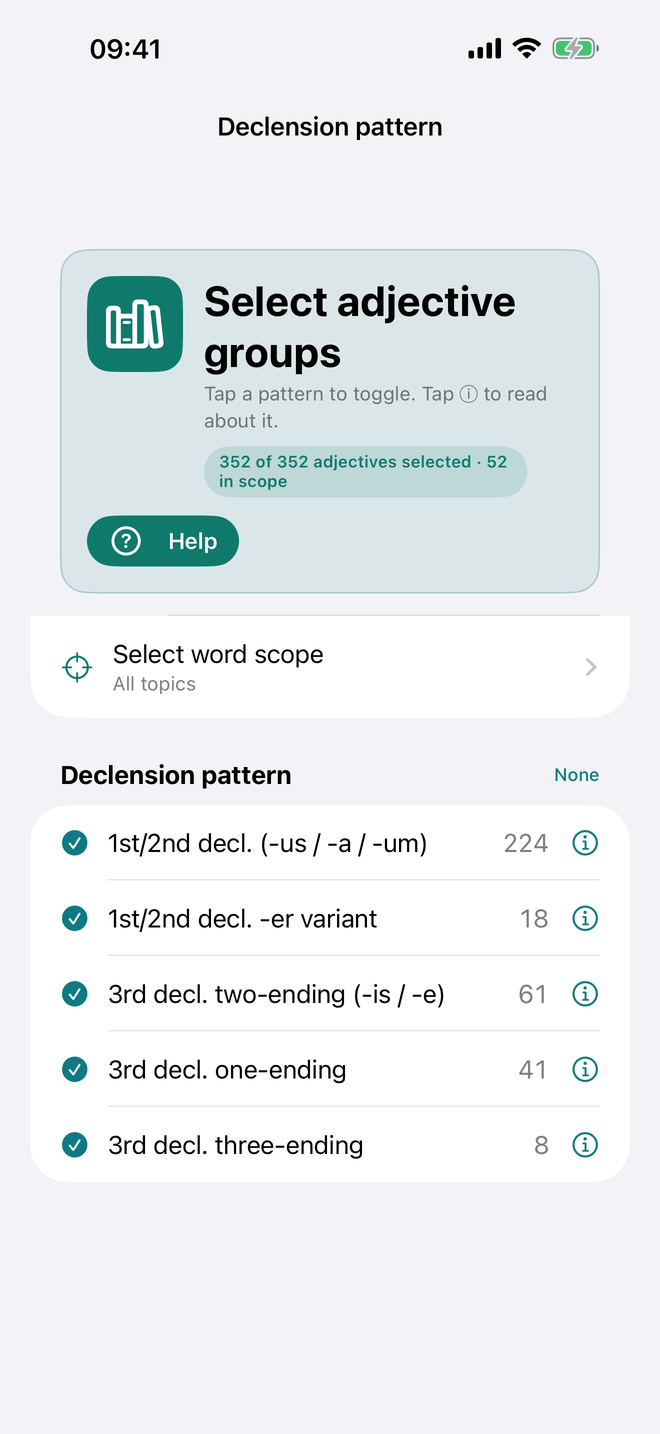
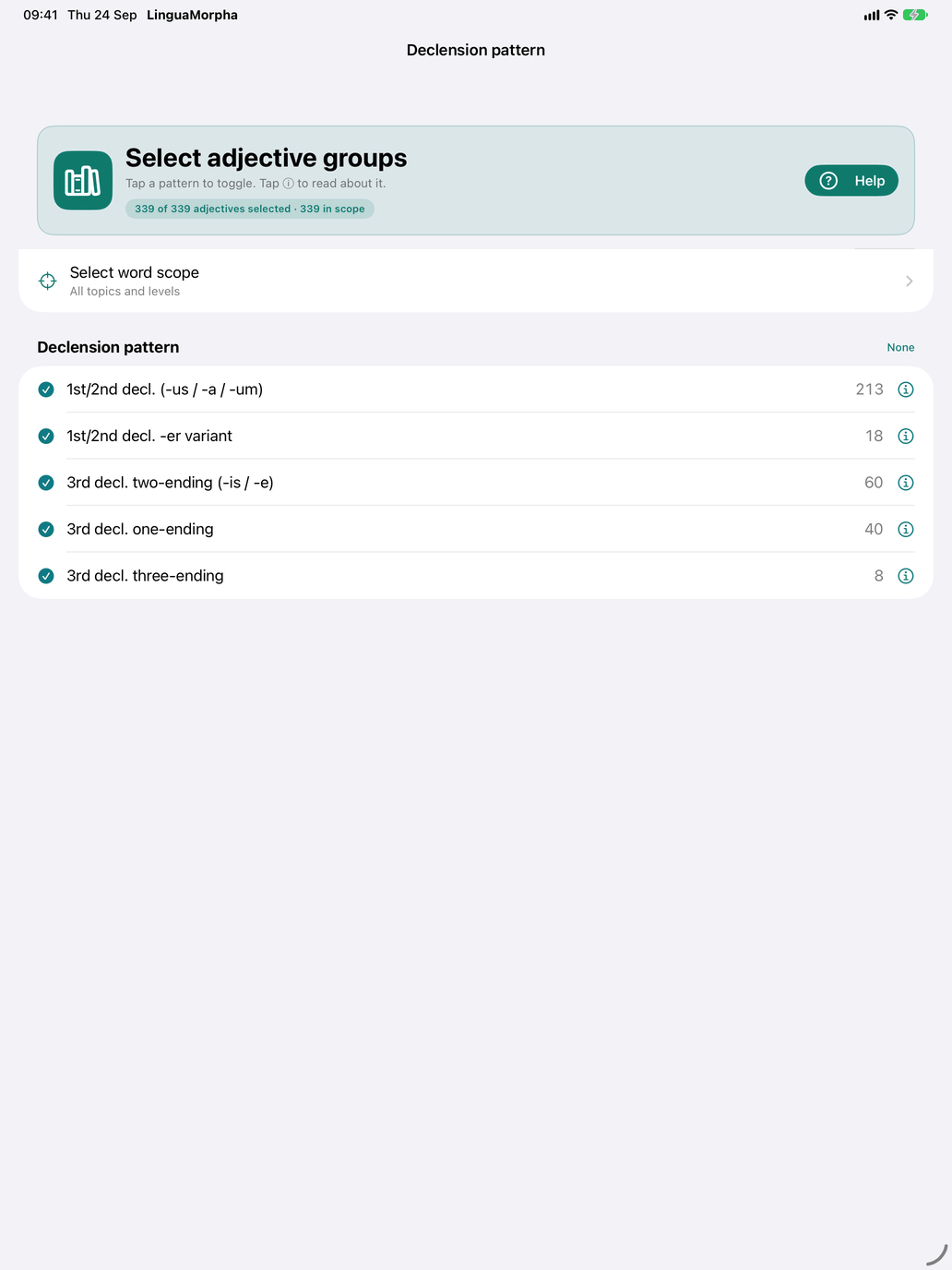
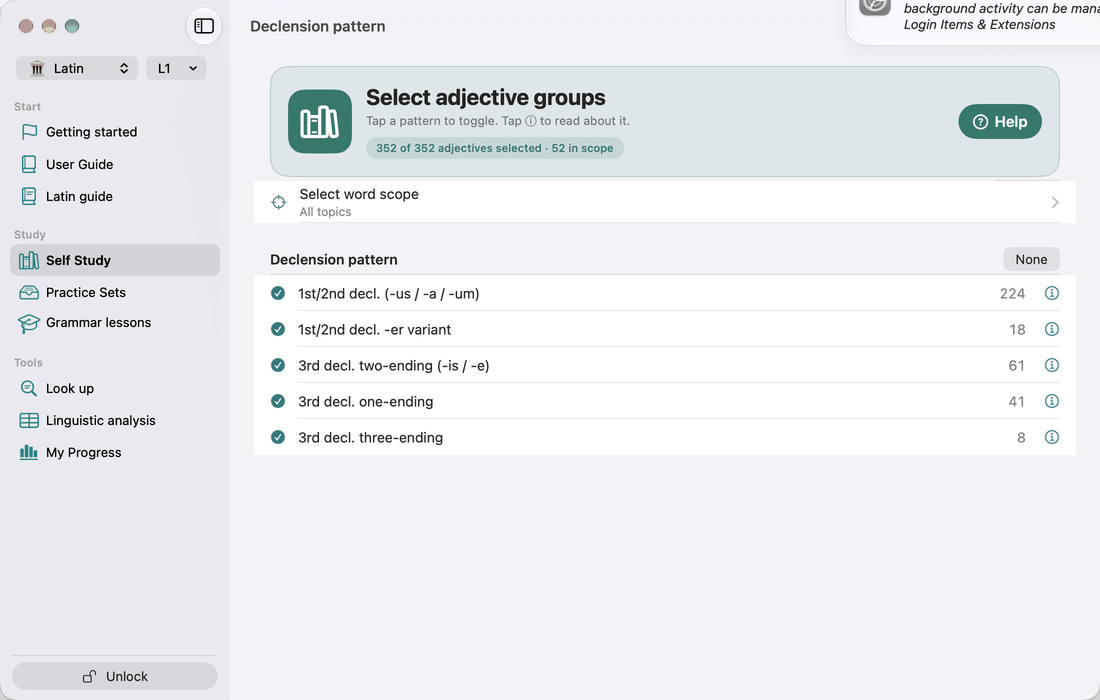
The only selection row in Practice is Select groups. Its screen lists the five patterns under Declension pattern, with the number of adjectives in each. Tap a pattern to switch it on or off. Tap ⓘ to open a sheet with the pattern's worked paradigm and notes, followed by the list of Adjectives in this pattern. Tap any adjective in that list to open its detail screen.
Pattern is the only choice on this screen, and the comparative is not offered as a pattern. Your level and topics still apply, though. Every adjective screen and drill uses your pattern selection within your level and word scope. The picker's Select word scope row opens that screen, and when the scope leaves fewer adjectives the count line shows how many are in scope.
Adjective patterns (Theory)
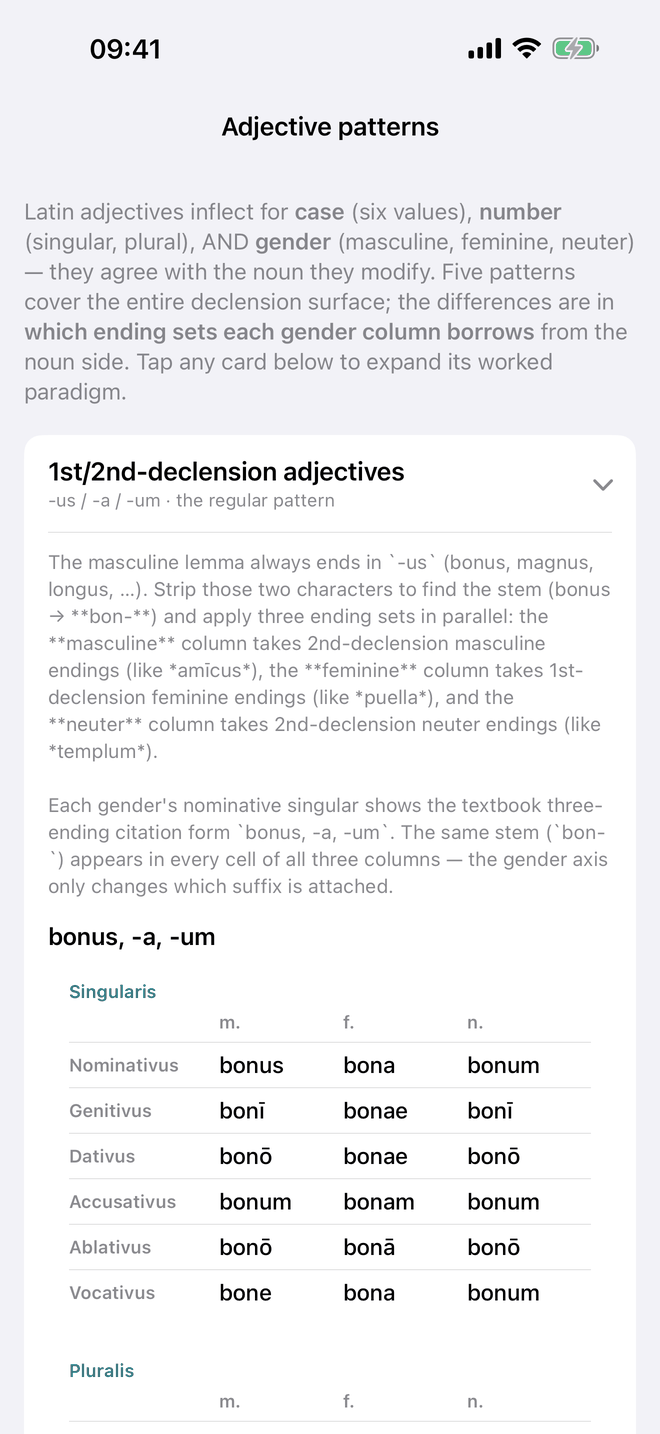
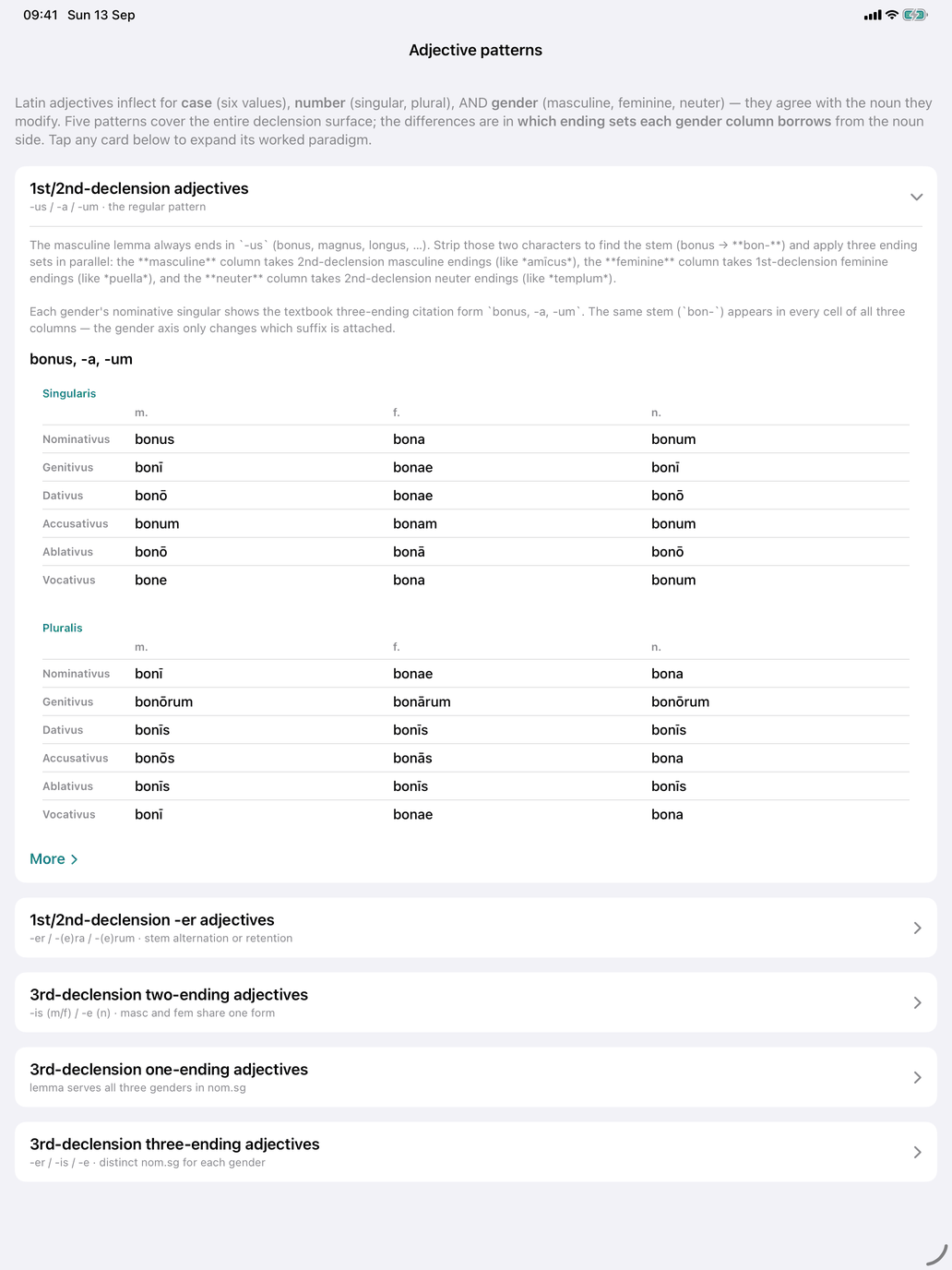
A reference page with a short introduction and one card per pattern, in the order of the table above. The first card is open when you arrive and the others are closed. Tap a card's header to open or close it. An open card shows how the pattern is formed, a full paradigm for its model adjective (pulcher and miser side by side for the -er pattern), and a More link.
Pattern detail
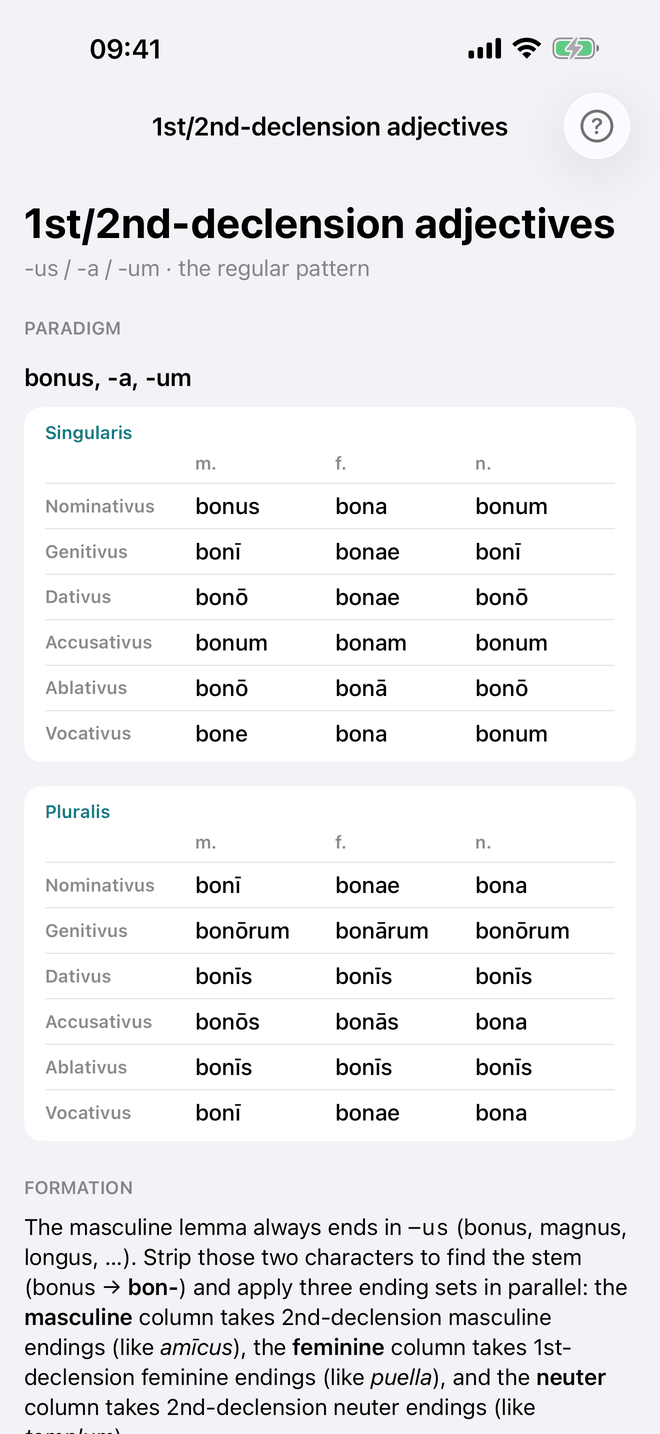
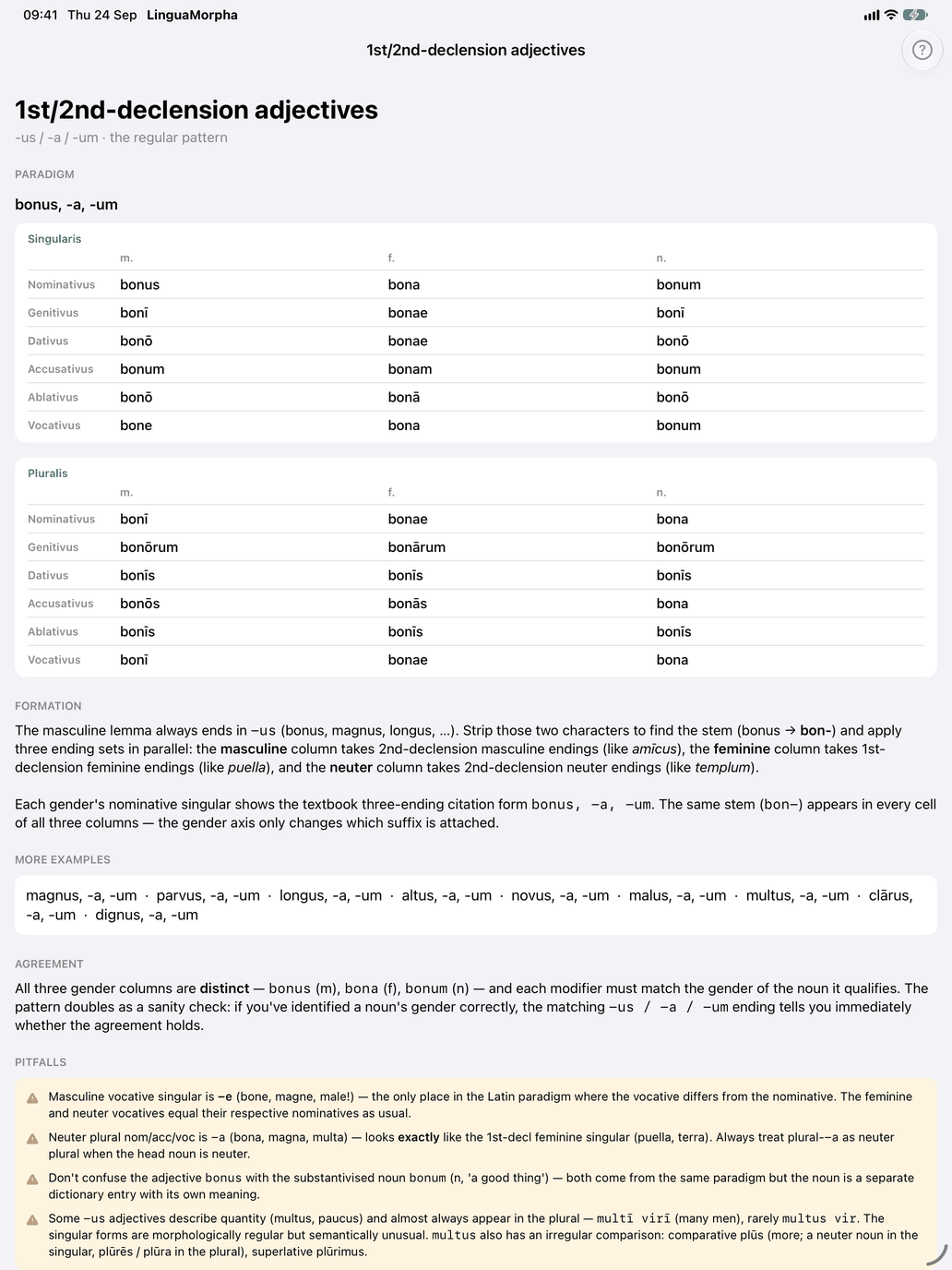
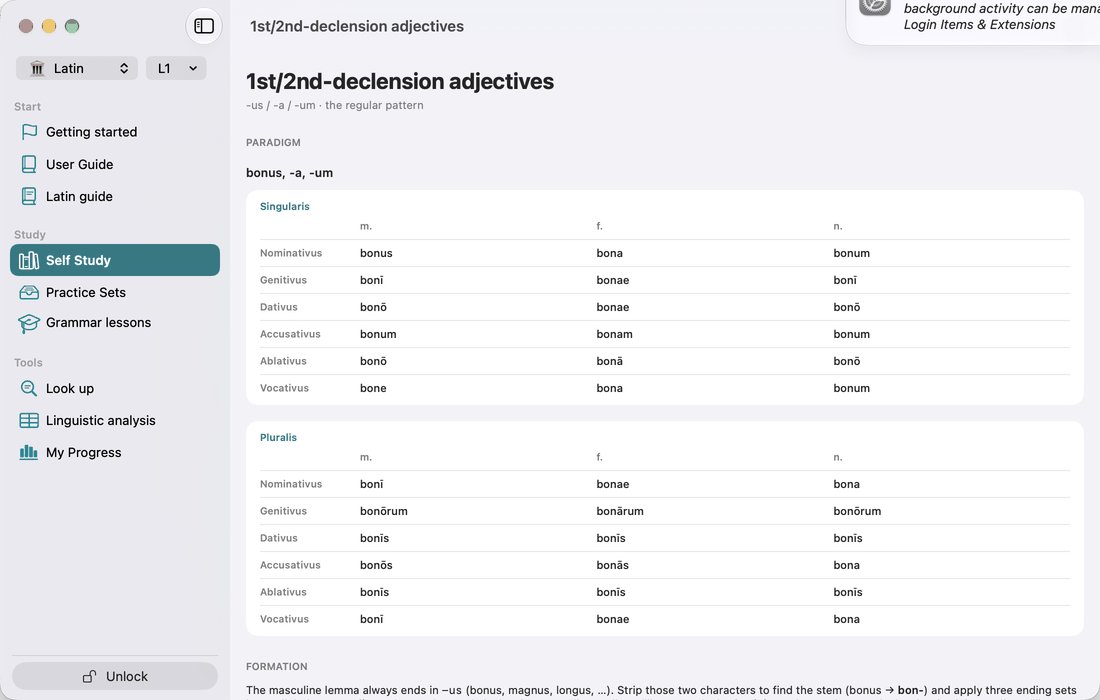
More opens the full write-up for one pattern:
- Paradigm — singular and plural tables, six cases down and m / f / n across.
- Formation — how the stem is found and which ending sets each gender borrows.
- More examples — further adjectives of the pattern in citation form, for example magnus, parvus, longus… for -us / -a / -um.
- Agreement — how the three gender columns relate in this pattern.
- Pitfalls — common confusions, such as the masculine vocative in -e (bone!).
Adjective reference (Study)
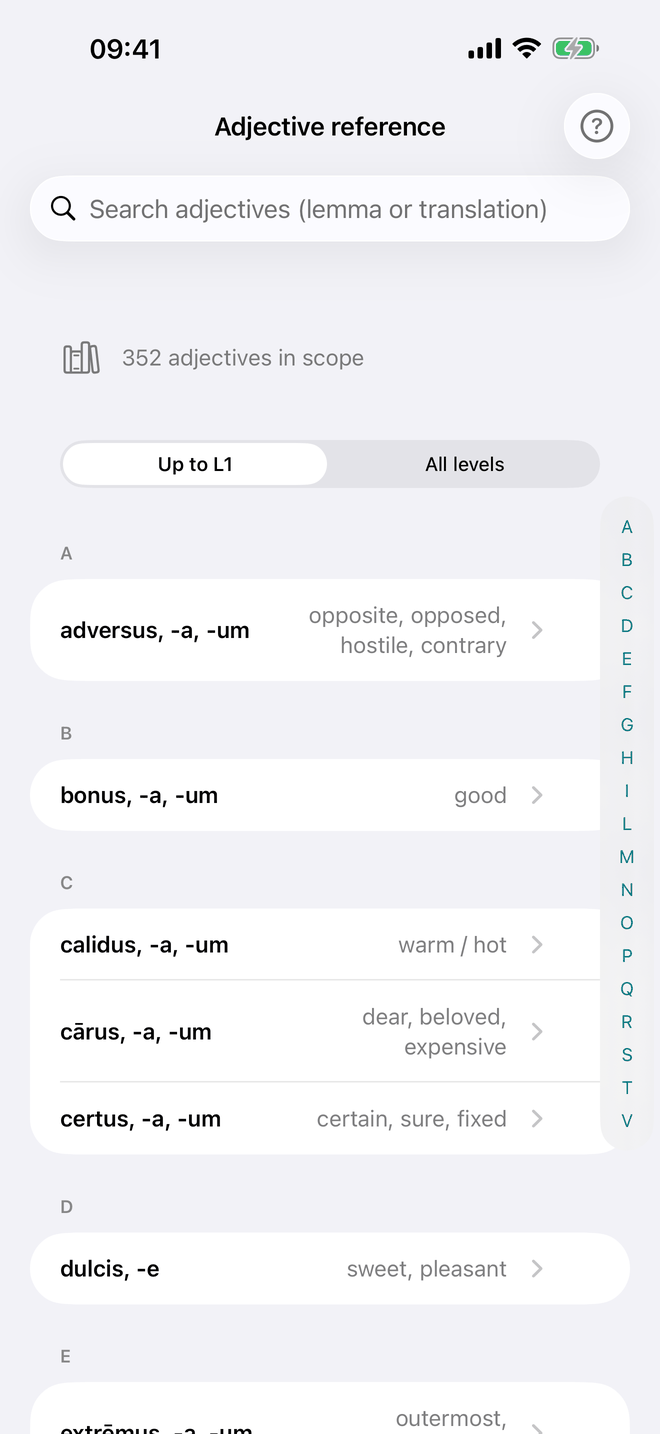
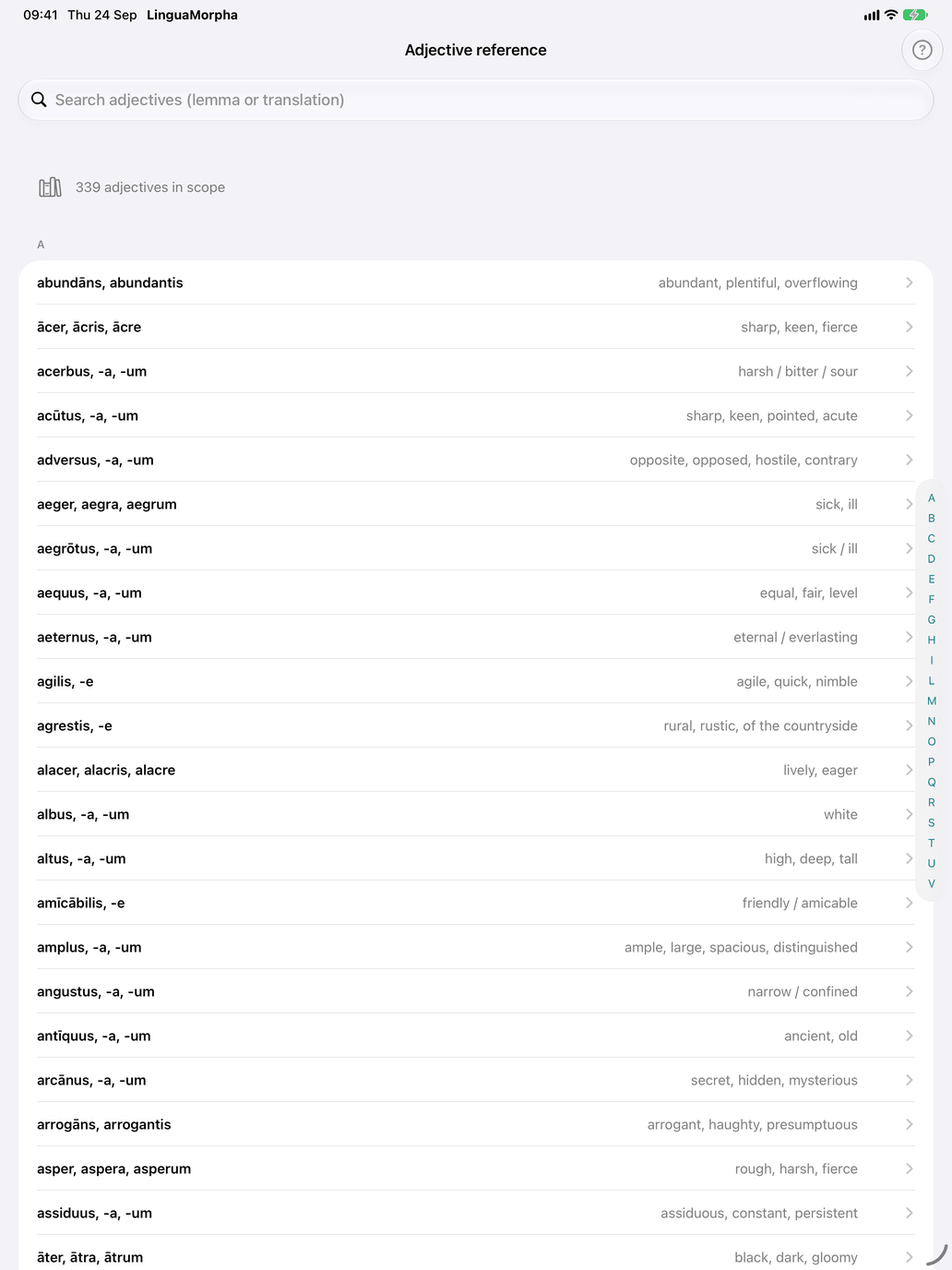
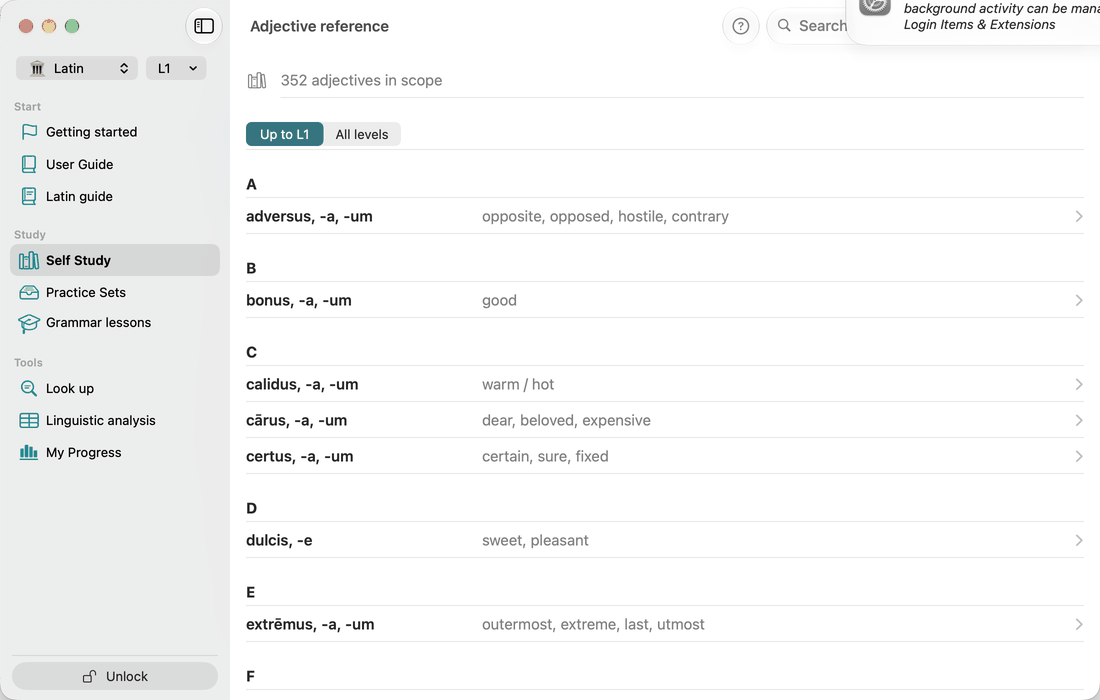
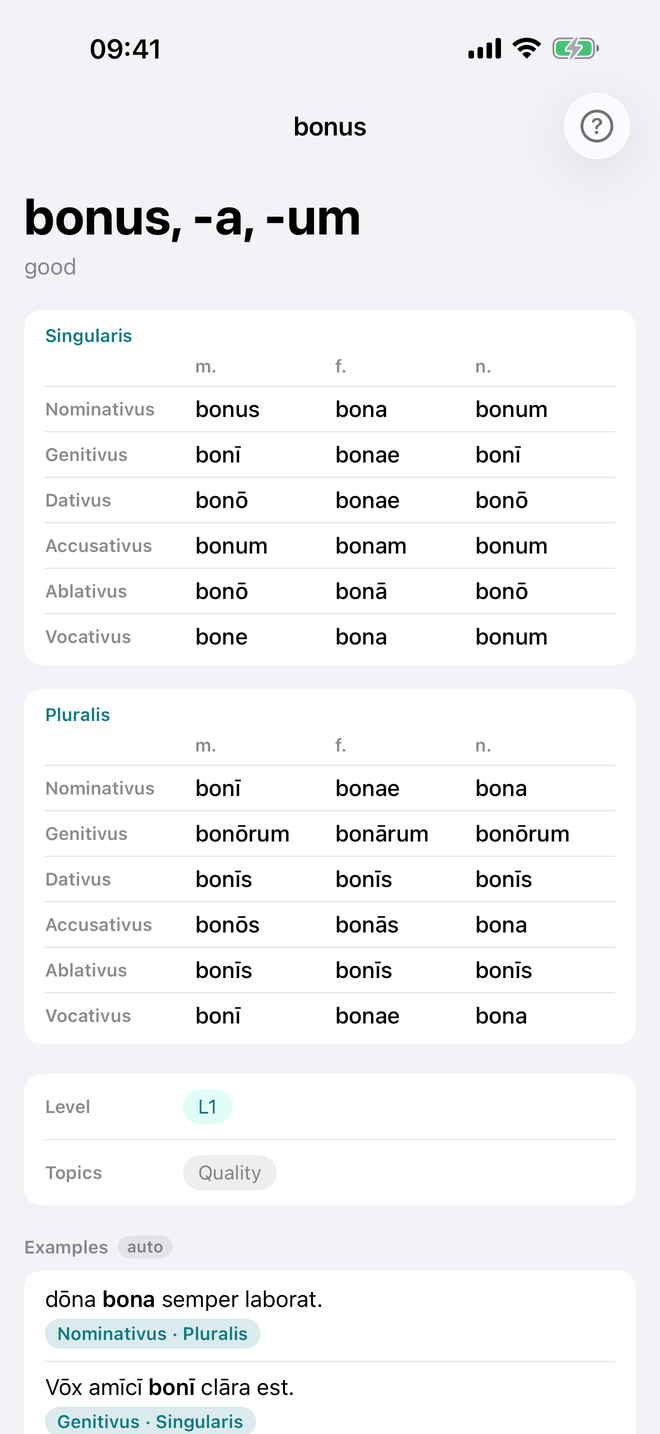
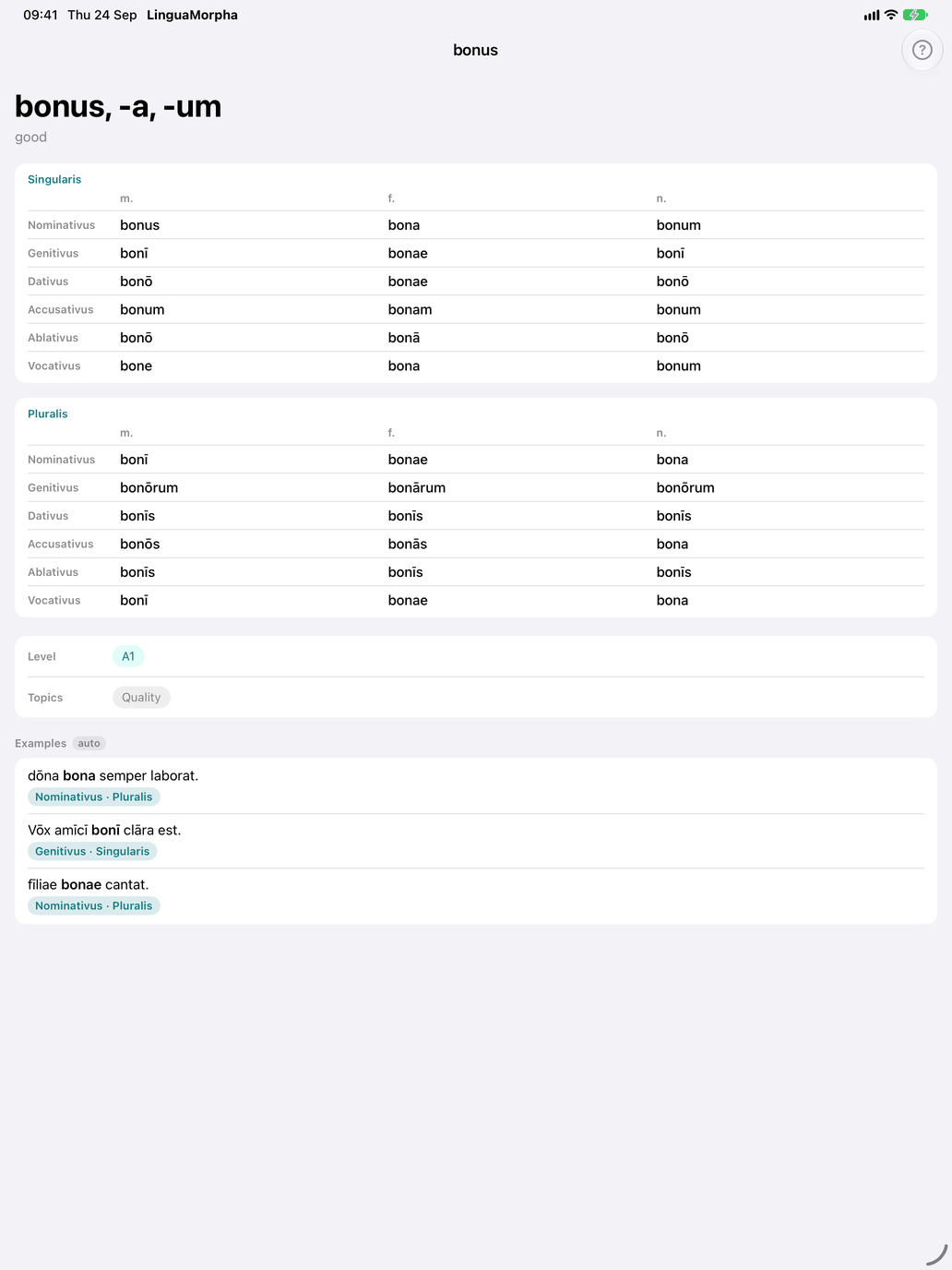
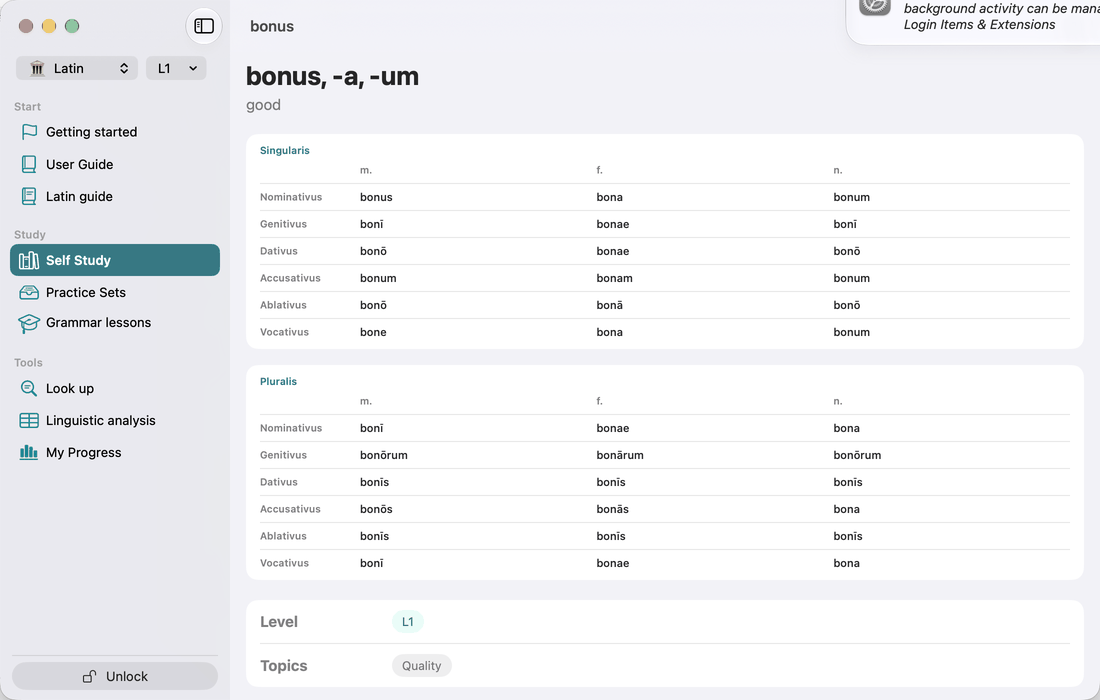
A searchable A–Z list of the adjectives in your selection. Each row shows the citation form and its translation. You can search by Latin lemma or by translation. Tap an adjective to open its detail screen:
- the citation form and translation;
- the full paradigm (singular and plural, m / f / n);
- Level and Topics chips;
- up to three Examples marked auto: short sentences generated by the app. In each one the adjective agrees with a noun and appears in bold, and a label below gives the case and number.
Adjective meaning (Practice)
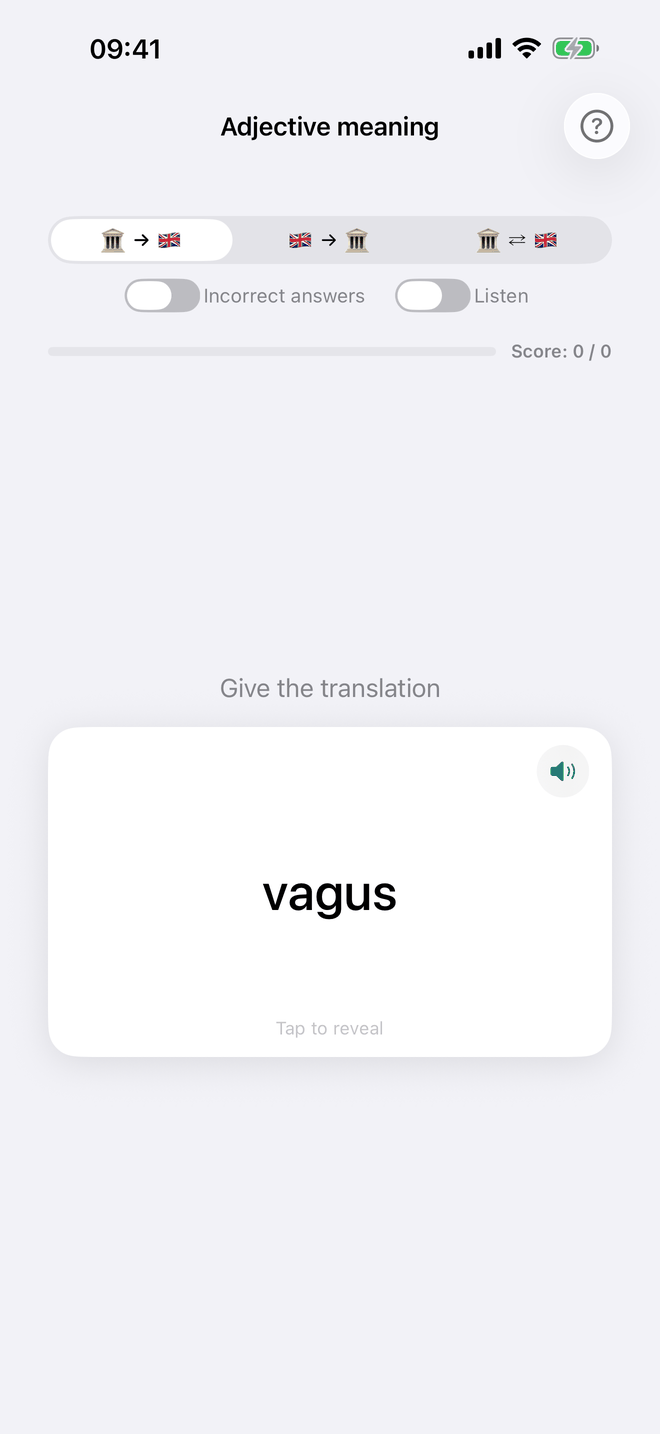
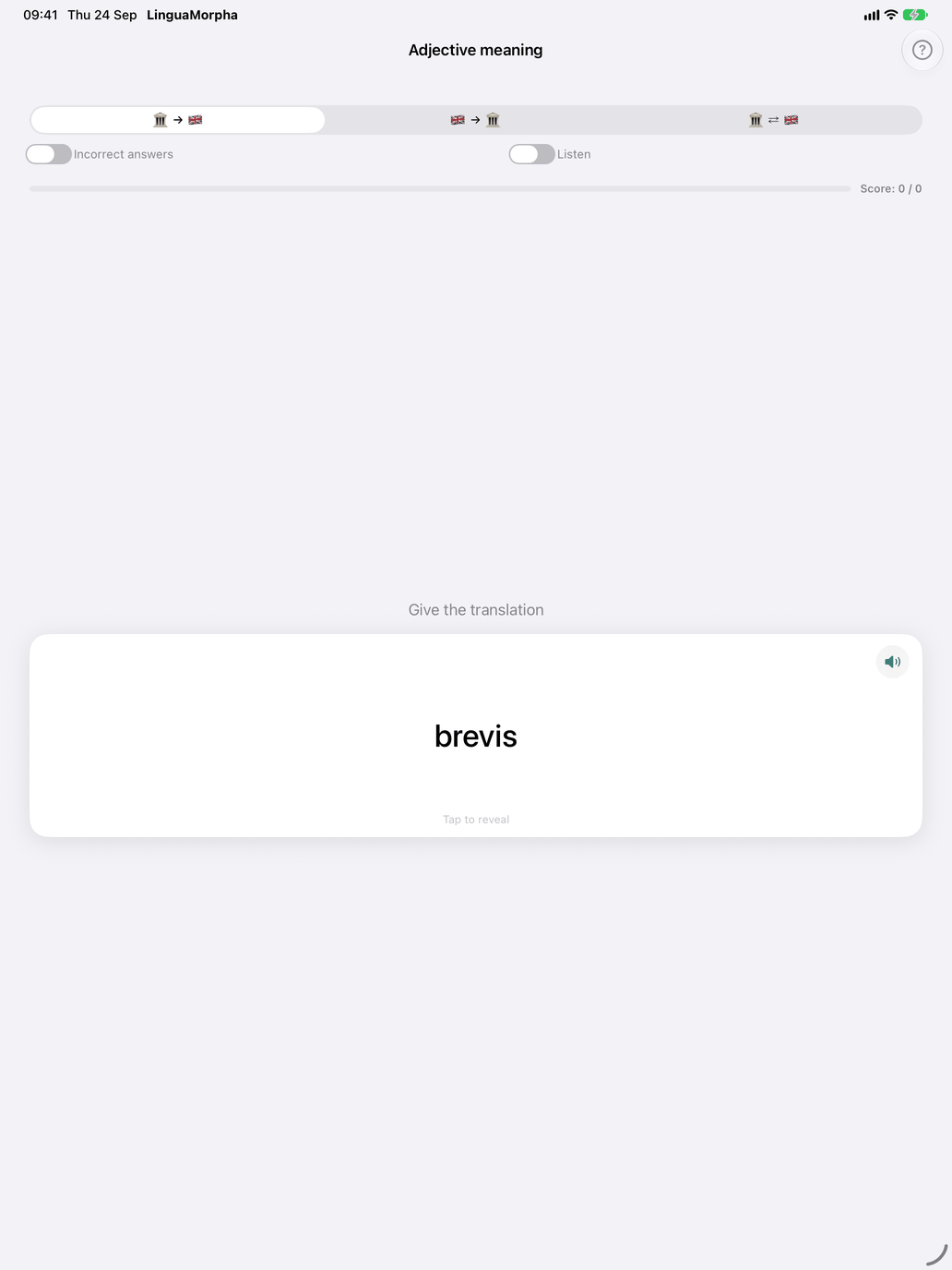
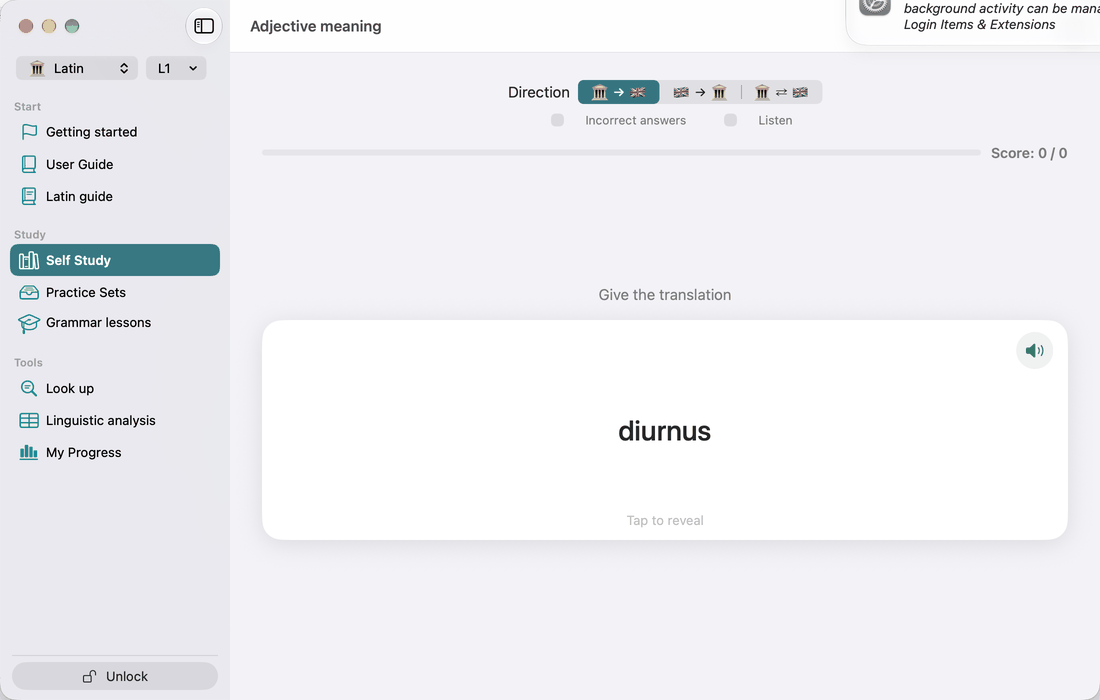
Self-judged flashcards: tap the card to see the other side, the adjective or its translation. Swipe right if you knew it and left if you didn't. This drill uses the same pattern selection as the other drills.
Decline the adjective (Practice)
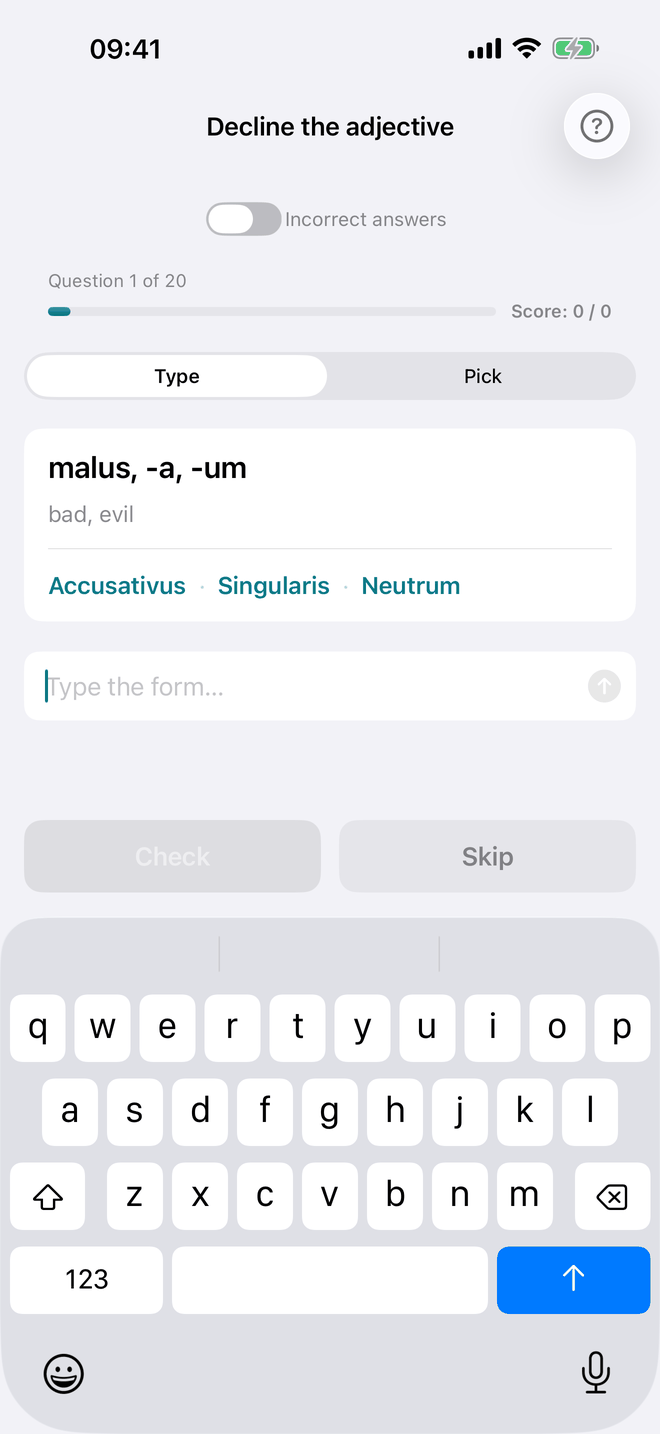
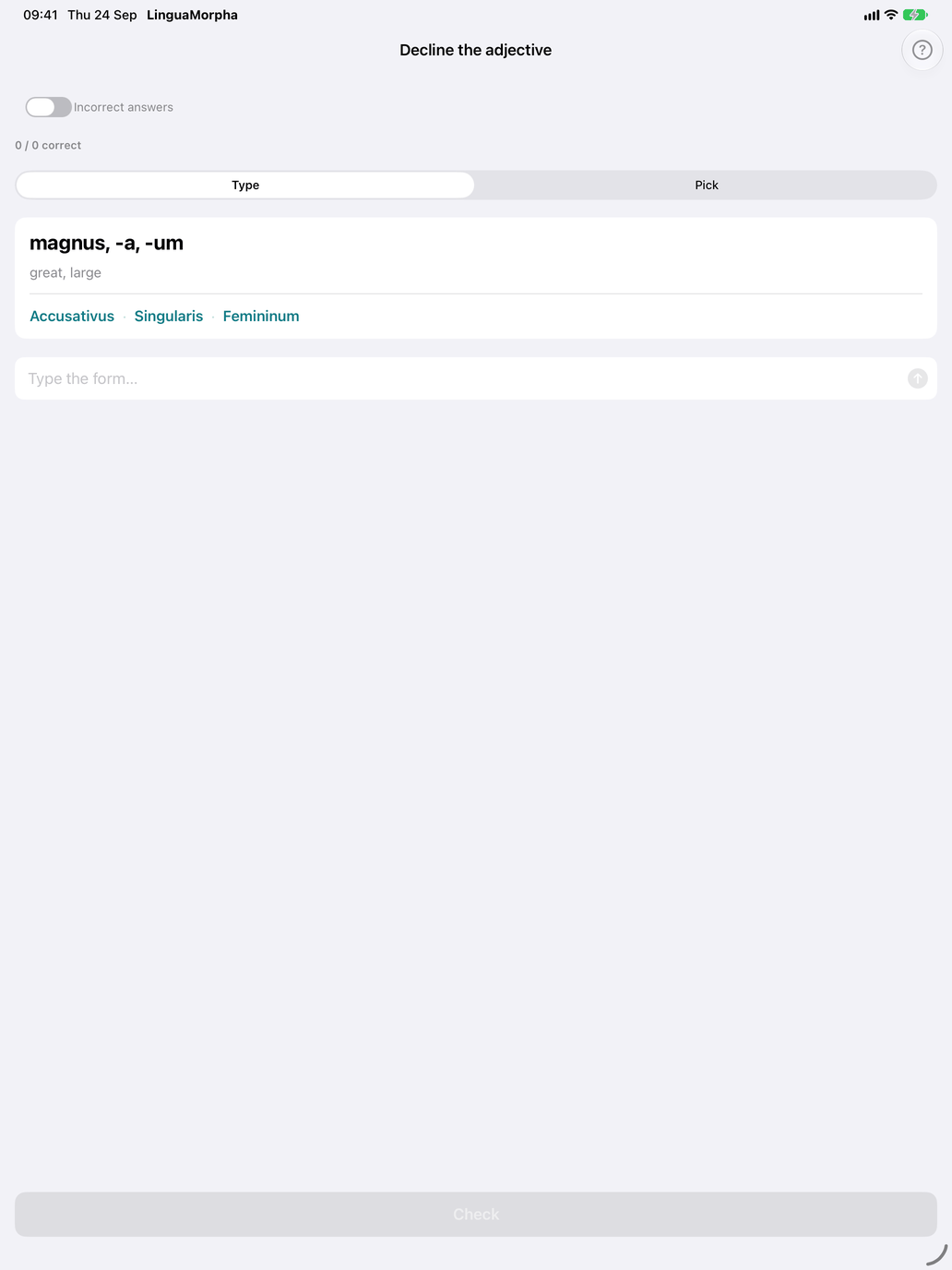
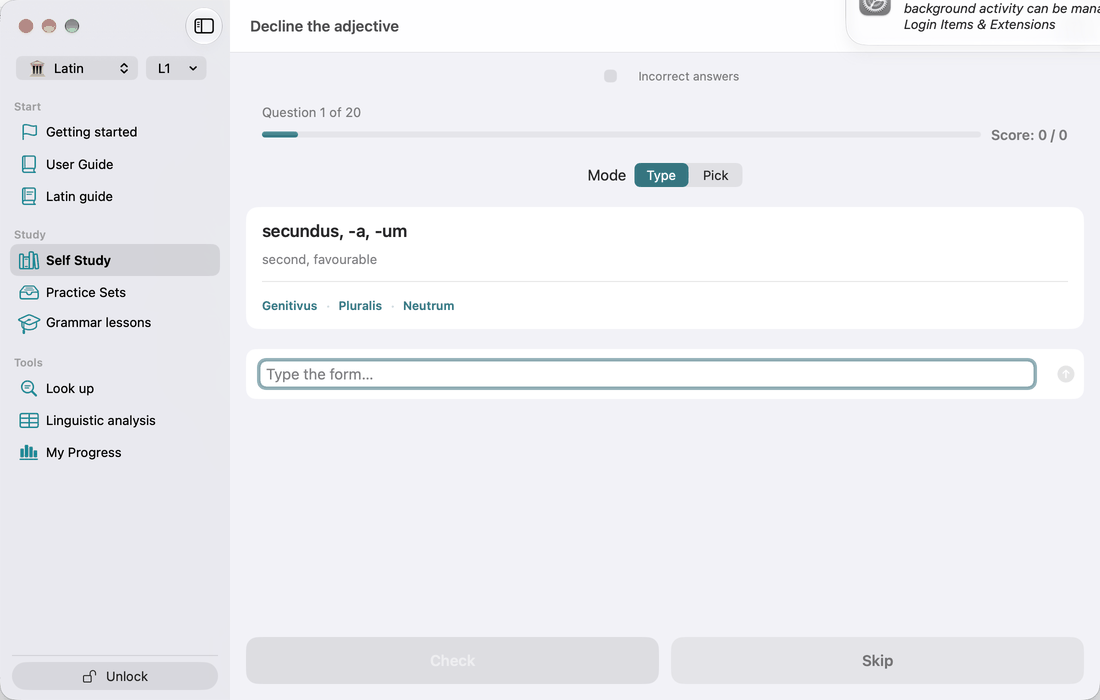
The production drill. The card shows the adjective's citation form and translation, followed by a case · number · gender target such as Accusativus · Singularis · Femininum. The vocative is never asked.
- Type mode — type the form and tap Check.
- Pick mode — choose the form from a wheel of up to ten options. The distractors are other forms of the same adjective, topped up with the same cell of other adjectives in your pool when needed.
After you check, the feedback reads Correct, Not quite (with the expected form), or Correct — watch the macron. That last verdict appears when you typed the right letters without the macrons. To make missing macrons count as wrong, turn on Exact spelling (Settings → Study → Grading) (see Macron-accurate checking).
Recognise the form (Practice)
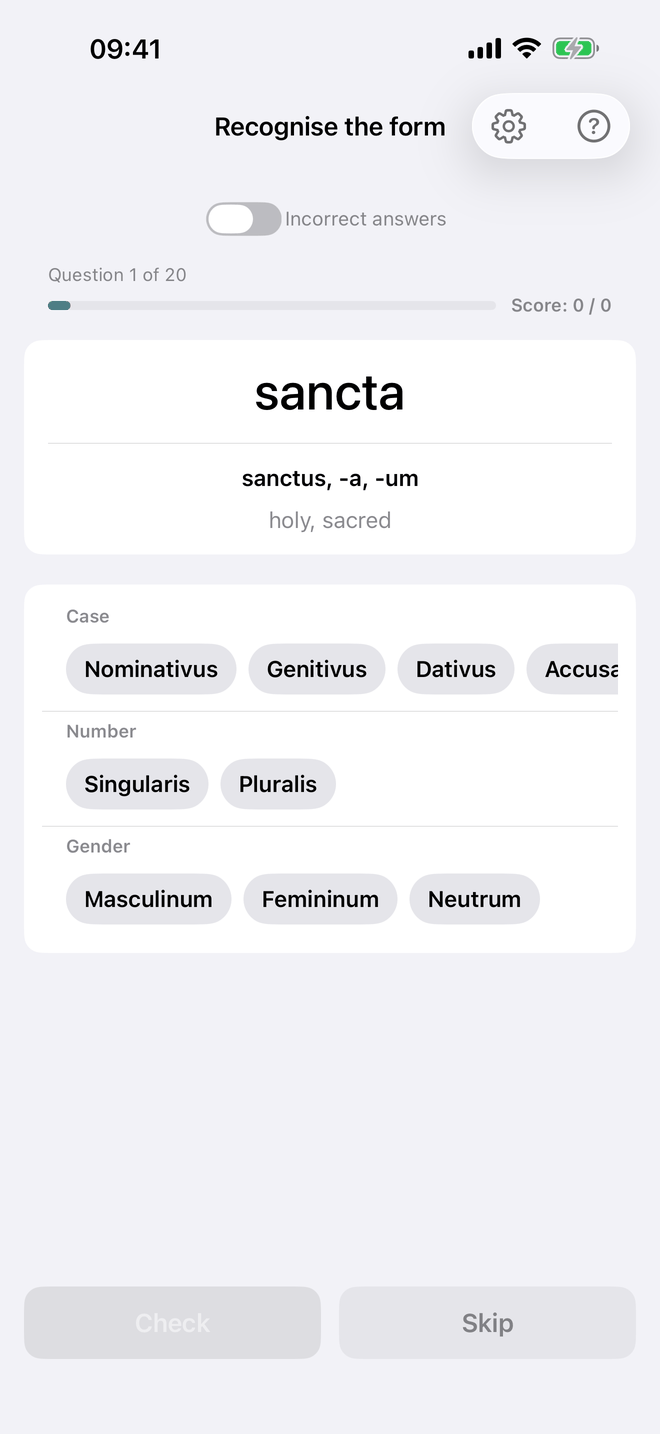
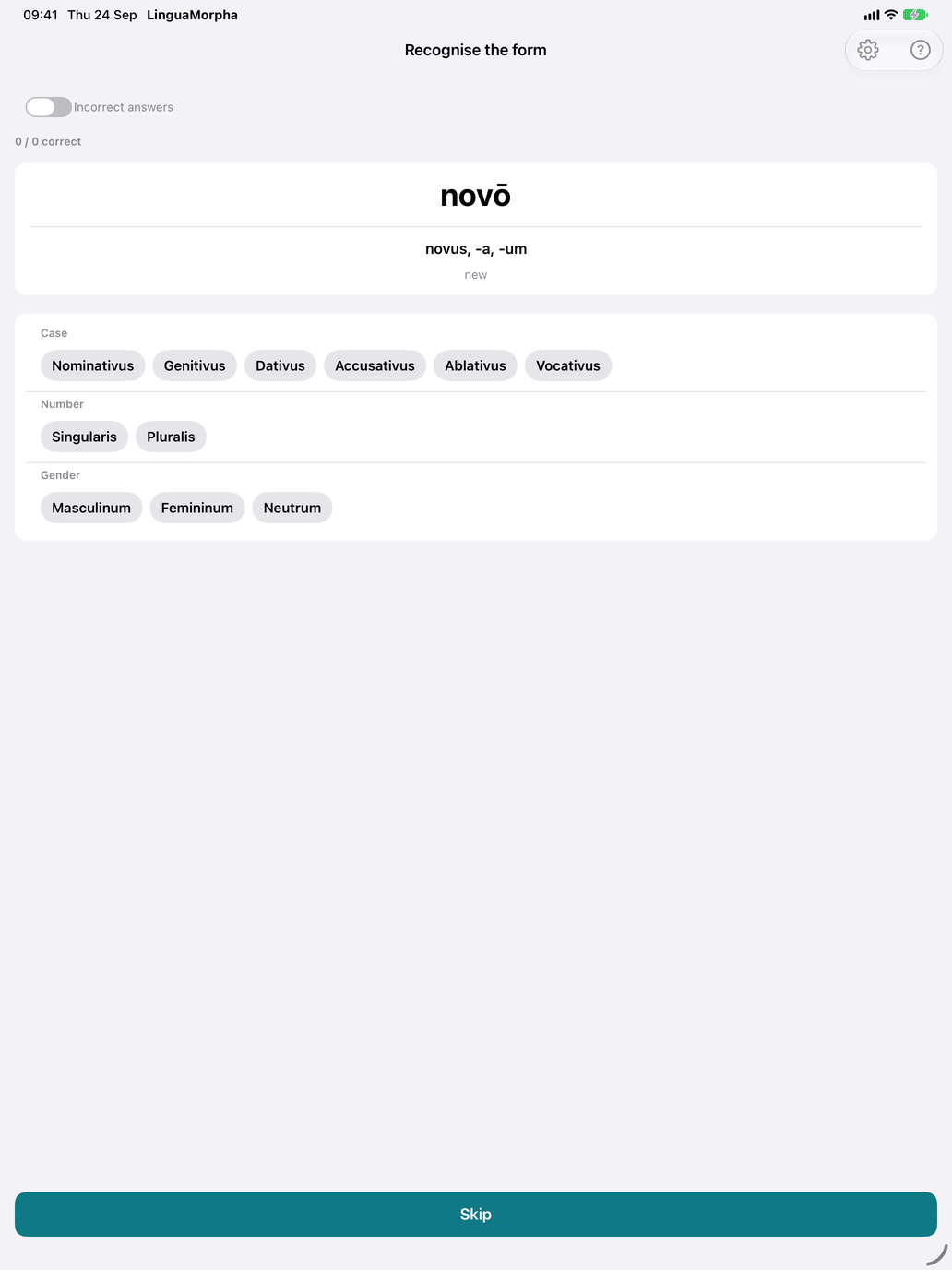
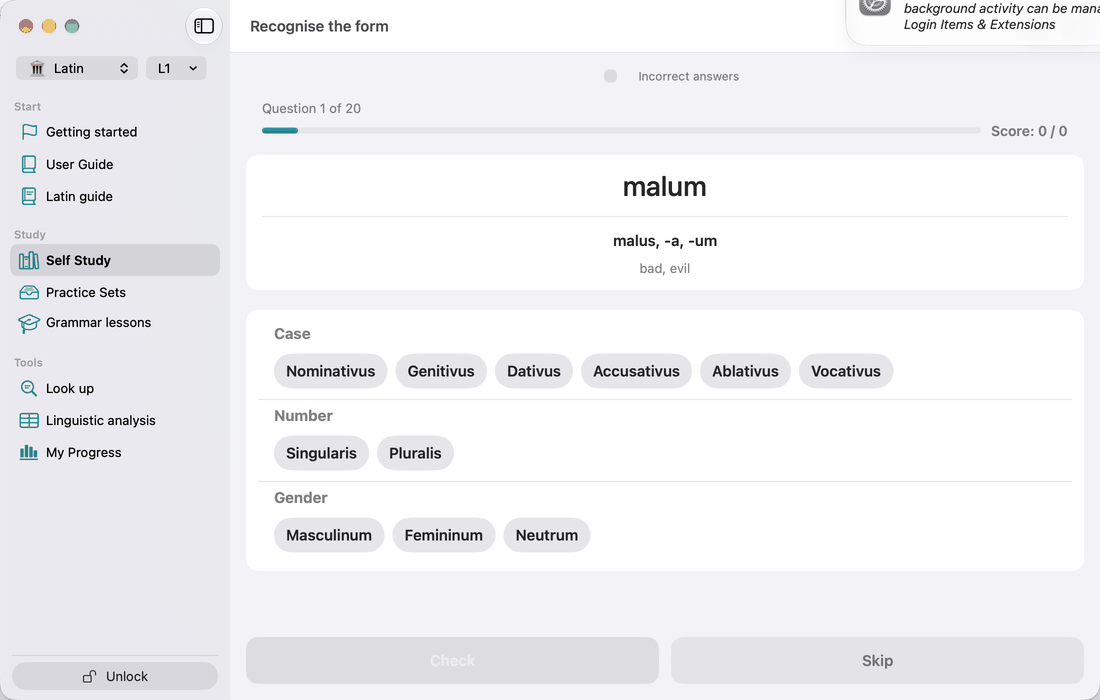
The recognition drill. The card shows an inflected form, with the adjective's citation form and translation below it. Pick Case, Number and Gender, then tap Check. If you set nothing, the button reads Skip. The vocative is never the form asked, but vocative analyses count when they match.
Many forms fit several cells. bonōrum, for example, is genitive plural masculine and neuter. Any valid analysis counts as correct, and the feedback lists the Other valid answers. A wrong answer lists all the Valid answers. Every feedback card has a Show all forms link, which opens the full paradigm with the asked form highlighted.
The gear button opens Recognition settings:
- Picker style — Wheel or Chips.
- Multi-answer mode — you claim each analysis with Add this analysis before you check. Only the complete set counts as correct, and a partial set shows "N of M found" along with the analyses you missed.
Each answer is recorded as a single right-or-wrong result. There is no partial credit for getting some of the three axes right.
All the drills record answers against the adjective. They take their session length and learning pace from Settings → Study. The Incorrect answers toggle at the top of a drill limits the session to adjectives you have been getting wrong.
Comparative and superlative
The comparative (-ior / -ius) and superlative (-issimus; -rimus after -er) are not a separate screen or drill, and the comparative is not a selectable pattern. The app derives them from each adjective, and they are stored explicitly for the irregulars bonus → melior → optimus, magnus → maior → maximus, malus → peior → pessimus and parvus → minor → minimus. The Sentence parser recognises these forms. For the rules, see Appendix D.
Recommended workflow
- Start with only the -us / -a / -um pattern. It is by far the largest group and the textbook starting point.
- Keep Adjective patterns open as a reference while you drill.
- Alternate between Decline the adjective and Recognise the form, as you do for nouns.
- Add the 3rd-declension two-ending pattern next. Its i-stem endings (ablative singular -ī, genitive plural -ium, neuter plural -ia) need practice of their own.
- Once you can produce noun and adjective forms separately, move on to the Agreement drill.