Browse Words
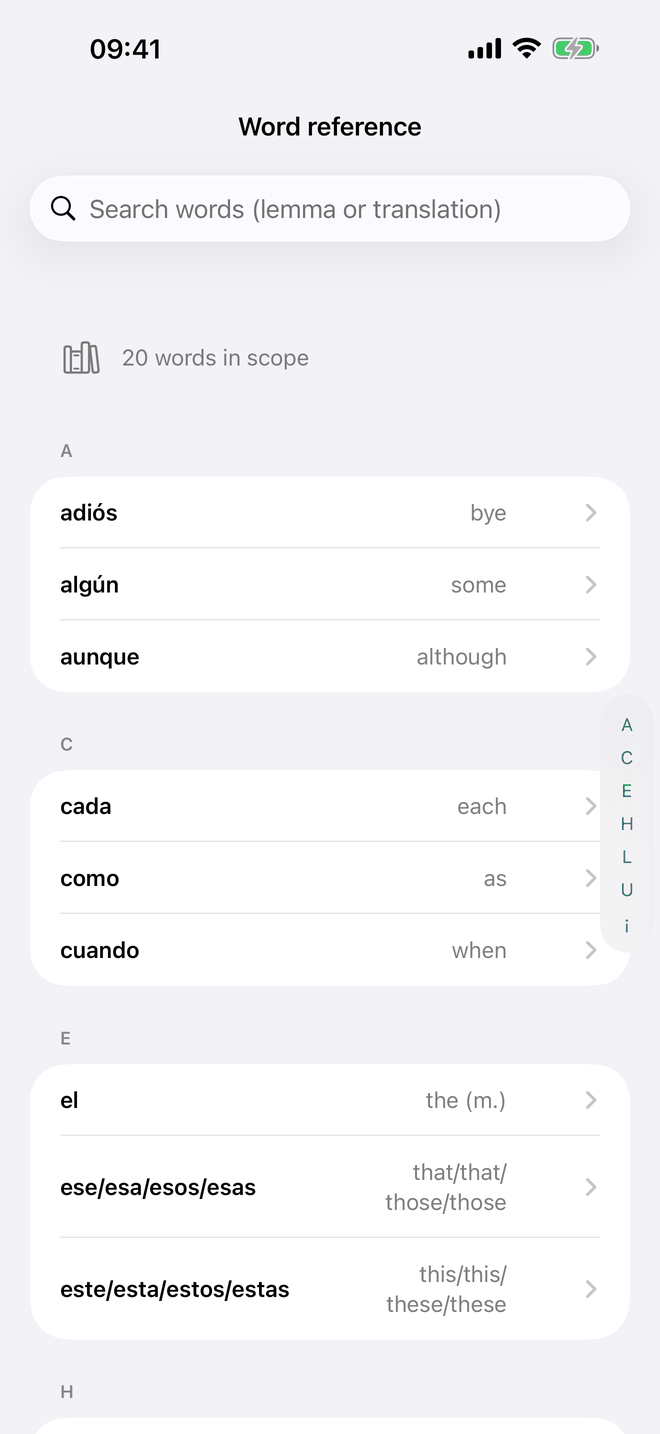
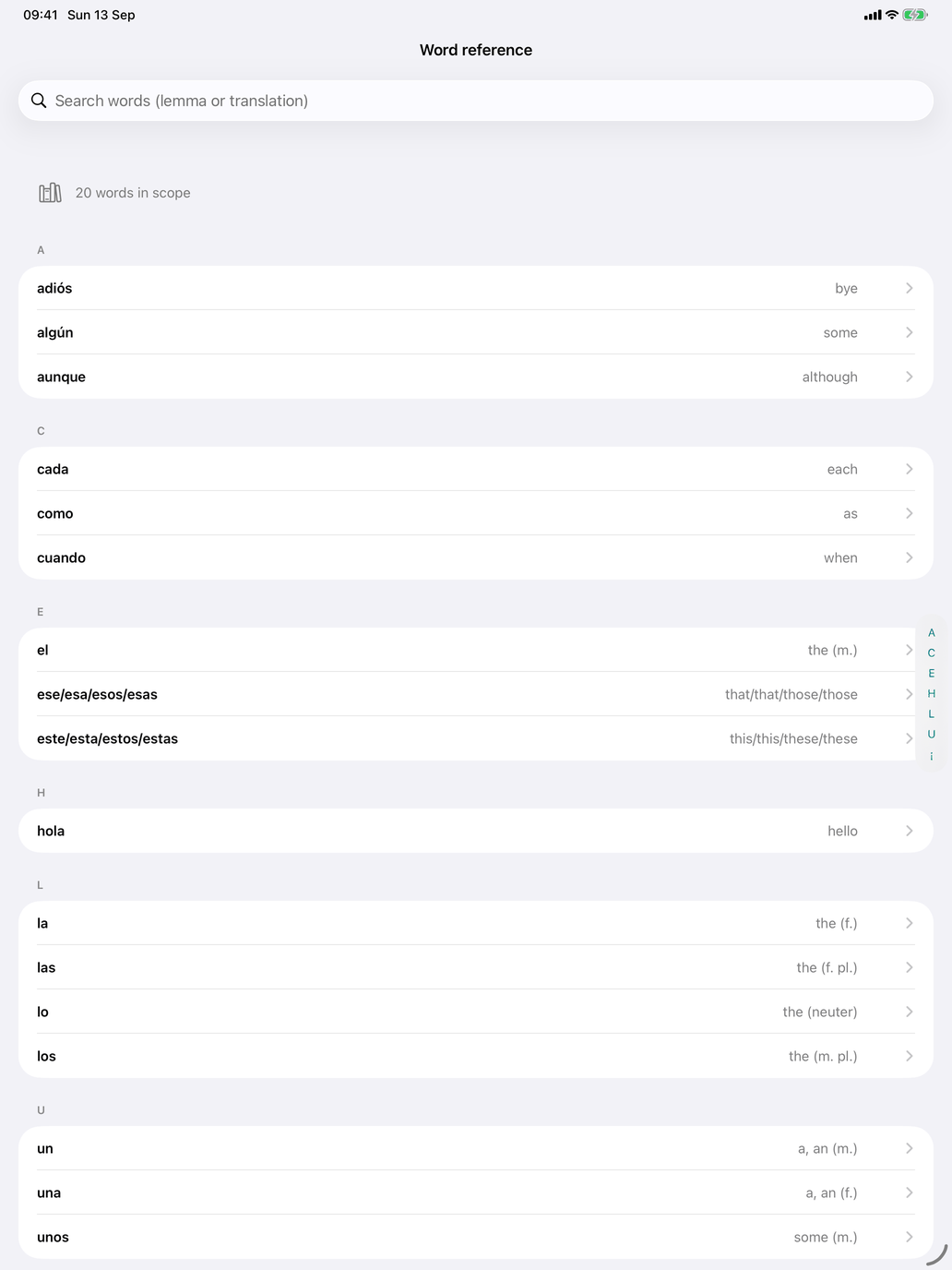
The Browse screen for Words is a passive reference: no testing, no answers recorded. Use it to look up a word, refresh your memory before a session, or scan through what's in your current selection.
What you see
A searchable list of every word in your current selection, showing:
- The Spanish word
- The English (or Dutch) translation
- A small badge for the CEFR level
- A speaker icon — tap to hear the word spoken aloud
Tap any word to open its detail view, where you can see additional context including the grammatical category, topic tags, and usage notes.
When to use Browse vs Test
- Browse is passive — read, listen, refresh. Nothing is recorded.
- Word Meanings is active — flashcards record your answers and feed the adaptive engine.
A common workflow is to spend a minute in Browse scanning the set you're about to drill, then jump straight into the test.