Produce the conjugation
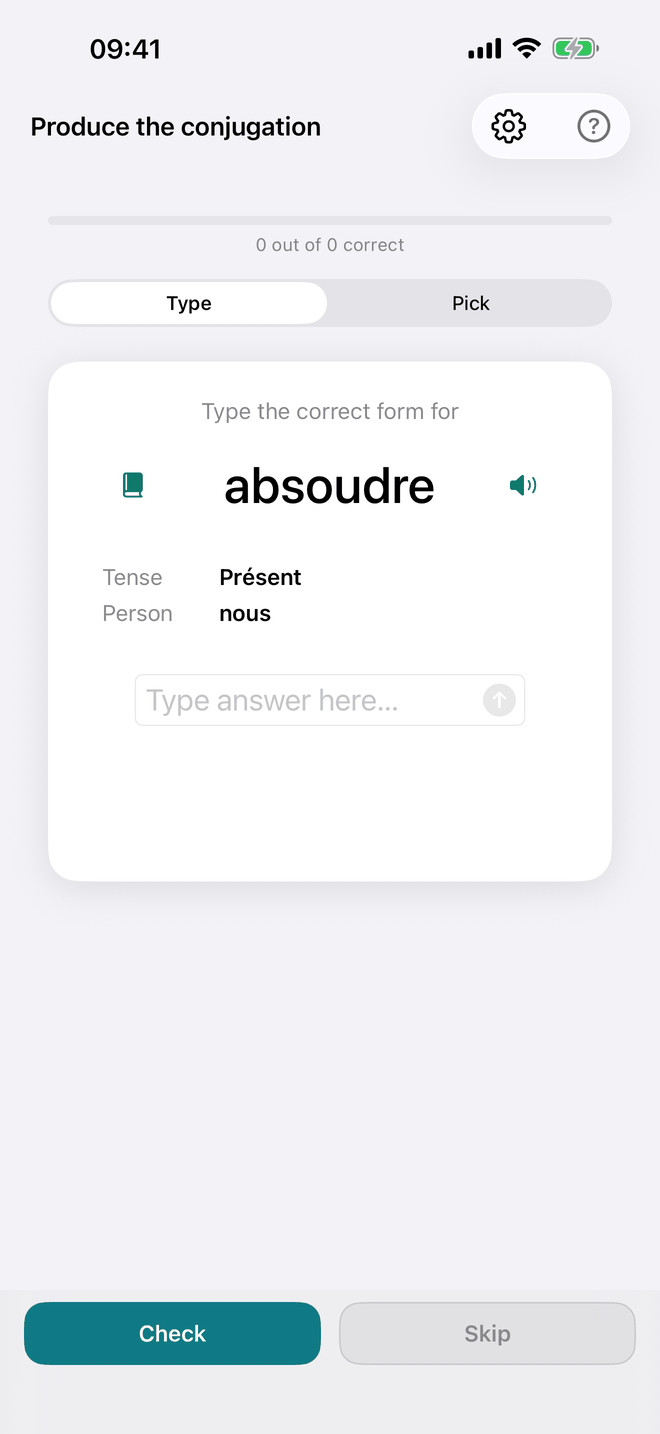
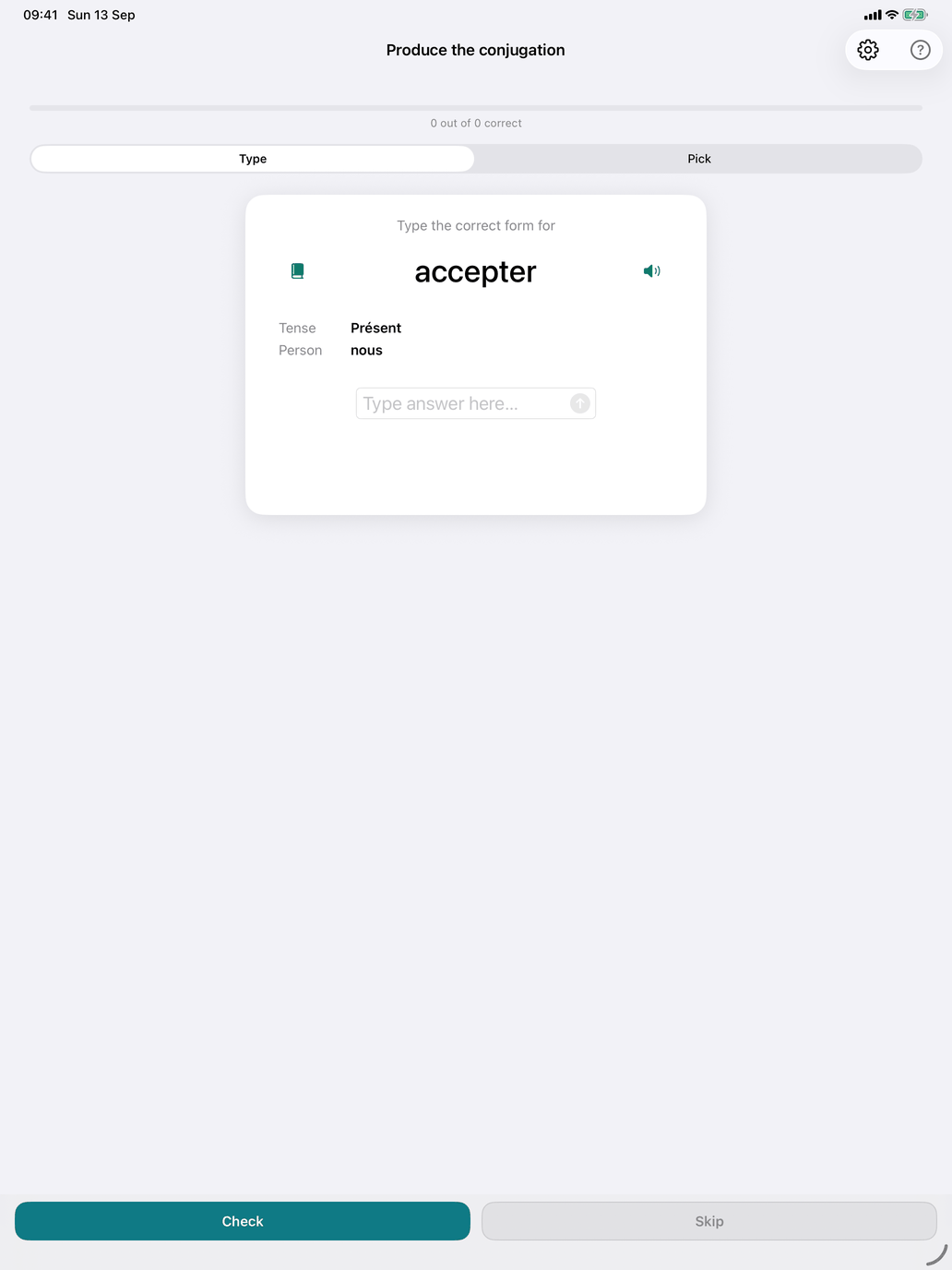
The production drill. You get a verb, a tense and a person, and you give the conjugated form.
How a question looks. The card reads "Type the correct form for" (or "Pick the correct form for"), then the infinitive in large type, then two rows, Tense and Person.
Type the correct form for venir Tense: Futur Simple Person: nous
The questions come from the verbs and tenses in your selection (Select verb groups and Select tenses). Narrowing the selection is how you work on one thing: one tense across many verbs, or one verb group in a single tense.
The two icons on the card.
- The book appears once your answer is graded. It opens the verb's table for the tense that was asked — in a sheet on iPhone and iPad, in a window of its own on the Mac that you can move aside — and closes when you go on to the next question.
- The speaker pronounces the infinitive.
Type and Pick. Switch with the Type / Pick control above the card. You can switch at any time; the current answer is cleared when you do.
- Type — type the form without the subject pronoun and tap Check (or press Return, or tap the arrow in the field). Pressing Return with an empty field moves on to a new question.
- Pick — choose the form from a wheel of up to ten options, then tap Check. The wrong options are the same verb in other persons and in your other selected tenses, forms of similar-looking verbs from your selection, and the form the verb would have if it were regular. When the answer has two words (avons parlé), most options share the auxiliary, so you have to judge the participle itself.
Feedback. After Check, a feedback card appears and the button becomes Next.
- Correct (green) — shows the verb's translation, or a translation of the exact form you were asked for ("we will come").
- Accent: … (green) — the right letters, but an accent or cedilla is missing, extra or wrong. This counts as correct; the card shows the correct spelling.
- The answer is … (red) — wrong. If what you gave is a real form of some verb, the card also says what it was and shows two tables: the tense your answer belongs to, with your form in red, and the tense that was asked, with the right form in blue. Otherwise it shows only the table with the right form.
Accent applies only in Type mode and only while Exact spelling is off (Settings → Study → Grading; off by default). It never applies when what you typed is another form of the same verb: parle for parlé is a different form, so it is wrong. With Exact spelling on, only the exact form counts.
French has no typo allowance: a wrong letter other than an accent is wrong. The spellings of the 1990 reform count as plain correct in the futur simple and conditionnel présent, with no correction: je cèderai is accepted as well as je céderai.
The translation of the exact form comes from the app's own translations. Where there is none, devices with Apple Intelligence (iOS 26 and macOS 26) can supply one.
Skip. The Skip button always moves to a new question without recording anything.
Production settings.
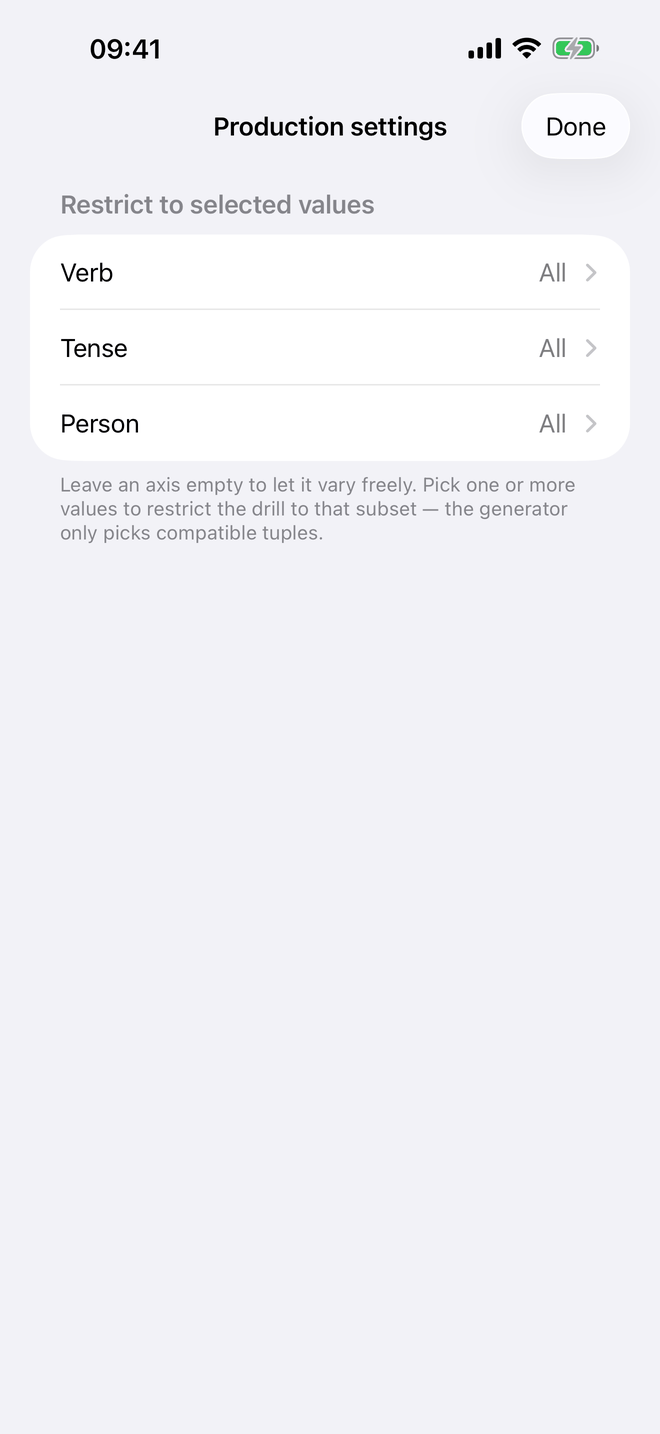
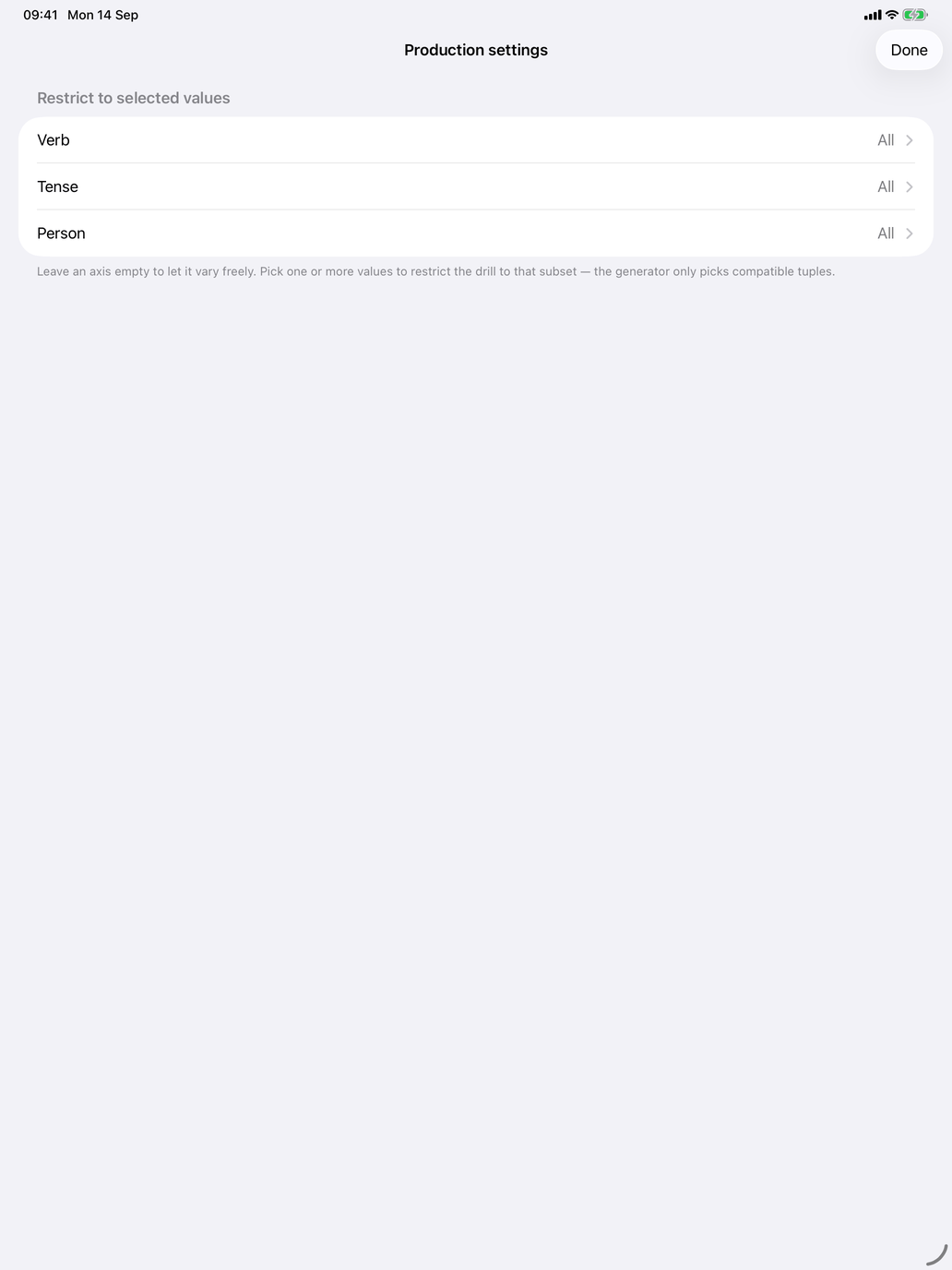
The gear button opens Production settings, where you can restrict the drill to chosen values of Verb, Tense and Person. Leave an axis empty to let it vary freely; Clear all restrictions undoes them all.
The session. The line at the top counts your answers ("7 out of 9 correct"), and the bar under it shows your success rate. The Incorrect answers switch limits the session to questions you have got wrong before. A session ends after Settings → Study → Questions per session. The verbs are picked from your selection, based on your answer history and your Learning pace. After seven correct answers in a row, the app offers to stop there: Continue or Stop — session complete.
What's recorded. Every checked answer is recorded on your device. Answers with only an accent wrong count as correct. Skipped questions are not recorded.
Suggested workflow.
- Start in Pick mode while a tense is new.
- Switch to Type once the endings look familiar: Pick lets you eliminate options, Type makes you recall the form.
- Alternate sessions with Recognise the conjugation. Here you produce a form; there you name the form you are given.