Theory
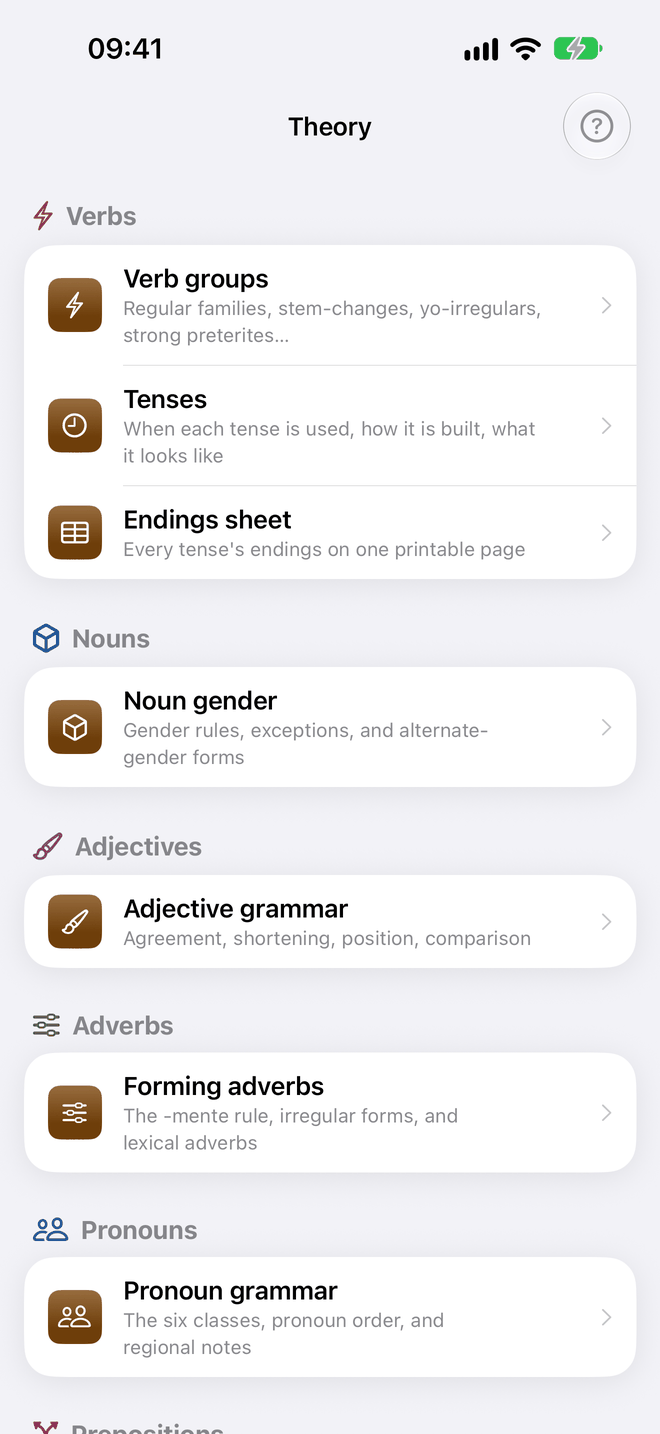
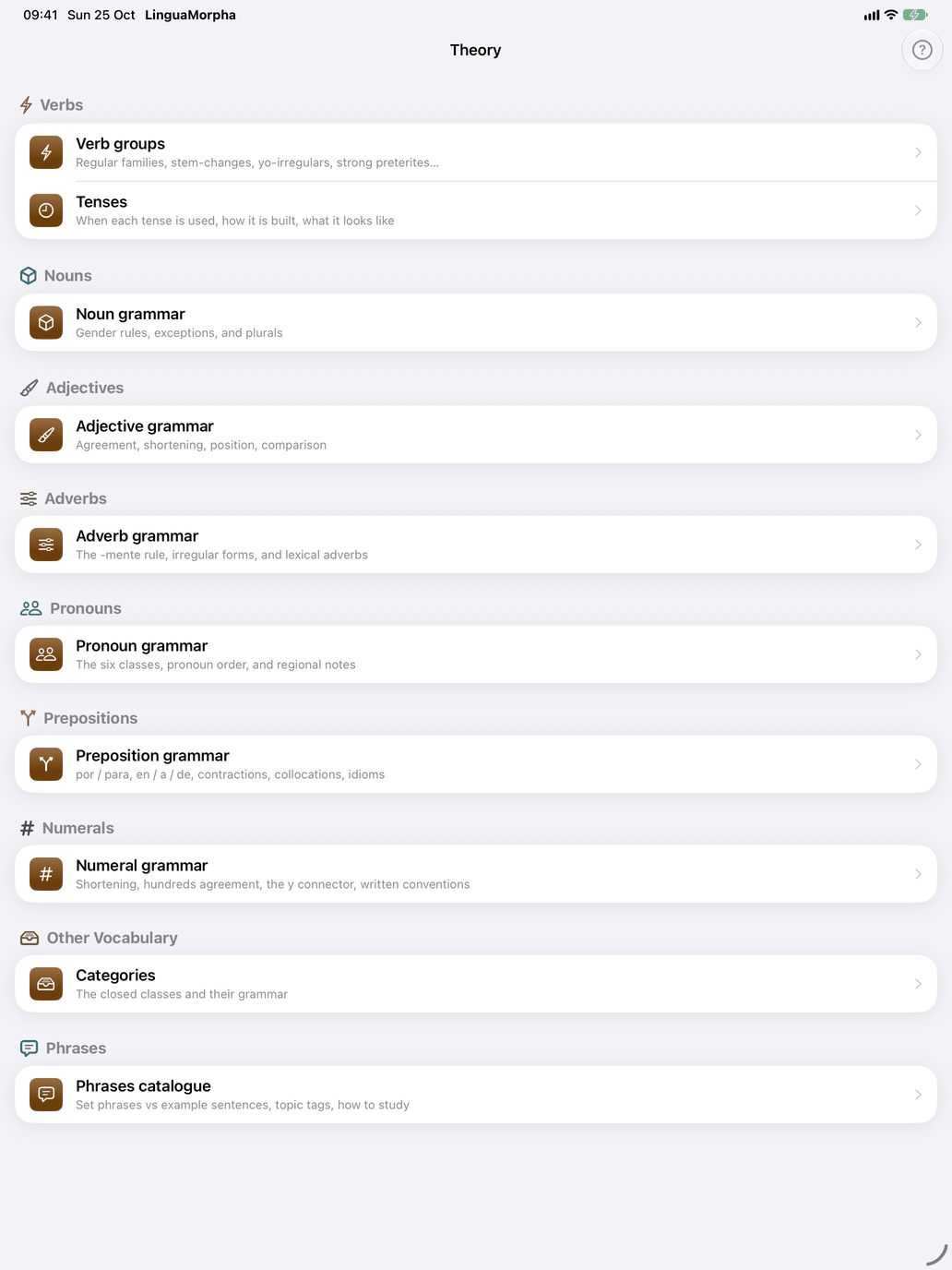
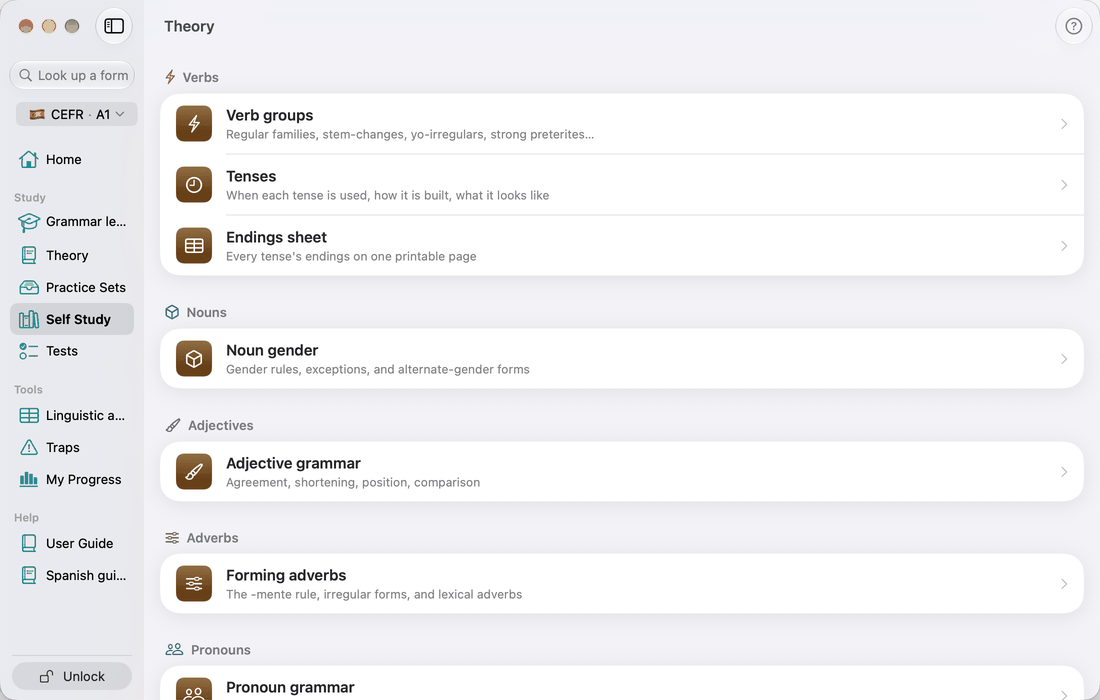
The Theory page lists every theory page of the course in one place, by word type in the order of Self Study: under Verbs the verb groups and the tenses (the sheets to print are at the bottom of the verb groups page); under Nouns the gender and plural rules; and so on through adjectives, adverbs, pronouns, prepositions, numerals, other vocabulary and phrases. Each row opens the same page the word type's hub opens from its Theory section — this is the reading order, the hub is the place beside the drills. A page whose cards lie above your level still opens, but leaves those cards out; Also later levels at the top brings them back, with their level beside them.
On a theory page, tap a card to open or close it; Expand all opens every card at once. With a keyboard, on the Mac and the iPad, ⌘← closes the open card and scrolls back to its heading. With no card open, it closes the open family, such as Indicativo – tiempos simples on the Tenses page; with Expand all on, it closes everything. ⌘→ reopens the card that ⌘← just closed. Both keys also work in a theory page opened in a window of its own.