Verb meaning
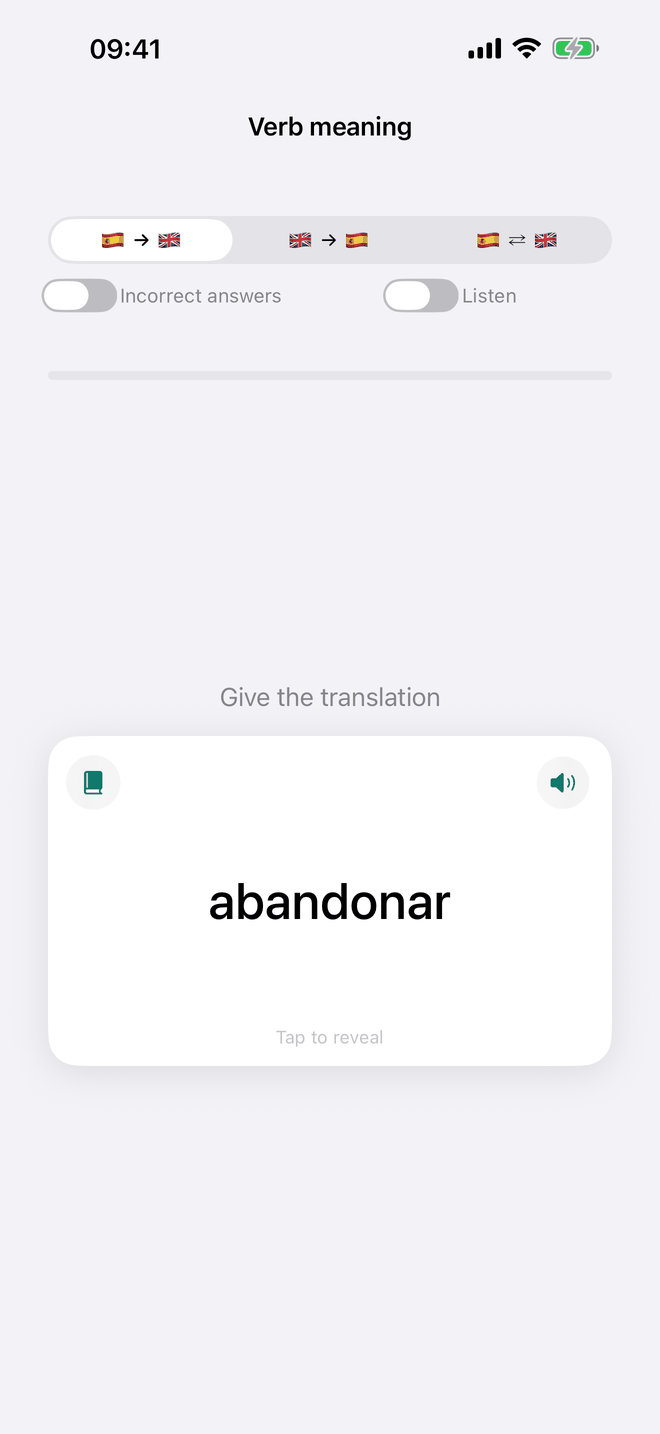
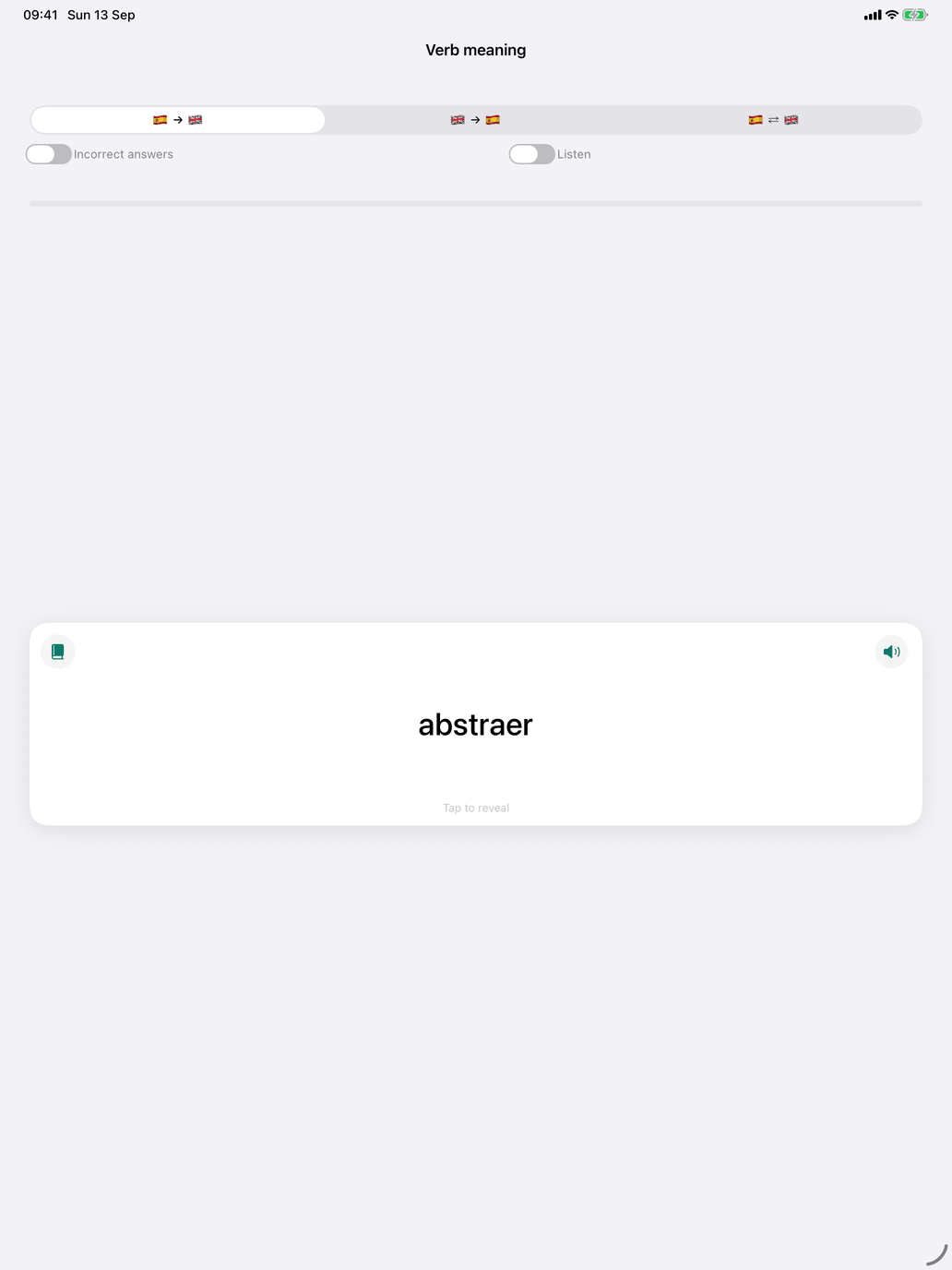
A flashcard deck of the verbs in your selection: the infinitive on one side, its translation on the other. The deck is about meaning only, with no tense or person. It is the fastest way through a new verb group before the conjugation drills ask you to conjugate it, and the quickest check on a group you already know.
Direction. The control at the top sets which side you see first:
- Spanish → your language — you see the verb and recall its meaning.
- Your language → Spanish — you see the meaning and recall the verb.
- ⇄ — both directions, mixed.
The card. It shows one side and "Tap to reveal". Think of the answer, then tap the card: it flips to show the other side. Two icons sit on the card:
- The book opens the verb's conjugation, in the tenses you selected, without leaving the deck.
- The speaker reads out the side you are looking at: the Spanish verb, or the translation in your own language.
Grading. Grade yourself once the card is turned. On iPhone and iPad, swipe right if you knew it and left if you didn't. On the Mac, and on iPhone and iPad with VoiceOver, use the Wrong and Correct buttons instead. The card then moves on by itself.
Listen. If a Spanish voice is installed, a Listen switch appears next to Incorrect answers. With it on, Spanish cards are spoken instead of written ("Listen, then turn the card"); the back then shows the written word as well, so you can check what you heard. The switch is hidden in the your language → Spanish direction, where the question is not in Spanish.
The session. The line above the card counts your answers ("5 out of 6 correct"). The Incorrect answers switch limits the deck to verbs you have got wrong before. A verb drops out as soon as you get it right, and the session ends when none are left. If there are no wrong answers yet, the app says so and switches the filter off. Otherwise a session ends after Settings → Study → Questions per session, with Session complete and a New session button. After seven correct answers in a row the app offers to stop there. The verbs for each session are picked from your selection, based on your answer history and your Learning pace.
What's recorded. Each graded card is recorded on your device against the verb.