Phrases
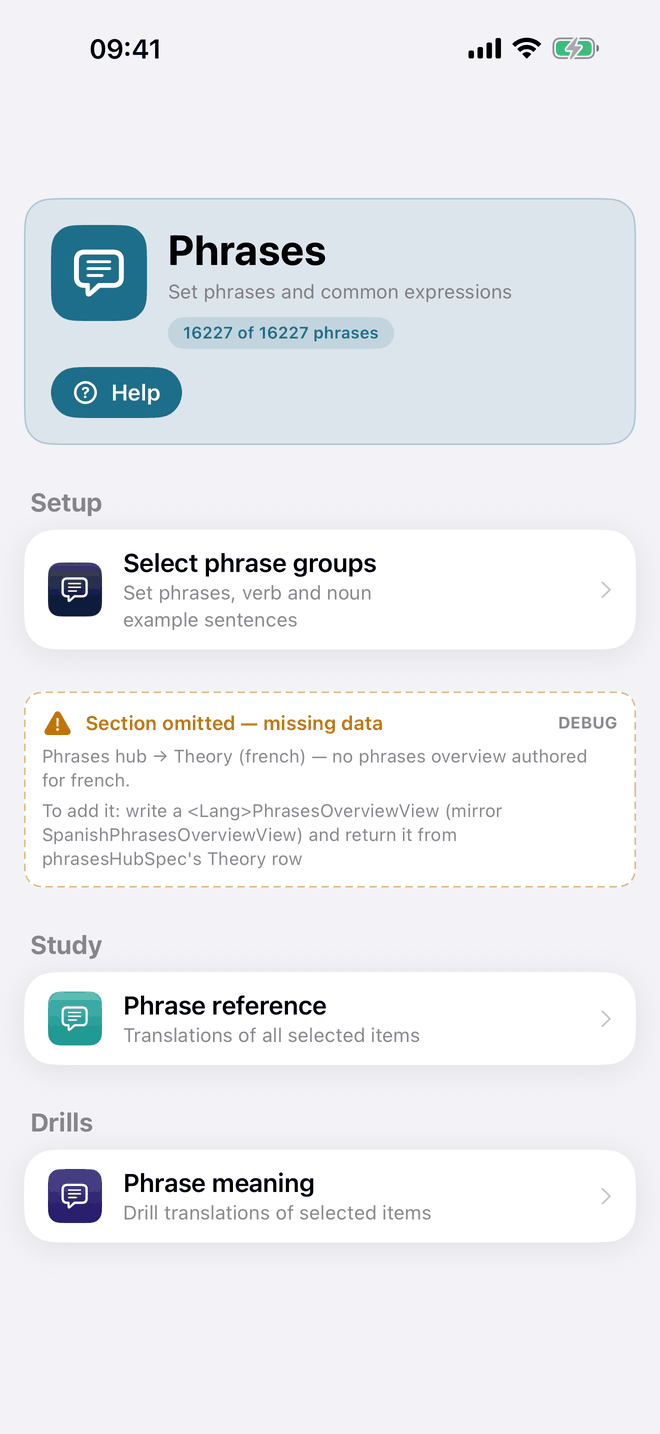
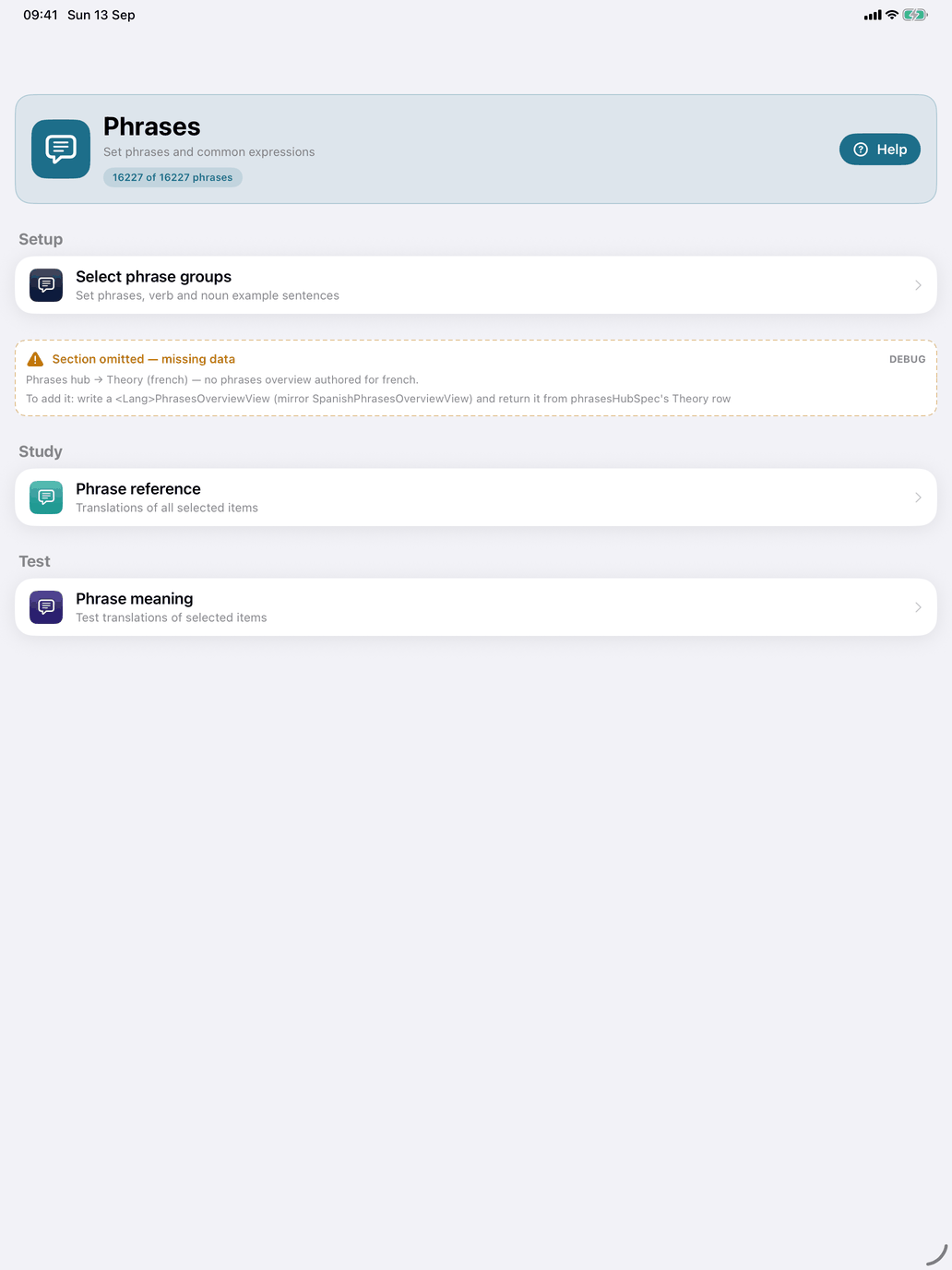
Open the Phrases hub from the Phrases tile on the Self Study screen. The line under the title ("… of … phrases") shows how many phrases your selection leaves. The phrases are of two kinds:
- Set phrases — about 240 fixed expressions to learn as a whole: greetings and social phrases (s'il vous plaît, de rien, à bientôt), time expressions (tout de suite, à tout à l'heure) and connecting phrases (à cause de, bien sûr, tout à fait). Some are built around a verb (avoir faim, avoir besoin de, faire attention).
- Example sentences — the sentences written for the verbs and nouns, each practised as a phrase: the tense examples of the verbs (Tu abandonnes toujours tes projets à mi-chemin.) and the example sentences of the nouns (Le chien dort dans le jardin.). A verb's tense example is only included when its tense is switched on in Select tenses.
The hub has these screens:
- Phrases or sentences (Practice) — choose which kinds count.
- Select tenses (Practice) — the tenses the verbs' tense examples may use.
- Reference (Study) — opens Phrase reference, the selected phrases.
- Meaning (Practice) — opens Phrase meaning, flashcards.
There is no Theory page for French phrases. Phrases work best alongside the Verbs and Nouns hubs, not instead of them. For single words that have no hub, see Other Vocabulary.
Phrases or sentences. Tap Set phrases or Example sentences to switch the kind on or off; tick both for both. Each row shows its size and a few samples; tap ⓘ for a short explanation with more examples. The line at the top shows how many phrases you selected and how many are left after the rest of your scope. The pool is also narrowed by:
- Select tenses — a verb's tense example only counts when its tense is selected. This is the same tense choice as on the Verbs hub, which the Select tenses row in this hub opens: a change here changes the verb drills too.
- Your level and Select word scope — an example sentence takes the level and topic of its verb or noun, and a tense example also needs its tense in your level. Its level is the later of the two.
Set phrases alone is a small, focused pool; with Example sentences on, many thousands of sentences are included. Learn set phrases as a whole: don't translate tout de suite word by word.
Phrase reference. A list of the phrases in your selection with their translations, with a search field that matches the phrase or its translation. Nothing is recorded here.
- Touch and hold a row to hear the phrase.
- The toolbar button hides or shows the translations (Hide translation / Show translation), so you can test yourself on the list.
- Tap a phrase to open its page. A set phrase shows its translation and type (Expression or Verbal expression), its Level, Frequency and Topics, and the book icon in the toolbar for online dictionaries.
- An example sentence's page is marked Example sentence. It shows its Level, for a tense example with where it comes from (the verb's level and the tense's); for a tense example its tense under Tenses, which you tap for the tense's ⓘ; its Topics; and an Illustrates card with the verb or noun it belongs to, which you tap to open that word.
Phrase meaning. A flashcard deck for the meaning of the selected phrases. It works like Noun meaning: the phrase is on the card and you recall its translation, or the other way round. On a card for a verb example sentence, the verb appears as a chip on the French side; tap it to open that verb. The speaker button is especially useful here — hearing a whole phrase helps you remember its rhythm.