Skip to content

Select Words

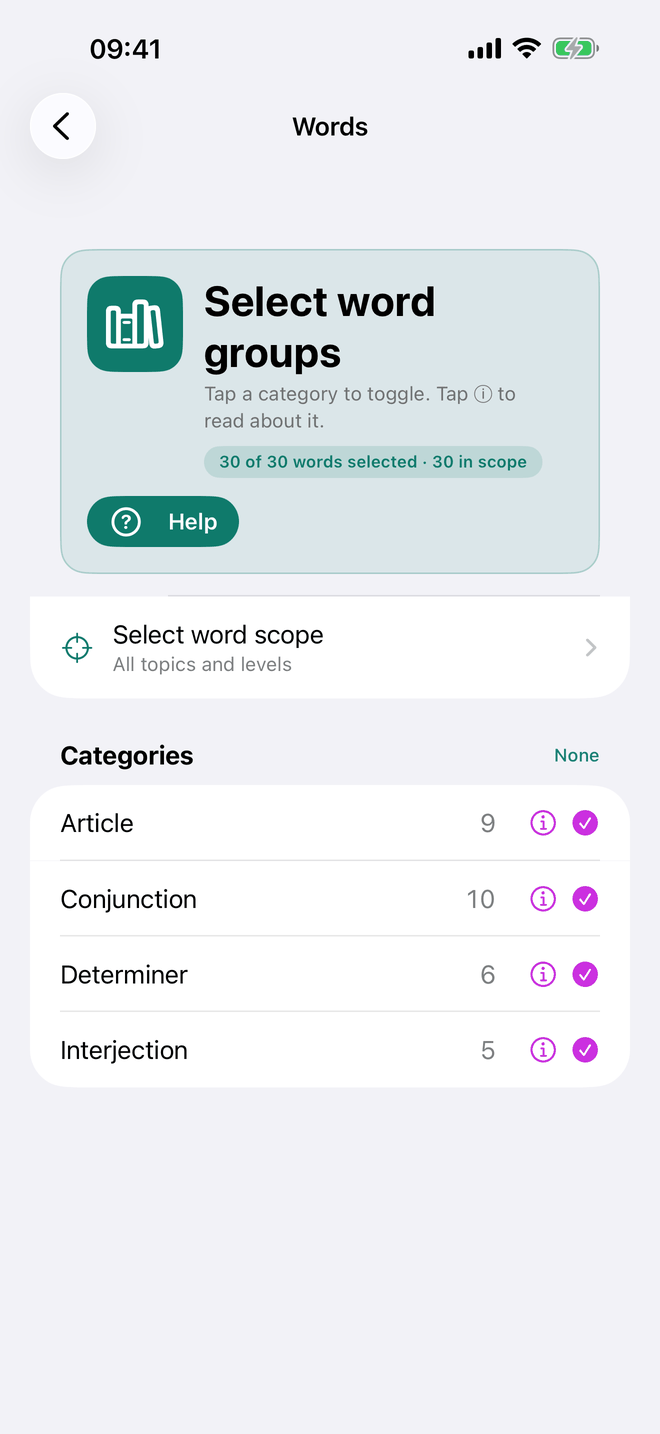
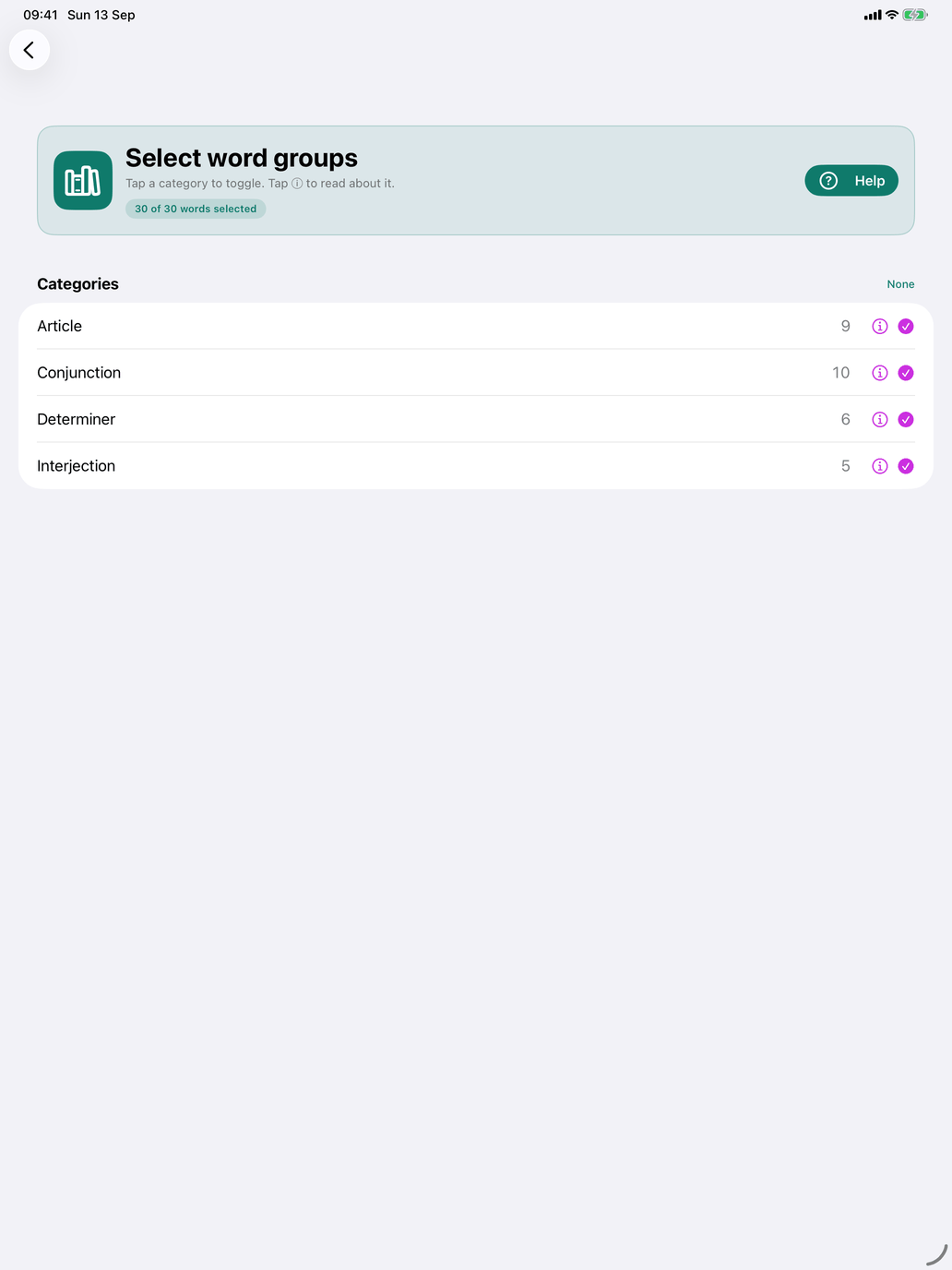
The Select Words screen lets you narrow down the Word pool to the set you want to practise. The screen shows a live count of how many words match your current filters.


Filters

  • CEFR Level — A1 (Beginner) through C2 (Mastery).
  • Frequency — Very Common, Common, or Less Common.
  • Grammatical Category — adjectives, adverbs, prepositions, conjunctions, numbers, …
  • Topic — limit to one or more thematic categories (e.g. time, body, work, travel).

Tap Matching words to browse the full list before confirming the selection.


What's in the Words set?

Everything that's a single word but isn't a verb or a noun:

  • Adjectives — masculine and feminine forms are merged into one entry. The flashcard shows the form appropriate to the context, so you encounter both forms across sessions.
  • Adverbssiempre, nunca, muy, bien, mal, despacio, demasiado, …
  • Prepositionspara, por, con, sin, desde, hasta, …
  • Conjunctionsaunque, pero, porque, mientras, …
  • Numbers — cardinal numbers, ordinals, fractions.

For multi-word expressions, see the Phrases section.


Word pool vs session size

These are two separate things:

  • Your word pool is the set of words eligible to appear in any session — the result of your filters.
  • Your session size (set in Settings → Sessions) is how many of those words appear in a single sitting (10, 20, 30, 50, or All).

Each session, the app picks the best N words from your pool, prioritising unseen and weak ones.


Tips

  • The Grammatical Category filter is the most useful one here. Drilling all prepositions together, or all adverbs together, builds intuition faster than mixing them.
  • Numbers (cardinals, ordinals, fractions) deserve their own focused sessions — filter to just numbers and run a short drill until they're automatic.