Tips for getting started
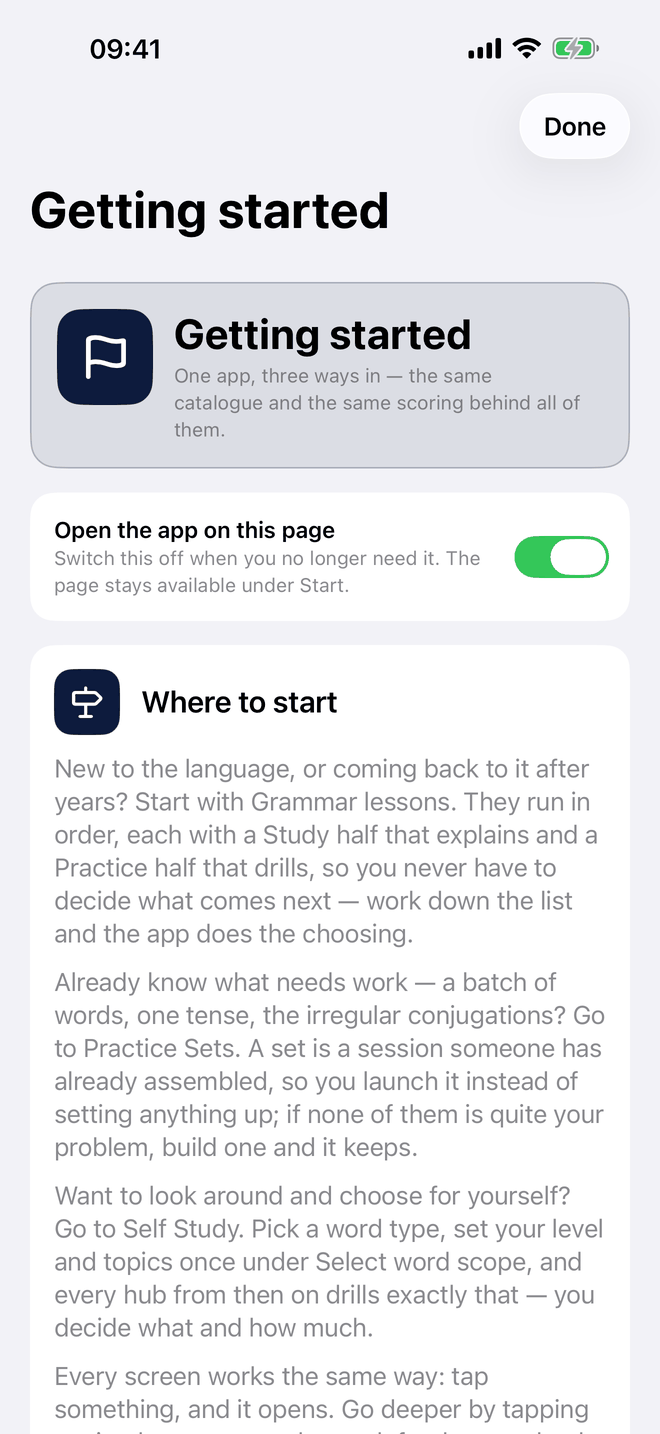
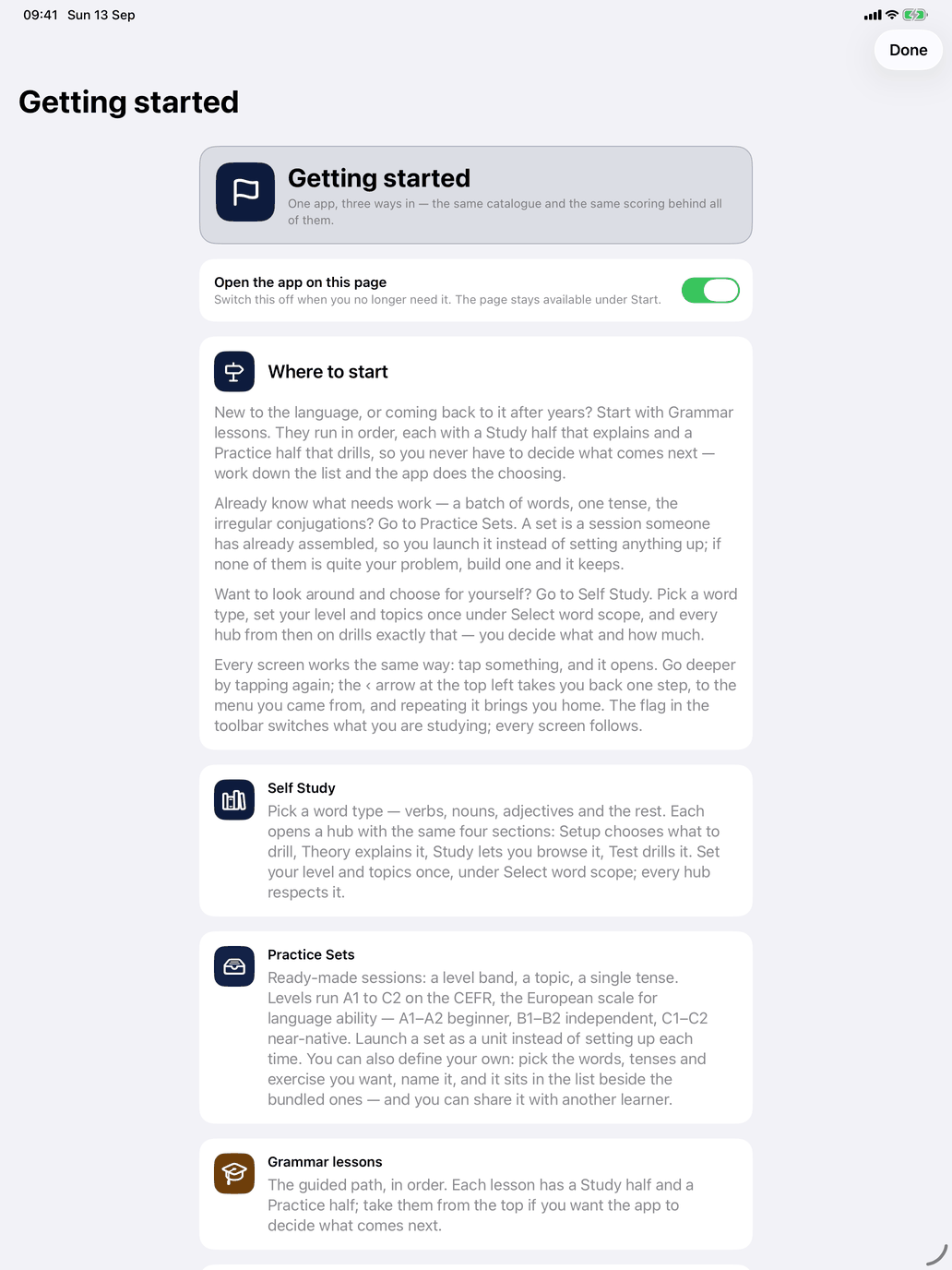
The Getting started page — a row near the top of the main screen and an item in the ⋯ menu on iPhone and iPad, and Home at the top of the Mac sidebar — says which way in suits you: a card for each of Grammar lessons, Theory, Practice Sets, Self Study and Tests, each opening with the question that makes it yours. Until you first change your level, it also explains what the level does. A few tips that apply whatever you are studying:
- You start at the lowest level. A new install begins at the first level, A1, and Self Study then shows only what belongs to it; the rest waits. Move up in Scheme and level (the chip with the flag) when this level feels easy, or choose All levels to see everything. If something seems to be missing, it is most likely above your level. Practice Sets follow your level too; in Grammar lessons every lesson stays open, and those above your level are dimmed. See Levels.
- New to the language? Start with Grammar lessons, where the course has them: they run in order, so you never have to decide what comes next.
- Know what needs work? Go to Practice Sets and launch a set instead of setting anything up.
- Want to choose for yourself? Go to Self Study. Start narrow: stay at a low level, tick one or two topics under Select word scope, and widen only when the words start to feel easy.
- Set up each hub once. Open the selection rows at the top of a hub's Practice section and choose what suits your level; the app remembers your choices.
- Read the Theory before the Drills. A few minutes with the pattern first makes the drills stick.
- Little and often. Prefer short, frequent sessions to occasional long ones — the adaptive engine keeps bringing back your weakest words.
- Use Incorrect answers. Now and then, switch it on in a drill to work only on what you got wrong.
- Ask the screen. When something is unclear, tap Help or ?.
Course-specific tips are in the course guide.