Grammar lessons
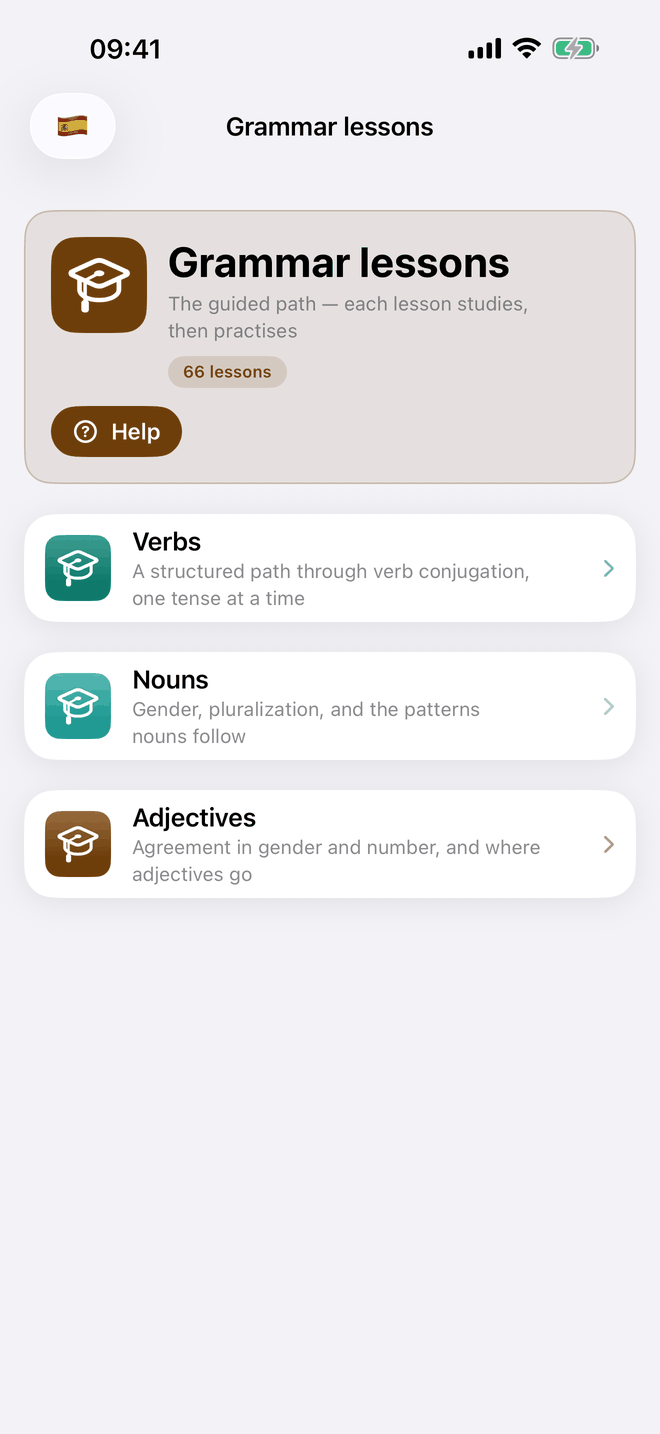
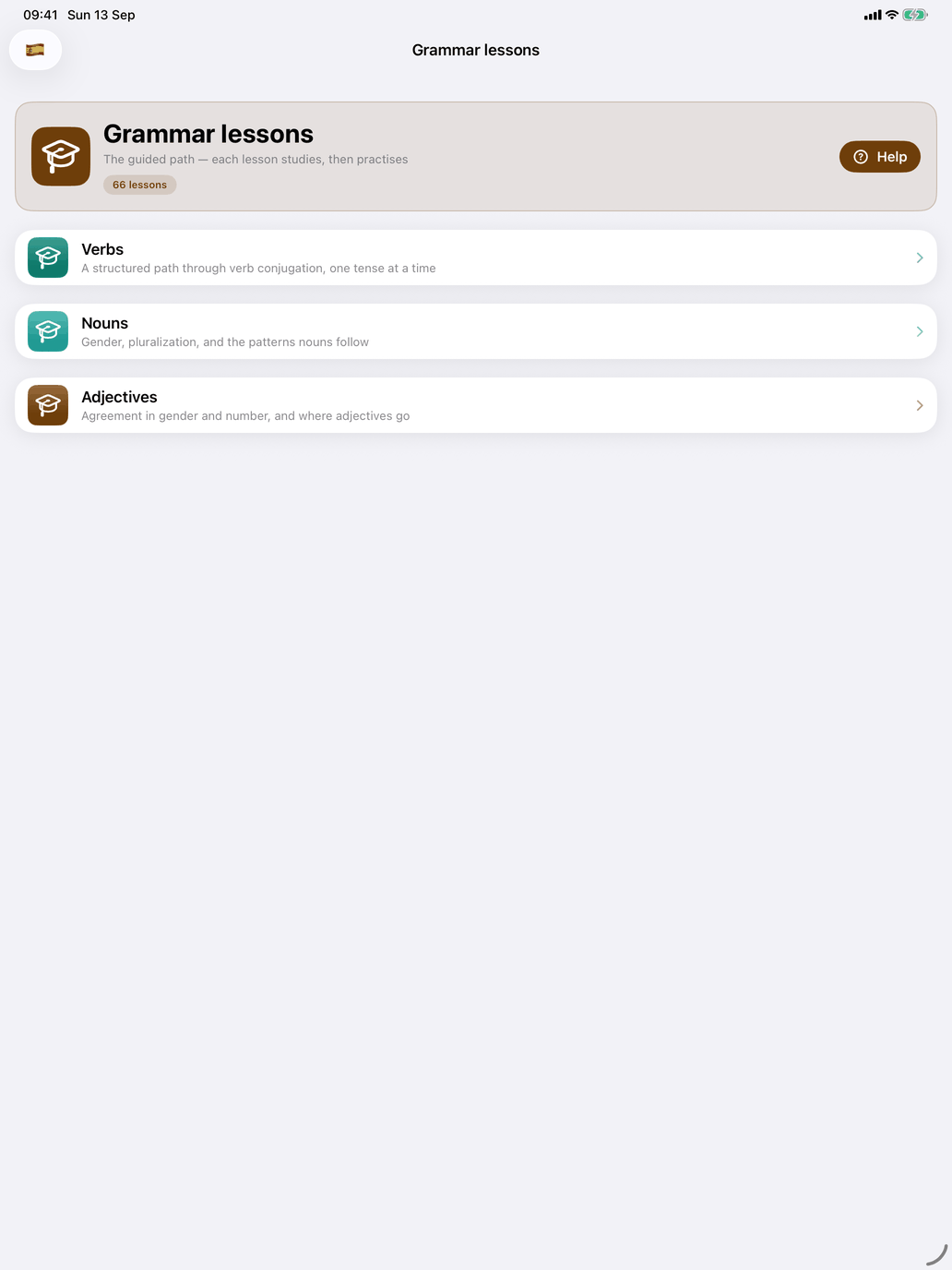
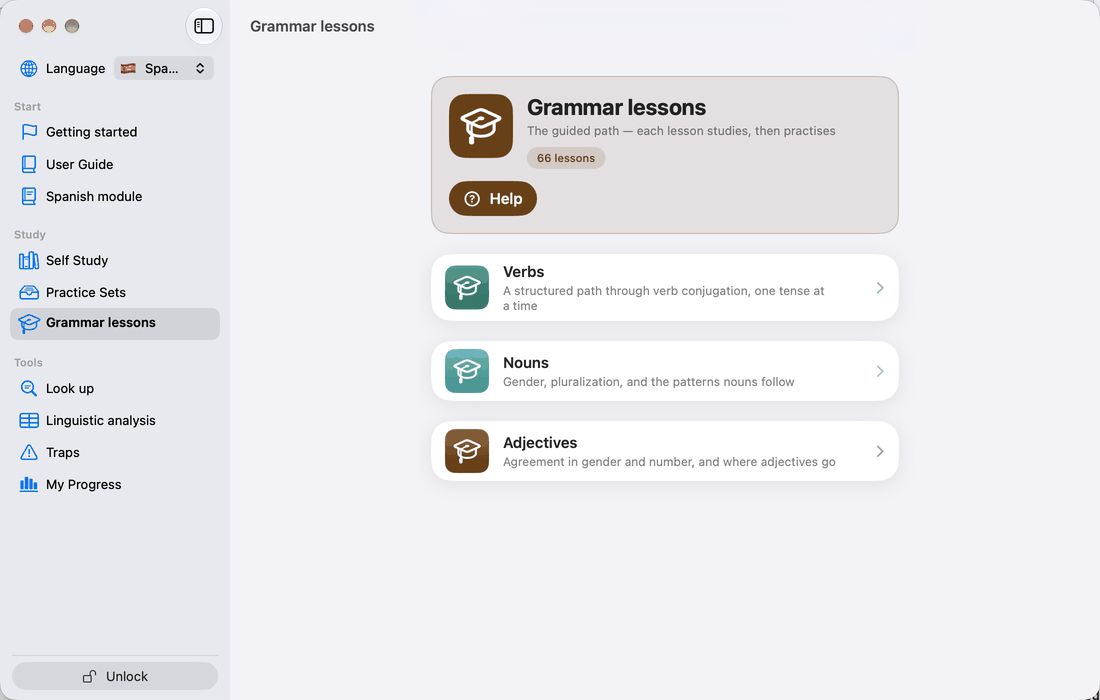
Grammar lessons are the curriculum side of LinguaMorpha: a fixed sequence of lessons that introduces grammar and vocabulary step by step, with no decisions to make about scope. Use them when you would rather follow a path than build one.
Tap Grammar lessons on the main screen, or choose it under Study in the Mac sidebar. It appears for courses that have lessons; the header says how many there are. The screen offers a catalogue per kind of lesson the course has:
- Verbs — a structured path through conjugation, one tense at a time.
- Nouns — gender, plural formation and the patterns nouns follow.
- Adjectives — agreement in gender and number, and where adjectives go.
A course whose curriculum is one continuous path shows a single card for it instead. The course guide says what its lessons cover and how far they go.
The catalogues are independent, so you can work through them side by side.
The lesson list
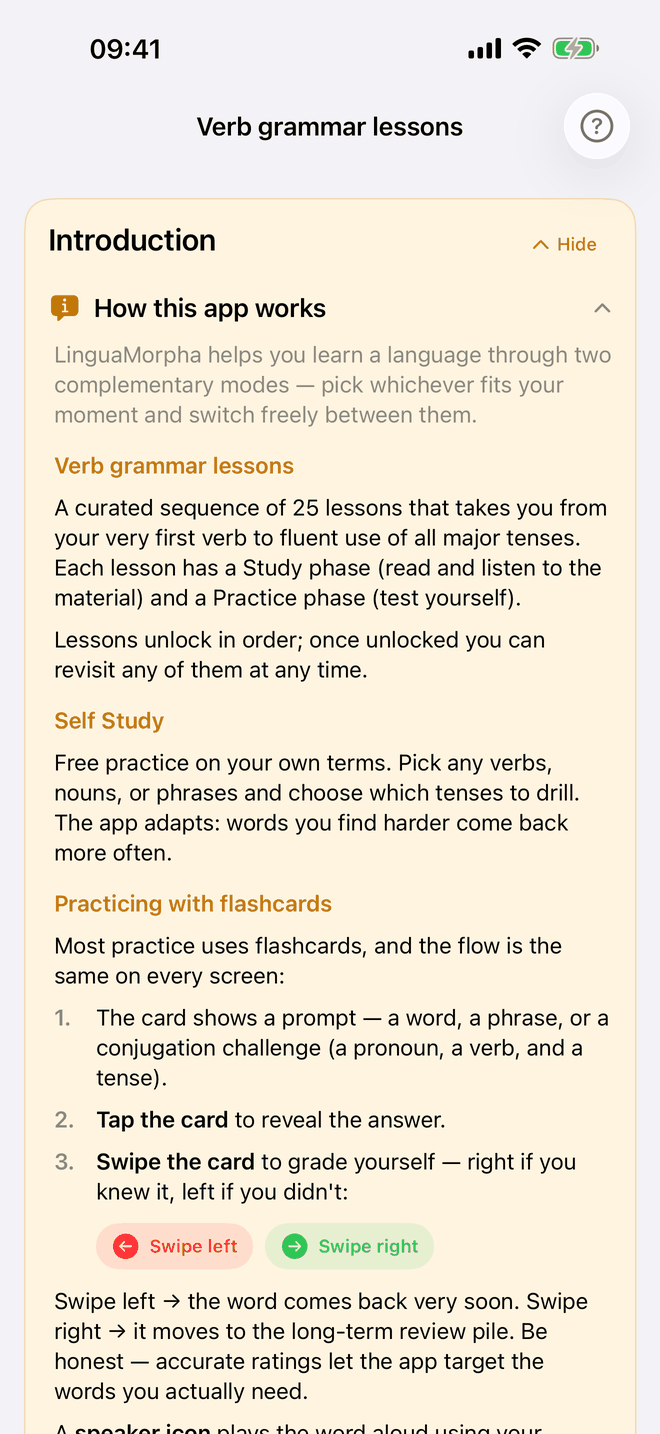
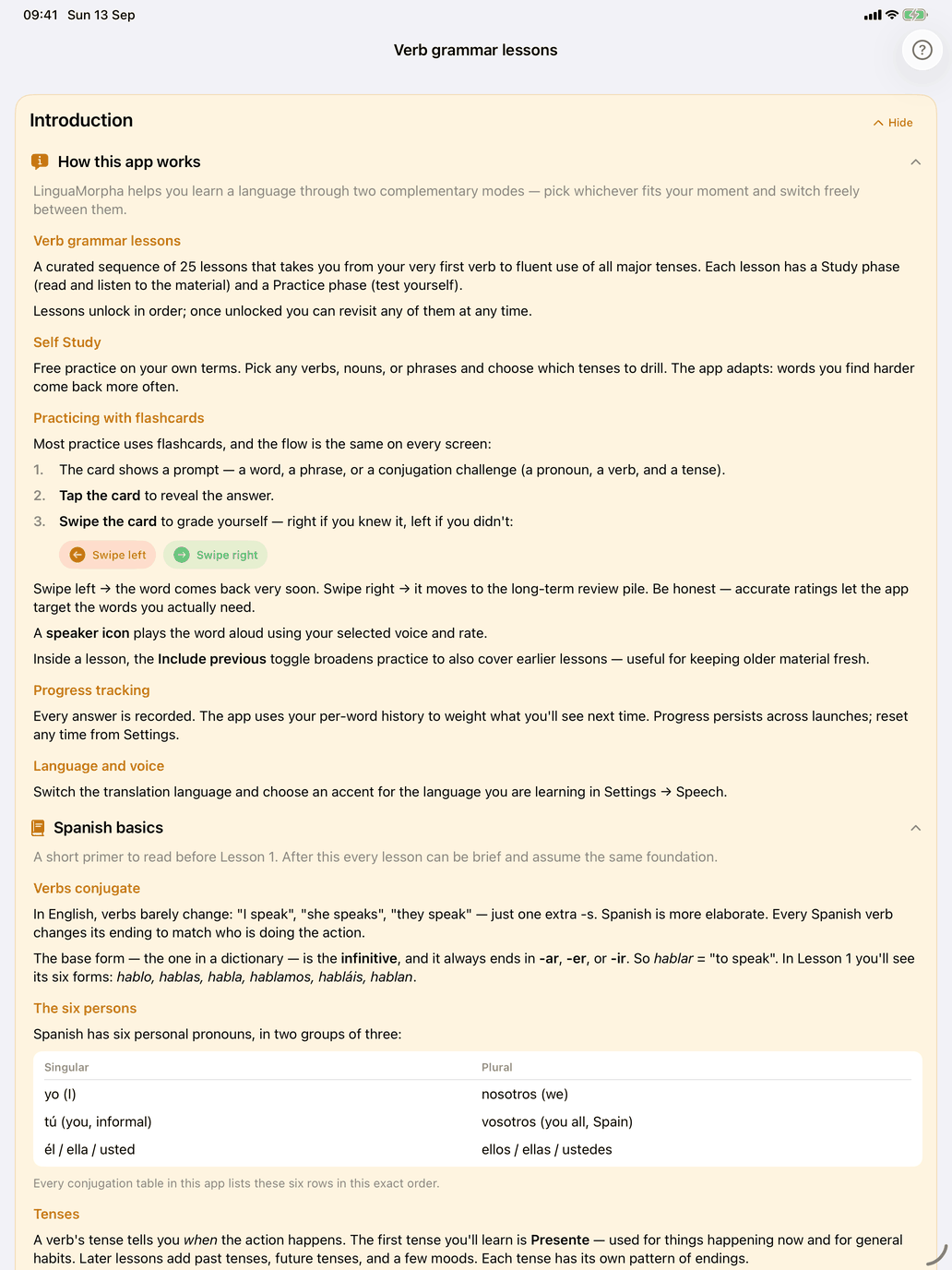
At the top of the verb catalogue is an Introduction card with How this app works and, where the course has one, a short primer on the language. Each part opens and closes on its own; Hide folds the whole card into a Show introduction button.
Below it, the lessons are grouped into modules. Each module heading shows its name, how many of its lessons you have completed (for example 3 / 10) and a chevron. Tap the heading to open or close the module; the app remembers which modules you left open. All modules start closed.
Inside an open module, each lesson shows its number — a green circle once it is done — with its title and a short description. Every lesson is open to you at any time; the numbers show the intended order.
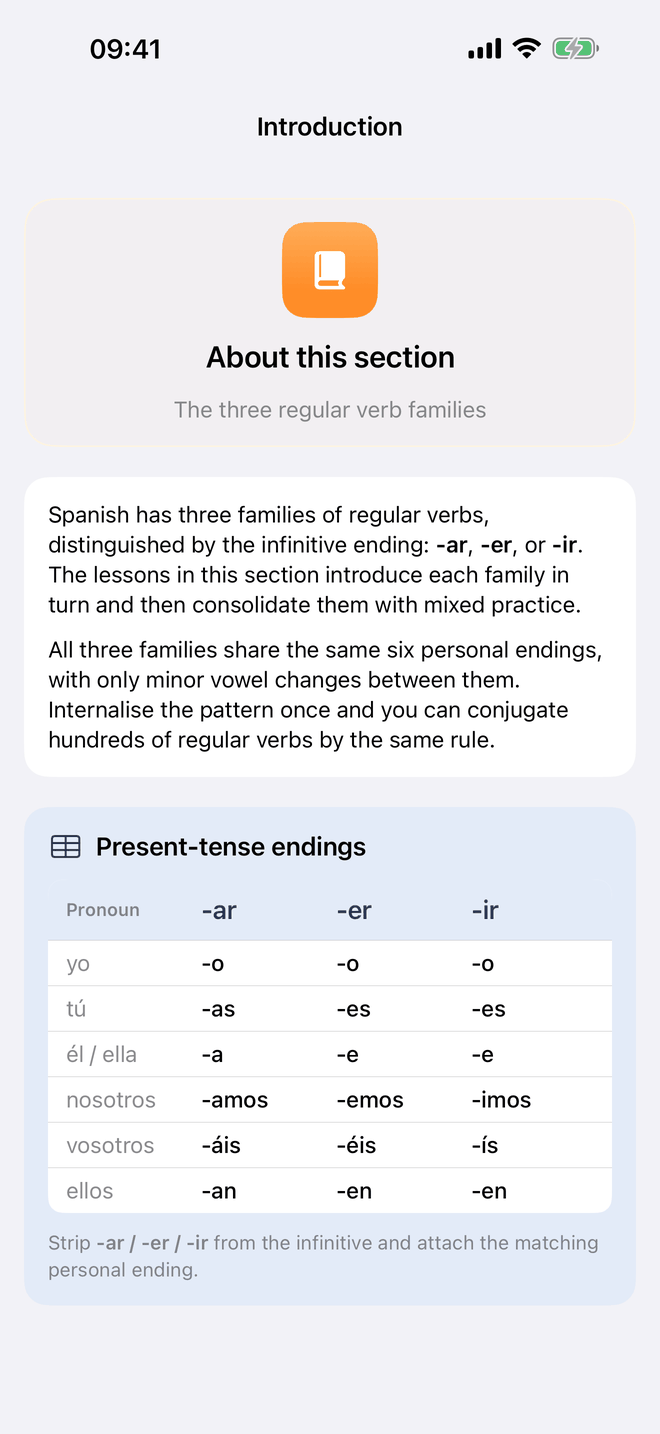
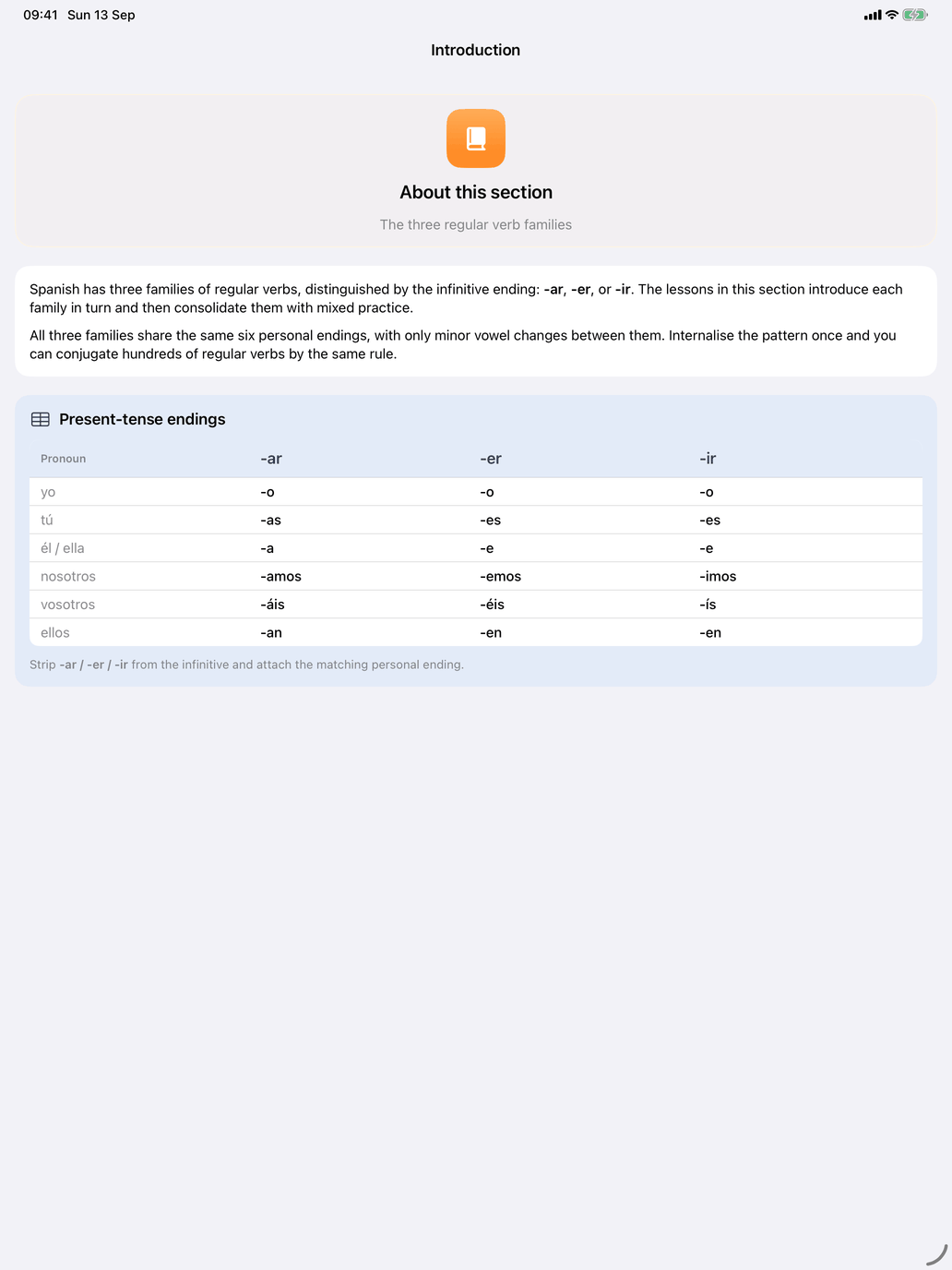
Where a module has an introduction, it is the first row of the module, marked with a book. It explains what the module is about, usually with a reference table, and stays available to reread at any time.
At the foot of the catalogue, Reset all progress clears every completion mark so you can start the curriculum again.
Inside a lesson
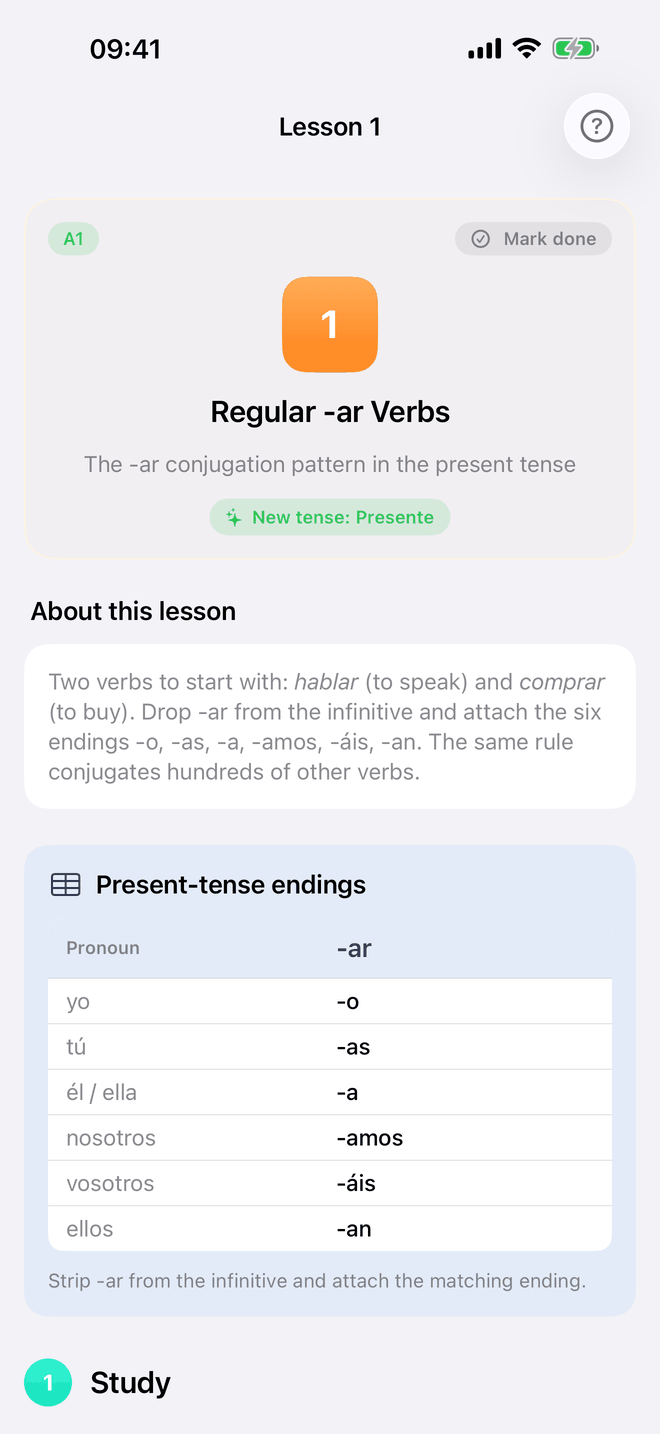
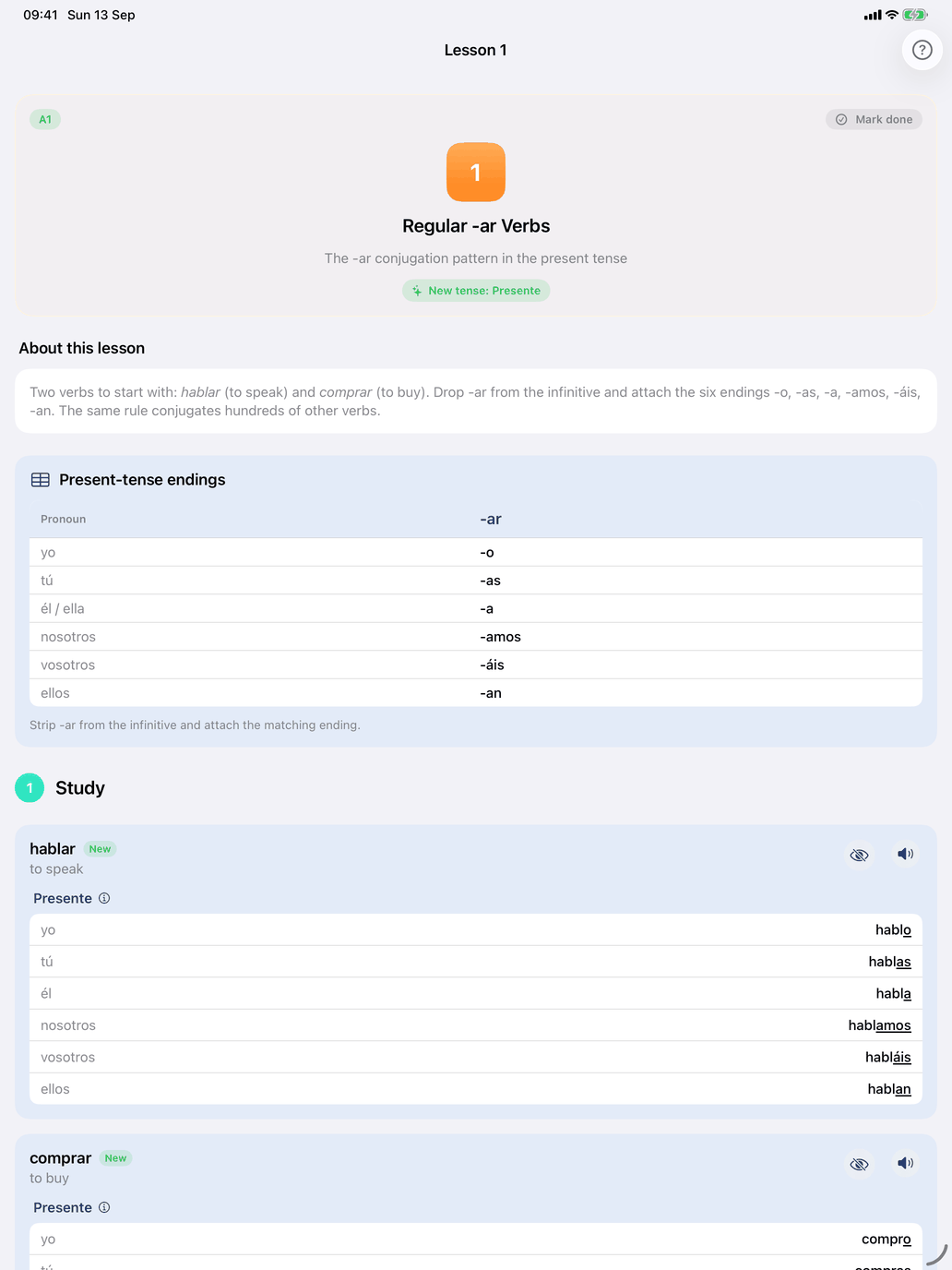
The top card shows the lesson's CEFR level, sometimes a tag for the pattern it teaches, its number, title and description, and — when the lesson brings in a tense no earlier lesson covered — a New tense badge. About this lesson explains the grammar.
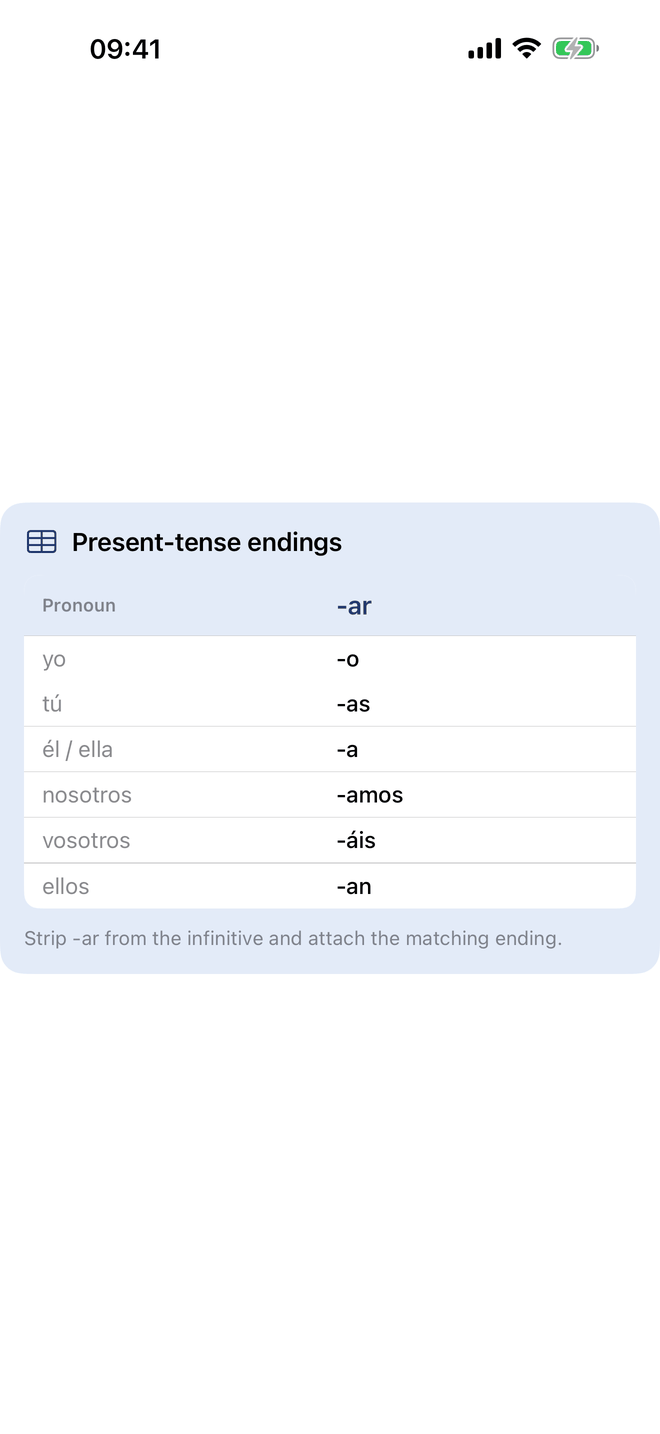
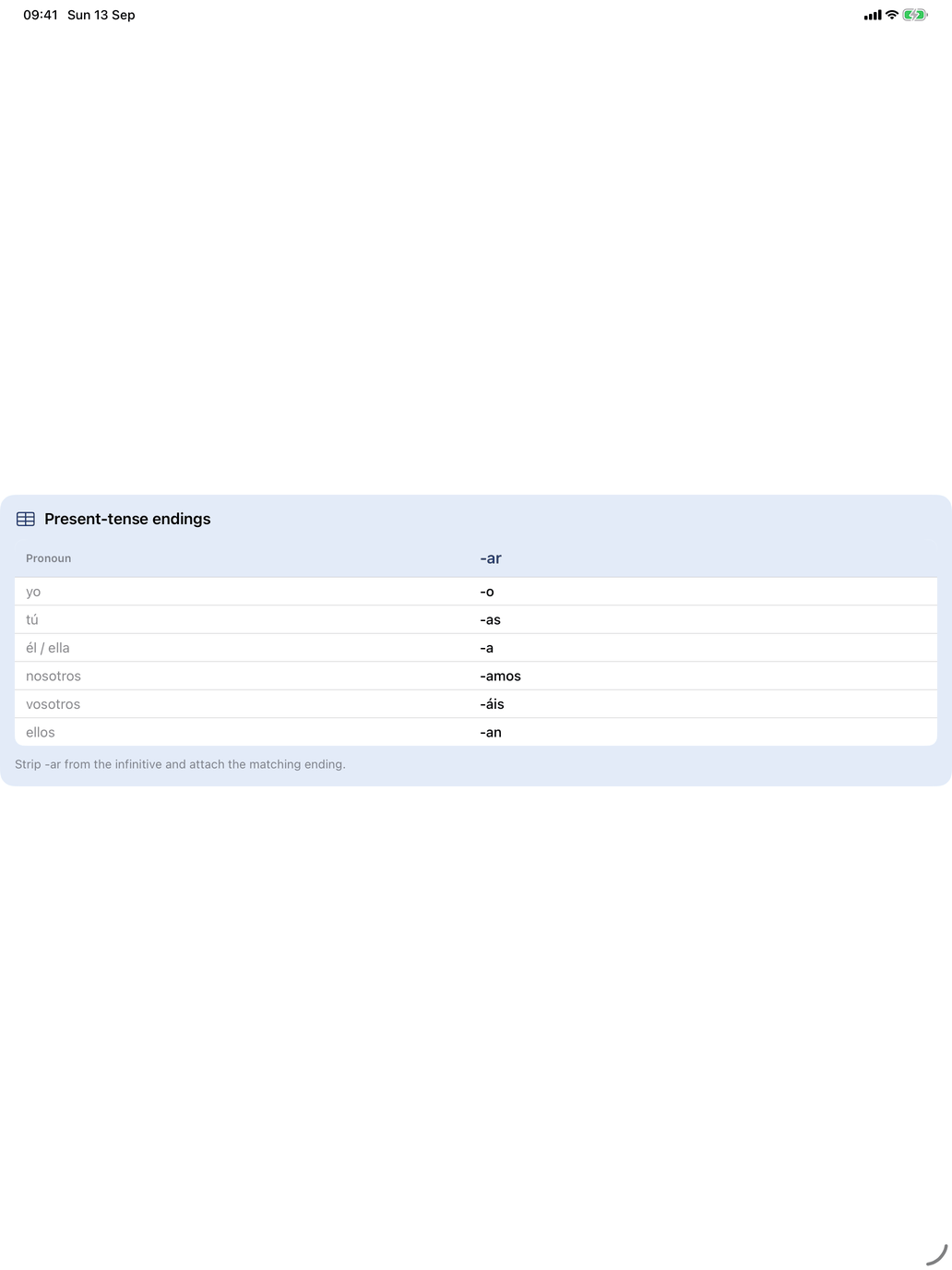
Study aids. Where the module has a reference card — an endings table, for example — it appears at the top of each lesson it applies to, so the reference is always where you need it.
The rest of the lesson has two phases.
1 Study. The material, on the page:
- each verb as a card with its conjugation in the lesson's tenses, a speaker button, and — for verbs that have them — a button to show translations. Verbs the lesson introduces are marked New;
- in larger lessons, the verbs from earlier lessons are folded into Verbs from earlier lessons; tap a verb there to open it;
- an ⓘ beside a tense opens its explanation without leaving the lesson;
- nouns and phrases in a Vocabulary card, and adjectives in an Adjectives card, where the lesson has them.
2 Practice. Under Once you feel ready, test yourself, the lesson's exercises — for example verb meaning, conjugation, noun and phrase flashcards. Tap one to start. On the Mac an exercise opens in a sheet over the lesson.
Only new. When a lesson introduces new verbs, an Only new box (ticked by default) keeps the verb exercises to those verbs. Untick it to practise every verb from this lesson and the earlier ones — useful for keeping older material warm. The choice carries over to other lessons.
Summary lessons
Some lessons are summaries — "what we've learned" entries at the end of a stretch of lessons. They have only the top card and the explanation, with no Study or Practice phase.
Marking a lesson done
Tap Mark done in the top card when you have finished. If you have answered fewer than ten questions correctly in the lesson, the app says so and offers Keep practicing or Mark complete anyway. A summary lesson has Got it instead. On a completed lesson the button reads Mark not done, to take the mark off again.
When to switch to Self Study
Grammar lessons are a good starting point and a good checkpoint. But when you want to:
- spend longer on one tense or verb group,
- drill a topic (food, travel, the body…) until it is automatic,
- work on the noun gender of your elementary vocabulary,
Self Study gives you the controls. Many learners switch between the two from week to week.